A blurry photo isn’t just an aesthetic flaw — it often means losing a moment you can’t get back. Maybe it’s a quick snap from a trip, a once-in-a-lifetime group shot, or a product photo for your business. When an image is out of focus or affected by motion blur, most people assume it’s lost for good — unless they know how to navigate advanced editing tools like Photoshop.
But today, thanks to powerful AI tools, that’s no longer the case. You can now unblur images online, restore clarity, and rescue your photos in seconds — all without technical know-how. PicMa’s Photo Enhancer is built specifically for this: it automatically detects blurred areas and enhances details like facial features, text, product edges, and textures. The entire process is automated and takes less than 10 seconds.
Available on both desktop and mobile (via the PicMa App for iOS and Android), this tool makes high-quality photo enhancement accessible to everyone — whether you're a content creator, small business owner, student, or simply someone who values clear images.
How to Make a Blurry Photo Clear: Just 3 Steps
Step 1: Visit PicMa website and Upload your image
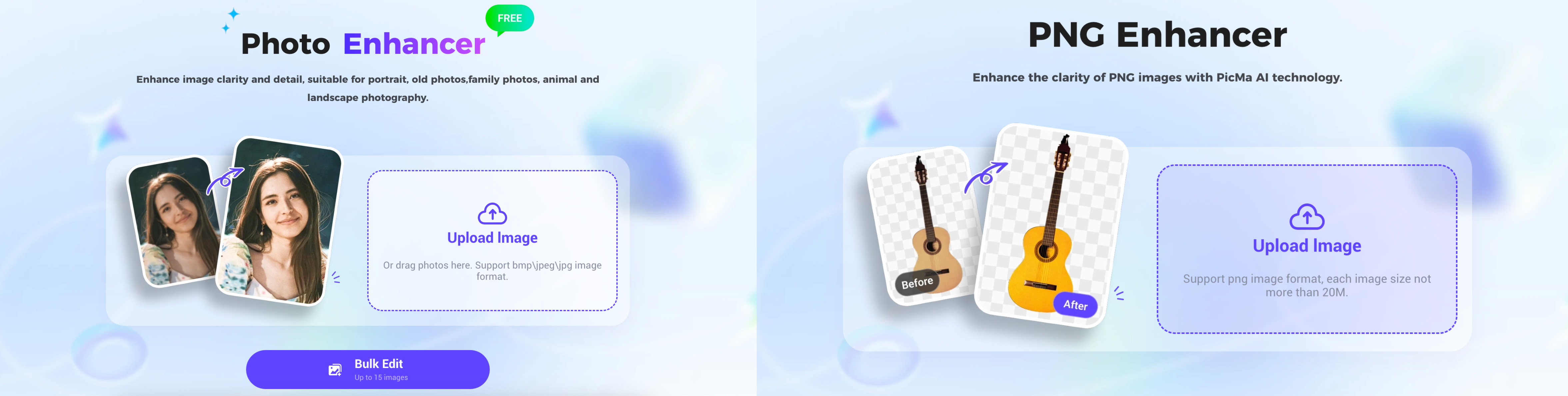
Head over to the Photo Enhancer page and upload your blurry image. Supported formats include .bmp, .jpeg, and .jpg.
If you’re uploading a .png image, especially with transparency (e.g., product cutouts or illustrations), we recommend using the dedicated PNG Enhancer tool. It’s optimized for .png files and supports images up to 20MB per file.
Step 2: Let the AI enhance your photo
PicMa’s AI automatically analyzes the image to detect different types of blur — like motion blur, soft focus, or compression artifacts — and then applies targeted enhancement to sharpen edges, textures, and contours. No manual settings required.
Step 3: Preview and download your enhanced photo
After processing, you’ll see a side-by-side comparison of the original and enhanced image. If you're satisfied, download the high-resolution version and use it for social media, printing, e-commerce, or personal use.
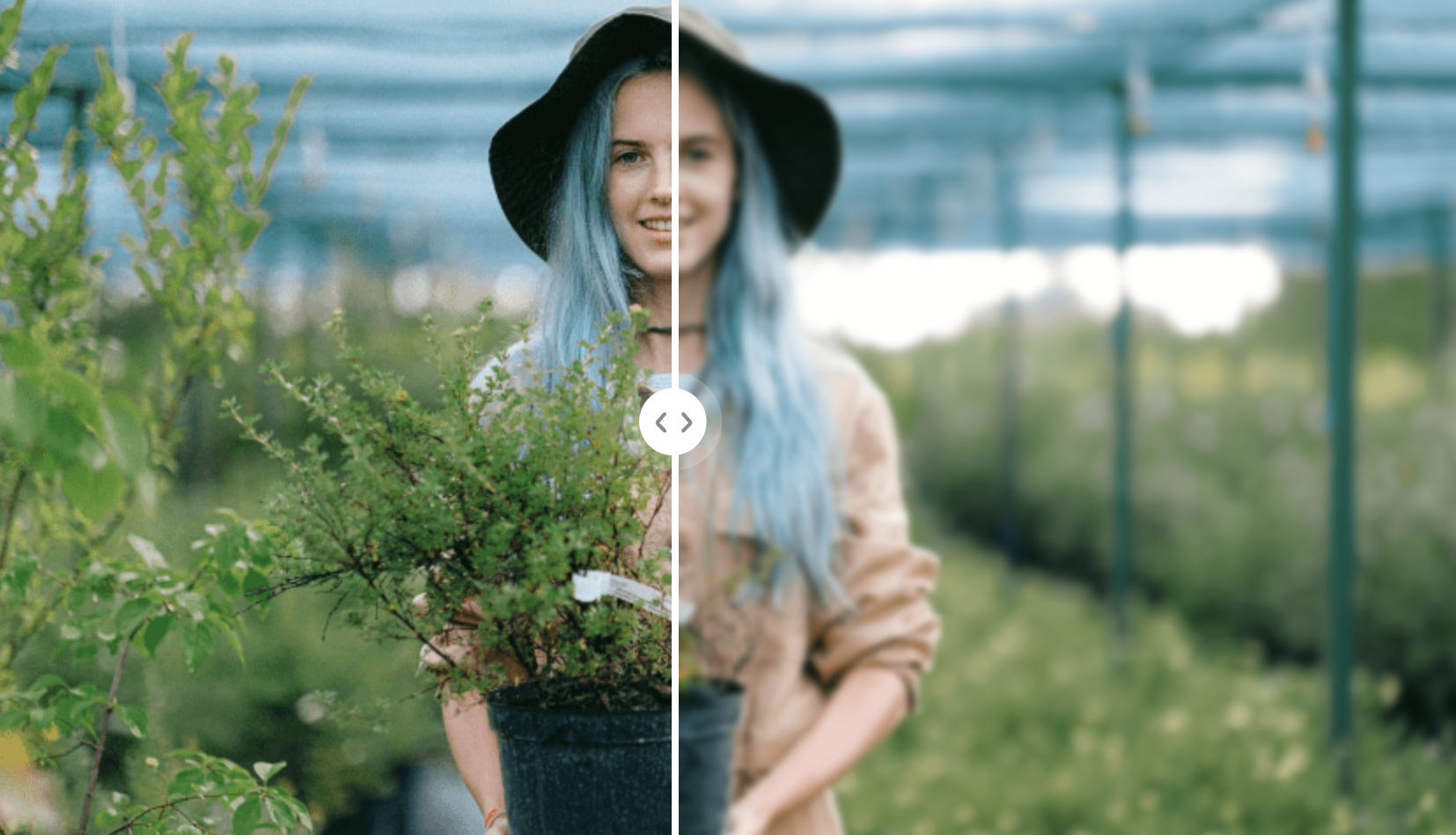
Pro tip: The best results come from images that are slightly to moderately blurred. For heavily out-of-focus or compressed images, improvement is still possible, but the enhancement may be less natural.
How Does AI Actually Unblur Photos?
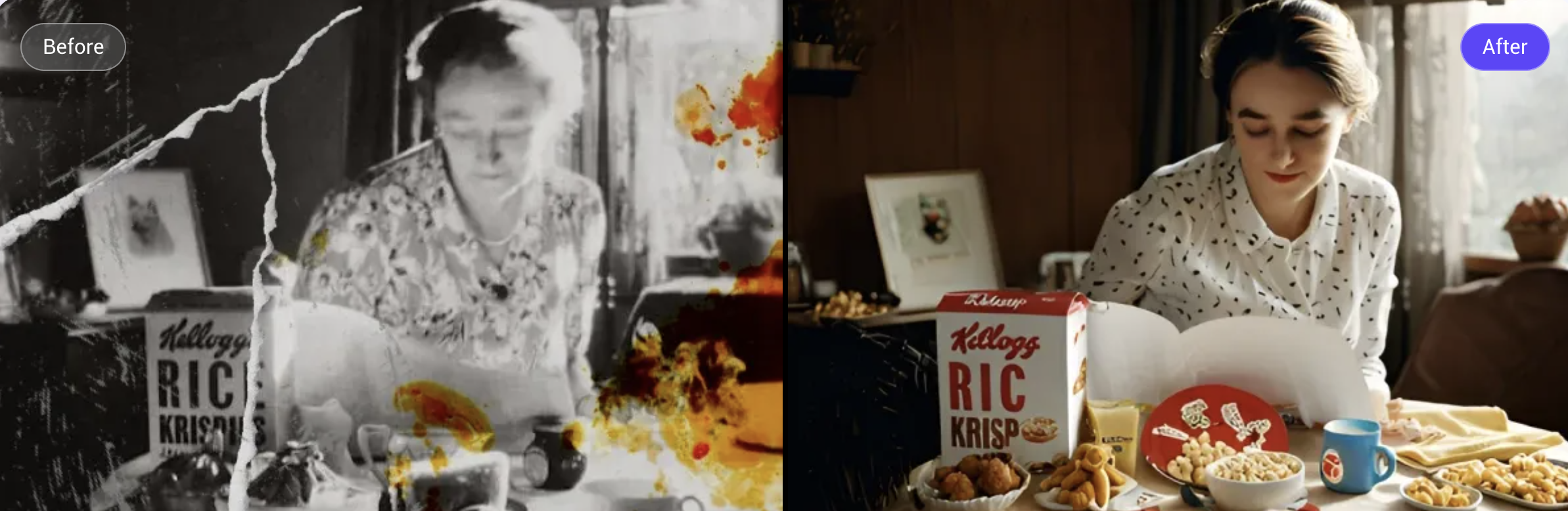
Many users are amazed by how much detail can be recovered — and often wonder how it's even possible. The secret lies in PicMa’s AI model, which has been trained on millions of real-world image pairs, each consisting of one blurry and one sharp photo. Through this process, the model has learned to recognize and correct common types of blur — such as motion blur caused by shaky hands or moving subjects, soft focus from missed focal points, compression artifacts from saving or resizing, and scanning degradation from aged or low-quality images.
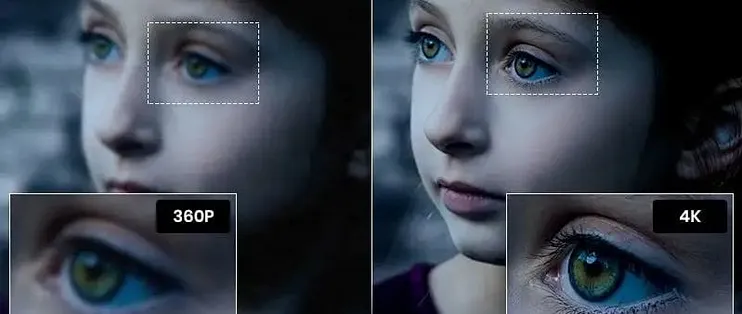
Unlike traditional sharpening filters that merely boost contrast, PicMa’s AI actually reconstructs lost textures and structural details. It intelligently restores key features like eyes, facial contours, skin tones, product edges, and text outlines — all done automatically, with no technical input required.
When Should You Use a Photo Enhancer?
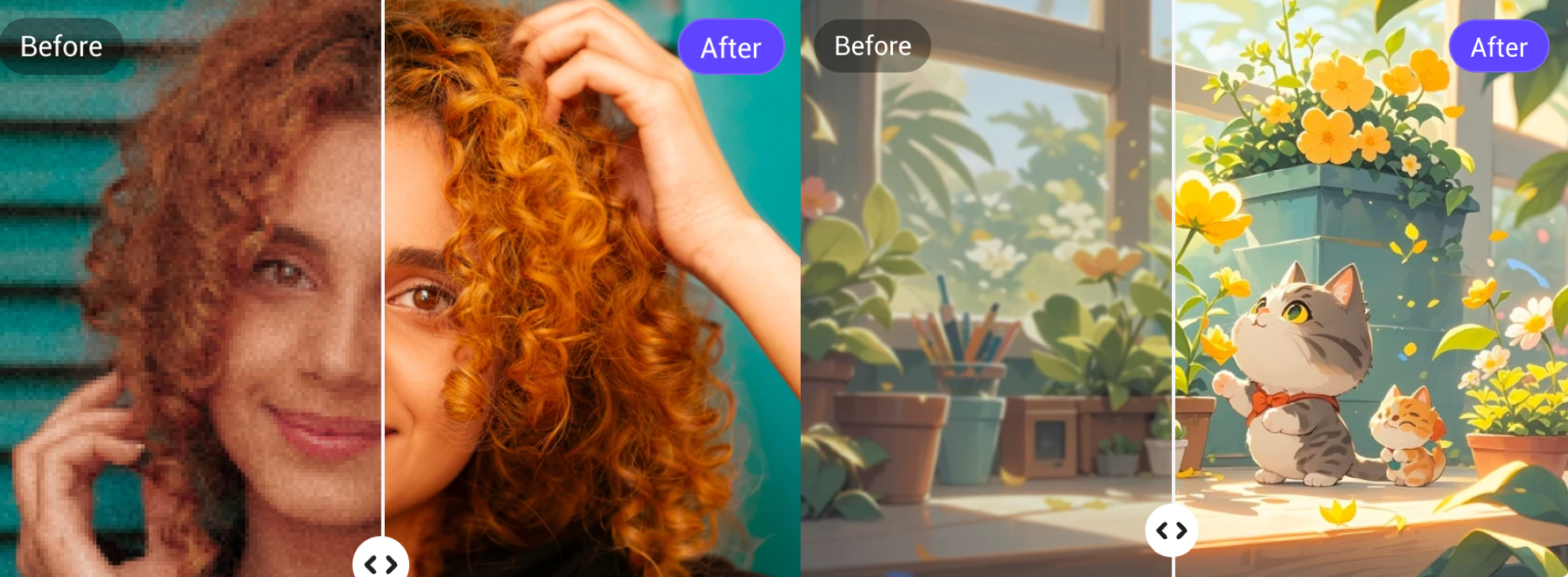
Here are some everyday situations wher PicMa’s Photo Enhancer can make a difference:
· Selfies where your eyes or face are slightly out of focus
· Product photos that feel a little soft or low-resolution
· Old family photos that are faded or blurry after scanning
· Images from social media that have been compressed or degraded
· Notes or documents photographed quickly and hard to read later
You don’t need to buy a better camera. Often, the clarity is already in the photo — it just needs the right tool to bring it out.
More AI Tools to Explore
In addition to the Photo Enhancer and PNG Enhancer, PicMa also offers a growing suite of enhancement tools tailored to different needs:
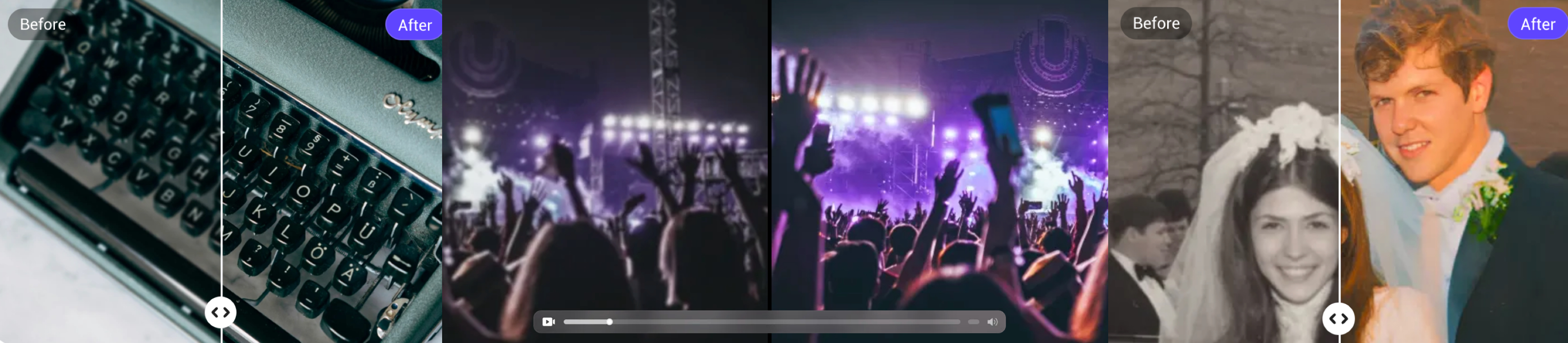
You can browse the full set of tools on our PicMa Tools Page.
Don’t Give Up on That Blurry Photo
Blurry photos used to be the end of the story. Now, with AI image enhancement, they can be the beginning of a second chance. Whether you’re recovering a special memory or preparing a polished visual for work, the process is now fast, effortless, and reliable.
Try it now — upload a blurry photo to PicMa and see how much detail is still waiting to be uncovered. It might surprise you.


Related Readings:

 419
419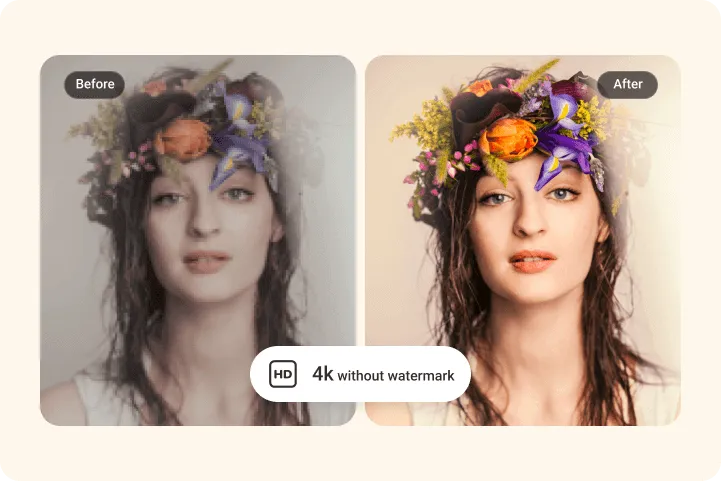

 English