Tried Fixing Old Photos That Still Look Blurry?
If you’ve tried to enhance old blurry photos with sharpening tools or filters, you’ve probably ended up disappointed. The image might look slightly clearer, but facial features turn strange, backgrounds look fake, and the memory just doesn’t feel right anymore.
That’s because most tools weren’t built to enhance old blurry photos in the first place. These images often suffer from low resolution, poor lighting, compression artifacts, or focus issues—especially if they were scanned or taken decades ago.
You don’t need another photo editing tutorial. You need a tool that understands what blurry old photos are missing—and knows how to rebuild it.
Enhance Old Blurry Photos with AI
PicMa Photo Enhancer is a specialized AI tool designed to enhance old blurry images with just one click. It doesn’t over-sharpen or artificially boost contrast. Instead, it uses intelligent algorithms to reconstruct details—especially faces—so your photo looks clearer and more natural.
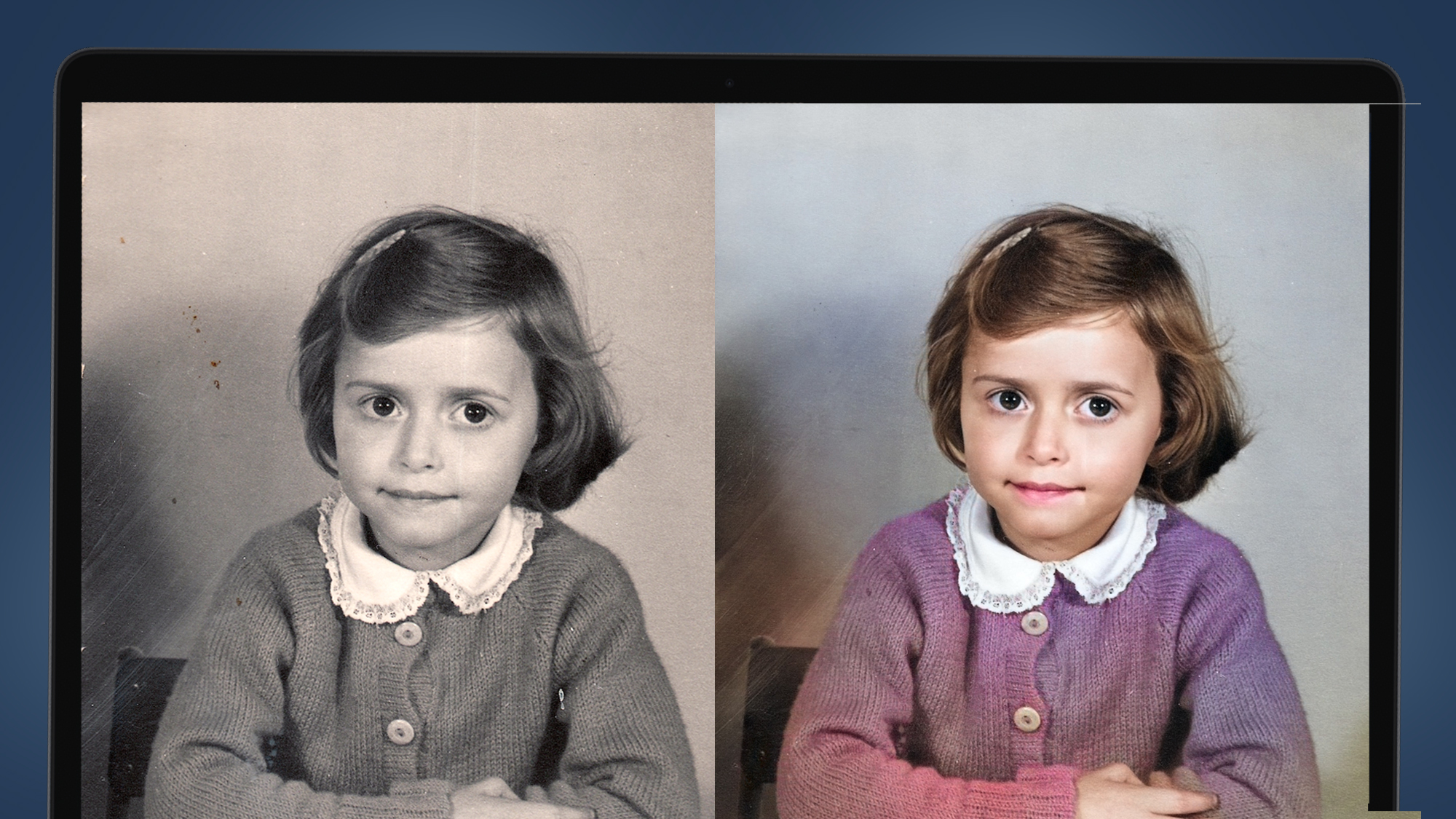
Here’s what it can do:
· Restore clarity to old blurry photos without distortion
· Focus on faces automatically, making portraits clean and lifelike
· Upscale low-res images for printing or framing
· No software or editing skills needed—fully online or via the app
Whether you want to enhance a blurry childhood photo or fix a scanned family portrait, PicMa makes the process effortless.
How to Use PicMa to enhance old blurry photos
You can enhance old blurry photos directly in your browser or through the PicMa mobile app:
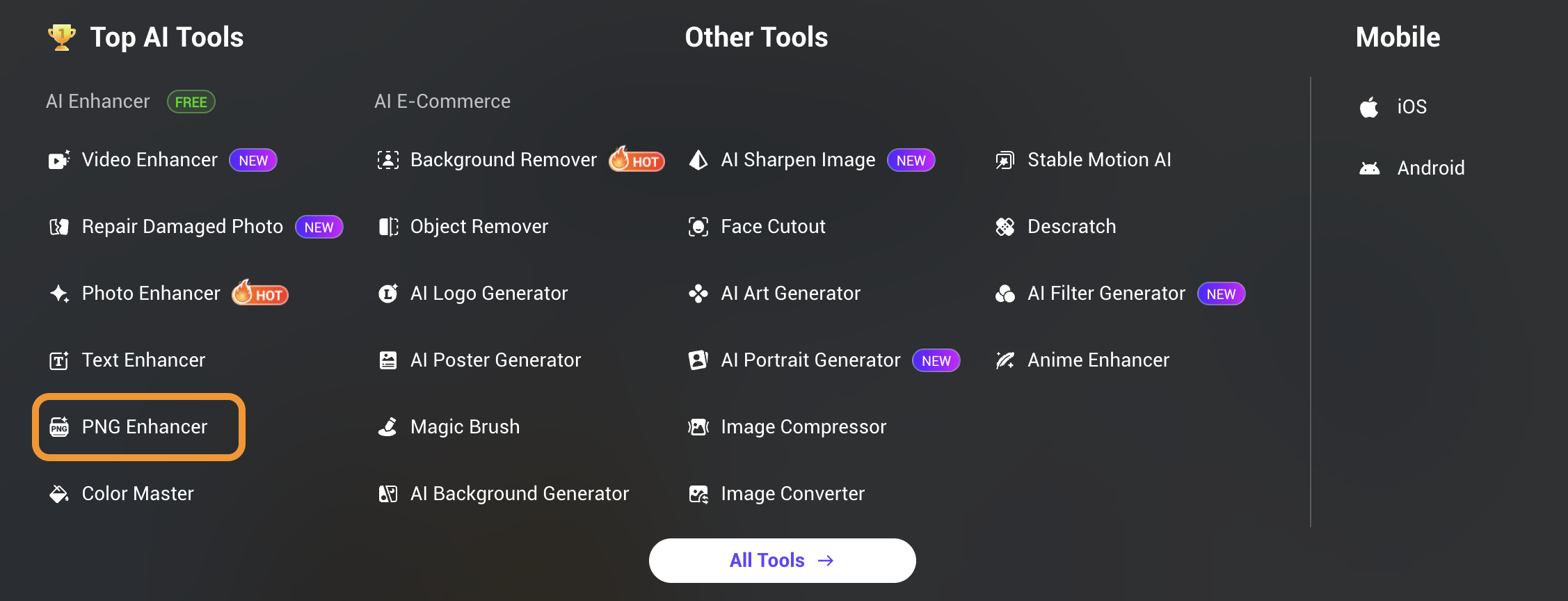
1. Visit PicMa website or Download the App(iOS & Android) and choose "Photo Enhancer"
2. Upload your image (BMP/JPEG/JPG recommended)
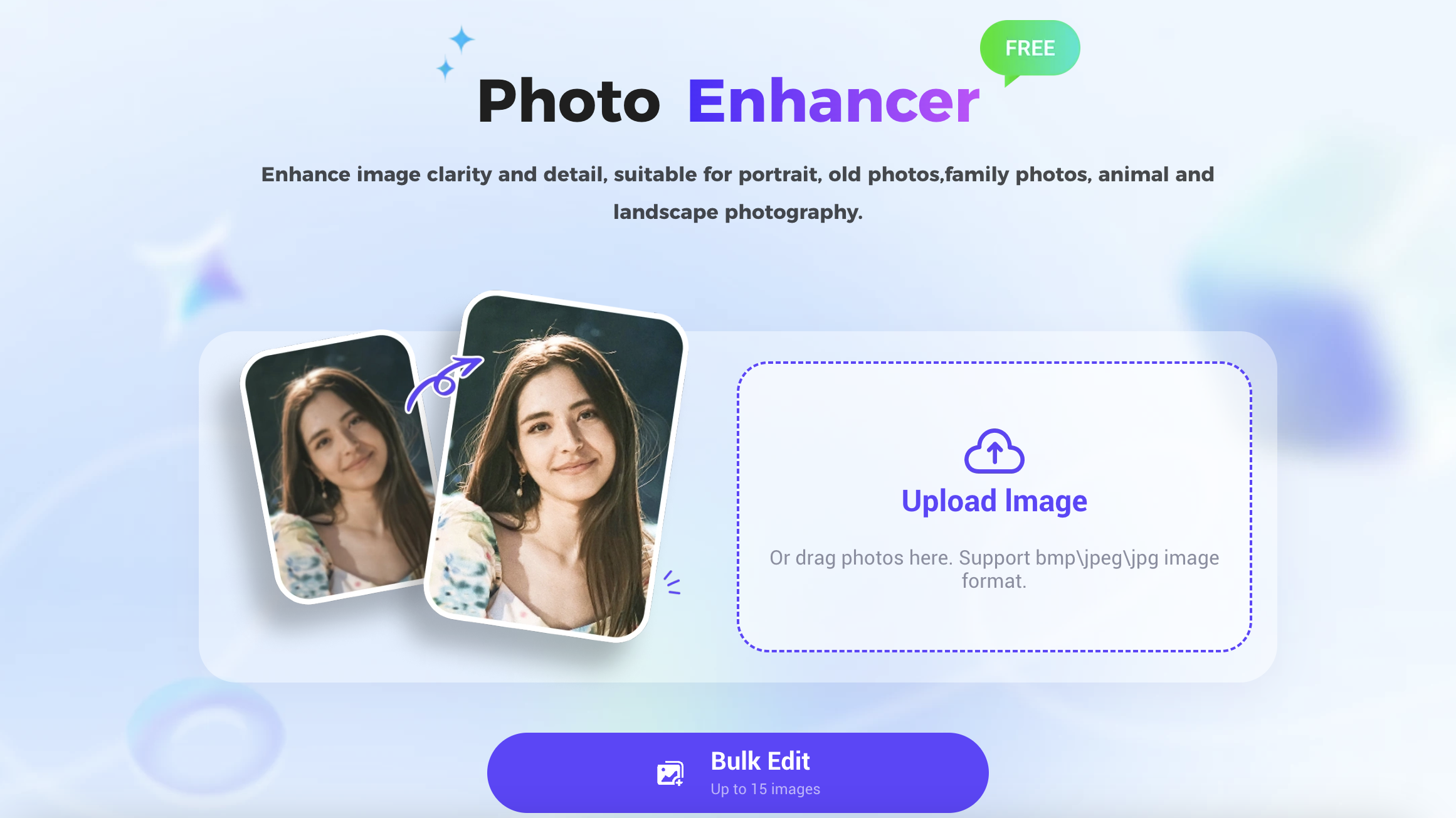
3. Wait a few seconds as PicMa enhances the clarity of your old blurry photo
Need to enhance transparent PNG files like UI graphics? Use the separate PNG Enhancer for better results.
What If Your Old Photo Is Damaged or Faded?
Sometimes, blurry photos are just part of the problem. You might also need to:
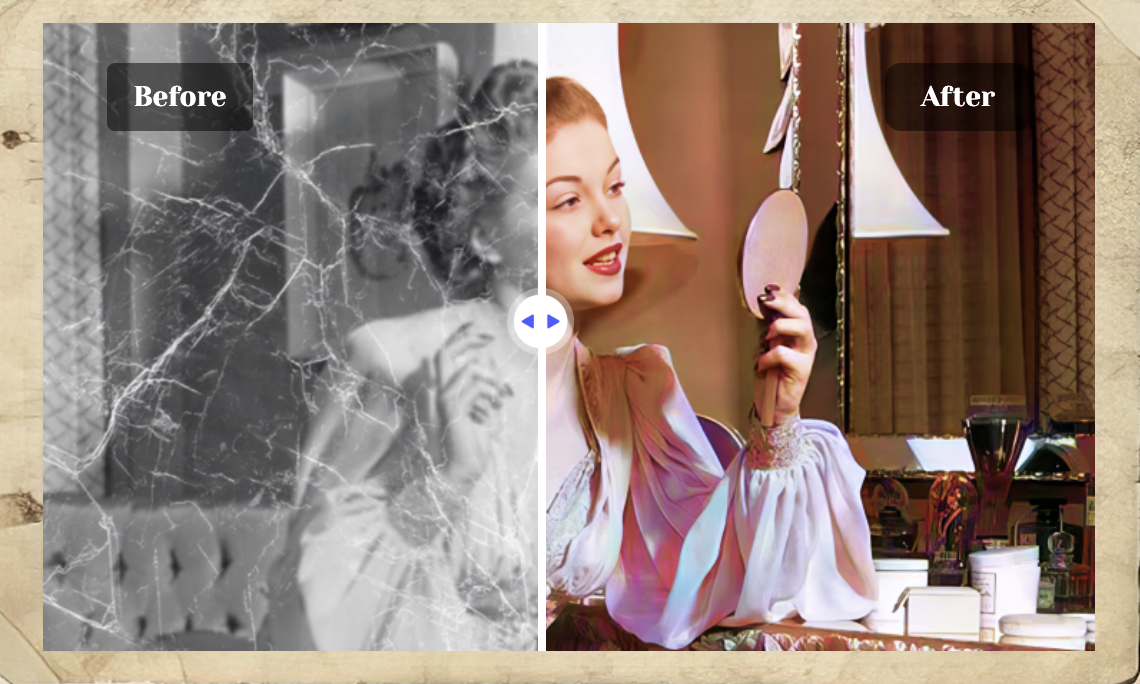
· Repair physical damage like scratches or cracks
Use Repair Damaged Photo
· Restore lost or faded colors
Try Color Master bring color back to black-and-white or faded photos
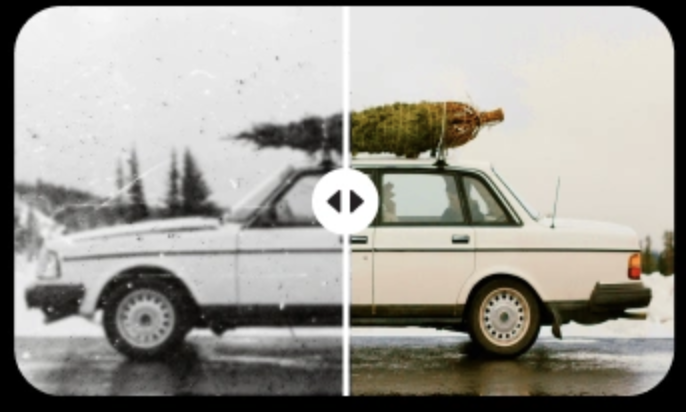
To fully enhance old blurry photos, you can combine all three:
1. Repair any visual damage
2. Use Photo Enhancer for clarity
3. Finish with Color Master if the image needs color correction
This workflow is perfect for restoring vintage portraits, scanned prints, or family albums.
Bring Old Memories Back into Focus
To enhance old blurry photos is to do more than improve image quality—it's a way of reconnecting with the past. You’re not just fixing pixels. You’re revealing faces, places, and details that mean something to you.
PicMa helps you relive those moments, as clearly as possible.
Start enhancing your old blurry photos now!


Related Readings:

 347
347

 English