The best photo for your Thanksgiving photo book might be the one you almost leave out. There’s a crease across the kitchen table, the faces have faded, and all you know for sure is that someone wrote “November” on the back. But the person who remembers whose kitchen it was might be sitting across from you at dinner.
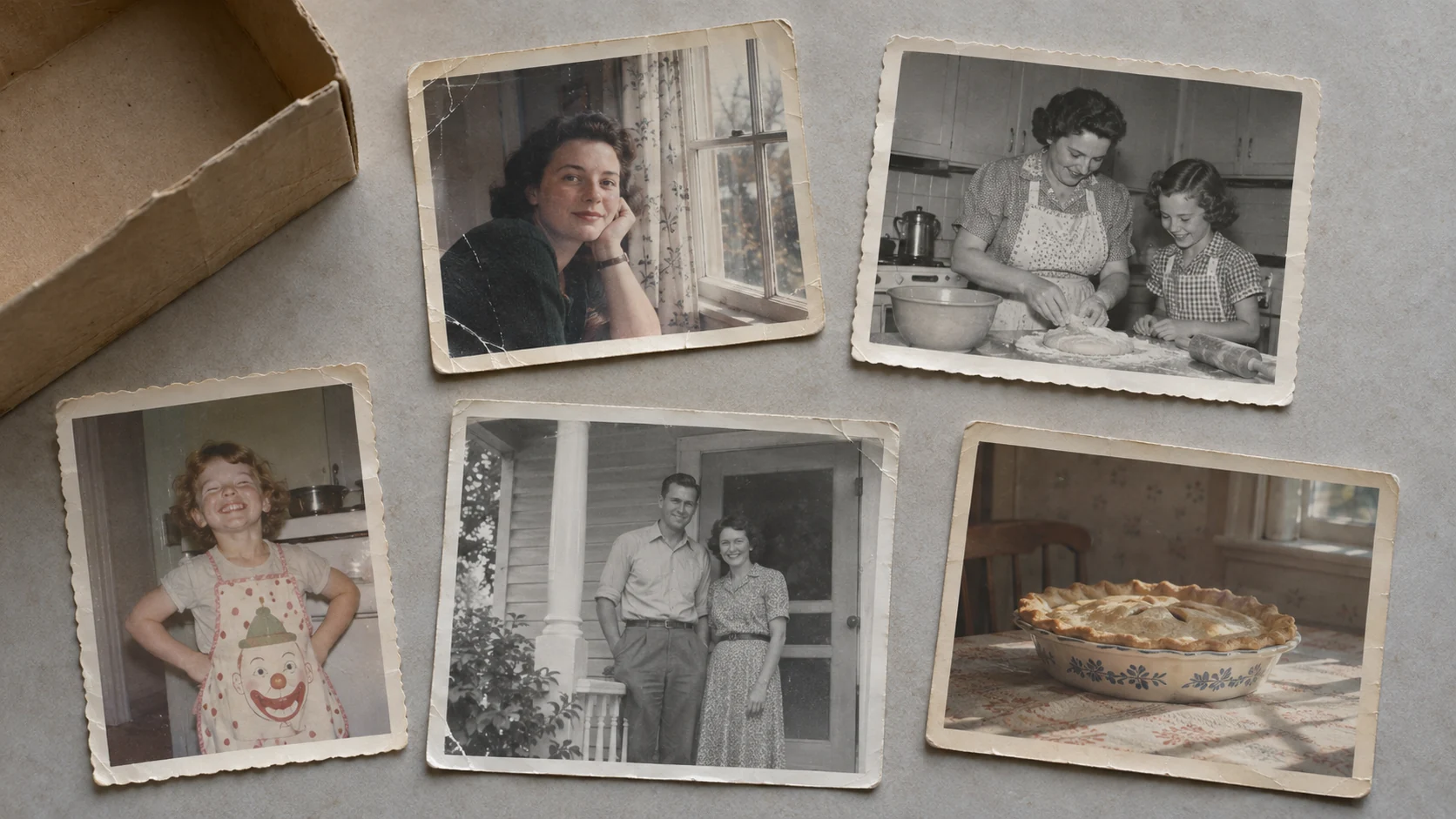
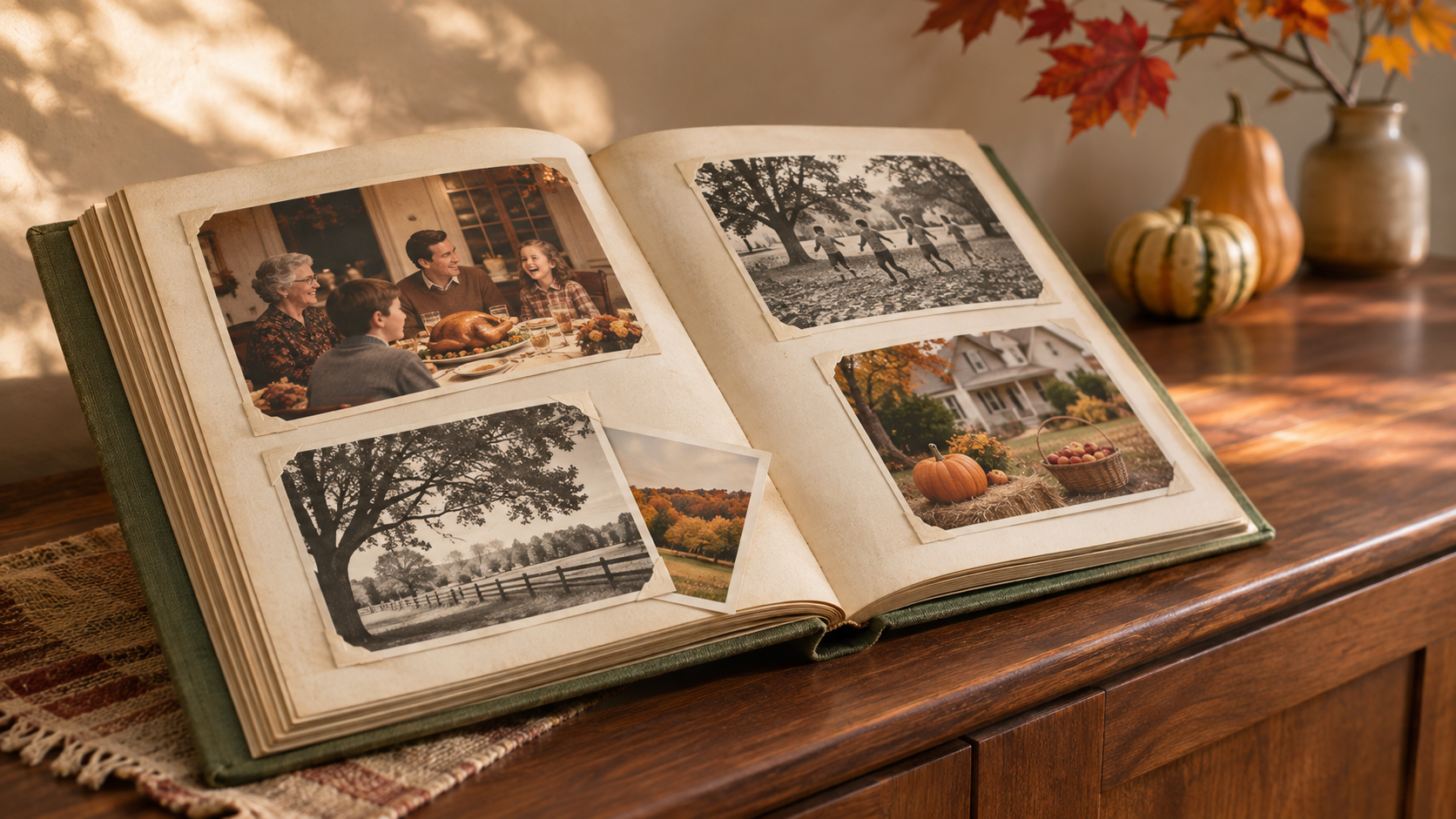
To make a Thanksgiving photo book, start with five old family photos. Scan or photograph the prints, restore any where damage hides a face or detail, and put one photo on each page. Leave room for a caption your family can finish together.
Which old family photos should you include?
Choose photos that give someone a reason to stop and look. A childhood portrait might remind your aunt who cut her hair. A picture of the old kitchen might get your dad talking about the pie dish he still uses. A photo from an ordinary Sunday can work just as well as a holiday snapshot.
Start with one photo most people will recognize, then add one you need help identifying. Check the backs of the prints as you go. Even a street name or a first initial can help someone place a photo years later.
How to restore old family photos with PicMa in 4 steps
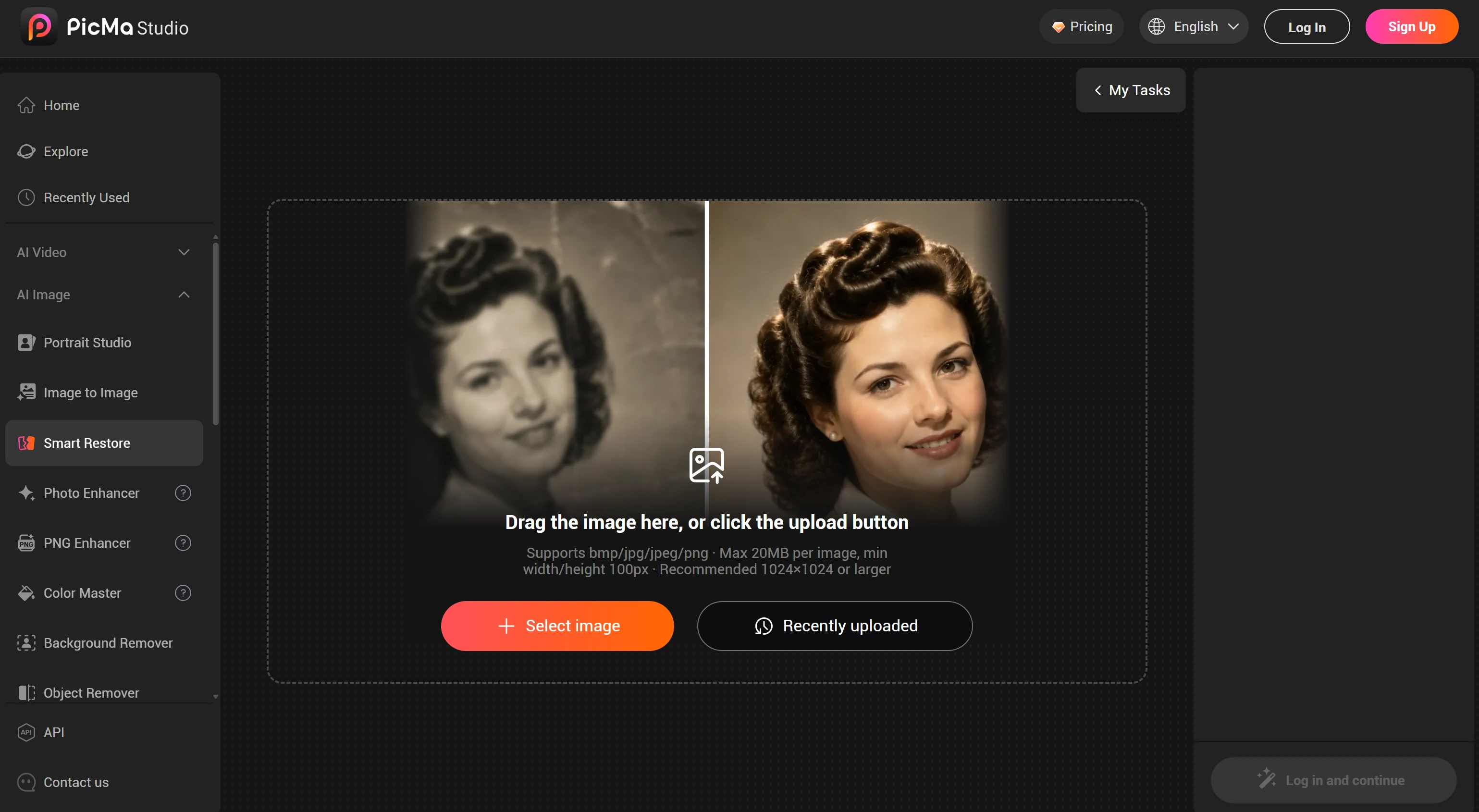
Step 1. Open PicMa. On your computer, go to PicMa Studio and open Smart Restore. Open PicMa Smart Restore
Step 2. Upload your photo. Click Select image and choose a scan or a phone photo of the original print.
Step 3. Wait for the photo to process. Click Restore and wait for the preview to appear.
Step 4. Save the restored photo. Check the preview, then save the finished image to use in your photo book.
How can you tell if a restored photo still looks right?
Compare the original and the restored copy side by side. Look first at the detail you wanted to see more clearly. If a scratch ran across someone’s face, zoom in and check whether their smile, glasses, or expression still looks familiar.
A little grain or a faded border can feel right on the page. Keep the original scan alongside the restored image so you can pick the version that feels most like the photo you remember.
What should you write under each photo?
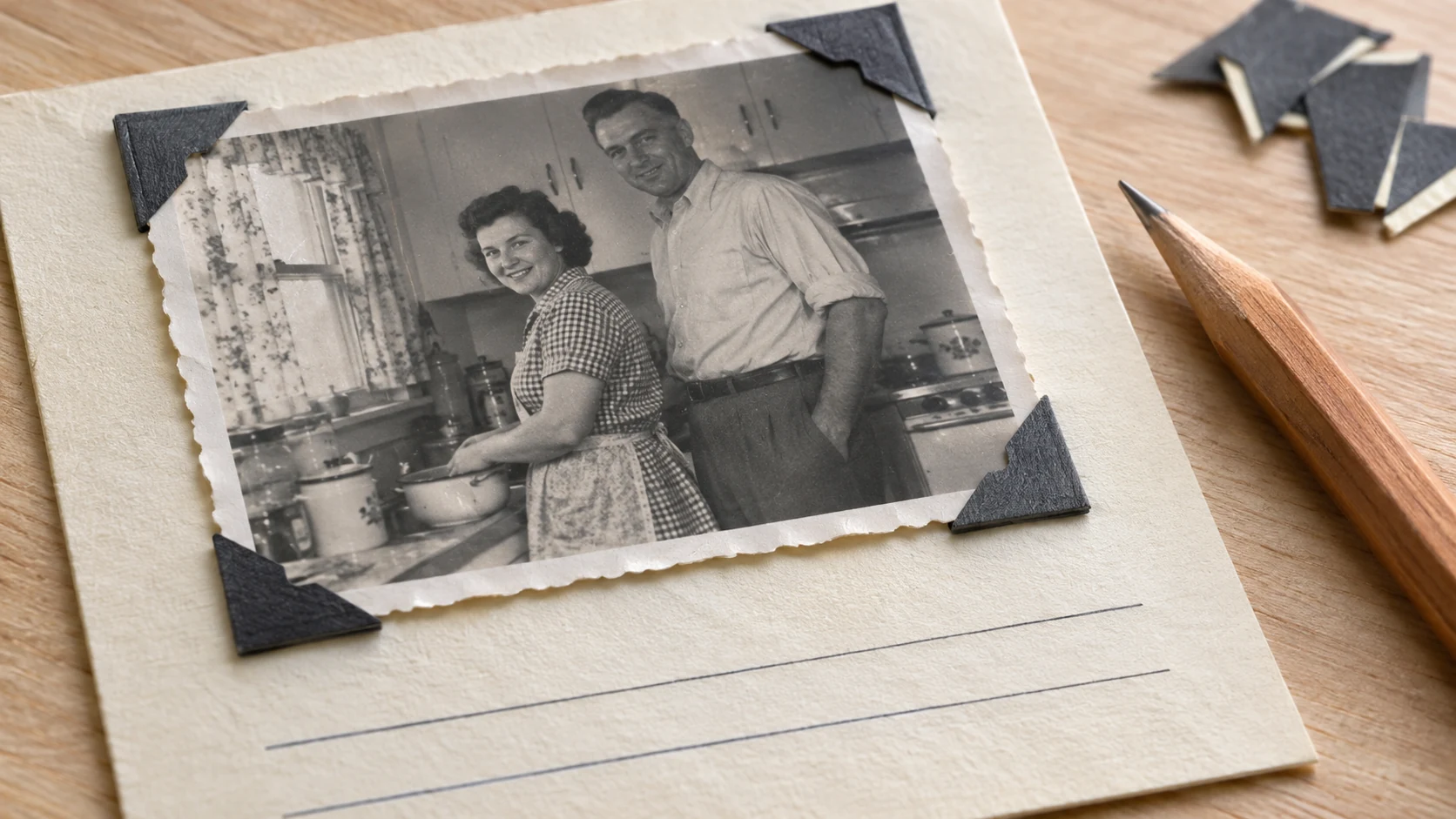
Slip the prints into a small album or put one image on each page of a digital photo book. Start each caption with what you know. “Aunt June’s kitchen, late 1970s?” gives people something to respond to. Leave a line below it for whatever someone remembers at dinner.
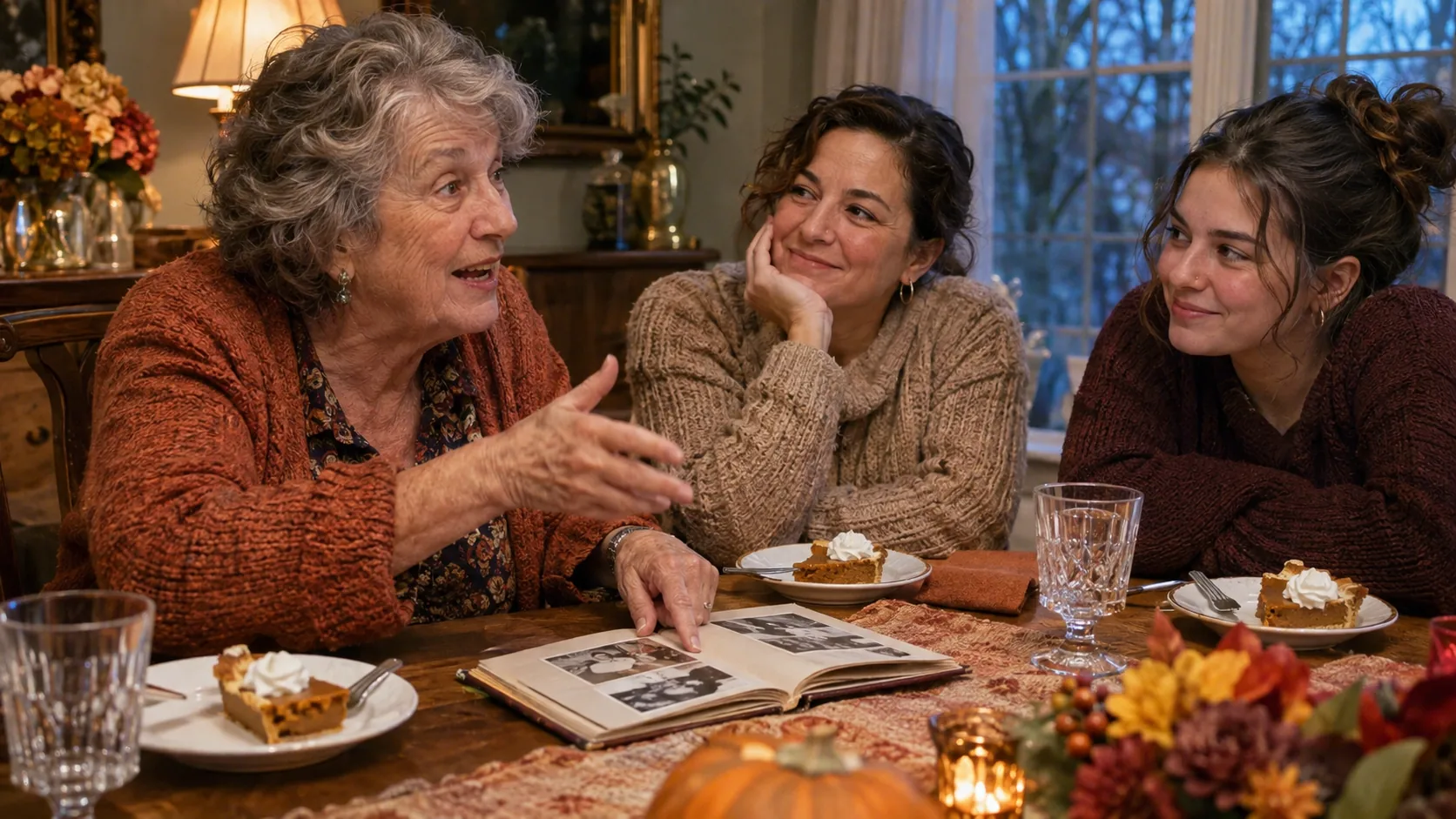
After dessert, open the book to one photo and ask about a detail people can see. “Who’s wearing that apron?” is enough to get started. If your aunt remembers an apple pie and your dad swears it was pecan, give them each a line.
Start with the photo you most want to bring to dinner. Restore your first family photo with PicMa
FAQ
Do I need a scanner to digitize old family photos?
A phone works. Lay the print flat near a window, turn off the flash, and hold your phone parallel to the photo to reduce glare and distortion.
Should I crop old photos before putting them in the book?
Crop a copy to fit the page, and check the layout before printing. Leave a little space around faces and any details that help tell the story, like a handwritten date in the margin.
Can I make a Thanksgiving photo book without printing it?
Yes. Put one photo per page in a digital album and show it on a tablet at dinner. Add the captions afterward and share the finished book with family.

Related Readings:

 4

 English