Best AI Photo Enhancer for Old, Blurry Portraits
Old photos often tell stories about what happened when we were younger—they freeze moments in time, preserving our emotions. But in the past, we didn't usually have high-quality device to take clear photos. But what if you could restore those memories to their original clarity—or even better? With PicMa's free AI Photo Enhancer, you can now effortlessly transform old, blurry portraits into sharp, vibrant images with just one click.
What Makes One-Click Enhancement Possible
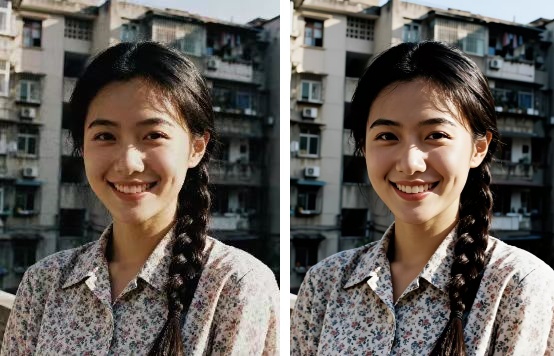
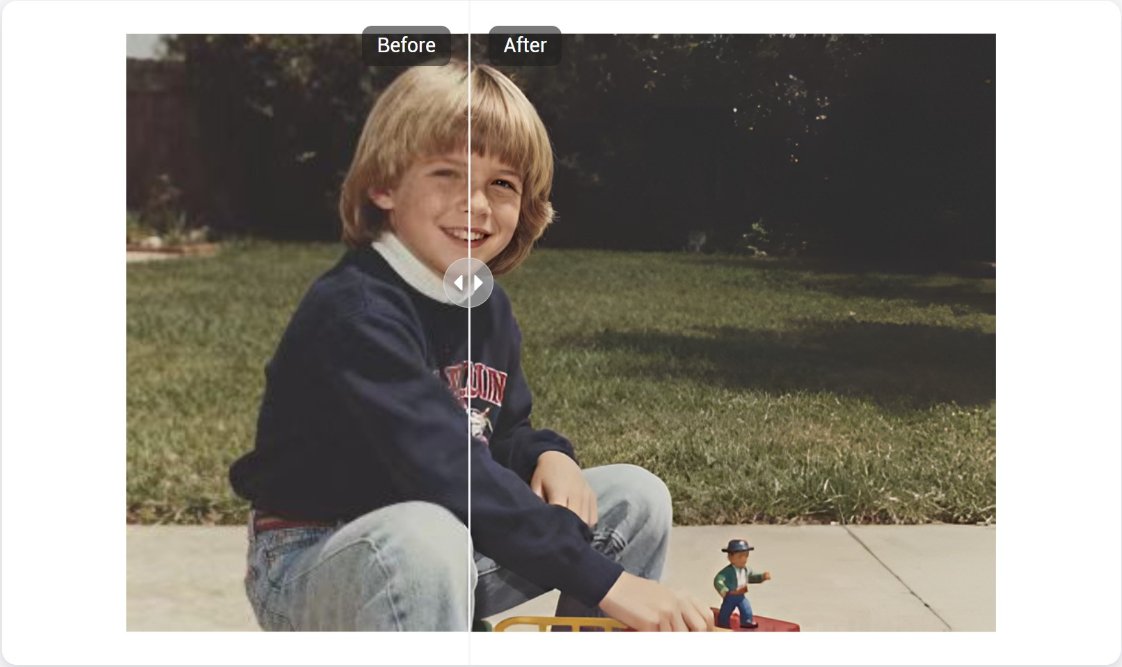
Using advanced AI and deep learning algorithms, PicMa's Photo Enhancer analyzes every pixel of your uploaded image. It intelligently reduces noise, refines details, and boost colors, while preserving the authenticity and quality of the original photo. Blurry or faded portraits often hide delicate features—the sparkle in someone’s eyes, the subtle texture of hair, or the pattern of clothing. Our AI specializes in reconstructing these elements without overprocessing. It’s perfect for dimly-lit, pixelated and low-resolution photos.
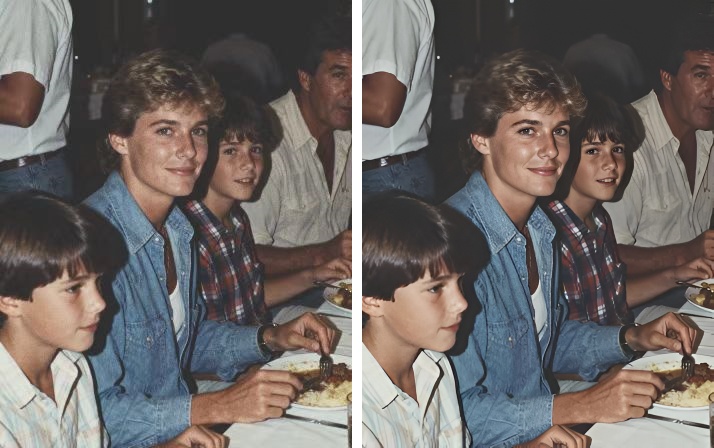
You can use it to restore old portraits of you and your loved ones for family albums, retouch class photos or childhood memories for reunions, or just prepare enhanced images for your social media content.
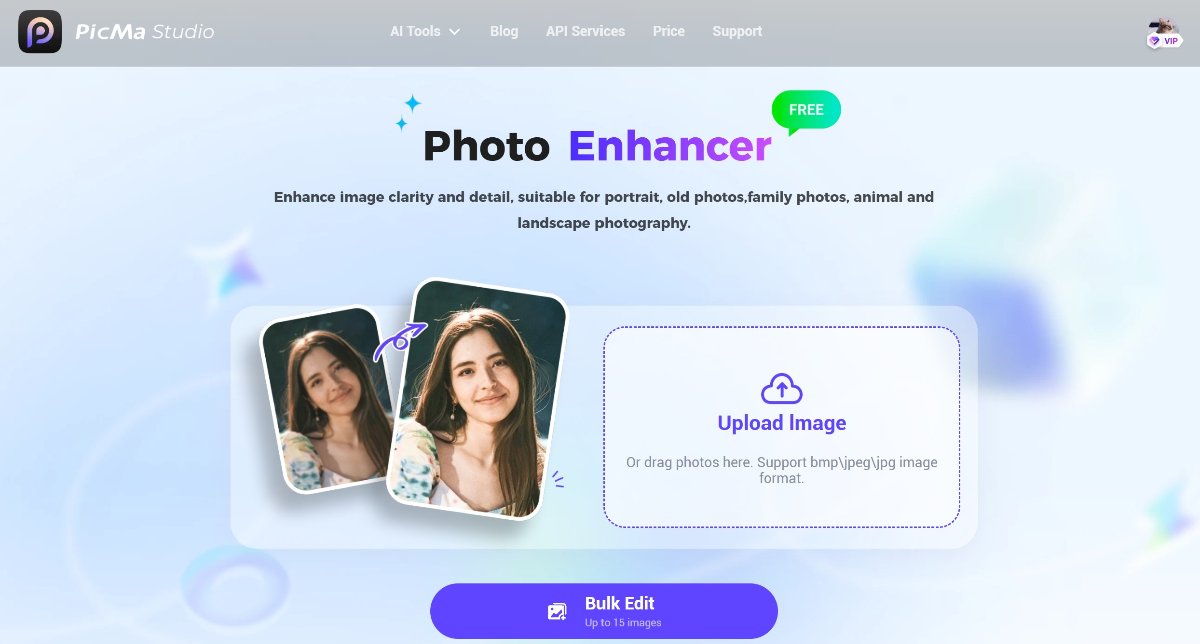
How to Get Started
Photo enhancement can be much easier than expected. Steps are as follows:
- Visit PicMa Studio and go to the "Photo Enhancer" function
- Upload your photos that need enhancing (You can upload 1~15 images at once)
- Wait for seconds to get your enhanced photos
Sounds incredible? You don't have to learn any complicated skills or dull theories.
Great for Mobile Users Too!
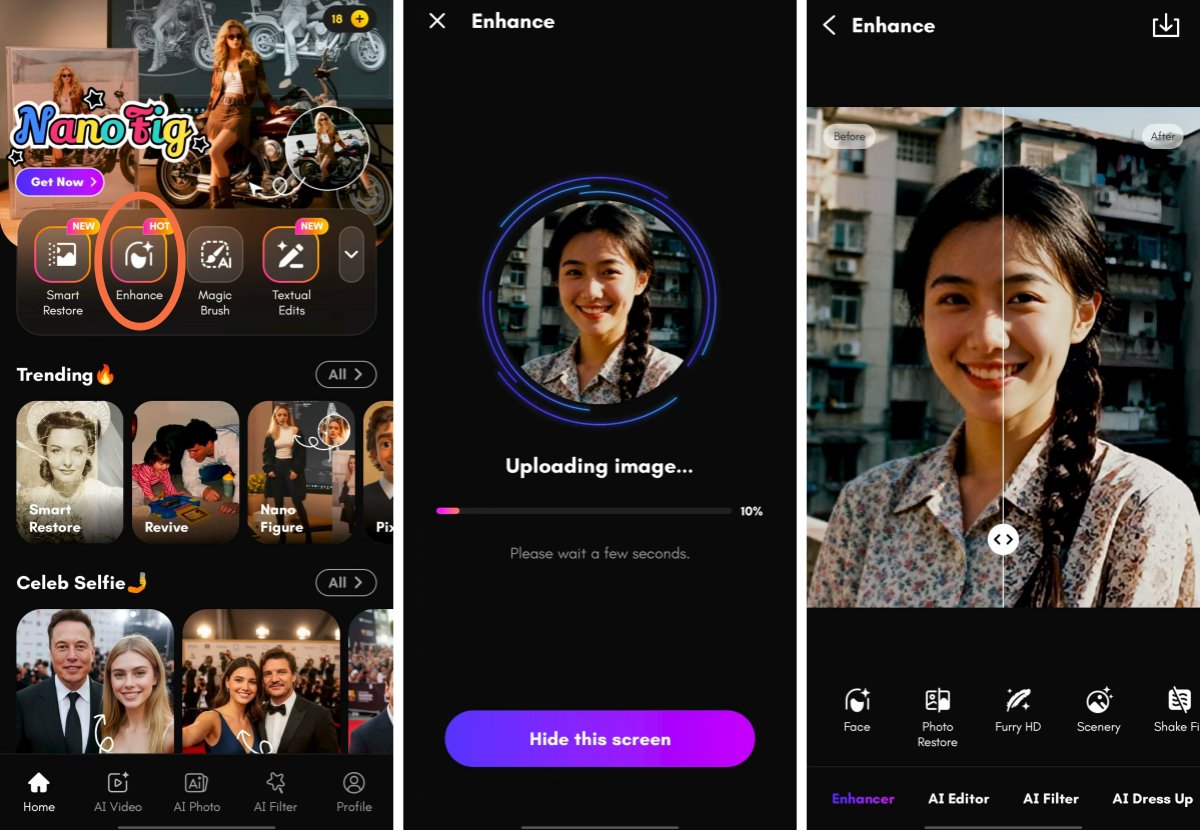
Not have a computer? Don't worry, you can also experience our tools on mobiles. Just download the PicMa app (available for IOS or Android device) and find the "Enhance" feature.
The tool is fully optimized for mobile devices, so you can enhance photos on the go. Specifically, you can choose different enhancement modes targeted at different photos, whether it's a portrait, pet photo or landscape.
Don’t let time erase what matters most. Try our FREE AI Photo Enhancer today and bring your cherished portraits back to life!
FAQ (Frequently Asked Questions)
Q1: Is the Photo Enhancer really free?
A: YES! Our basic photo and video enhancement tools are completely free both on the web and the mobile.
Q2: What image formats are supported?
A: We support common formats including JPG, PNG, and BMP.
Q3: How long does it take to process a photo?
A: Typically, it takes only a few seconds per image depending on file size and server load.
Q4: Is my data kept private?
A: We do not store your images after processing. Your privacy is respected at all times.
Q5: What if my photo is damaged?
A: Don't worry. You can try our new feature "Smart Restore", which is designed for torn, stained and faded photos. It's also free!


Related Readings:

 191
191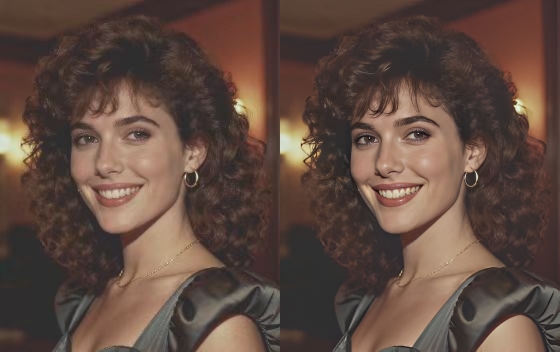

 English