


Multi-Model Image-to-Video
After uploading an image, choose a suitable video generation model based on the frame content and desired effect.

 English
 API
API Contact us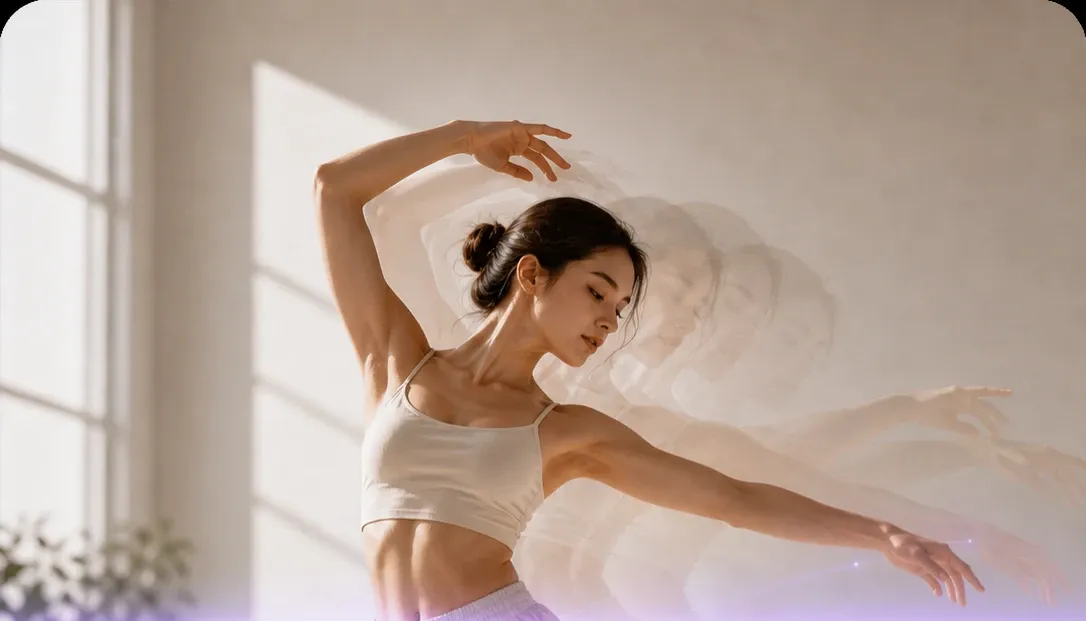

Drag the image here, or click the upload button
Supports bmp/jpg/jpeg/png/webp · Max 20MB per image, min width/height 100px · Recommended 1024×1024 or larger


AI Image-to-Video Generator - Multi-Model Video Creation
Upload an image and flexibly choose among multiple AI video models to turn still frames into natural, fluid video. Duration, aspect ratio, audio, and control settings may differ by model—follow the options shown for the current model.
Choose different AI video models on the same page and turn still images into motion guided by your prompt.
After uploading an image, choose a suitable video generation model based on the frame content and desired effect.

Models differ in motion quality, subject consistency, camera control, generation speed, and credit cost.

Supported duration, aspect ratio, and resolution may differ by model. The parameter panel should dynamically show options available for the current model.

Complete model selection, prompt input, parameter setup, video generation, preview, and download on one page.
Cartoon Portrait Video
Scene Storytelling
Atmospheric Portrait Short
Two-Person Interaction Story
Red Carpet Highlight Video
Character VFX Performance
Choose the image to animate and describe subject motion, camera moves, environment changes, or the mood you want.
Select a video model based on your creative needs, then set the duration, aspect ratio, and other controls supported by that model.
After generation starts, preview, compare, and download video results in Recent.
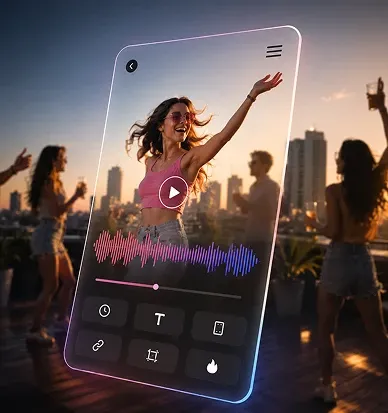
Quickly turn still assets into dynamic shorts that fit platforms like TikTok and Xiaohongshu.
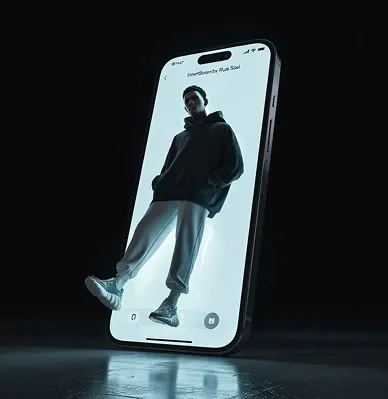
Use prompts to quickly generate creative video clips and explore visual storytelling directions at low cost.
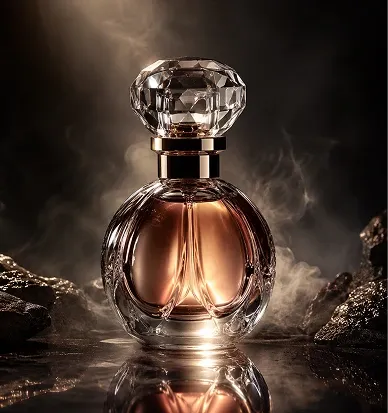
Turn product images into dynamic showcase videos that boost ecommerce detail pages and ad creatives.


