


Flexible Multi-Model Choice
Pick the right model based on visual style, output quality, processing speed, and credit cost. Available models follow the page's current configuration.

 English
 API
API Contact us

Drag the image here, or click the upload button
Supports bmp/jpg/jpeg/png/webp · Max 20MB per image, min width/height 100px · Recommended 1024×1024 or larger


AI Image Generator - Multi-Model Image-to-Image Creation
Upload a reference image and enter a prompt, then flexibly choose among multiple AI image models to create high-quality images. Aspect ratio, resolution, and generation settings may differ by model—follow the options shown for the current model.
Choose different AI image models on the same creation page, and configure the generation parameters available for the current model.
Pick the right model based on visual style, output quality, processing speed, and credit cost. Available models follow the page's current configuration.

Upload a reference image and enter a prompt to guide the AI to keep the subject, adjust style, replace scenes, or create new visuals.

Different models may offer different aspect ratios, resolutions, and input parameters. After selecting a model, view the options available for it.

Complete model selection, parameter setup, image generation, result comparison, and download without switching between multiple tools.
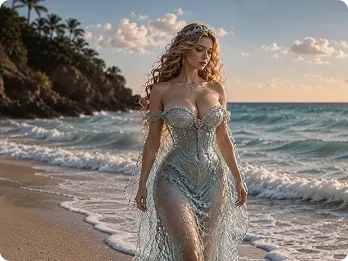
Fantasy Portrait Epic
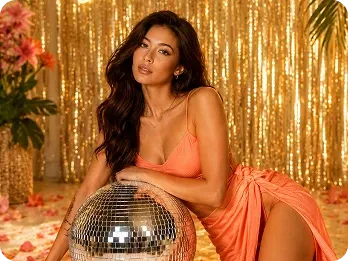
Party Atmosphere Portrait
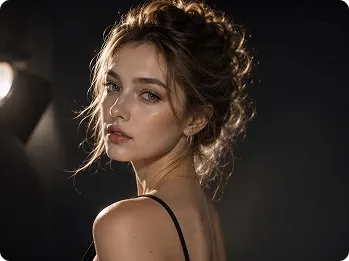
AI Portrait Photo
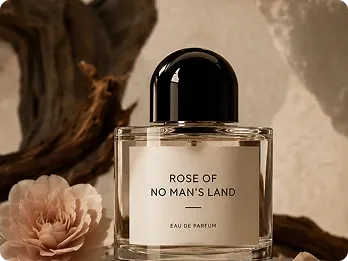
Ad-Ready Product Shot
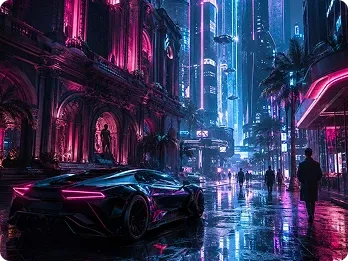
Cyberpunk Scene
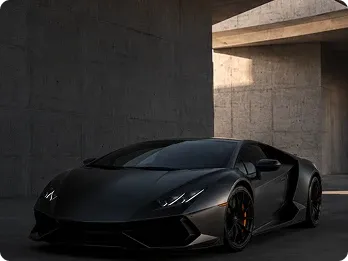
Premium Car Ad
Choose a reference image and describe what you want to keep, change, or regenerate.
Select an AI model based on your creative needs, then set the aspect ratio, resolution, and other parameters supported by that model.
After generation starts, view, compare, and download image results in Recent.

Generate vertical or square visuals from your copy themes to boost social content appeal.
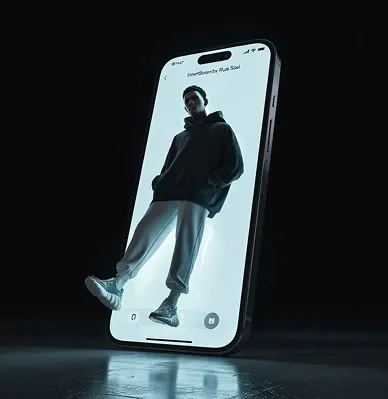
Explore different visual styles, quickly produce images to validate creative directions, and reduce design communication cost.

Quickly generate white-background product shots and lifestyle scenes that fit ecommerce platform specs.

Turn generated images into dynamic video next

Enhance generated images for sharper detail

Smart subject detection and one-click background removal for product shots

Restore old photos first, then create stylized AI visuals

Developer API route