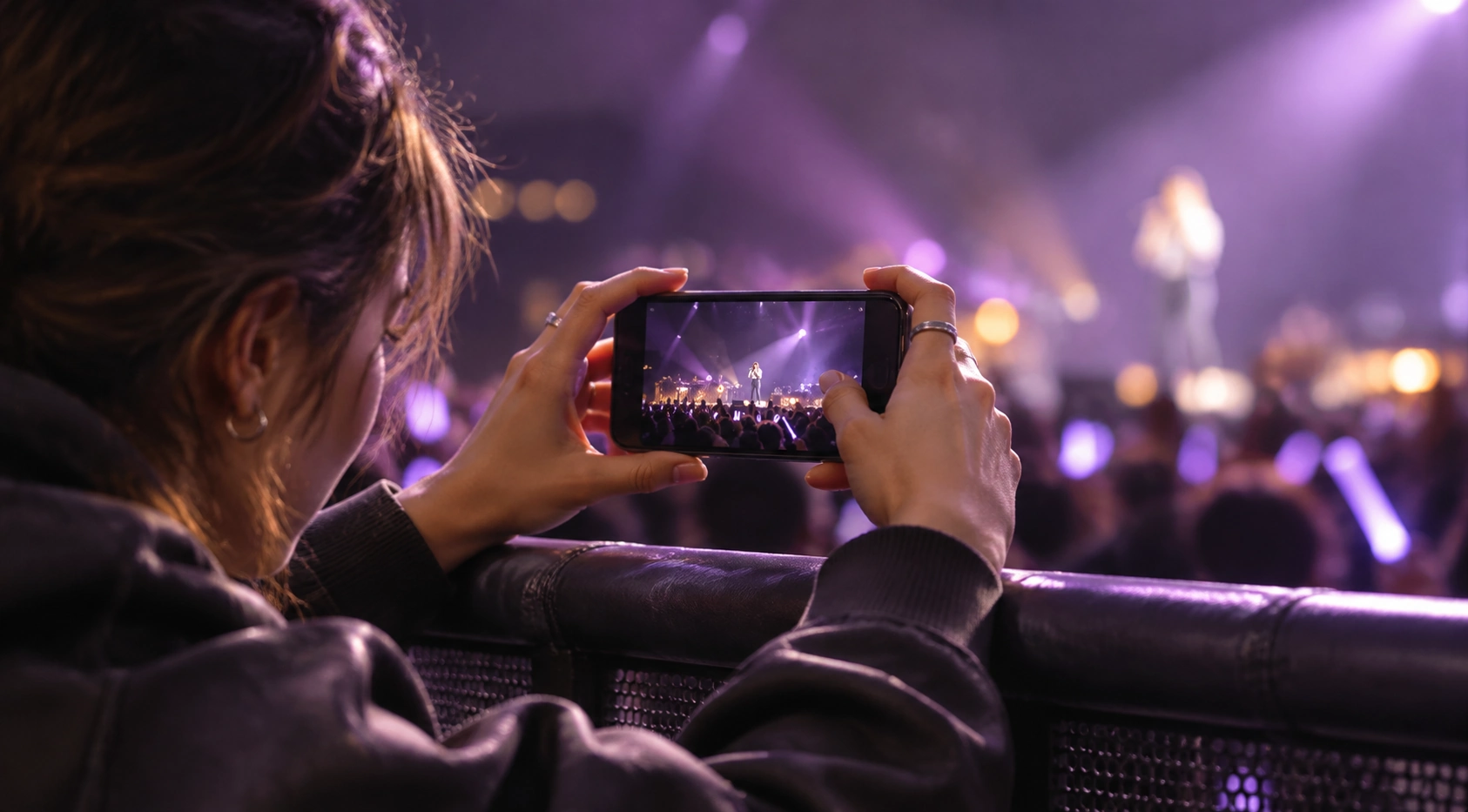
You finally made it to the concert you’ve been waiting months for. The lights go down, your favorite song starts, and the entire arena erupts. You quickly grab your phone to capture the moment—but when you check your gallery later, the photos are disappointingly blurry.
The singer looks like they're moving through a dream, the stage lights have turned into streaks, and the details you wanted to remember are nowhere to be found.
Sound familiar?
Concert photography is harder than it looks. Between low lighting, fast-moving performers, excited crowds, and shaky hands, even a great phone camera can struggle. Fortunately, a blurry concert photo doesn't always have to stay that way.
Let's explore why concert pictures turn out blurry and how AI can help bring those memories back into focus.
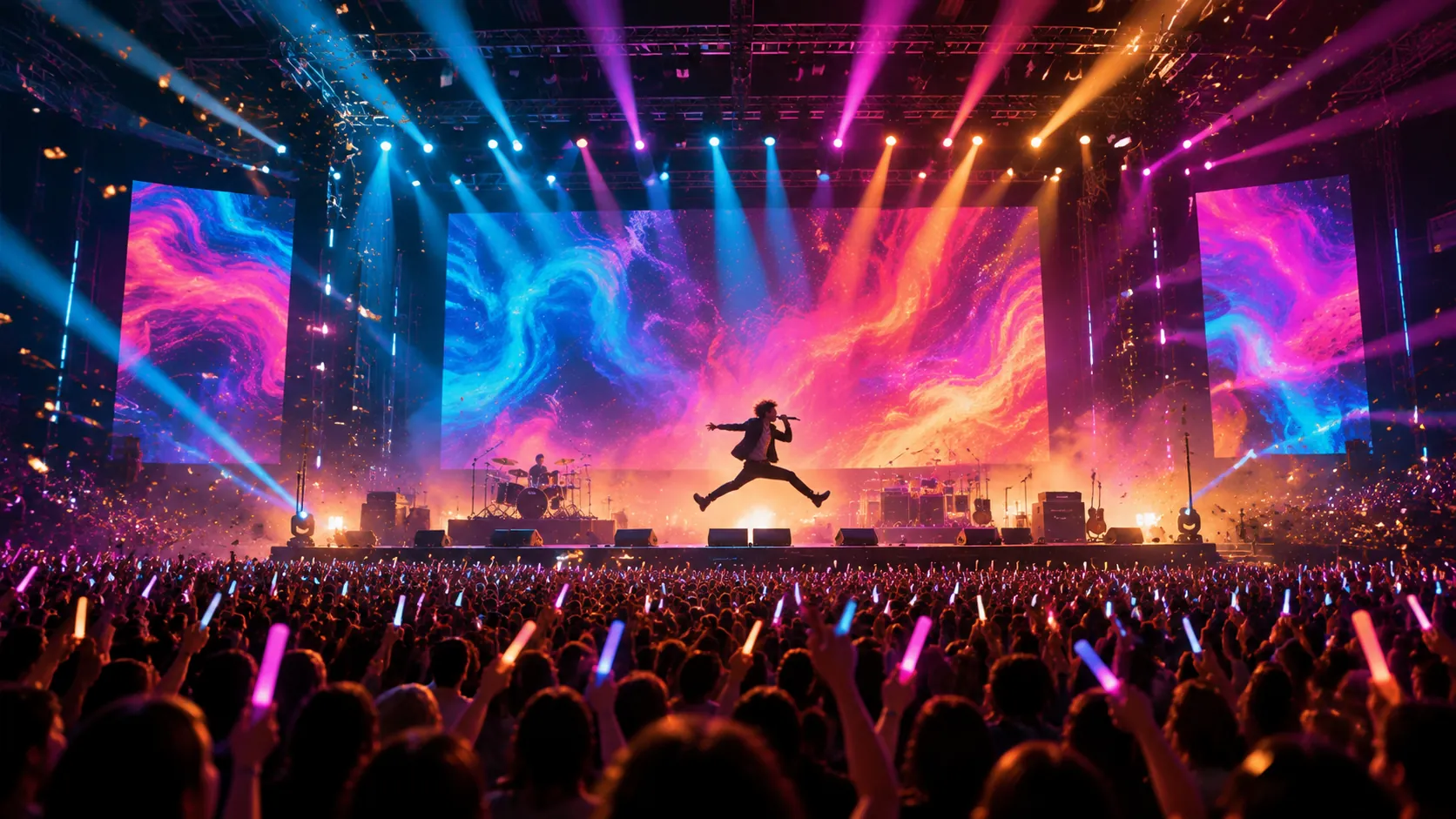
Why Do Concert Photos Turn Out Blurry?
Concert venues create some of the most challenging conditions for smartphone photography. There are several reasons your pictures might not look as sharp as you expected.
1. Shaky Hands
Let's be honest: it's difficult to stay perfectly still when your favorite artist appears on stage.
You might be singing along, waving a light stick, or trying to record your favorite part of the performance. Even tiny movements while pressing the shutter can cause camera shake, especially in low-light environments.
2. Moving Performers
Unlike a landscape or a posed portrait, a live performance is constantly changing.
Artists dance, jump, turn around, and interact with the audience. Even if your phone stays perfectly still, the moving subject can appear blurred in the final image.
3. Too Much Zoom
When you're sitting far from the stage, zooming in feels like the obvious solution.
However, excessive digital zoom can magnify existing camera shake, reduce image detail, and make blur much more noticeable. A photo that looks acceptable on your phone screen might appear much softer when viewed or cropped later.
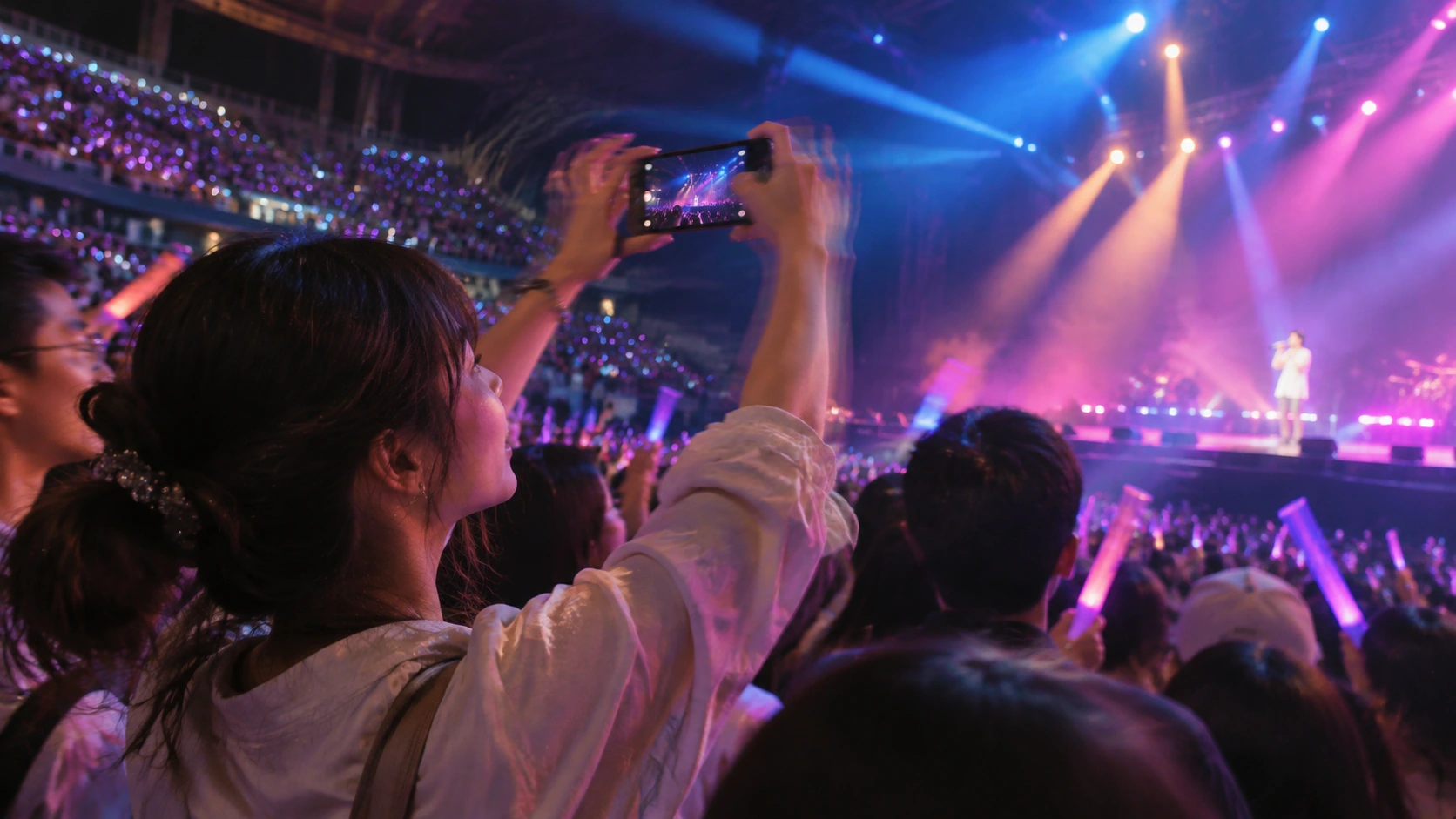
A Few Tips for Sharper Concert Photos
Before turning to editing tools, a few simple adjustments can improve your chances of getting a good shot at your next show.
- Hold your phone with both hands. Keep your elbows close to your body to reduce unwanted movement.
- Avoid excessive zoom. Capture a slightly wider frame and crop it later if necessary.
- Use burst shooting. Take several photos in quick succession so you have more chances of getting one sharp frame.
- Tap to focus. If possible, tap the performer on your screen before taking the picture to help your phone focus on the subject.
Of course, even with all these precautions, some moments are simply too exciting to photograph perfectly. That's where AI image enhancement comes in.
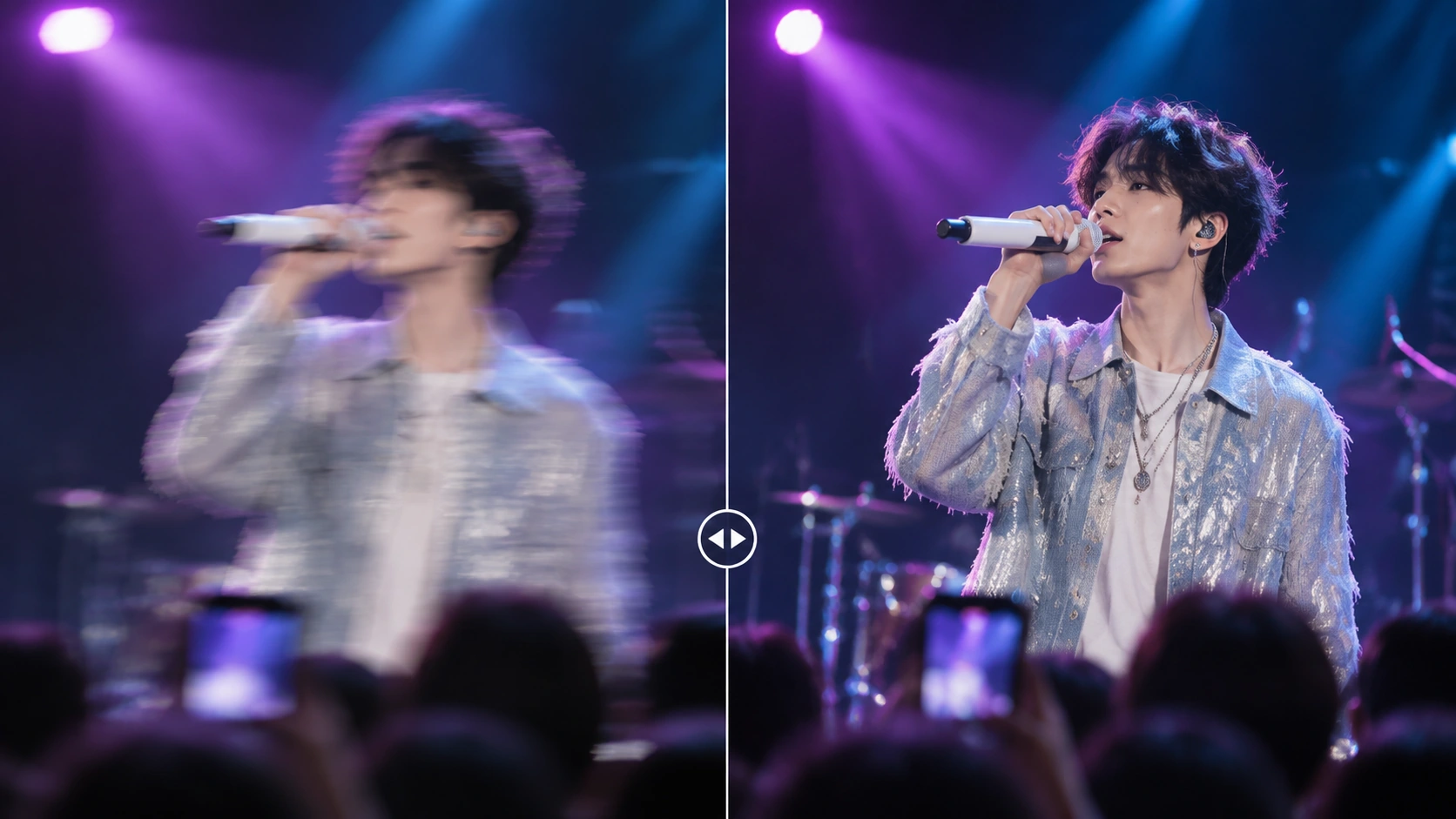
Fix Blurry Concert Photos with PicMa Stable Motion AI
What if you could give those shaky concert pictures another chance?
PicMa Stable Motion AI is designed to reduce motion blur in photos. Its AI helps restore clearer details and improve image sharpness, making it a convenient option for action-heavy photography.
And yes, those unforgettable concert moments are worth trying it on!
How to Use PicMa
No complicated editing skills needed. Just three simple steps:
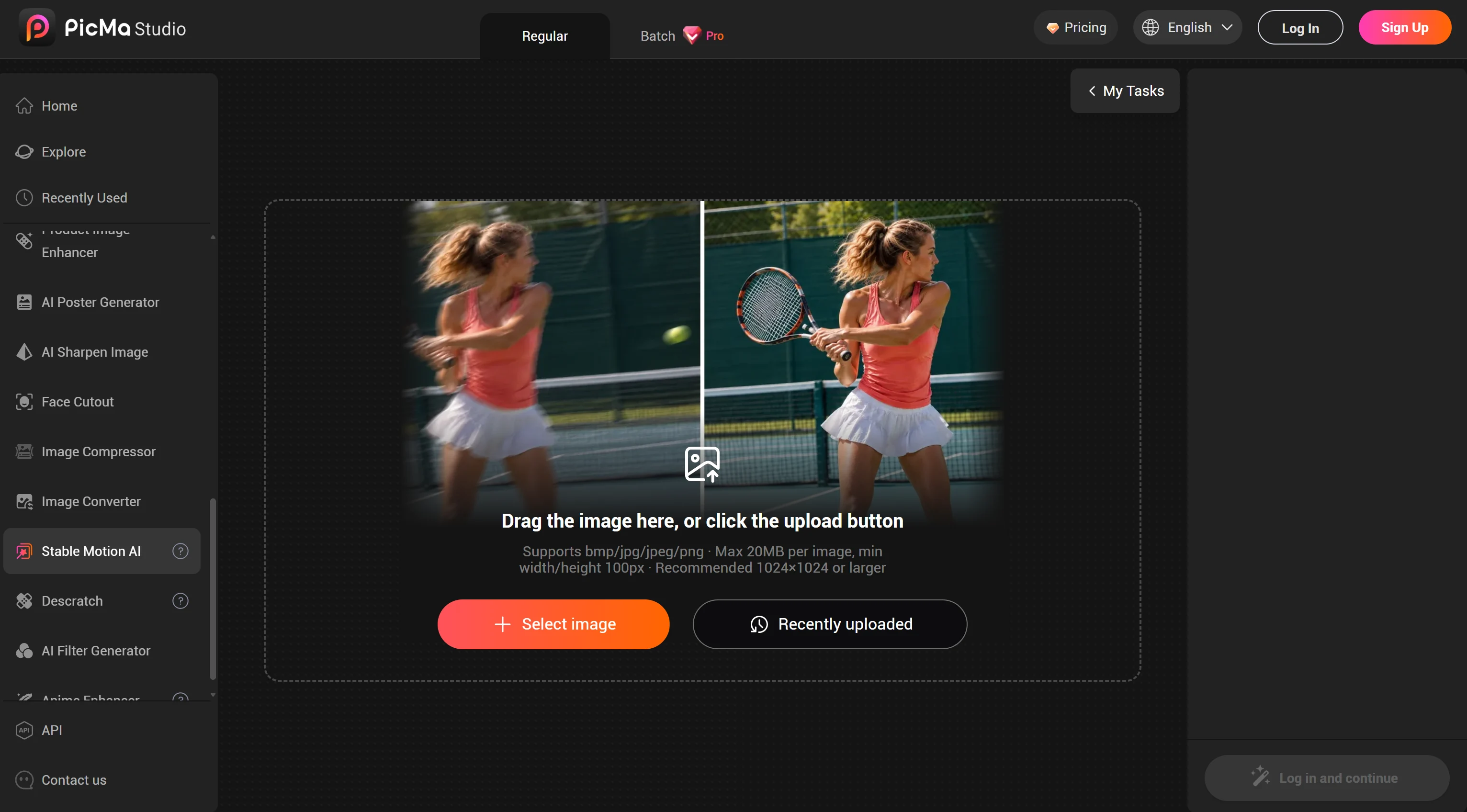
- Upload: Open PicMa Stable Motion AI and upload your blurry photo.
- Enhance: Let AI process your image and reduce motion blur.
- Save: Preview the result and download your enhanced photo!
That's it. Your favorite concert memories get another chance to shine.
Keep the Memory, Not the Blur
Some concert photos are more than just pictures. They're reminders of the song you sang at the top of your lungs, the artist you finally saw in person, and the unforgettable night you shared with thousands of other fans.
You shouldn't have to delete those memories just because your hands were shaking a little too much.
Next time you find a blurry concert photo hiding in your gallery, give it another chance with PicMa Stable Motion AI.
Try PicMa Stable Motion AI Now Your favorite moments deserve to be seen clearly.

Frequently Asked Questions
1. Can AI Fix Blurry Concert Photos?
Yes! AI tools like PicMa Stable Motion AI can help reduce motion blur and improve image clarity. The results depend on the original photo quality and the severity of the blur.
2. Why Are My Concert Photos Always Blurry?
Concert photos often turn out blurry because of shaky hands, moving performers, and low stage lighting. These factors can make it difficult for your phone to capture sharp images, even with a good camera.
3. Can I Use PicMa to Fix Other Blurry Photos?
Absolutely! PicMa Stable Motion AI can also help improve photos of moving pets, sports activities, travel moments, and other fast-moving scenes. It's a handy tool whenever motion blur affects your pictures.

 5

 English