Flipping through a box of vintage postcards can feel like opening a time capsule. Often, the real treasure isn't the scenic photograph on the front, but the handwritten note on the back: a grandparent's travel update from decades ago, a faded postmark, or an old address that brings back memories of another time.
The challenge is that paper and ink don't always age well. Sunlight, humidity, and years of storage can leave handwriting faint and difficult to read. Even when the original message is still there, taking a quick phone photo may make things worse. Glare, shadows, and low image quality can make already-faint letters even harder to distinguish.
If you want to share an old postcard with family, add it to a digital archive, or print a clearer copy, improving its readability is a good place to start. With a careful scan and AI text enhancement, you can make existing handwriting easier to see while keeping the original postcard untouched.
Why Is the Writing on Old Postcards So Hard to Read?
Old postcards can become difficult to read for several reasons. Over time, exposure to sunlight, heat, and humidity may cause ink to fade or paper to discolor. Some types of ink may also spread or lose contrast as the paper ages.
The result is often a handwritten message that blends into the background. Small cursive letters, dates, postmarks, and street addresses can be especially difficult to distinguish.
The way you digitize the postcard matters, too. A phone photo taken under uneven lighting may introduce shadows or reflections. If the image is compressed or resized before sharing, fine handwriting can lose even more detail.
Standard photo filters may improve brightness or contrast, but they don't always make small letters easier to recognize. When the main problem is faint or blurry writing, a tool designed for text clarity may be a more suitable option.

Step 1: Create a Clear Digital Copy of Your Postcard
Before enhancing faded postcard writing, start with the best possible scan or photograph. AI tools can improve the appearance of visible details, but a clearer source image gives them more information to work with.
If you're using a smartphone, place the postcard on a flat surface near a window with soft, indirect daylight. Turn off the flash and avoid direct overhead lighting, which can create glare or uneven shadows.
Keep your camera parallel to the postcard so the handwriting doesn't appear distorted. Make sure the entire card is in focus, especially the message, postmark, date, and address.
For postcards you plan to reprint, a flatbed scanner is another good option. Scanning at 300 DPI or higher can capture fine details more consistently, particularly when the original contains small handwriting.
Before editing, save an untouched copy of the scan or photo. This gives you an original reference to compare with the enhanced version and helps preserve the postcard's historical details.

Step 2: Make Faded Postcard Writing Clearer with AI
Once you have a digital copy, you can use an AI text enhancer to improve the visibility of faint or blurry writing.
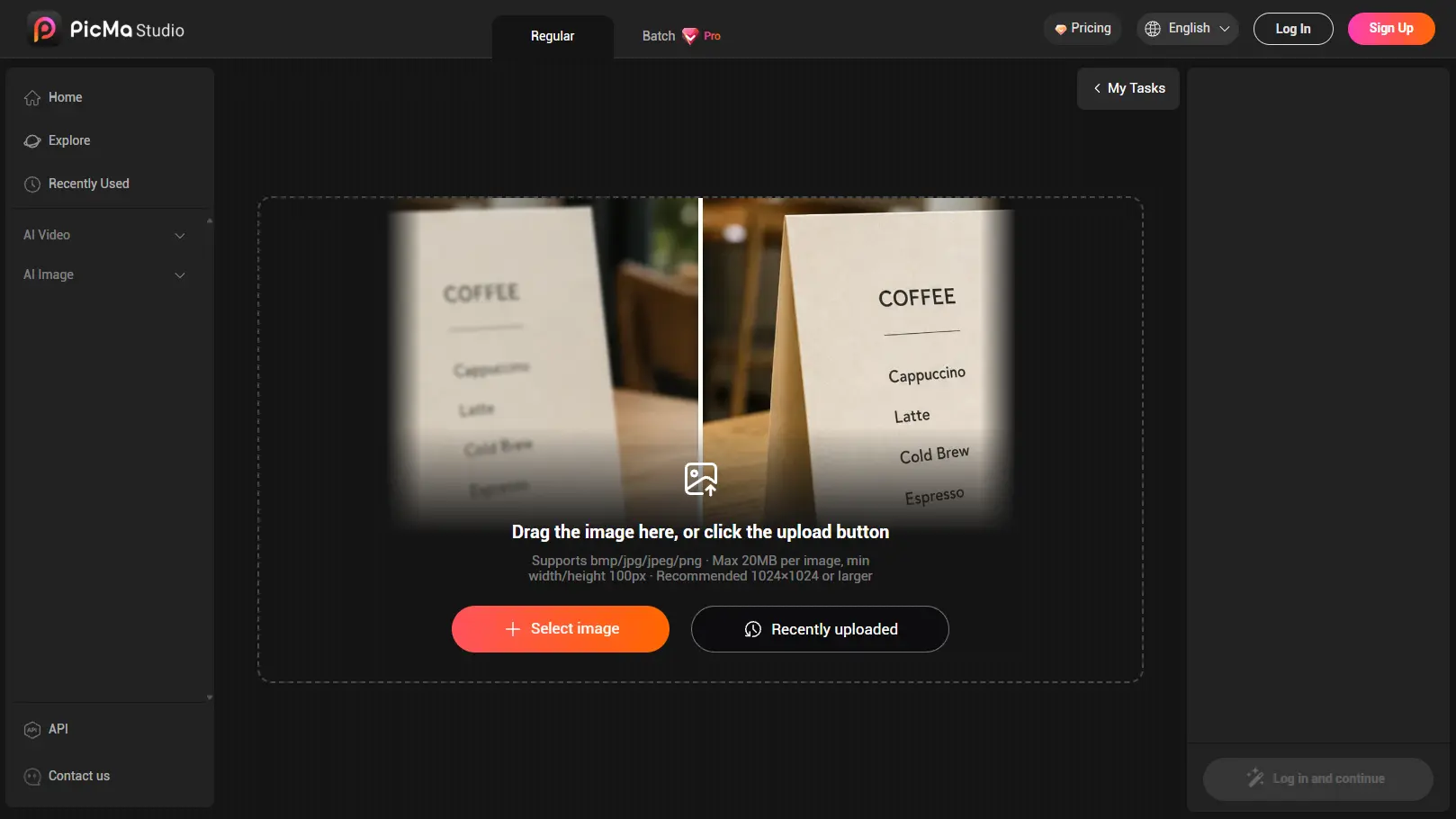
PicMa Studio's Text Enhancer is designed to improve text clarity in images. It can be useful when old postcards contain handwriting, dates, addresses, or other text that has become difficult to distinguish.
Here's how to use it:
1.Upload your postcard image
Open PicMa Studio's Text Enhancer and upload your scanned postcard or phone photo. Choose an image that includes the full message and any details you want to preserve, such as postmarks or handwritten dates.
2.Start text enhancement
Run the text enhancement process. The tool works to improve the clarity of text in the image, helping make faint or blurry writing easier to view.This can be particularly useful for postcards with low-contrast handwriting or small text that is difficult to inspect at the original image size.
3.Preview and save the result
When processing is complete, review the enhanced image and compare it with your original. Pay particular attention to names, dates, addresses, and other details that matter to you.
If the result is clearer and suitable for your purpose, save the enhanced copy. Keep the original scan as well, so you can refer back to it whenever needed.
A note on preserving historical accuracy: AI enhancement can improve the visibility of details that remain in the image, but it cannot reliably recover words or letters that have completely disappeared. It may also change the appearance of ambiguous marks. If you're trying to identify an important family date, name, or historical detail, always check the result against the physical postcard.
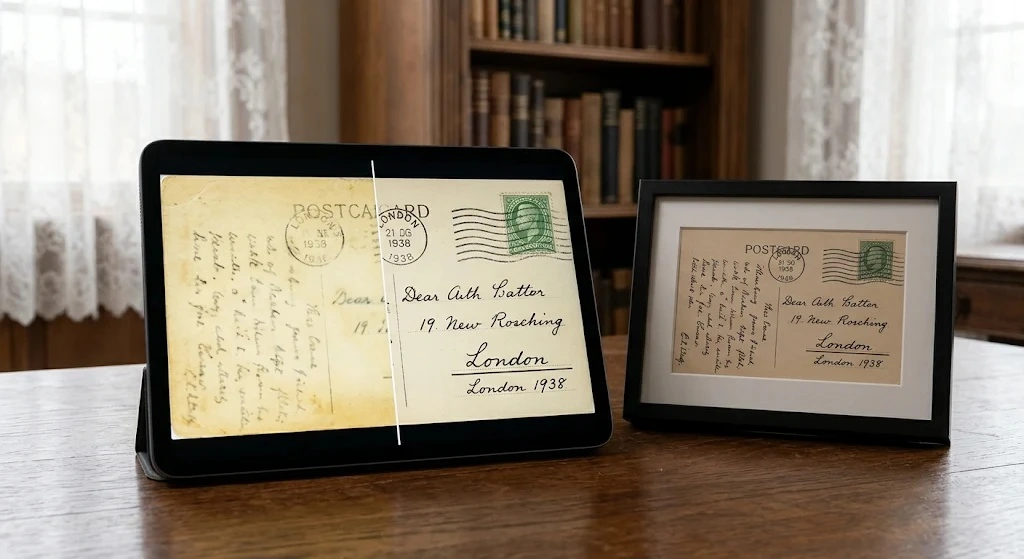
Preparing Your Enhanced Postcard for Sharing or Printing
After improving the text, think about how you plan to use the digital copy.
If you're sharing it in a family group chat or on social media, make sure the handwriting is large enough to read on a phone screen. Avoid repeatedly compressing the image, as this can reduce its clarity.
For printing or framing, check the image dimensions and resolution before sending it to a printer. A clear-looking image on screen may still appear soft when enlarged, so use a sufficiently detailed original scan whenever possible.
You may also want to improve the postcard's front and back separately. The Text Enhancer is useful when the main concern is handwritten messages or printed details. If the photograph or illustration on the front looks blurry, faded, or dull, PicMa Studio's Photo Enhancer can help improve the overall image appearance.
Once you're happy with the digital versions, store the physical postcard in an archival-quality sleeve or folder, away from direct sunlight and excessive humidity. Save both the original and enhanced images with descriptive filenames, such as 1968-Paris-Postcard-Grandma.jpg, so you can find them easily in the future.

Frequently Asked Questions
Can AI restore completely faded writing on old postcards?
AI text enhancement can improve the visibility of faint, blurry, or low-contrast writing that is still partially visible in an image. However, if the ink has completely disappeared, AI cannot reliably determine what the missing words originally said. It is best used to improve existing visual details rather than recreate lost information.
How can I make old postcard handwriting easier to read?
Start by scanning or photographing the postcard in good lighting. Then upload the digital image to a text enhancement tool, such as PicMa Studio's Text Enhancer. Review the result carefully and compare important details with the original postcard.
Should I use a Text Enhancer or a Photo Enhancer on an old postcard?
It depends on which part of the postcard needs improvement. Use a Text Enhancer when the main issue is faint handwriting, small letters, postmarks, or addresses. Choose a Photo Enhancer when the postcard's photograph or illustration looks blurry, dull, or lacks overall image clarity. You can use both tools on separate digital copies if both sides need attention.
Preserve the Messages Behind Your Old Postcards
An old postcard is more than a piece of paper. Its handwritten message can preserve a travel memory, a family story, or a connection to someone from another time.
If the writing has become difficult to read, you don't have to give up on those details. Start with a clear digital copy, use AI text enhancement to improve the visibility of the handwriting, and keep the original for reference.
With PicMa Studio's Text Enhancer, you can make old postcard writing easier to view before sharing or printing, helping you revisit the stories that might otherwise remain hidden in a box of old memories.


 2

 English