Do you have a collection of old photos cherished dearly? They hold priceless family moments, mark history’s steps—yet time has left them yellowed, tattered, faded.
Crave that old family portrait to glow again? Want childhood memories sharp and vivid?
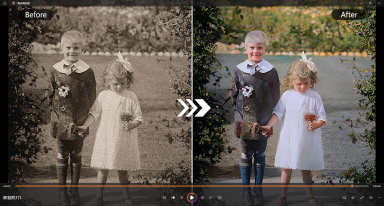
Well, PicMa’s new Repair Damaged Photo tool is your answer. It doesn’t just fix cracks and age—it breathes vibrant color into every pixel, making old photos live again.
How does damaged photo repair work
Available on both desktop and mobile (via the PicMa App for (iOS and Android), click PicMa Repair Damaged Photo tool—an innovative solution powered by cutting-edge AI photo restoration technology. Designed to breathe new life into worn-out images, it effortlessly tackles everything from torn edges and creases to stubborn fading caused by years of storage. Whether your old photo bears the marks of time with cracks, discoloration, or frayed corners, this tool works its magic in mere seconds, smoothing out imperfections and reviving clarity without losing the authentic charm of the original.
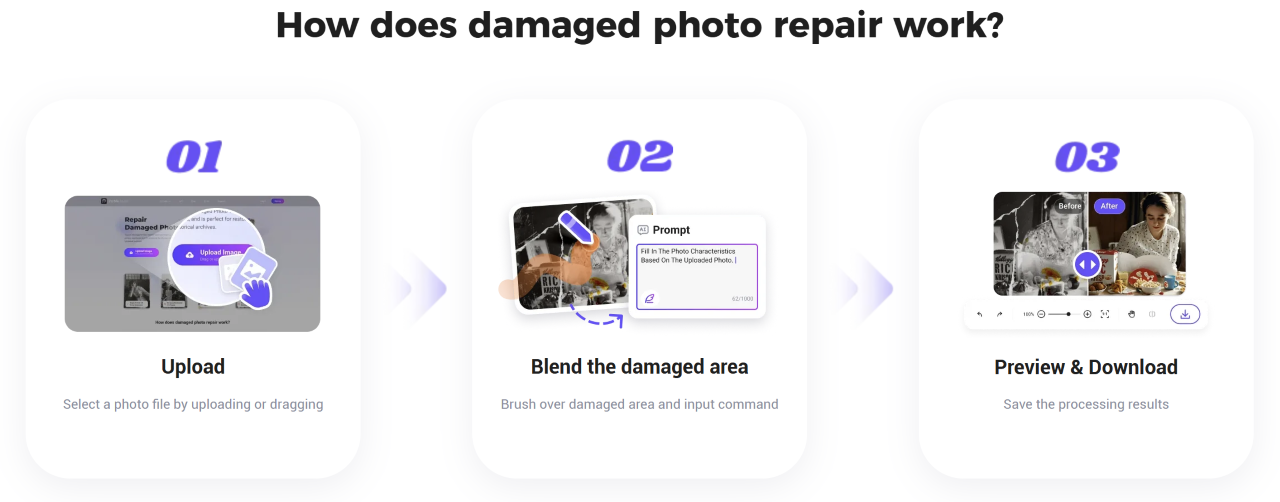
- Step2. Upload the damaged photo
Select a photo file by uploading or dragging. The tool will then take over and process the photo automatically.
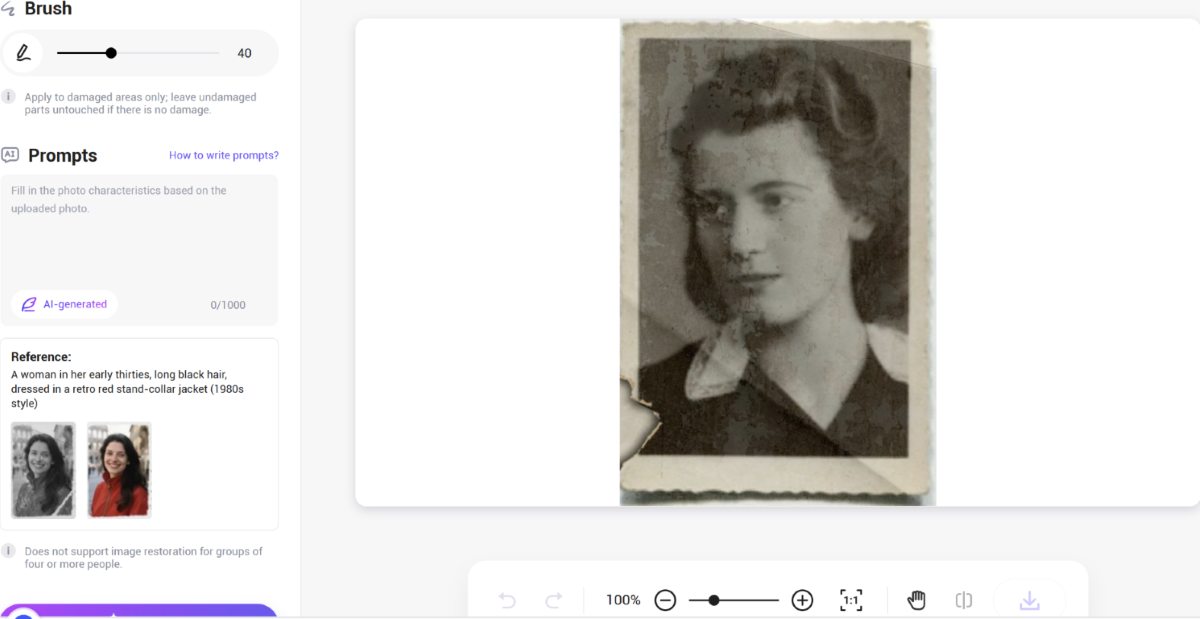
- Step3. Blend the damaged area
Users can use the “brush” to paint over damaged areas, taking care to leave undamaged parts untouched. Please note that you should carefully fill in the photo keywords section. The more detailed you are in describing the original photo's features, the higher the accuracy of the photo restoration will be. If the photo is not very blurry, this section does not need to be filled in. Finally, click the restore button and wait for the new photo to generate instantly.
- Step4. Preview & Download
Whether your old photo bears the marks of time with cracks, discoloration, or frayed corners, this tool works its magic in mere seconds, smoothing out imperfections and reviving clarity without losing the authentic charm of the original. If the photo’s clarity still falls short of your expectations after previewing, simply revisit the tool to fine-tune it further. Once satisfied, save and download your restored photo with ease.
Versatile for All Scenarios
The AI tool for repairing damaged old photos works across all scenarios: low-resolution images, motion-blurred shots, torn or damaged visuals, yellowed family portraits in home albums, long-standing historical images, and worn personal old photos—all can be handled effortlessly.
Fills In Cracks and Restores Colors
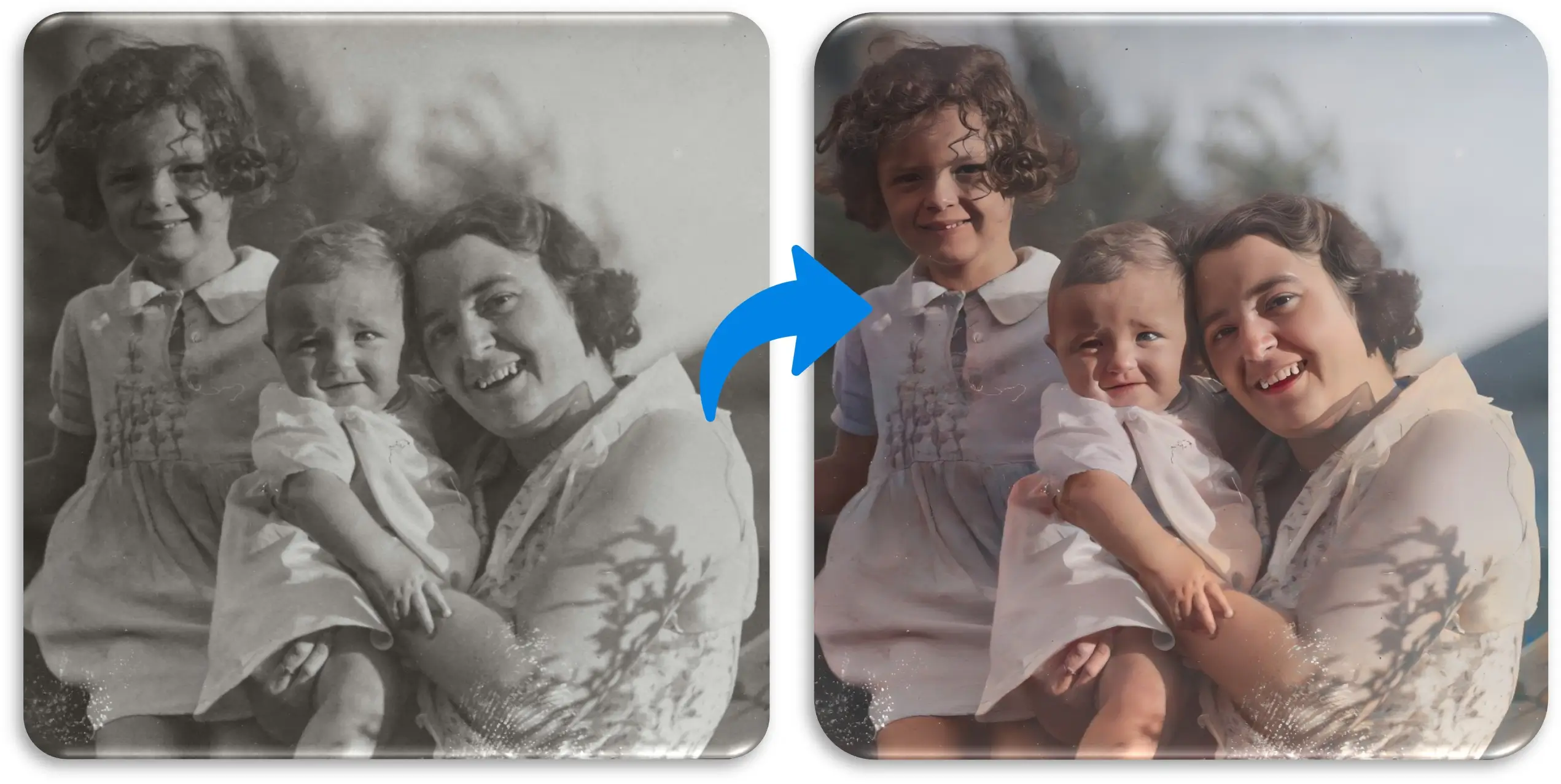
Powered by intelligent algorithms, it precisely fills in cracks and restores colors, utilizing AI to paint black and white photo, making every precious memory transcend time, reemerging in clear, vivid brilliance.
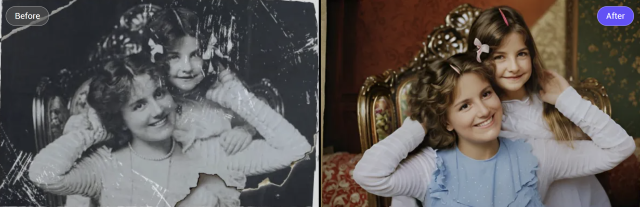
Manual Repair Feature
Its manual repair feature allows targeted patching of damaged areas while preserving the original charm. Satisfying every user and delivering stunningly restored photos—this is PicMa’s mission for its damaged photo repair tool.
Fast & precise & zero-threshold
With second-speed processing and zero operational barriers, This allows you to process all the photo restoration features at once, saving time compared to processing different features individually.
Note for image uploads:
A little editing goes a long way.
To make your damaged photos beautiful and lifelike again, please follow these instructions:
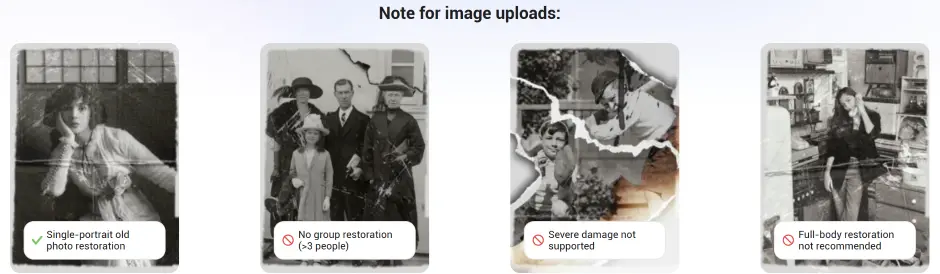
- Single-portrait old photo restoration
- No group restoration (>3 people)
- Severe damage not supported
- Full-body restoration not recommended
Using photos of slightly damaged areas for AI repair, your restored old photos will have visual effects and resolution as good as—even better than—professionally photographed ones.
With PicMa’s smart AI tools, you can transform an damaged photo into a stunning image in seconds.
Whether you’re recoloring illustrations from your classic book collection or revitalizing a famous painting, this app lets you restore images with professional ease—no design degree required.
Try it out for yourself. Your family and your friends will notice the difference.
What video formats are supported?
PicMa Repair Damaged Photo embraces an extensive array of photo formats—including bmp\jpeg\jpg\png image format, maximum size20M. This remarkable versatility means you can repair all kinds of old photos, free from the stress of compatibility hurdles.
Can it fix common issues like torn edges, creases in photos?
Absolutely! PicMa not only handles basic repairs for common issues like tears, creases, fading, yellowing, mold, and stains, but also performs detailed restoration on blurry or damaged facial features—such as missing facial details—while preserving the texture of old photos.
Can it restore the original colors of old photos without distortion?
This tool handles color with extreme precision, it accurately colors black-and-white photos, restores the original hues of old photos, and ensures no color distortion.
Are manual adjustment features easy to understand and use?
Operation is incredibly simple: it supports "one-click repair" and manual adjustment features—such as local retouching and color fine-tuning—all of which are easy to understand and use.
How about processing speed, saving and exporting?
Repairing a photo takes only a few seconds. Restored photos can be saved in high-definition formats (such as JPG, PNG) and support comparison between the original and the repaired version.


Related Readings:

 276
276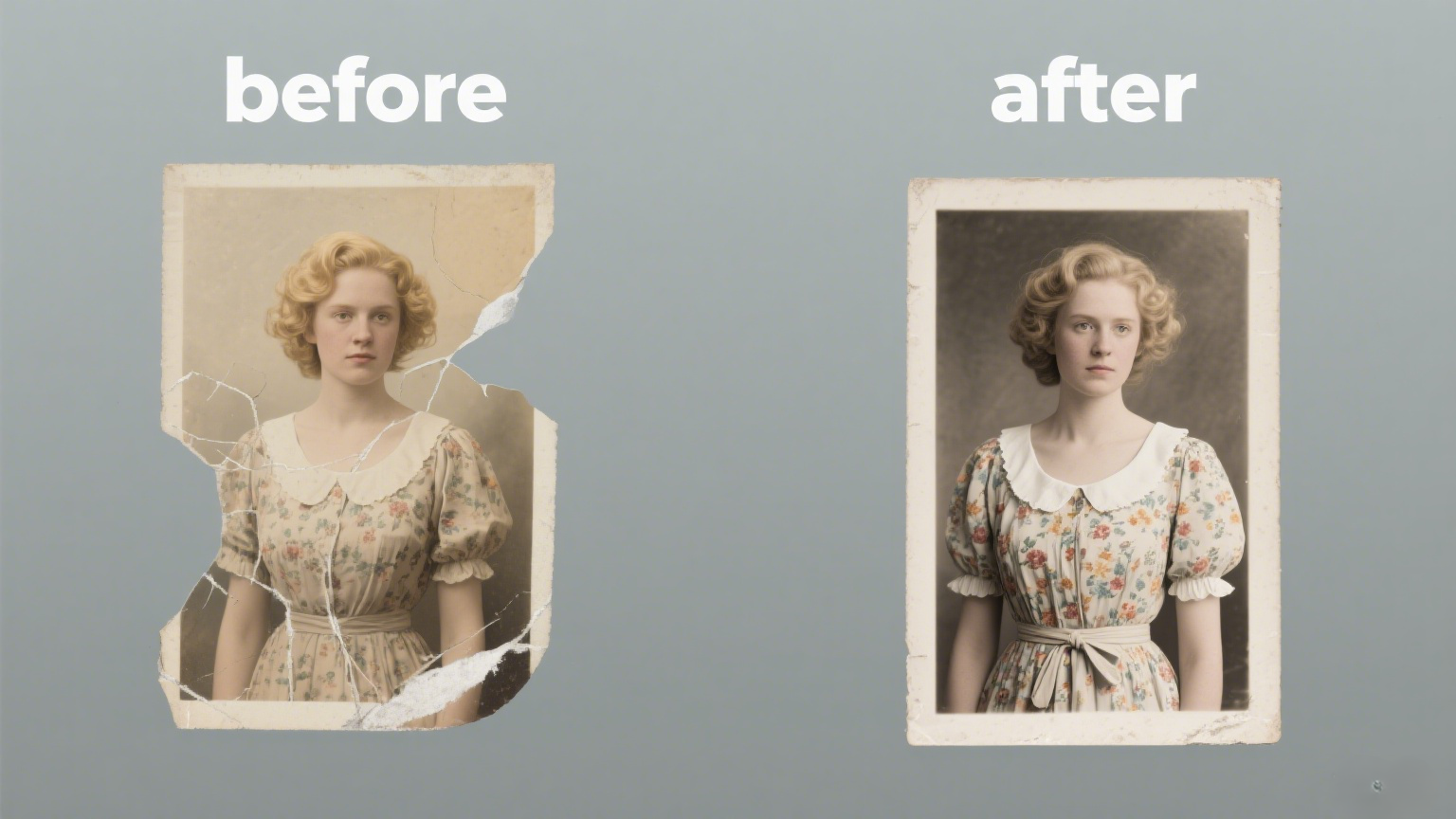

 English