PicMa: Your Digital Time Machine
When we open an old, dusty leather-bound album, its spine cracking with protest, it feels like we’re transported to a certain moment in the past. But then, the spell breaks. A deep scratch cuts across a smiling face; an obvious stain covers a pretty suit; the entire picture fades as if the time itself is actively erasing the story.
What if you could turn back time and reveal the original look of these photos?
Welcome to PicMa’s Smart Restore—your personal digital time machine. This isn't just a "photo fixer". It's a history revival tool. Want to see clearly your great-grandpa you've never met or the old family residence you've never been to before? PicMa can help you.
The Secret Sauce? Our AI Understands Your Photos
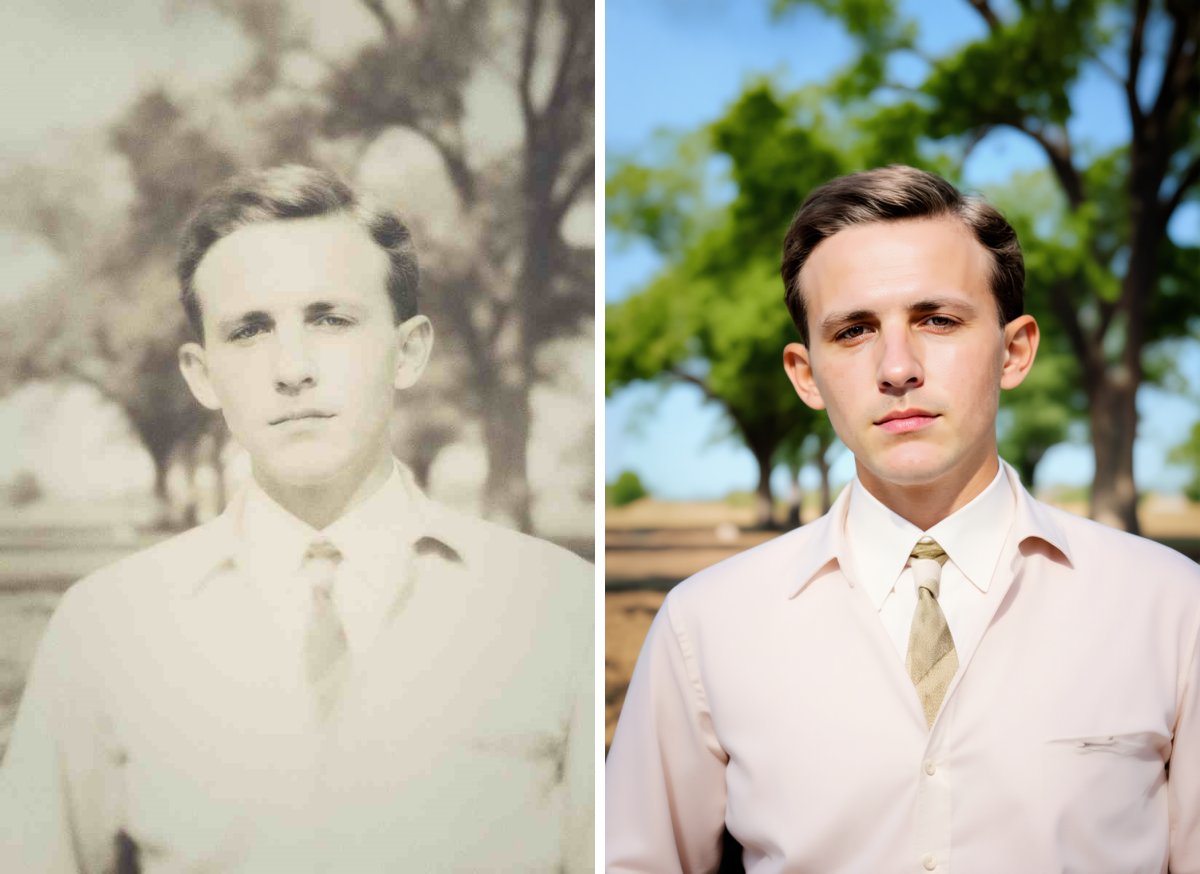
This tool isn't just a filter. Our AI is a keen historian of visuals. It has learned from thousands of historical images what a person, an animal, a house and a landscape should look like, so it can really produce a vivid and authentic result.
For your treasured old photos, this means:
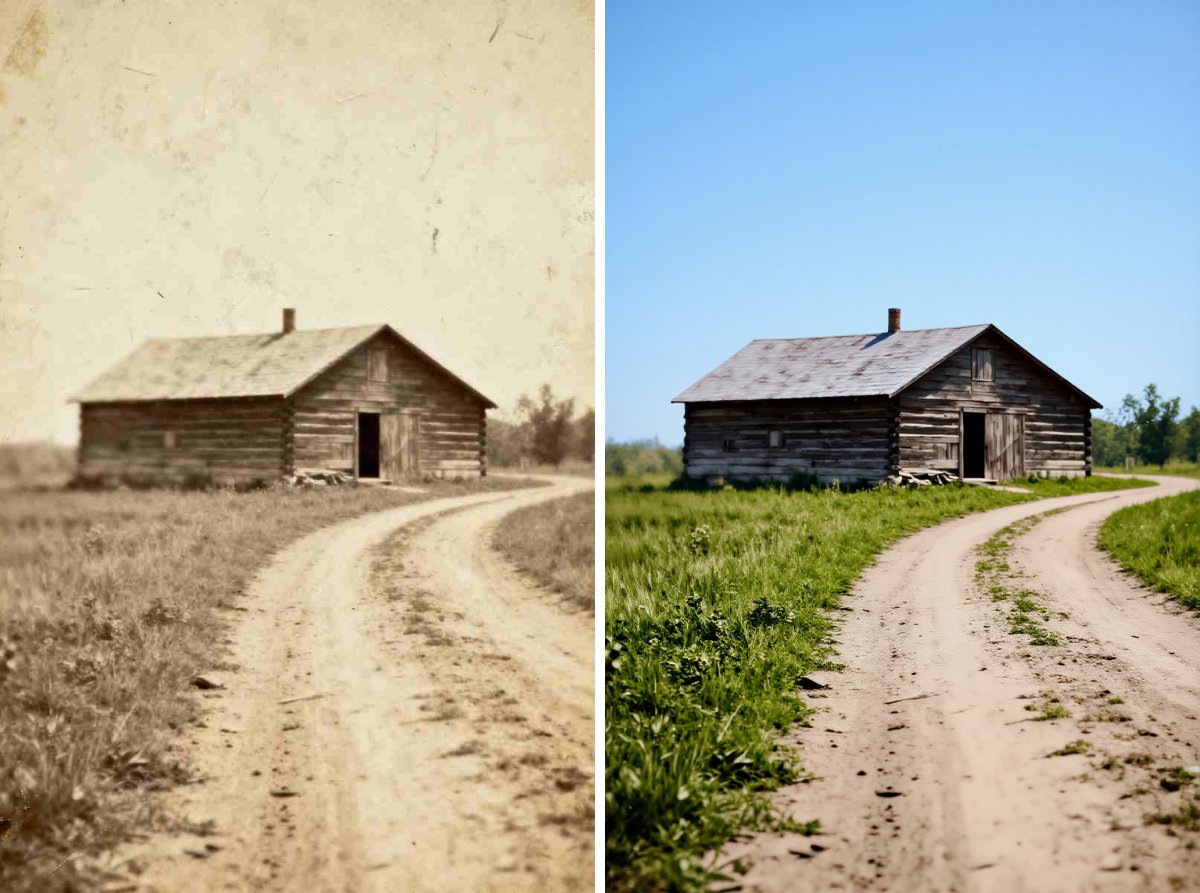
- Damages are no match. The AI precisely recognizes the scratches, stains and tears in the photo and predicts the original look using the surrounding texture, like the most meticulous restorer working on a Renaissance masterpiece.
- Fading is reversed. Contrast returns with intelligence, making the photo vibrant again.
- The soul of the photo remains. This is the most important part. We won't turn your heirlooms into creepy, plastic versions of artificial artworks. We give you back the photo as it was meant to be seen.
Can You Believe It? The Magic Is So Easy
You won't need a degree in digital art to master this tool. Everyone can do it without any technical skills.
Your job is super simple:
- Take a clear picture of that old photo with your phone, or use a scanner
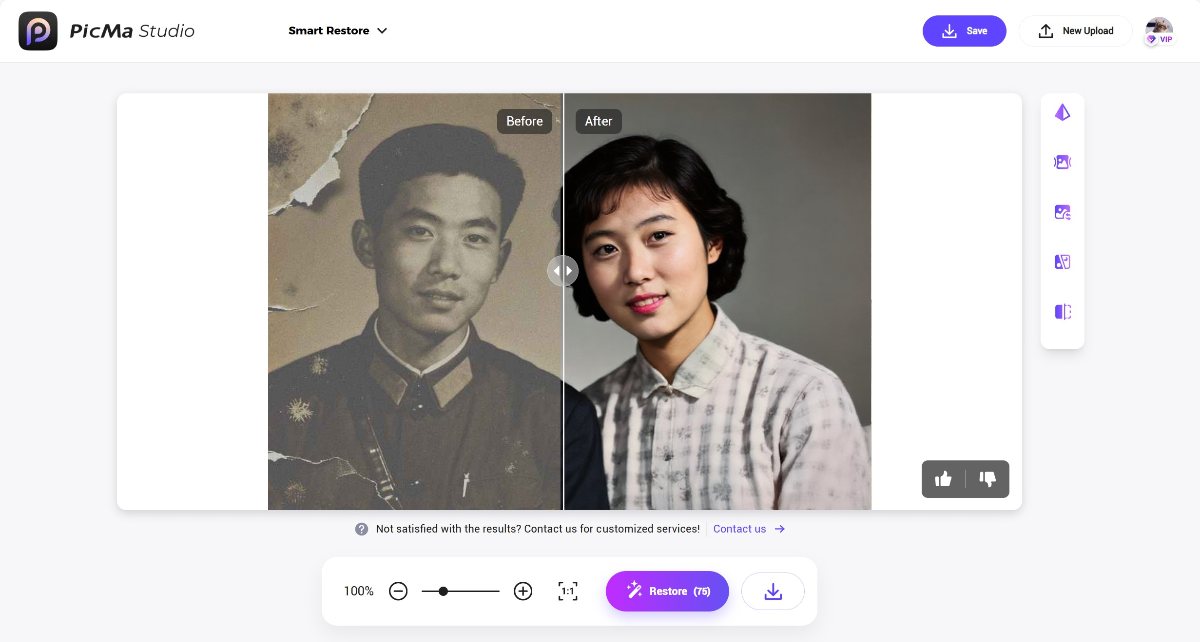
- Visit PicMa Studio on your computer or download the app PicMa on your phone (available for iOS and Android). Find the "Smart Restore" feature and upload your photo
- Hit "Restore" to witness the alchemy. Preview and save your freshly refined photo
That's it. Jaw-dropping? It's definitely easier than you imagined.
Come See Other Powerful Enhancement Tools in PicMa
If you're shocked, don't miss other brilliant enhancement tools in PicMa:
Frequently Asked Questions (FAQ)
Q1: Is Smart Restore really free to use?
A: Yes, absolutely! We are committed to providing powerful photo restoration tools. You might upgrade to VIP for more credits and functions.
Q2: What file formats does PicMa support for restoration?
A: You can upload image formats like JPG, PNG, and BMP. The image resolution should be over 100×100 and less than 2048×2048.
Q3: Can Smart Restore fix photos that are severely damaged?
A: Yes! Even it's torn by large parts, the AI can reconstruct the missing part with ease.
Q4: Will the restoration make my photo look artificial?
A: Not at all! Smart Restore can only give you a clearer, cleaner version of your treasured photo, not a casual, plastic-looking recreation.


Related Readings:

 177
177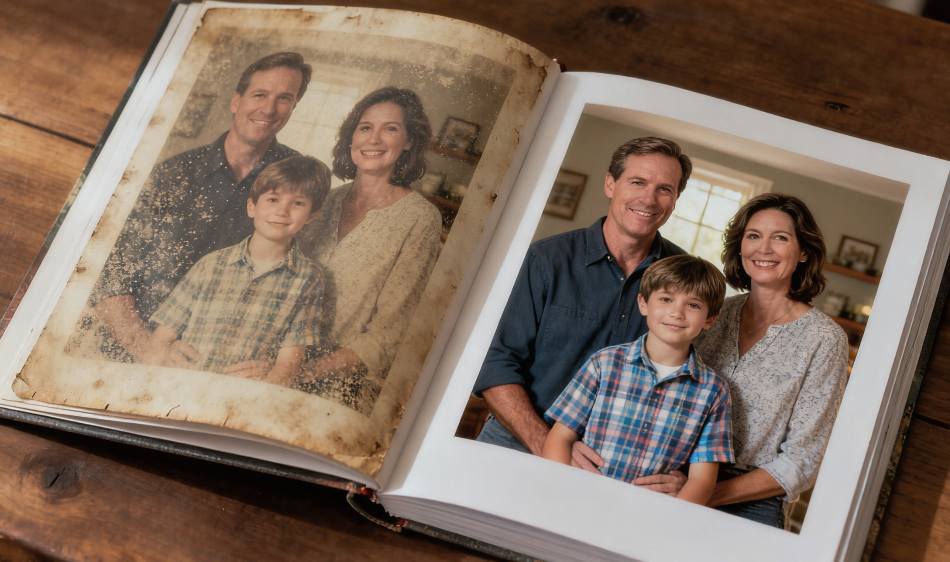

 English