Have you ever dug through a box of financial records, pulled out a receipt for a crucial business deduction, and discovered it was almost completely blank? The date, line items, and total purchase amount—once clear and sharp—have faded into a shadowy blur.
This frustration is all too familiar for small business owners, freelancers, and home-based service providers. Most daily business receipts are printed on thermal paper, which reacts sensitively to heat, light, and friction. Over time, that paper inevitably returns to a blank state.
When tax season arrives, quarterly sales tax returns are due, or an auditor comes knocking, a illegible receipt can cause serious headaches. Tax authorities typically require you to hold onto records for several years—often 3 to 4 years depending on state laws (such as New York and California). If you can't prove an expense with a readable document, tax agencies may disallow your deduction, leading to unexpected penalties, interest, and avoidable tax debt.
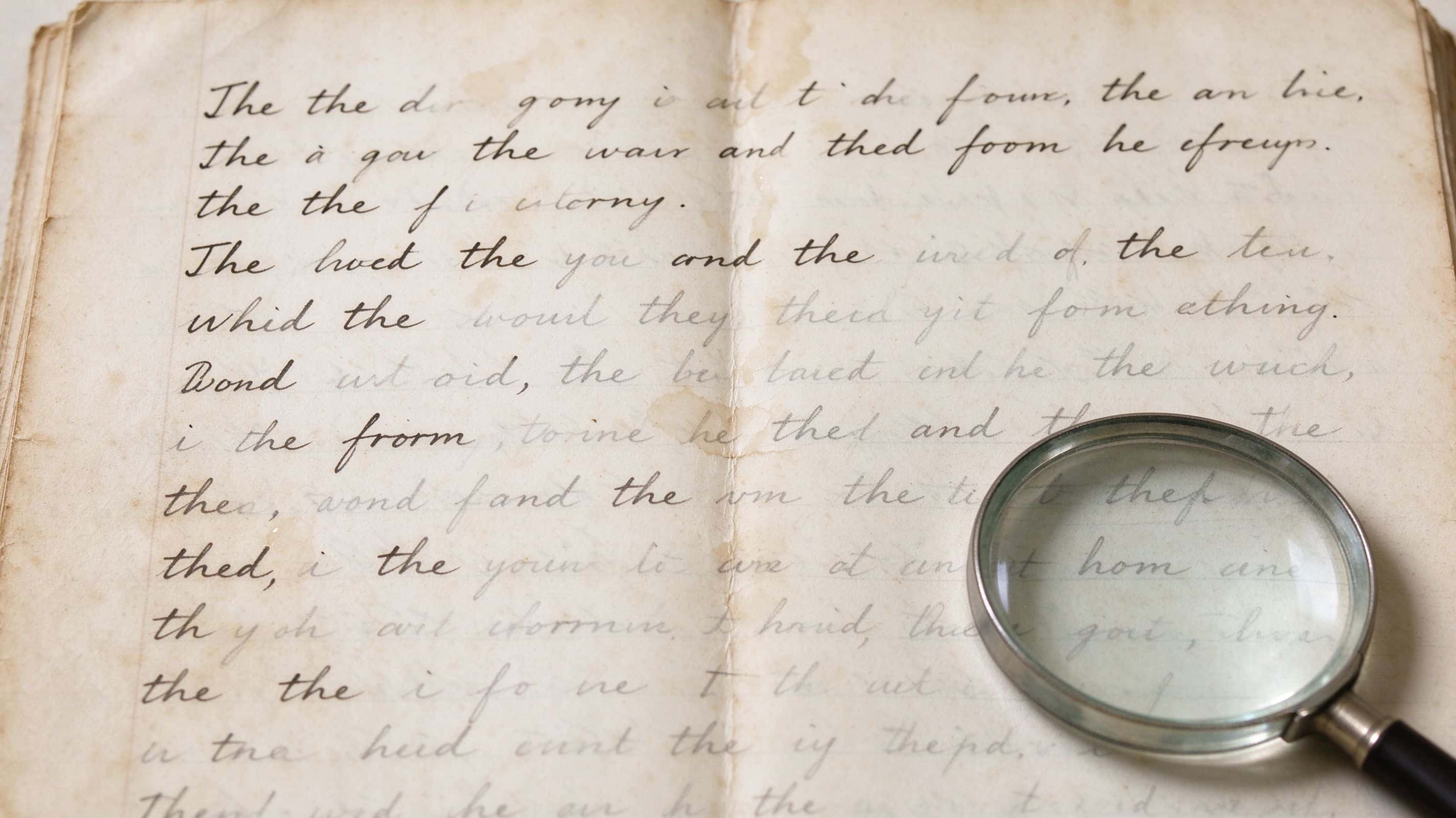
The exact same challenge applies to personal history: faded ink in old family recipes, light graphite in childhood diaries, and aging letters from ancestors.
Fortunately, you don't have to decipher faint lines with a magnifying glass. Modern AI text enhancement technology provides a fast, hassle-free way to restore clarity to digital photos of faded receipts and handwritten notes.
Why Use AI to Enhance Faded Receipts and Handwriting?
Faded documents can be more than just an inconvenience.
- Business receipts: Faded transaction dates, amounts, and vendor details can make expense tracking and financial recordkeeping more difficult.
- Tax records: Unreadable receipts may cause problems when organizing supporting documents for tax returns or responding to audit requests.
- Old handwritten notes: Faded ink in family letters, recipes, and diaries can make important personal memories difficult to revisit.
- Pencil writing: Light graphite marks can blend into yellowed paper, making old notes and documents harder to read.
Traditional photo editing tools allow you to adjust brightness and contrast manually, but finding the right settings can take time. An AI text enhancer provides a simpler alternative by helping improve the visibility of existing text in a digital image.
If you have a photo of a faded receipt or handwritten document, you can try PicMa Studio Text Enhancer.

How to Enhance Faded Handwriting and Receipts with PicMa Studio
Imagine finding an old business receipt while organizing your expense records. The paper is still intact, but the printed details are barely visible.
Instead of manually adjusting multiple image settings, you can upload a photo of the document to PicMa Studio and enhance its text clarity.
Step 1. Prepare Your Document Photo
Take a photo of the receipt, letter, recipe, or handwritten note you want to enhance.
For better results, use even lighting, avoid shadows and reflections, and make sure the text is clearly captured.
Step 2. Open PicMa Studio Text Enhancer
Visit PicMa Studio Text Enhancer to access the tool.
Upload your old handwritten photo to get started.

Step 3. Enhance the Faded Text
Once your image is uploaded, start the text enhancement process.
PicMa Studio helps improve text clarity and visibility, making faded writing easier to distinguish. This can be especially helpful for old letters, handwritten recipes, and notes where the ink has lost its original contrast.
Step 4. Preview and Save Your Enhanced Image
Once processing is complete, review the enhanced image and compare it with the original. Pay attention to important details such as dates, transaction amounts, names, and handwritten text.
For financial or tax records, always verify the information against the original document or other available records. Keep an untouched copy for reference.

How to Keep Receipts from Fading
Preventing receipts from fading is easier than trying to recover information later. Here are a few simple ways to protect important records:
1. Digitize receipts early. Take a clear photo or scan of each receipt as soon as possible, rather than waiting until tax season
2. Store physical receipts properly. Keep thermal paper away from direct sunlight, heat sources, and moisture. A cool, dry, dark storage space is preferable.
3. Organize digital copies. Sort receipt images by year, month, or expense category so you can find them easily when reviewing business expenses or preparing tax returns. 4. Back up important records. Keep copies in secure cloud storage or on an external drive to reduce the risk of losing files. These habits can help protect important financial information and make long-term recordkeeping easier.

Preserve Important Information Before It Fades Away
Whether you're safeguarding a business against unexpected audit penalties or rescuing a grandmother's hand-written recipe card, lost text doesn't have to stay lost.
By digitizing early and using tools like PicMa Studio Text Enhancer when ink begins to fade, you can recover clear, legible details from damaged paper and protect your vital records for years to come.
Frequently Asked Questions
Can AI make faded receipts readable again?
AI text enhancement can improve the visibility of existing text in a receipt photo, making some faded characters easier to distinguish. However, results depend on the original image. Completely disappeared text cannot be reliably recovered.
How long should I keep business receipts for tax purposes?
It depends on the type of tax record and local regulations. In the United States, the IRS generally recommends keeping supporting records for three years in common situations, while some circumstances require longer. State sales tax retention requirements may also differ.
Can AI enhance old handwritten recipes and letters?
Yes. AI text enhancement can help improve the visibility of faded ink and pencil writing in digital photos of handwritten documents, including old recipes, family letters, and diary entries.

Related Readings:

 5

 English