Revive Your Blurry Landscape Photos with PicMa’s AI Photo Enhancer
There’s nothing quite as disappointing as when you're going to post your photos from a brilliant trip, only to find that some of your favorite landscape shots turned out blurry. Whether it was due to low light, camera shake, mishandling, or just the malfunction of the device, blur can ruin a perfect image. But what if you could restore the beauty with just one click?
The good news is that this won't be a troublesome problem anymore. At PicMa Studio, our advanced AI-powered Photo Enhancer specializes in transforming blurry, low-quality photos into stunning, high-definition masterpieces. Best of all, it’s completely free and incredibly easy to use—whether you’re on our website or using the PicMa app.
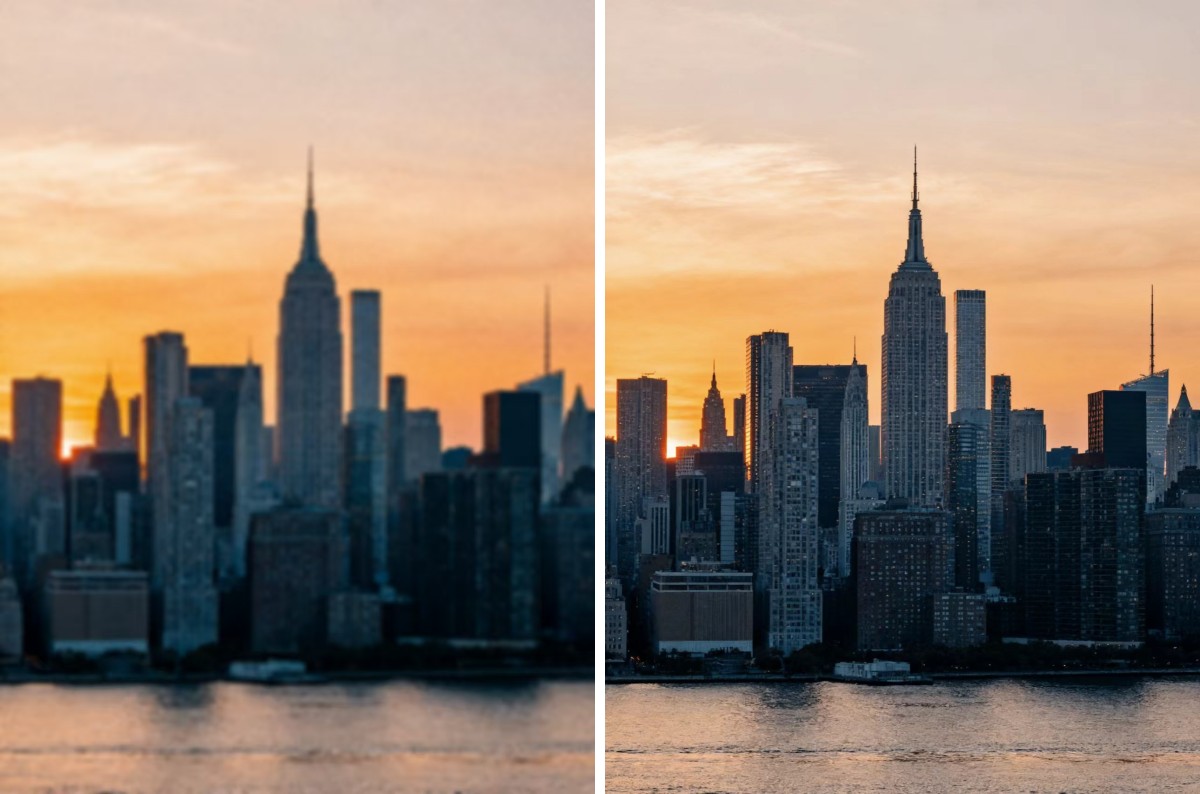
How Does AI Photo Enhancer Work?
Landscape photos often involve wide scenes and fine textures. Blurriness can obscure these important details, making the image look unnatural. Thanks to our advanced AI algorithms, Photo Enhancer analyzes every pixel in your image. It recognizes patterns, sharpens edges, reduces noise—all while preserving the natural beauty of your original shot. The result is a stunning, high-quality picture with smooth details and vibrant colors.
Unlike traditional editing tools that require manual tweaking, our technology takes up the tough task for you. You don’t need to be a professional photographer or master complex editing skills to use PicMa. Whether you've captured mountain vistas, beach sunsets, or forest trails, our tool helps you save those wonderful moments in crystal-clear quality. The steps are extremely simple.
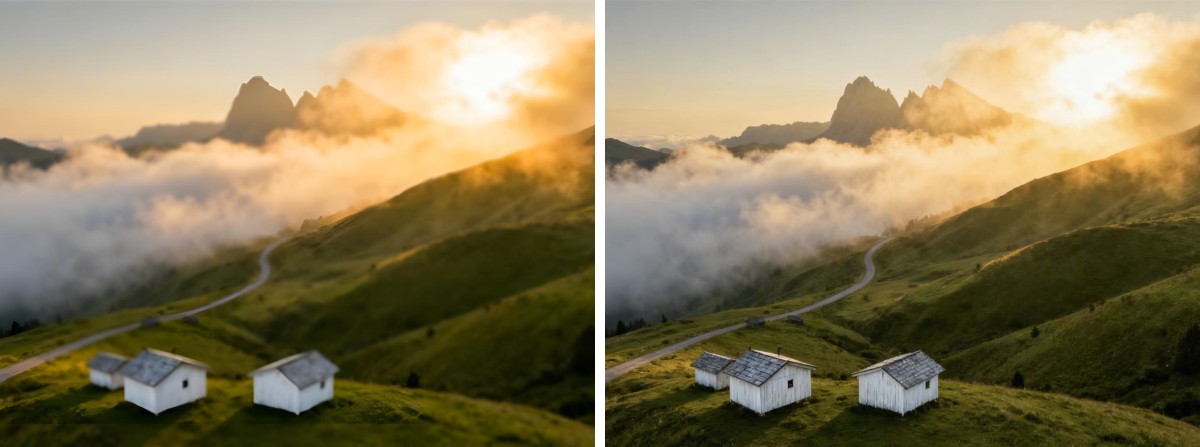
How to Enhance Your Photos within Seconds
For web users, you may:
- Visit the PicMa Studio website and go to the "Photo Enhancer" section
- Upload your photo (or try bulk edit to process up to 15 photos at once)
- Wait a moment to get your amazing results
For phone users, it's equally easy:
- Download the app PicMa from the Google Play or the Apple App Store
- Find "Enhance" (for general photos) or "Scape HD" (designed for landscape photos) and upload your photo
- Preview and download your enhanced photo
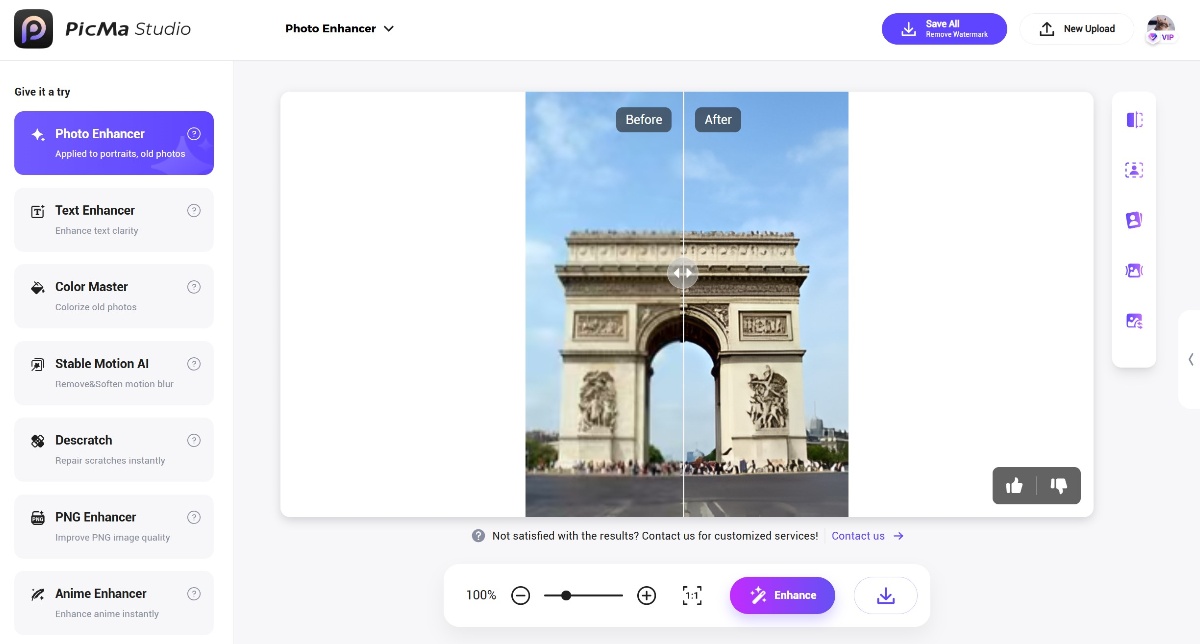
Unlock More AI Tools in PicMa
Don’t let blurry photos keep you from sharing your amazing experiences. Just give PicMa a try! You can also access these enhancement tools for free now:
More features are here to be discovered. Come check your new photo editor now!
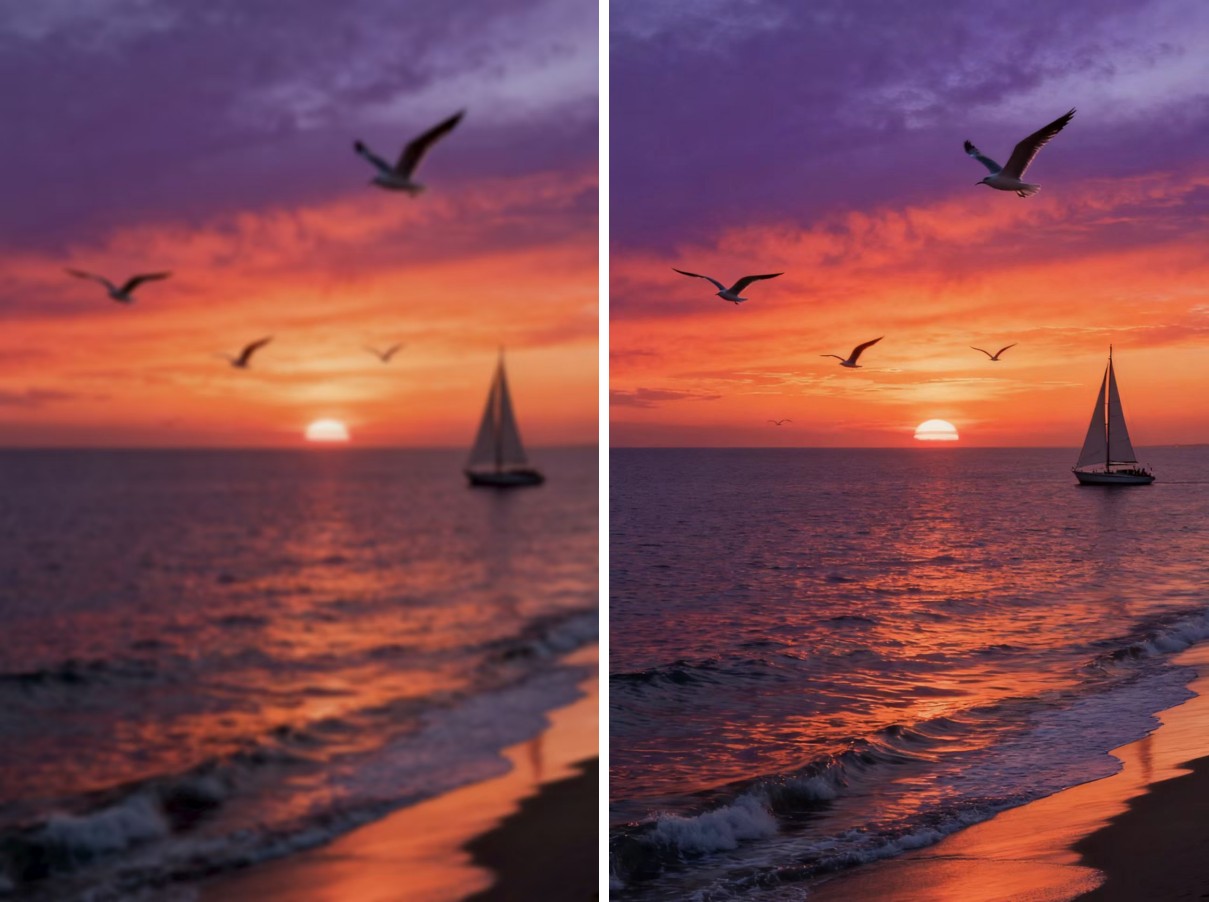
FAQ (Frequently Asked Questions)
Q1: Is the AI photo enhancer really free?
A: Yes! Our basic enhancement service is completely free. Normal users can enhance 10 images for free per day.
Q2: How long does it take to enhance a photo?
A: Typically, it takes just a few seconds to process one image. This depends on the image size.
Q3: Will enhancing a photo reduce its original quality?
A: No. Our AI enhances your image without sacrificing quality. In fact, it increases resolution and sharpness while maintaining the original feel of the photo.
Q4: Can I use the enhancer tools on old scanned photographs?
A: Absolutely. The tool works well with both digital and scanned images, including older photos that suffer from wear and tear.
Q5: Does PicMa store my photos after enhancement?
A: We take privacy seriously. Your photos are processed securely and are not stored on our servers.


Related Readings:

 208
208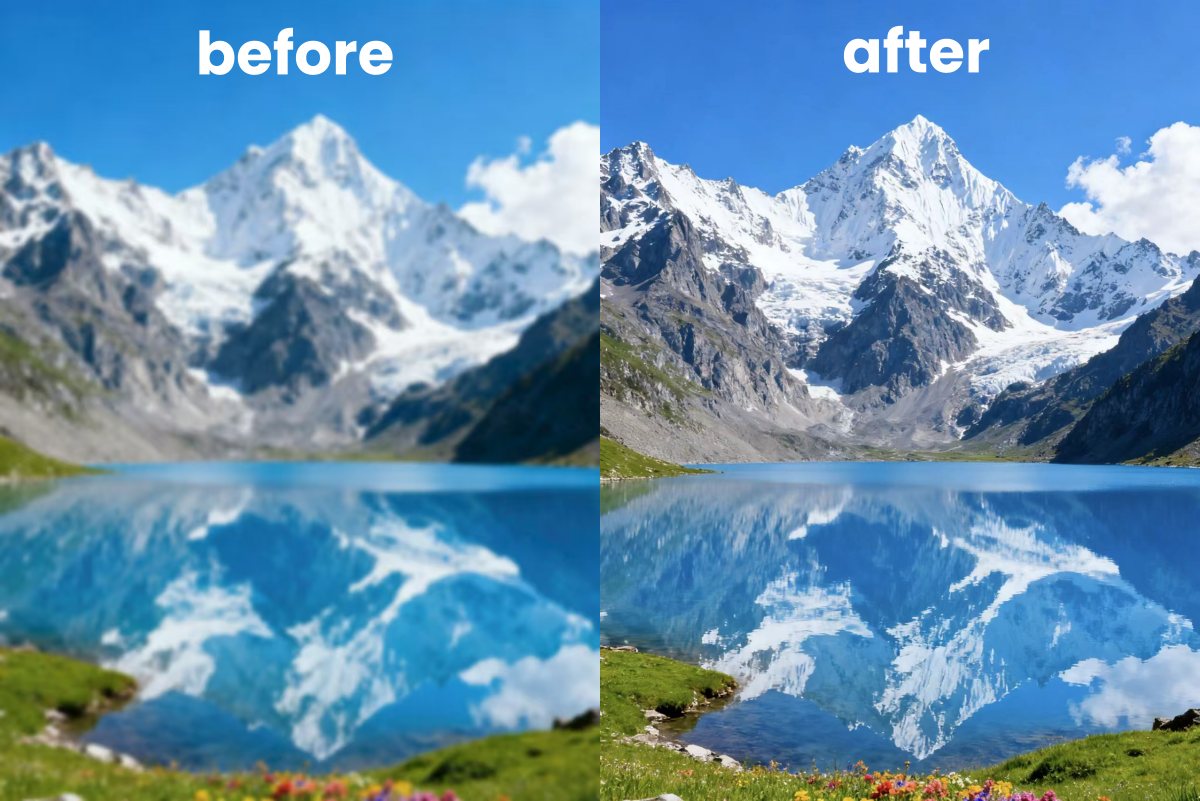

 English