Why Your Professional Image Matters in 2026
In a digital-first job market, your LinkedIn profile or resume photo is your "digital handshake." A pixelated, poorly lit, or casual selfie can subconsciously signal a lack of professionalism. Conversely, a crisp, high-definition headshot conveys authority and attention to detail.
If you don’t have the budget or time for a professional studio session, AI-driven image enhancement is the game-changer you need. Here is how you can achieve a 4K professional look using PicMa Studio’s specialized portrait tools.
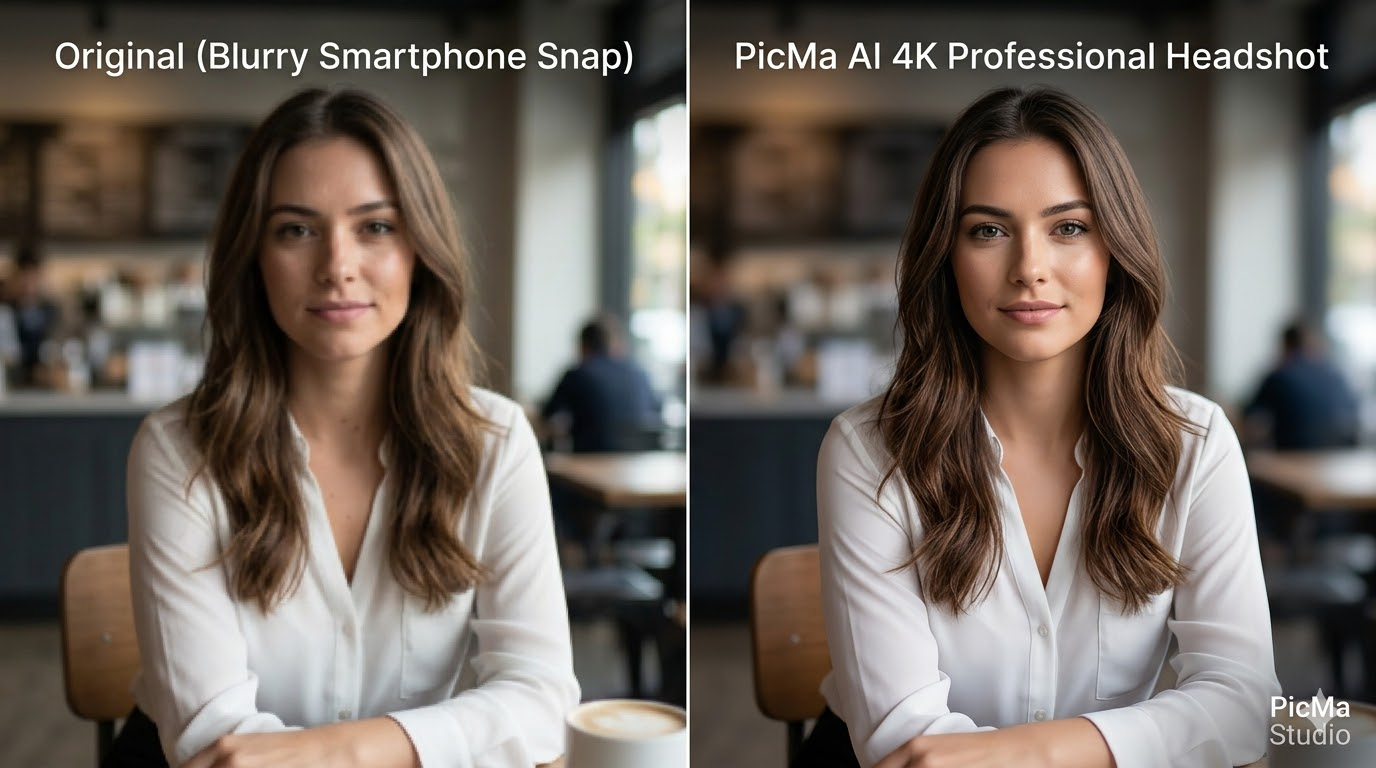
The Science of the "Professional Look": What AI Fixes
To move from a "smartphone snap" to a "corporate executive" look, several technical elements must be addressed. PicMa Studio’s Ultra-Clarity Enhancer focuses on:
- Skin Texture Restoration: Unlike old-school "blur filters," modern AI reconstructs pores and natural skin gradients.
- Eye & Micro-Detail Sharpening: Enhancing the "catchlight" in the eyes to make the subject look more engaged and energetic.
- Lighting Correction: Balancing harsh shadows or underexposed areas to mimic studio softbox lighting.
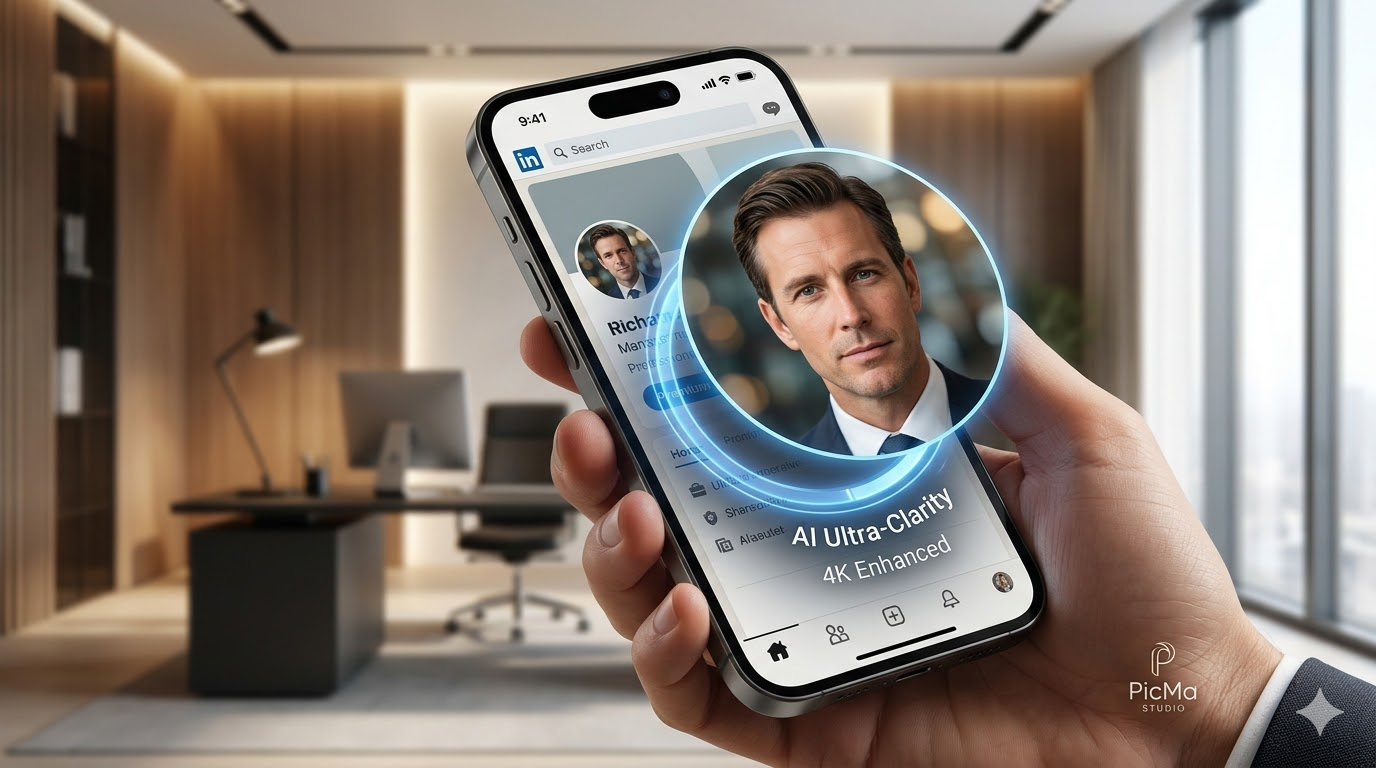
3 Steps to Enhance Your Headshot
Step 1: Visit PicMa Studio and head for the Photo Enhancer feature.
Step 2: Select and upload Your Best Base Photo.
Step 3: Clieck "Enhance" buttom and wait for a few seconds.
Step 4: Swipe the line to see the difference between before and after, then download the photo if you're satisfied with the result.
If your photo format happens to be PNG format, please head for PNG Enhancer instead.
Why Professional AI Enhancement Beats Standard Photography
| Feature | Standard Photo | PicMa Studio AI Enhanced |
| Resolution | 72 DPI (Web Standard) | 300+ DPI (Print Ready) |
| Texture | Pixelated/Smooth | Realistic Skin Pores |
| Lighting | Flat/Natural | Studio-Quality Re-lighting |
| Turnaround | Days (Photographer) | Seconds (Instant AI) |
Frequently Asked Questions for AI Portrait Enhancement
Q: Can AI make a low-quality selfie look like a professional headshot?
A: Yes. By using deep learning models like PicMa’s Nano Banana 2 AI portrait Generator, the AI predicts and fills in missing pixels, effectively "re-drawing" the photo in high definition while maintaining your unique likeness.
Q: What is the best resolution for a LinkedIn profile picture in 2026?
A: While LinkedIn recommends 400x400 pixels, uploading a 4K (2160p) enhanced photo ensures your image remains crisp even when users zoom in or view it on ultra-high-definition monitors.
Q: Does AI image enhancement change how I look?
A: Quality AI tools focus on *restoration*, not *alteration*. The goal is to make you look like the best version of yourself on a high-end camera, not to change your facial structure.
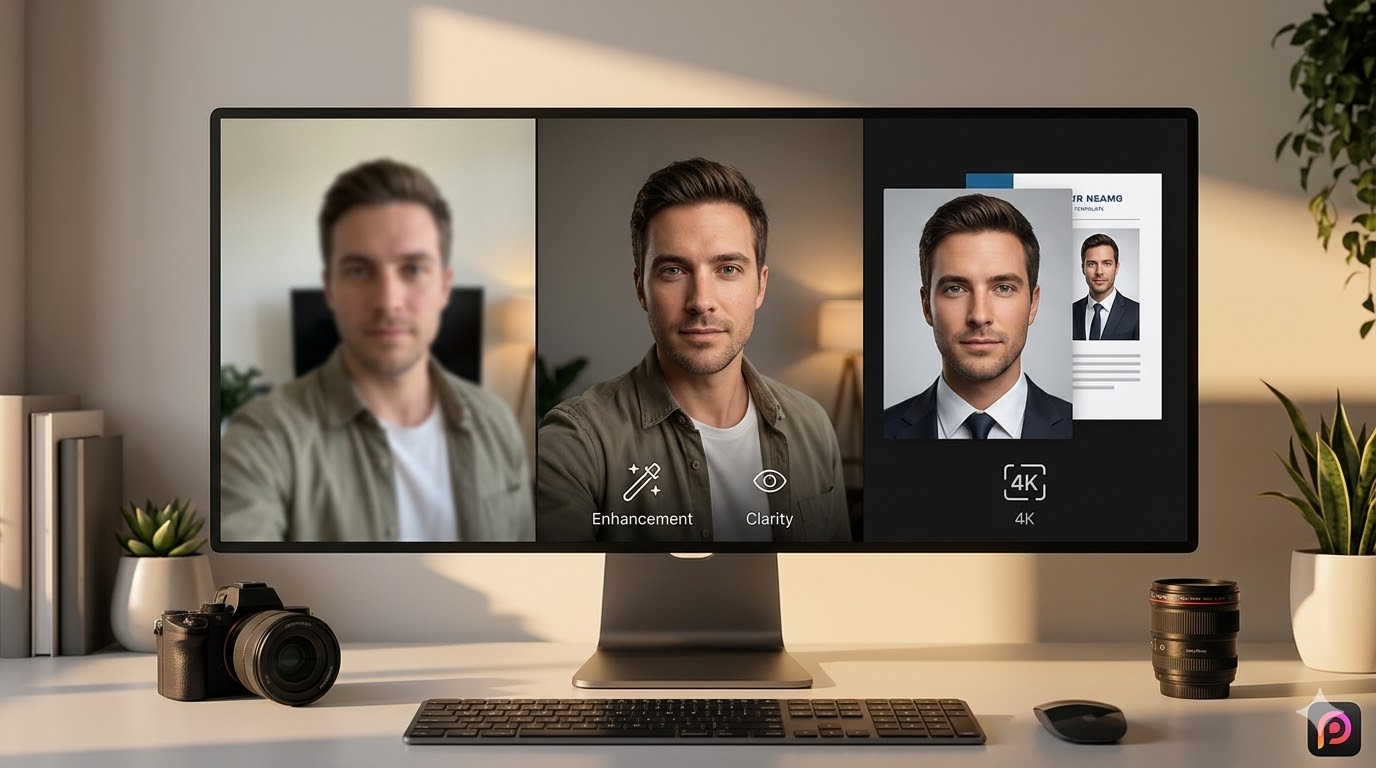
Elevate Your Career Today
Don't let a low-quality photo hold back your professional potential. With PicMa Studio, the gap between a "quick snap" and a "premium headshot" is just one click away.
Ready to upgrade your professional image? Try PicMa Studio Portrait Enhancer Now!
Related Readings:

 112
112

 English