Can AI Really Save Your Blurry Photos?
In the past, we rarely had access to high-quality devices that take perfect photos. So the photos left behind are always blurry and low-resolution. And a layer of grain can obscure the vivid details of that precious moment. For decades, restoring these treasures required professional skills, expensive software, and hours of painstaking work.
In recent years, AI has greatly transformed our lives before many of us even realize it. It can help us with our documents and translation, assist us in making decisions and even generate images. So you may wonder, is it possible to restore blurry photos with AI effortlessly? The answer is affirmative. AI photo enhancement tool is here, and it’s revolutionizing the way we preserve our cherished memories.
Introducing PicMa's free AI-powered Photo Enhancer. It enables you to enhance and clarify your old photos in just one click.
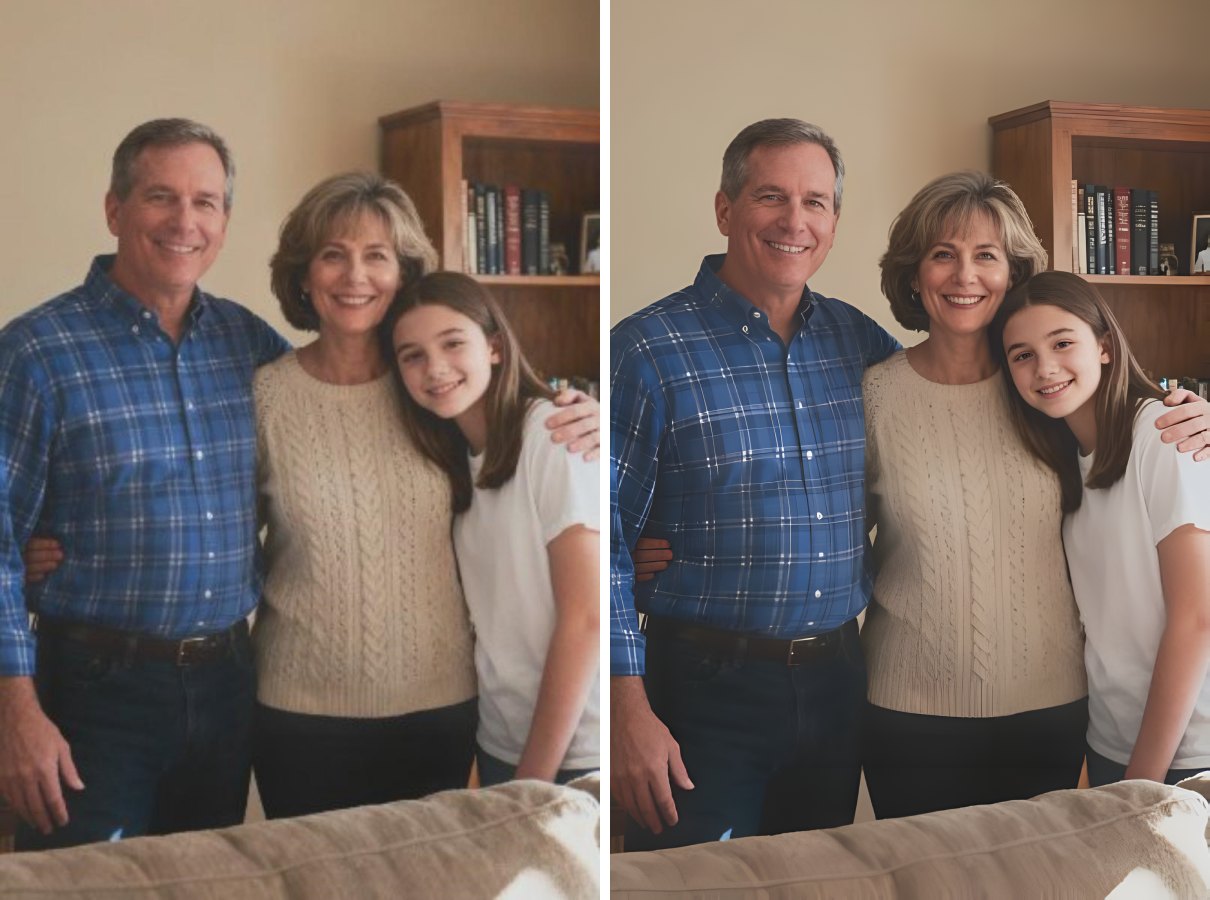
The Magic Behind the Click: It’s Not Just a Filter
You might think, "Isn't this just a fancy filter?" Not at all.
Traditional filters apply a uniform set of adjustments to an entire image. PicMa's AI Photo Enhancer is built on powerful AI models, so it can analyze the photo comprehensively and apply specific adjustments to different images. It's actually a professional photo editor for you. Just after one single click, the AI will intelligently improve the resolution, remove noise and grains, and add vibrant colors.
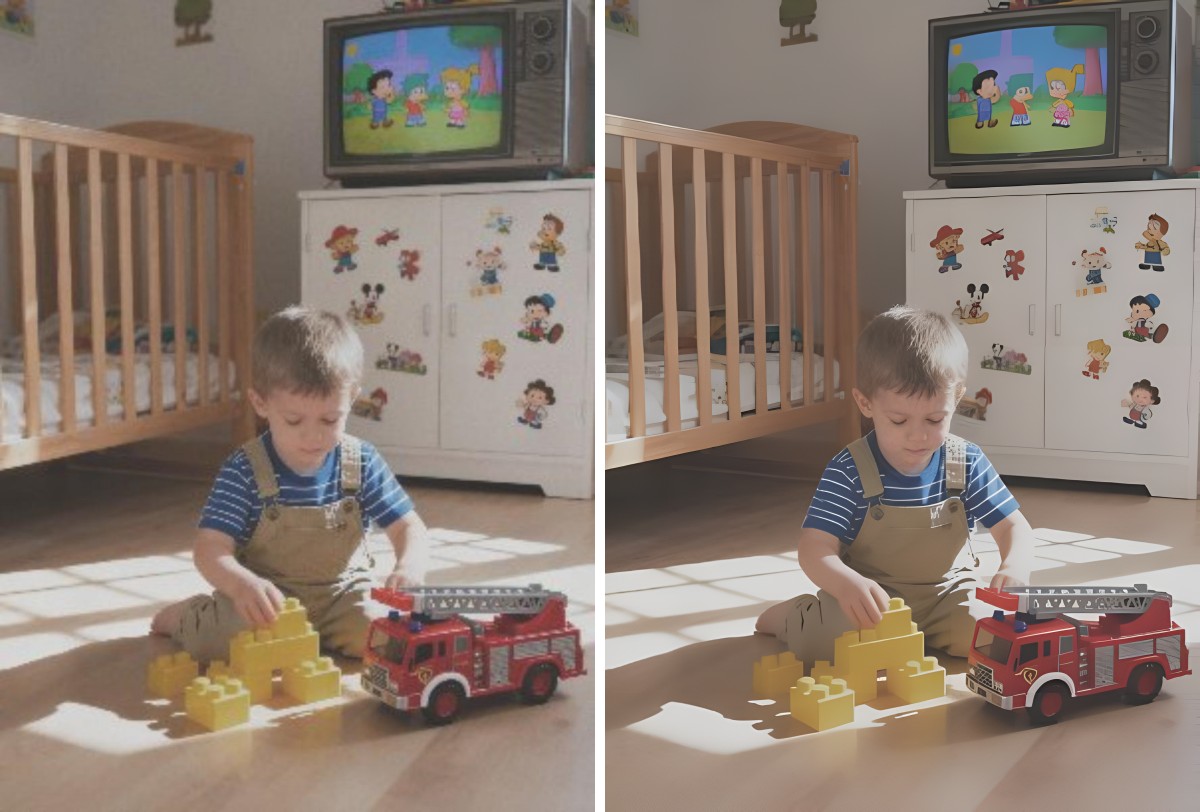
How to Use This Tool
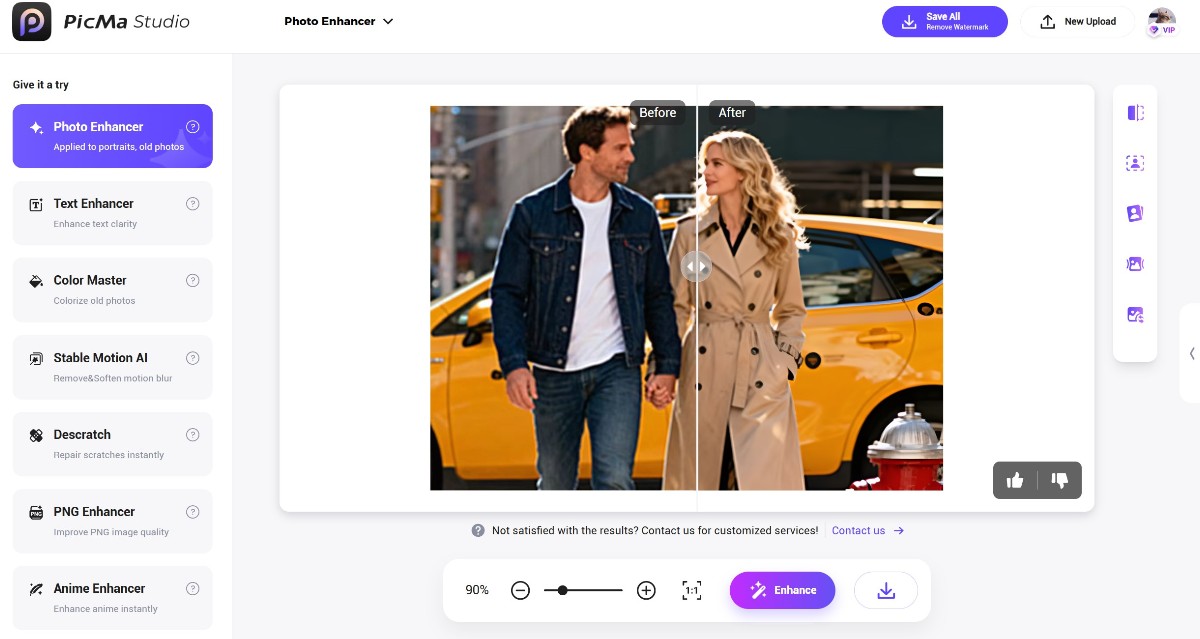
As is mentioned above, it's quite simple. You only need to:
- Visit PicMa Studio and find the "Photo Enhancer" feature
- Upload an image (you can upload up to 15 images at once)
- Wait a few seconds to check your newly enhanced photos
Stunned by the results? Download and share it!
More Than Just Pixels: Reconnecting Generations
The true power of this technology isn't measured in megapixels, but in human connection. Imagine showing your children a crystal-clear photo of their great-grandparents on their wedding day or preserving the only existing photo of a family reunion with stunning clarity for generations to come.
These aren't hypotheticals. They are true stories from our users. Technology at its best doesn't alienate us from our humanity; it helps us celebrate it. So, go ahead. We can’t wait for you to see the past in a whole new light.
FAQ (Frequently Asked Questions)
Q1: Is the Photo Enhancer free?
A: Yes! Our basic enhancement tools are completely free to use. You can access this feature without any hidden cost.
Q2: What image formats are supported?
A: Common formats including JPG, PNG, and BMP.
Q3: How long does it take to process a photo?
A: It normally takes only a few seconds per image depending on file size and server load.
Q4: Can I use this tool on my phone?
A: Absolutely! You can download the PicMa app from Google Play or the Apple App Store.
Q5: What if my photo is severely damaged?
A: Don't worry, our "Smart Restore" feature is designed specifically for torn, stained or faded old photos.


Related Readings:

 128
128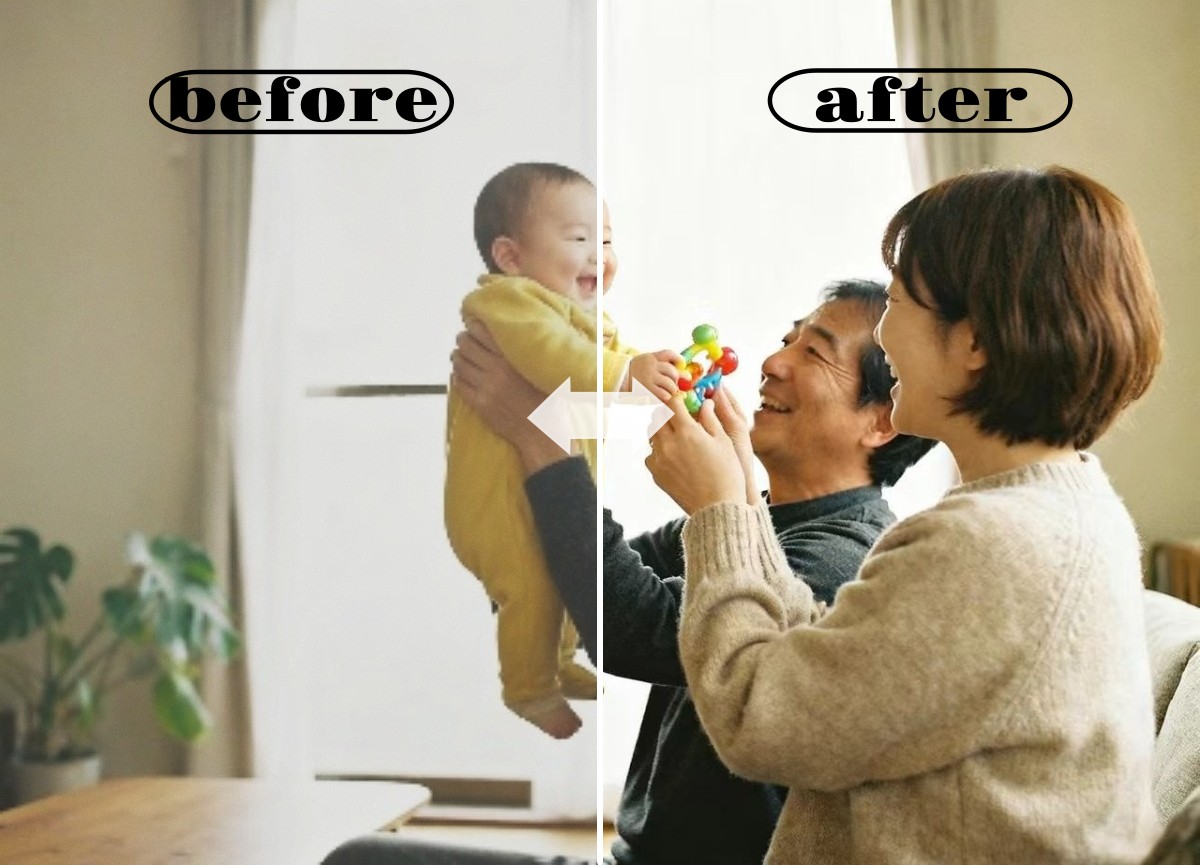

 English