The 2016 retro trend sweeping foreign social media in 2026 has brought the film texture and street vibe of a decade ago back to the forefront of visual fashion. Yet the old photos from 2016 we dig out are often plagued by blurriness, noise, and quality loss. PicMa Studio's newly upgraded enhanced features deeply integrate AI HD Restoration with retro style customization. It not only achieves refined, clear restoration of blurry photos but also accurately recreates the 2016 visual aesthetic, freeing nostalgic memories from the constraints of poor image quality. Below are the key highlights of the new enhanced features—simple to operate, and you can capture the 2016 retro vibe with just one click.
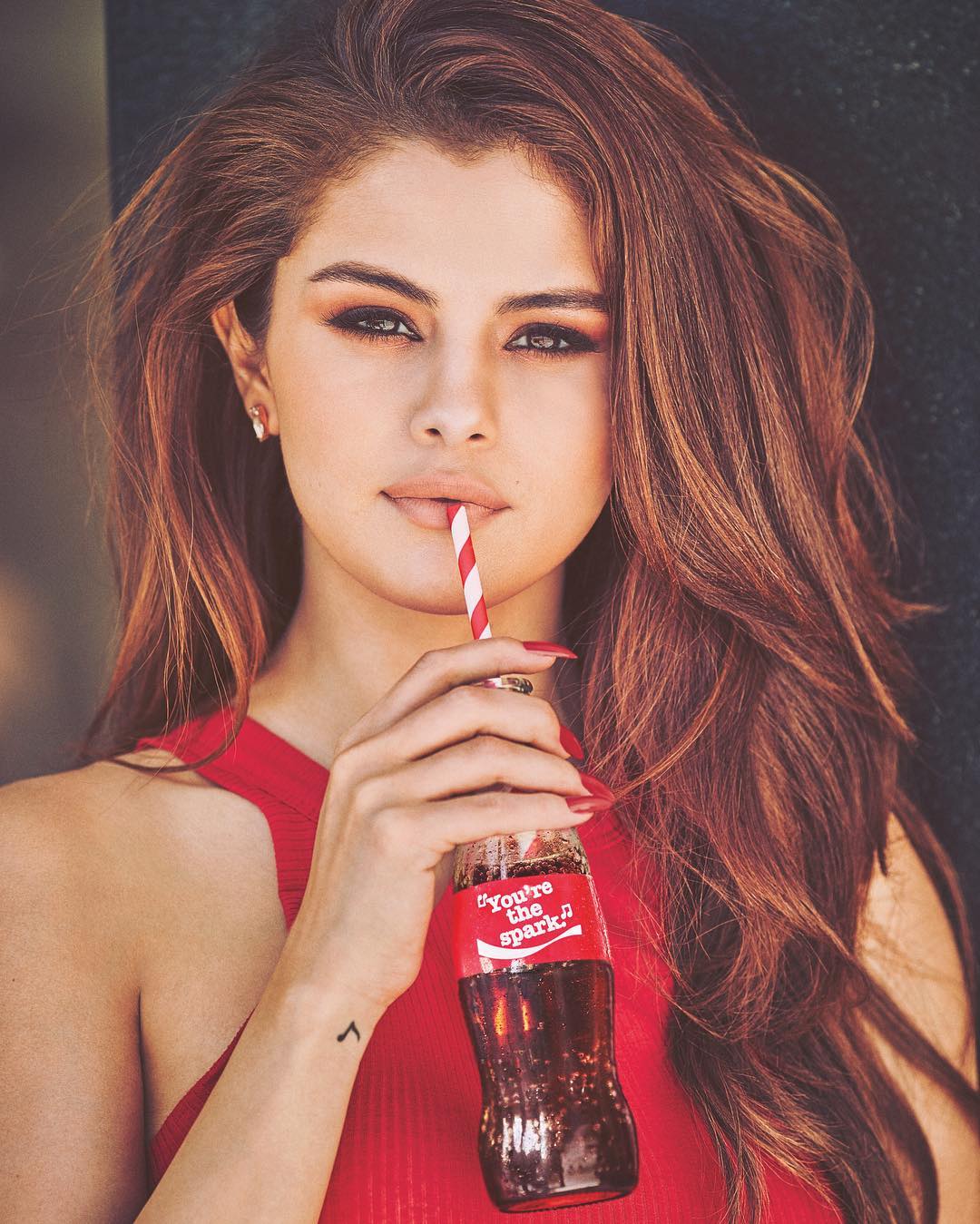

1. Core AI Ultra HD Restoration: Blurry Photos Turn Clear Instantly, Details Restored Intact
Powered by PicMa's in-house generative super-resolution algorithm, we break through the limitations of traditional interpolation restoration and optimize exclusively for blurry 2016 photos shot with mobile phones and entry-level cameras, truly achieving a qualitative leap from blurriness to high definition:
· Intelligent Detail Completion: Generates missing pixels through contextual understanding to fix blurriness caused by misfocus, camera shake, and compression. Restores fine details like hair strands, facial textures, and street scenes in 2016 photos without over-sharpening or a stiff look.
· Natural Facial Restoration: Building on PicMa's award-winning facial restoration model, it precisely restores pupil reflections and skin texture for blurry selfies and group photos from 2016, eliminating the "plastic look" and keeping facial features clear, natural, and true to the original expressions of a decade ago.
· Simultaneous Noise & Blur Optimization: For low-light and night shots taken with 2016 devices (e.g., night market or neon street photos), it removes noise and fixes blurriness at the same time—preserving the authentic ambient light and shadow while delivering crisp, clear results.
· 4K Ultra HD Output Support: Restored photos can be exported in up to 4K resolution, meeting all needs for social sharing, printing, and secondary creation, and preserving 2016 memories in stunning high definition.
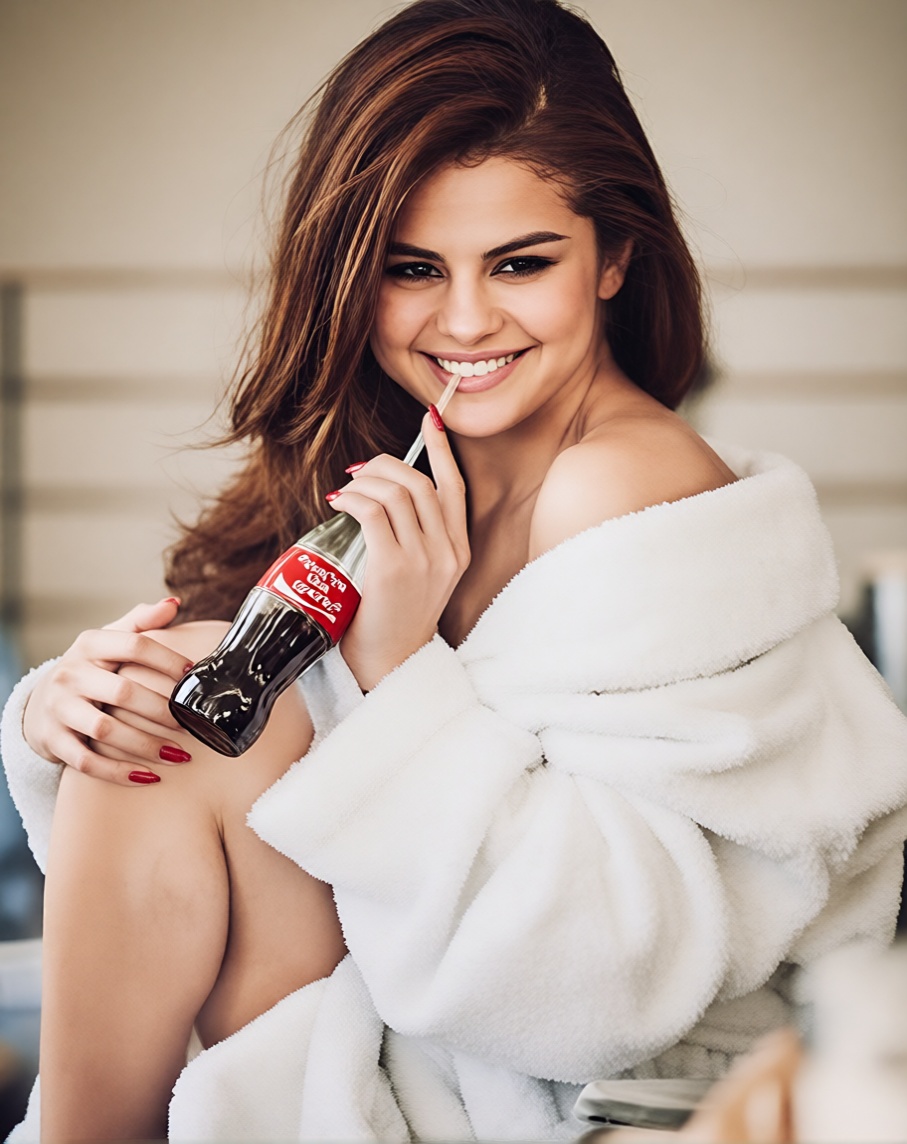
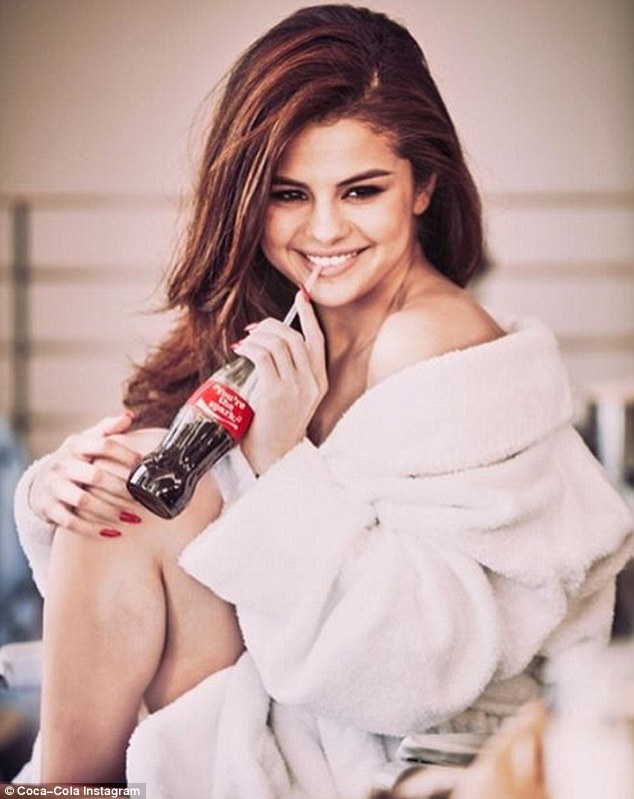
2. 2016 Retro Style Customization: Precisely Recreate the Visual Vibe of a Decade Ago After HD Restoration
On the basis of clear photo restoration, PicMa Studio integrates the core parameters of retro film creation to build an exclusive 2016 Retro Style Module. No complex parameter adjustment is needed—one click to match the popular 2016 aesthetic on foreign social media:
· 2016 Exclusive Film Grain Filter: Extracts the grain texture of mainstream film cameras in 2016. Unlike the heavy grain of classic old film, it creates a lighter, fresher 2016 grain effect with adjustable concentration. Overlay it on HD-restored photos for a subtle, natural retro feel.
· 2016 Classic Light & Shadow Simulation: Restores the soft light, low-contrast tones that were popular in 2016. Built-in presets include 2016 Street Soft Light, 2016 Japanese Fresh Tone, and 2016 Neon Night Light & Shadow, perfectly matching the photography style of a decade ago—apply directly after restoration for an immersive retro vibe.
· Free Combination of Retro Parameters: Freely mix core retro parameters such as soft focus, slight defocus, and cinematic shadows. Customize the retro degree of 2016 photos just like creating retro AI images, retaining the fine details of HD restoration while capturing the hazy atmospheric feel of memories.
· Prompt-Based Parameter Tuning: Adjust retro styles with text prompts. For example, input 2016 summer street, light film grain, soft sunlight, slight soft focus, and the AI will automatically match the corresponding parameters—zero foundation required for precise customization of your ideal 2016 retro style.
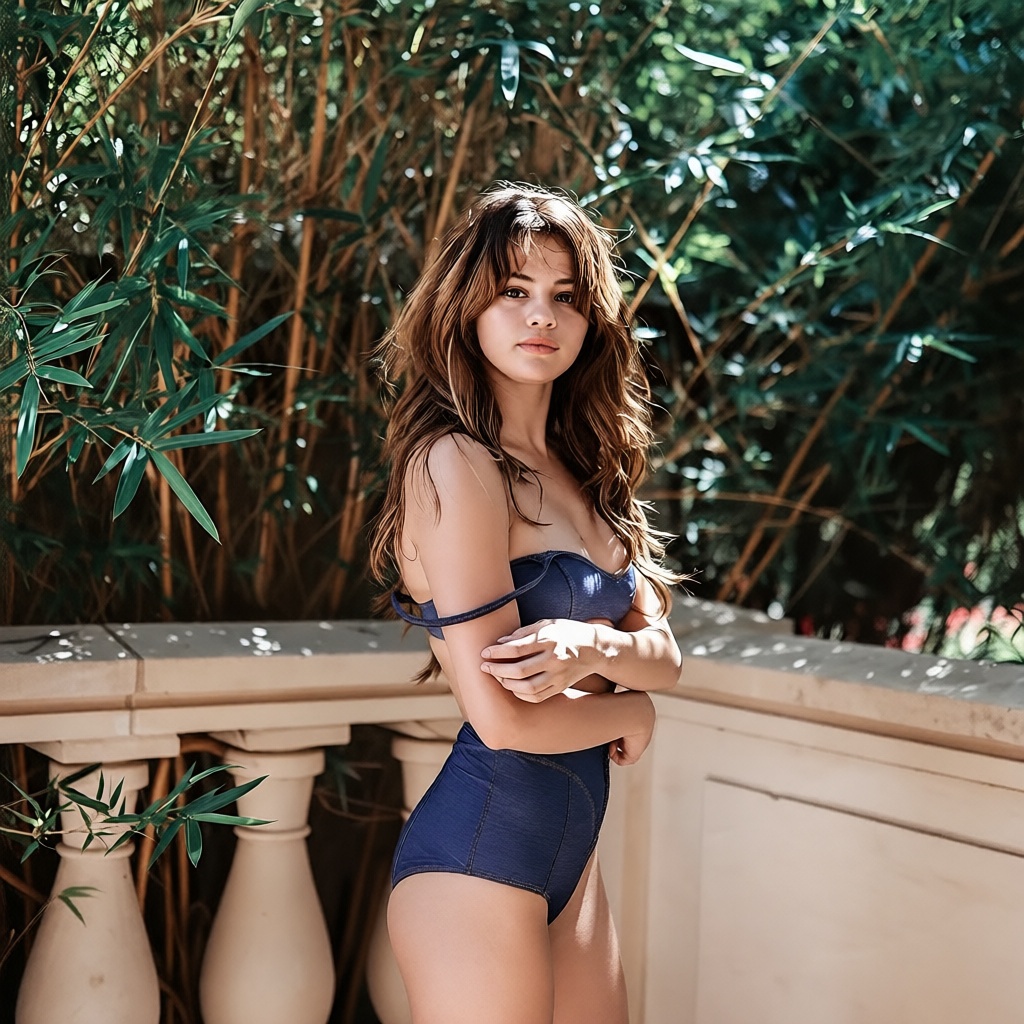
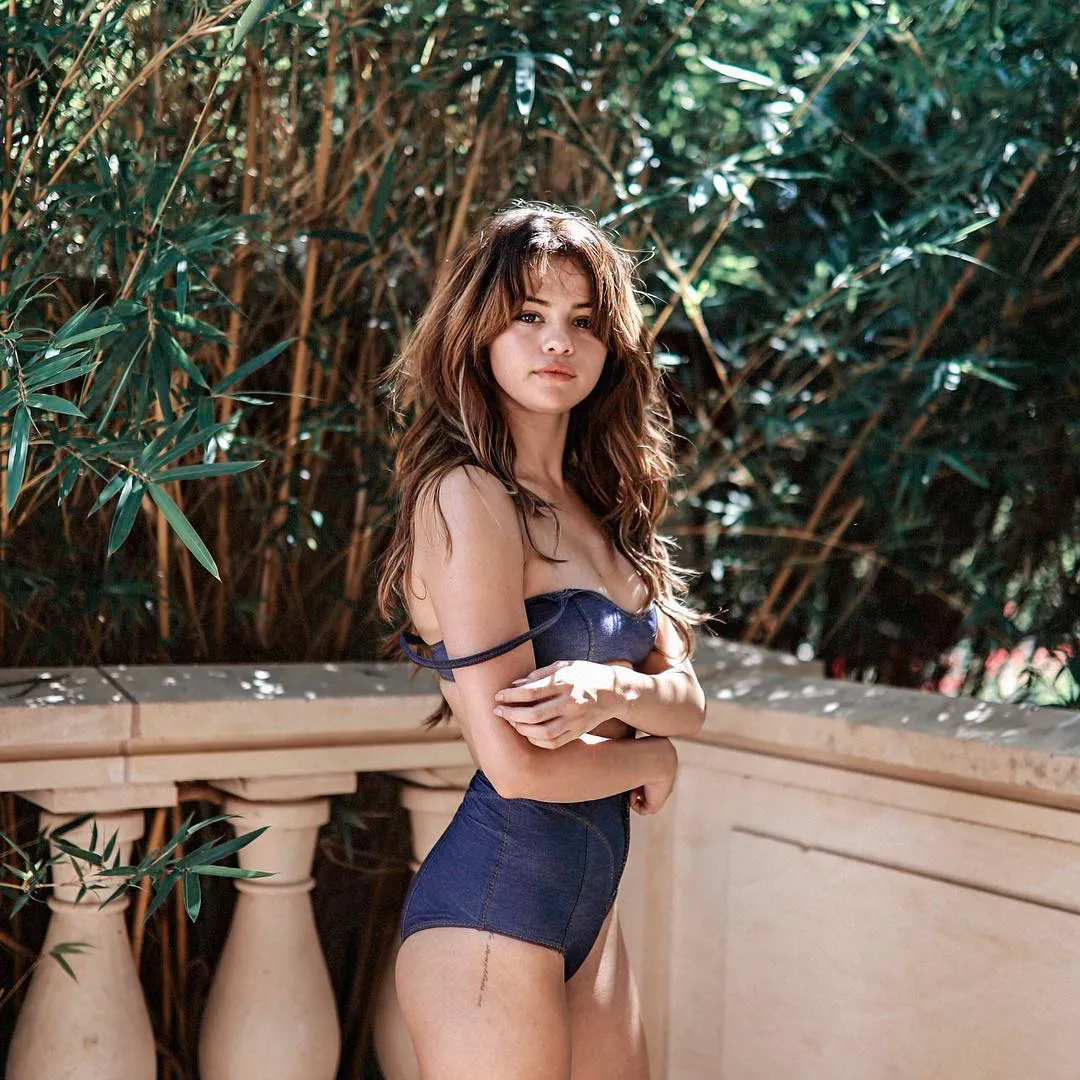
3. Upgraded Operation: Streamlined Workflow, Restoration + Retro in One Click
The new enhanced features follow PicMa's consistent user-friendly logic—no professional retouching skills needed. Complete HD restoration and retro customization for blurry 2016 old photos in just three steps:
1. Upload Photos: Simply drag and drop your blurry 2016 old photos to PicMa Studio, supporting single or batch upload.
2. One-Click Restoration: Select Smart Restore/Photo Enhancer, and the AI will automatically identify blurriness issues and restore the photo to high definition.
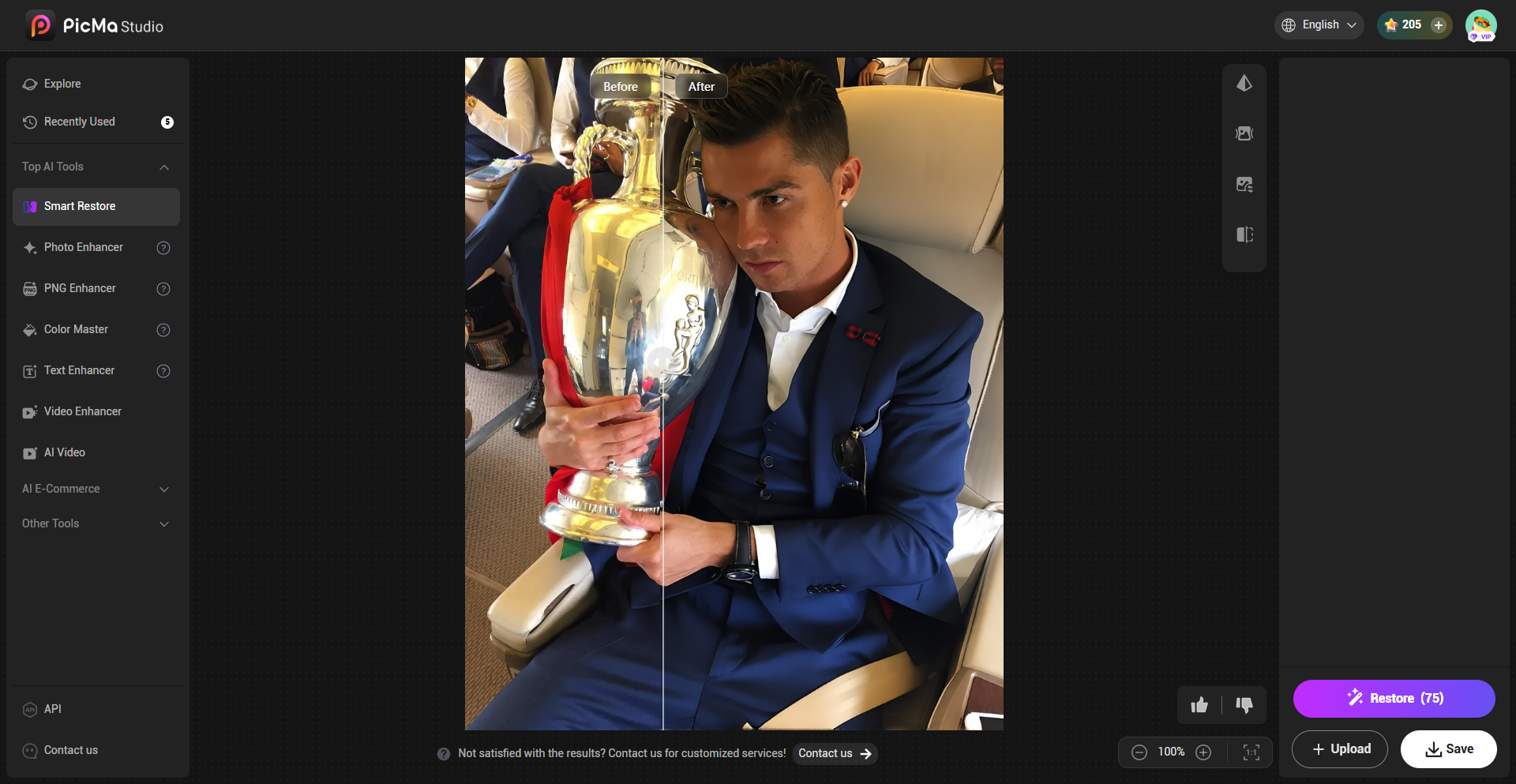
4. Multi-Scene Adaptation: Unlock All Creative Possibilities for 2016 Retro Photos
The enhanced features adapt to all types of 2016 photos—daily selfies, group photos, street snapshots, travel landscapes, and neon night shots. All can achieve the dual effect of HD restoration + retro customization, perfectly meeting the creative needs of the 2016 retro trend on foreign social media:
· Social Sharing: HD retro-restored photos are perfectly tailored for the visual preferences of Instagram, TikTok, X and other platforms.
· Memory Recreation: Restore blurry 2016 group photos and life photos to HD, overlay retro styles, and relive the beautiful moments of a decade ago.
· Creative Creation: Use HD-restored 2016 old photos as the base for secondary creation, such as 2016 retro photo collections and beat-synced videos popular on foreign social media.
The beauty of 2016 should not be overshadowed by blurry image quality. PicMa Studio's new enhanced features take industry-leading AI HD restoration technology as the core and combine professional parameters for retro style creation. They let your blurry 2016 old photos not only turn clear in one click but also perfectly capture the popular 2016 retro aesthetic on foreign social media. Open PicMa Studio now, upload your 2016 old photos, and let the memories of a decade ago come alive again in a high-definition, retro way!


Related Readings:

 92
92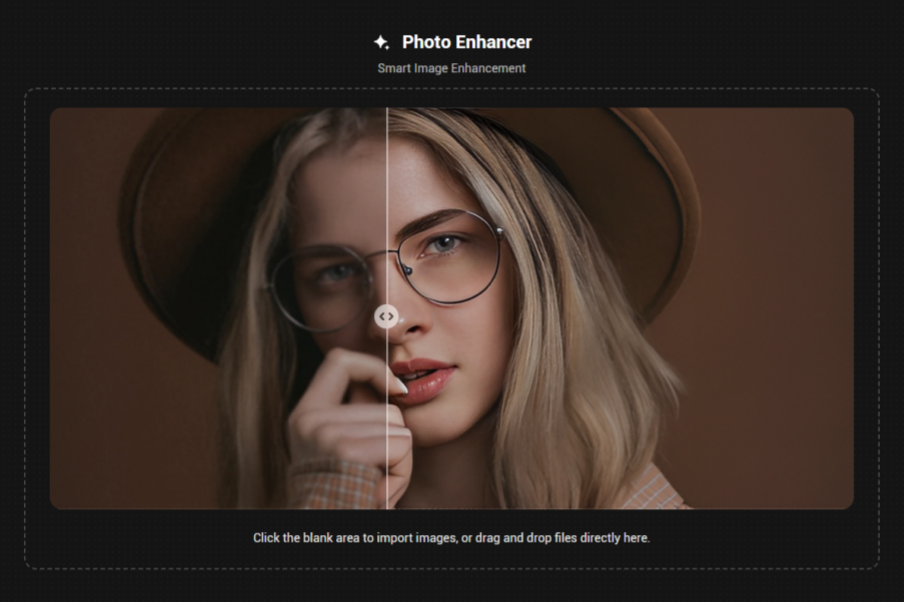

 English