New Way to Fix Out-of-Focus Photo
Have you ever shot out-of-focus photos? If yes, you must understand that feeling of disappointment. But what if you could turn those blurry photos into sharp, clear ones in seconds—for free? That’s exactly what PicMa’s AI Photo Enhancer does, and it’s changing how we rescue blurry photos.
Blurriness often strikes when we least expect it: a shaky hand, a moving subject, or a camera that misses the focus mark. In the past, fixing this meant struggling with complicated editing tools like Photoshop—spending hours tweaking parameters, or even re-learning the basics of photo editing. For most people, these tools are too time-consuming or expensive, leaving blurry photos neglected in digital albums.
That’s where AI changes the game. Unlike regular editing tools that require much manual handling, PicMa’s Photo Enhancer uses advanced AI algorithm to reconstruct lost detail. It analyzes the patterns in your blurry image, identifies where focus should be, and creates a sharper, high-quality and natural-looking image. No technical skills required—just a single click.
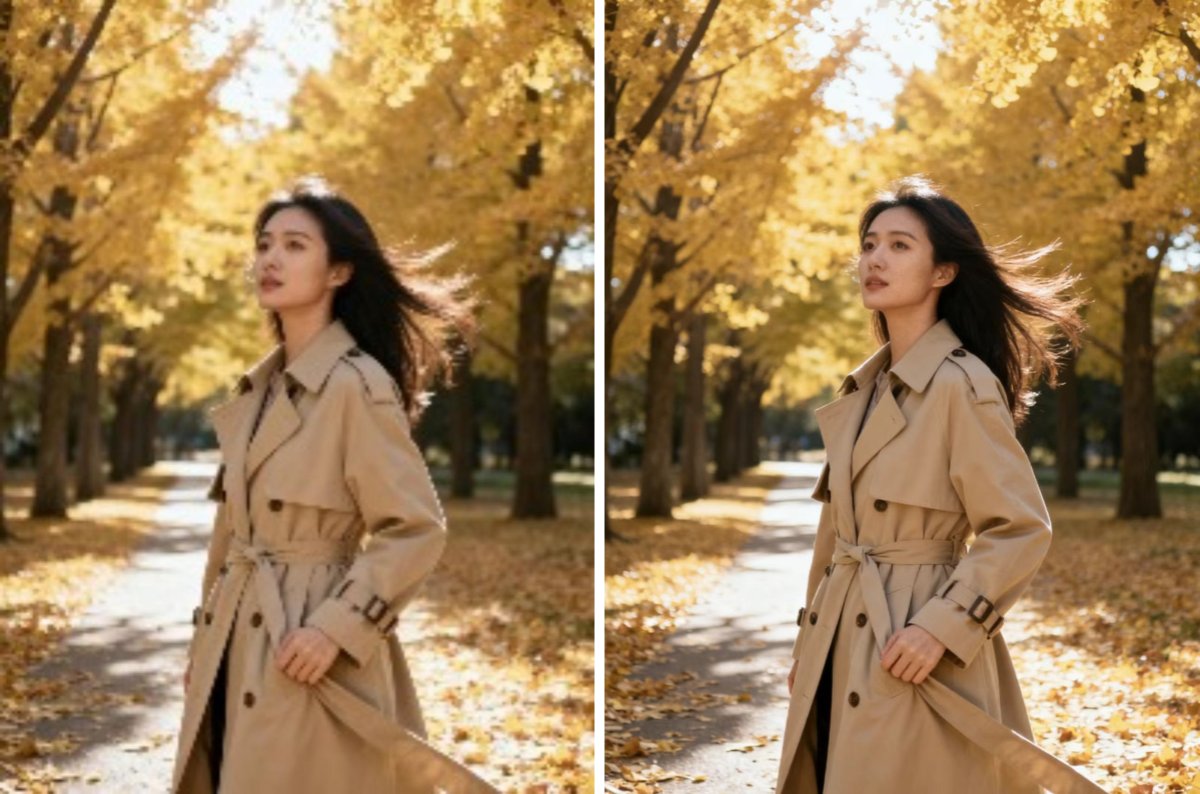
How to Fix Blurry Photos with PicMa
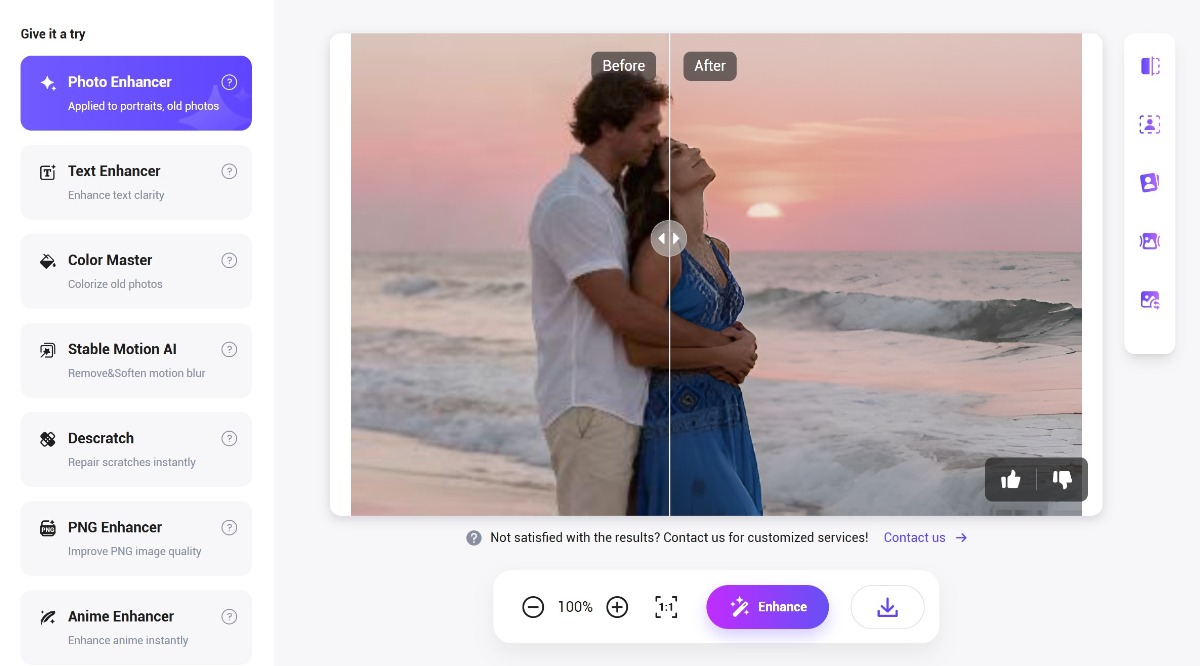
The best part about PicMa’s AI Photo Enhancer is how easy it is to use. You don’t need to download any software—just follow these steps:
- Go to PicMa Studio and navigate to the Photo Enhancer tool (or download the PicMa app on Android or IOS devices)
- Drag or select your out-of-focus image
- Then PicMa’s AI will work in seconds to produce a high-resolution image
Whether it’s a blurry portrait, a fuzzy pet photo, or a grainy low-light landscape, the versatile AI can fix all thesee problems. If you’re happy, download the high-quality image for free. Then share it with friends, or save it to your photo album—no more regret.
Why PicMa Stands Out for Fixing Blurry Photos
With technological advancements, there are more photo editing tools available than ever, but PicMa’s Photo Enhancer is probably your top choice because it is:
- 100% Free: No hidden fees, no premium subscriptions. You get high-quality enhanced photos without paying a dime;
- Lightning Fast: PicMa processes a picture in seconds, and it supports bulk edit, so you don’t have to wait in line to rescue your photos;
- High Quality and Natural: Unlike tools that make photos look “plastic” or over-sharpened, PicMa’s AI preserves the original feel of your image without losing quality.
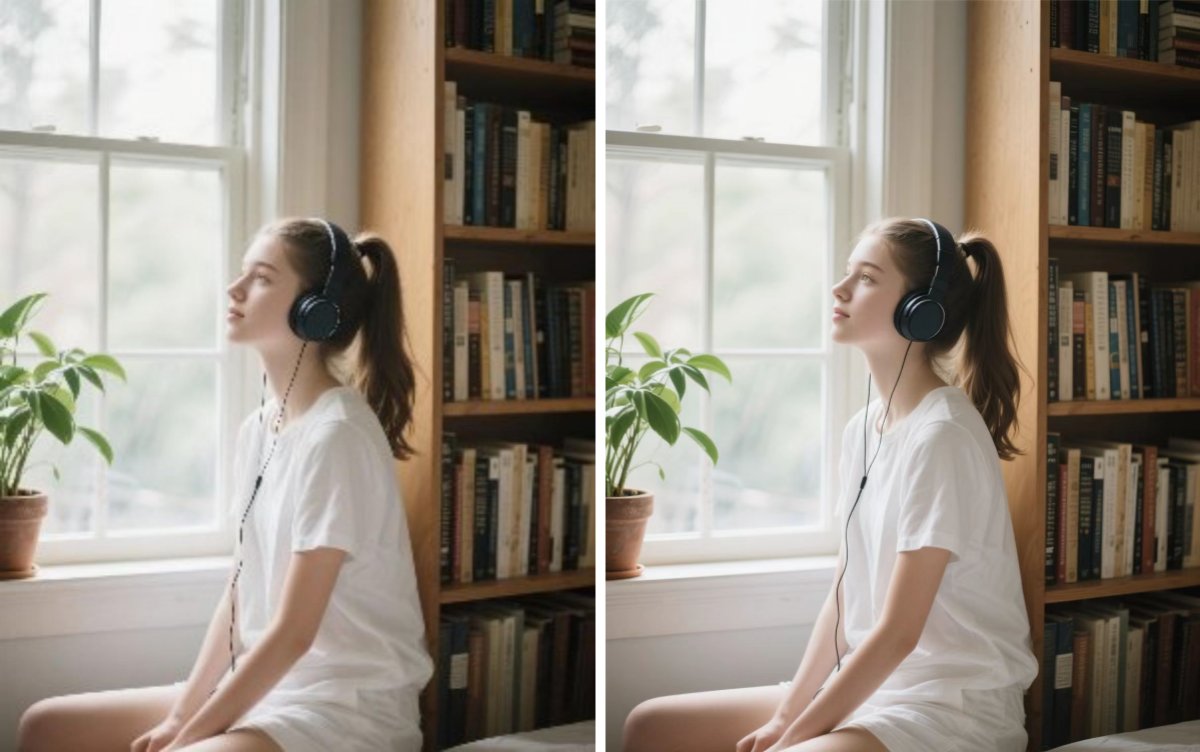
Don’t Let Blurry Photos Ruin Precious Moments
Your photos tell stories—stories of joy, adventure, and love. A little blur shouldn’t stop you from keeping those stories alive. Just give PicMa a try now!
FAQ (Frequently Asked Questions)
Q1: Is Photo Enhancer free to use?
A: YES! Our basic enhancement service is completely free. Regular users can enhance up to 10 images for free per day. For more advanced functions, you may subscribe to PicMa VIP.
Q2: What image formats are supported?
A: We support common formats including JPG, PNG, and BMP.
Q3: Can I enhance video in PicMa?
A: Absolutely! You can go to the "Video Enhancer" section, which is also free to try.
Q4: Does PicMa store my photos after enhancement?
A: NO. We take privacy seriously. Your photos won't be stored on our servers.


Related Readings:

 218
218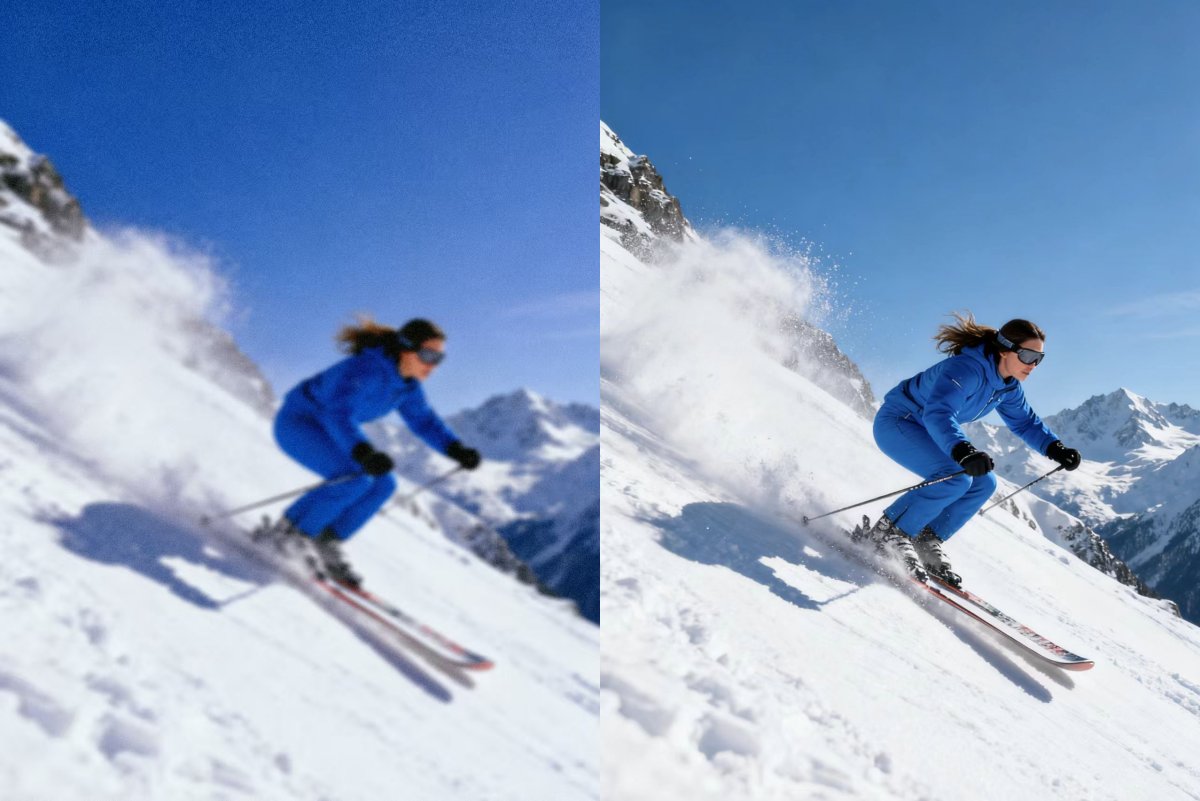

 English