The Values of Our Family Photos
Family photos are always loaded with cherished memories. They bond the whole family together, telling stories about love and happiness. Our elders might have kept some old-day family photos in the album. These images are more than just paper; they are tangible links to our past and the future generations to come. But too often, these physical photos are vulnerable to different damages. A crease, a water stain or the gradual fading can ruin a perfect photo. For those with old, damaged family photos, the emotional weight is immense.
Traditional manual photo repair requires hours of painstaking work and proficient skills, while professional restoration services can be too expensive. Fortunately, AI photo restoration has evolved dramatically, and with PicMa's newly upgraded Smart Restore feature, bringing your cherished family photos back to life is now more accessible and powerful than ever.

How Does Smart Restore Work?
PicMa's Smart Restore uses advanced AI models trained on various patterns to intelligently reconstruct missing parts far beyond what simple editing tools can achieve. You don't need to learn some complex editing tools or spend a large budget to preserve your family history. With PicMa, it takes a single click to repair scratches, revive colors, and restore torn parts, bringing the faces in your family photos back into focus and keeping your memories alive.
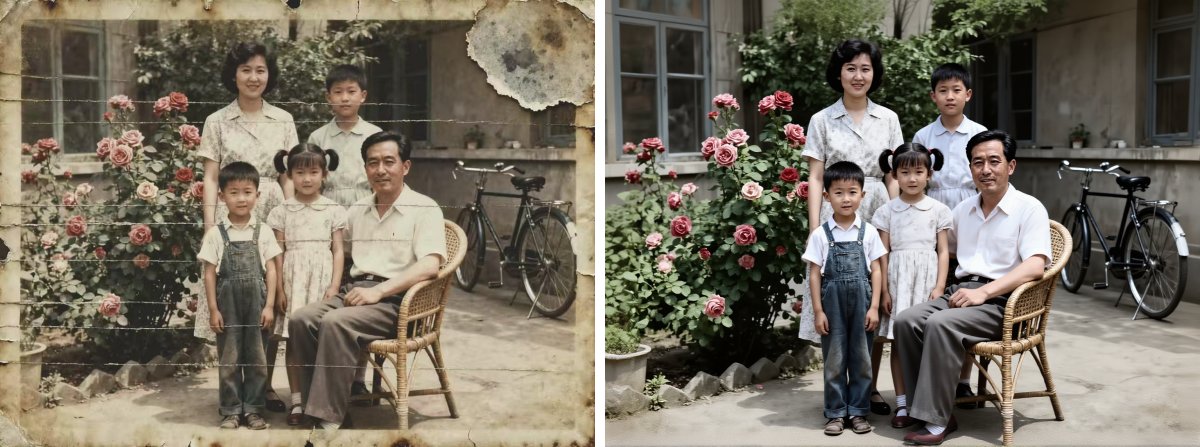
The process is beautifully simple and completely free:
- Start by scanning your old family photo or taking a clear, well-lit photo of it with your smartphone
- Visit the PicMa Studio website or open the PicMa app (available for both iOS and Android) and select the Smart Restore feature
- Upload your photo, and the AI will automatically detect and fix the damage. Preview the result before saving
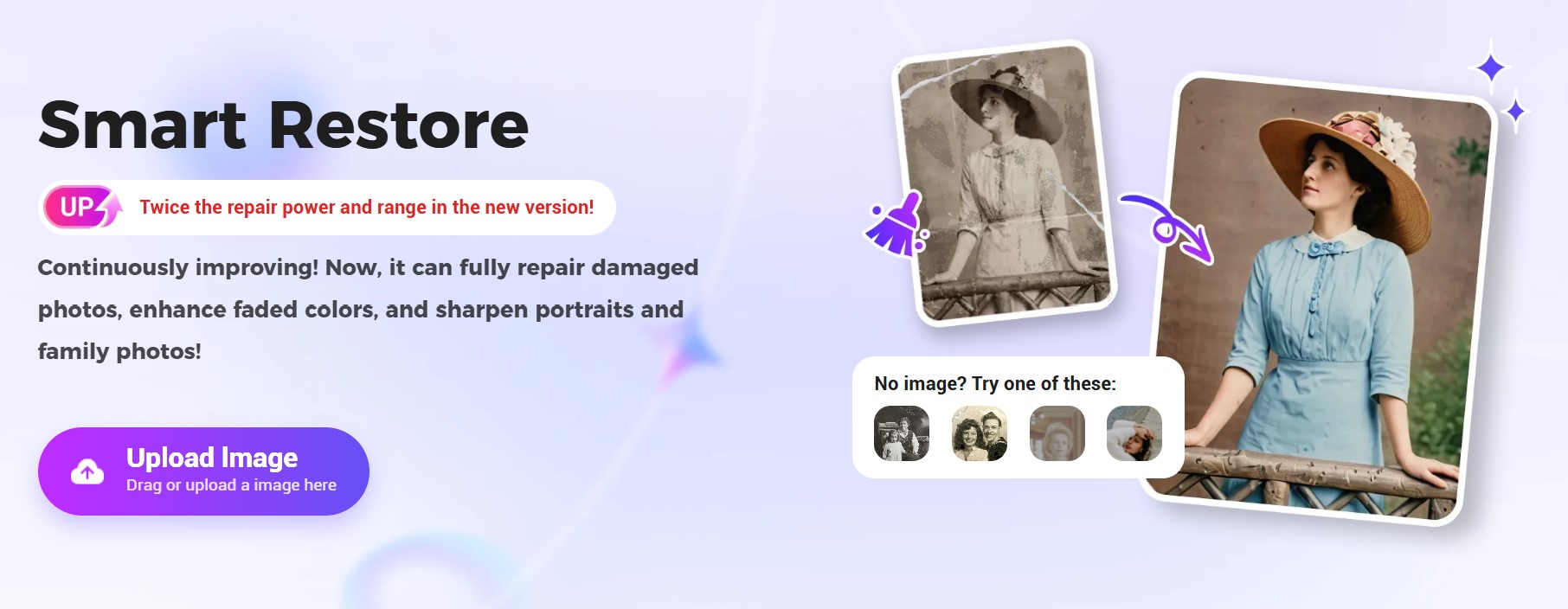
PicMa Keeps Upgrading and Improving
We are well aware of our users' needs and keep upgrading our functions constantly, as exemplified by "Smart Restore". The upgraded Smart Restore feature is designed to handle the complex challenges of restoring group portraits and severely damaged images. And you no longer need to brush over the damaged aeras carefully like before, because now one click is all it takes.
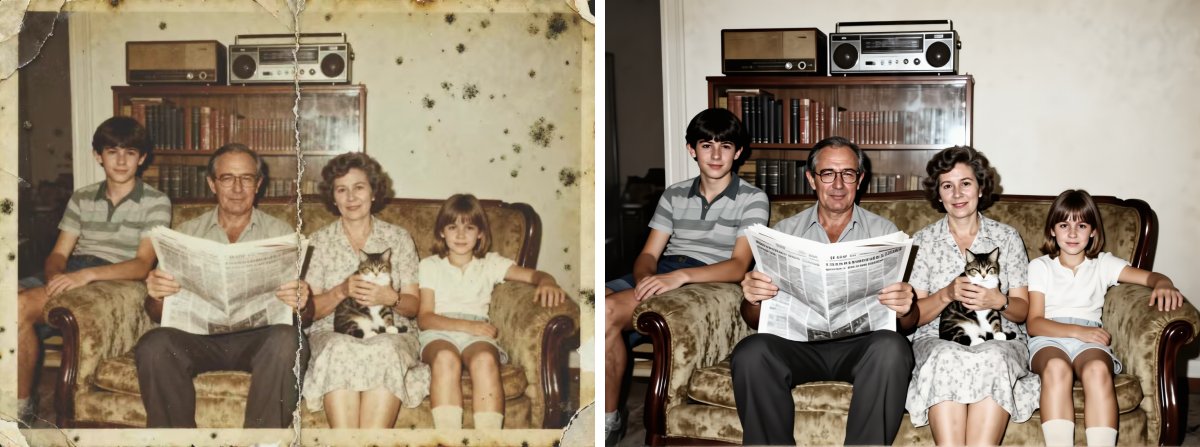
Whether it's cracks, missing corners, or stains, our AI can precisely pinpoint them and make smooth adjustments. This helps preserve both the original texture and lighting. The result is a crystal-clear, authentic, complete and vibrant photo.
So, why not give it a try? This feature is free and accessible to everyone now!
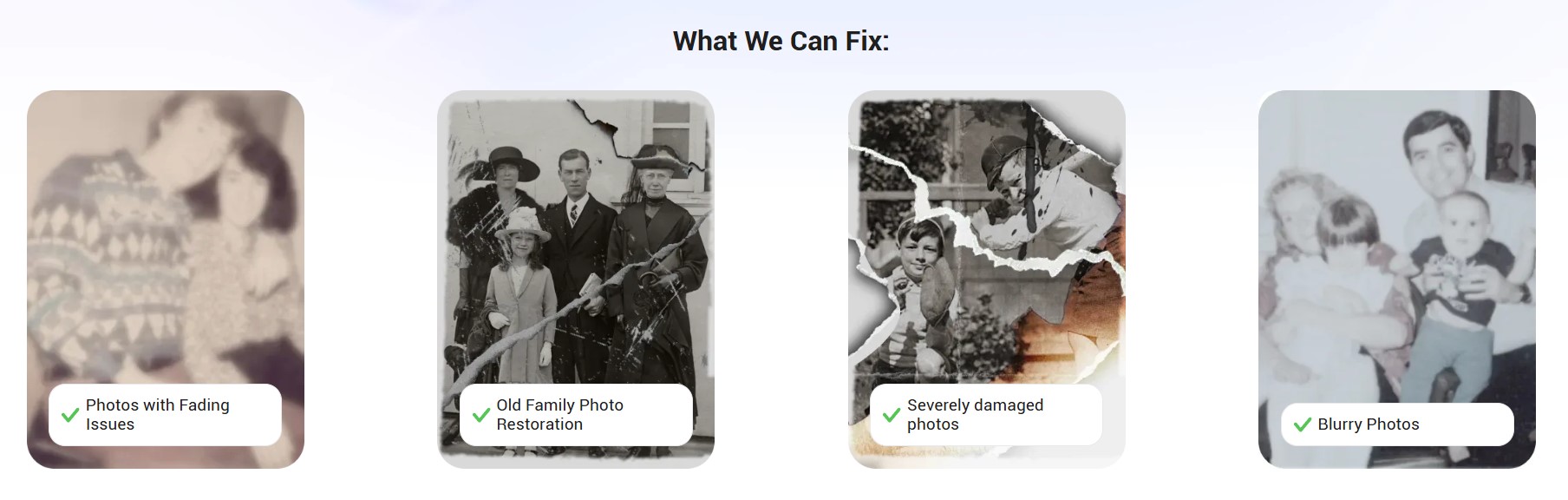
Frequently Asked Questions (FAQ)
Q1: Is the service truly free?
A: Yes! Smart Restore allows you to upload, preview, and save the restored photos for free. PicMa also offers premium subscriptions that unlock additional advanced editing features, but the core enhancement tools are completely free of charge.
Q2: How long does the restoration process take?
A: The AI restoration process typically takes just a few seconds after you upload your photo. The speed may vary slightly depending on the size of the image.
Q3: Can it really handle severely damaged photos?
A: Yes! The upgraded Smart Restore is specifically optimized for more obvious and evere damage.
Q4: What size and which format of images are supported?
A: We support bmp\jpeg\jpg\png image format, and the maximum size is 20M (the image resolution should be over 100×100 and less than 2048×2048).


Related Readings:

 199
199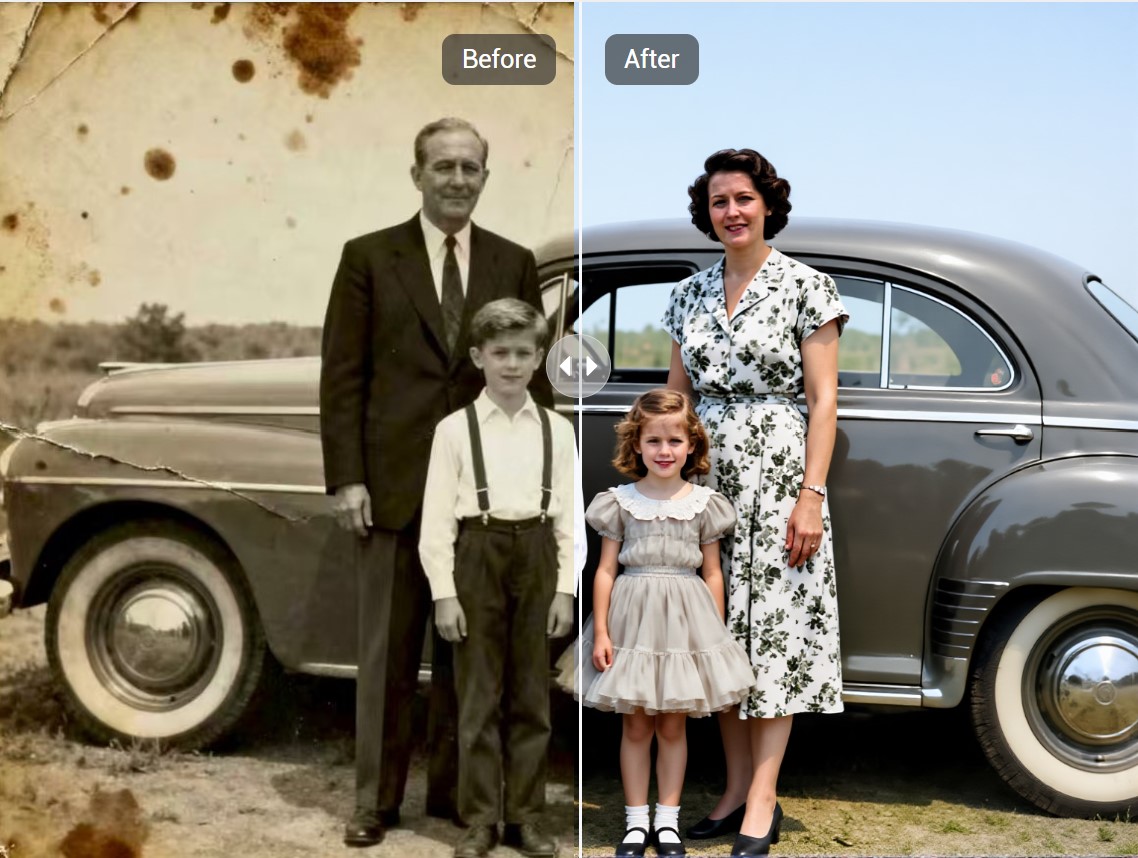

 English