The Common Frustration of Your Selfies
In the age of social media, we all want our photos to look their best. You might've spent much time taking dozens of selfies to get that one perfect shot—the right light, the right angle and the right expression. But sometimes, even the best effort can result in a photo that feels a little off. Perhaps the front-facing cam of your device doesn't work so well, your surroundings aren't ideal, or the shot was taken so long ago that it has lost quality. The image might be slightly blurry, the colors might be dull, or your face might look pale due to the poor lighting.
But what if you could ensure every single portrait you take is clear, vibrant, and naturally polished? This isn't about applying heavy, artificial-looking filters. It's about using AI to intelligently enhance what's already there. Introducing PicMa's Photo Enhancer, your reliable photo editor.
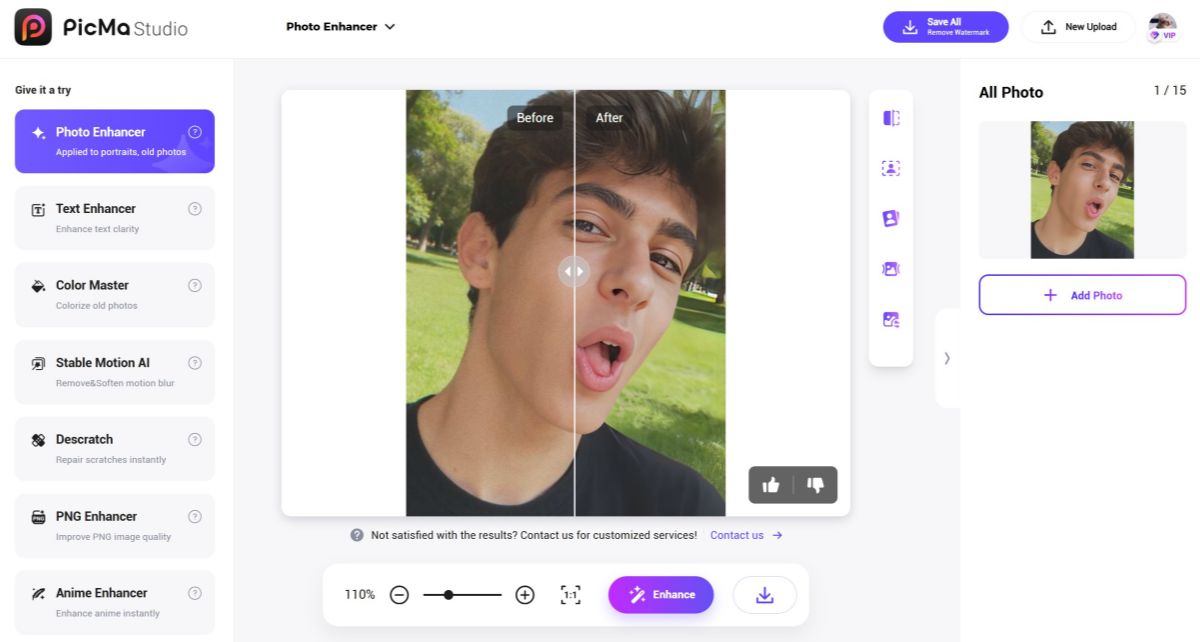
The Intelligent Approach of Photo Enhancer
Traditional filters often adopt a one-size-fits-all solution, sometimes generating plastic-like results. But PicMa's Photo Enhancer works differently. Our AI doesn't just apply an effect rigidly; it fully understands the contents of your photo and makes sophisticated adjustments. What you can get from us is:
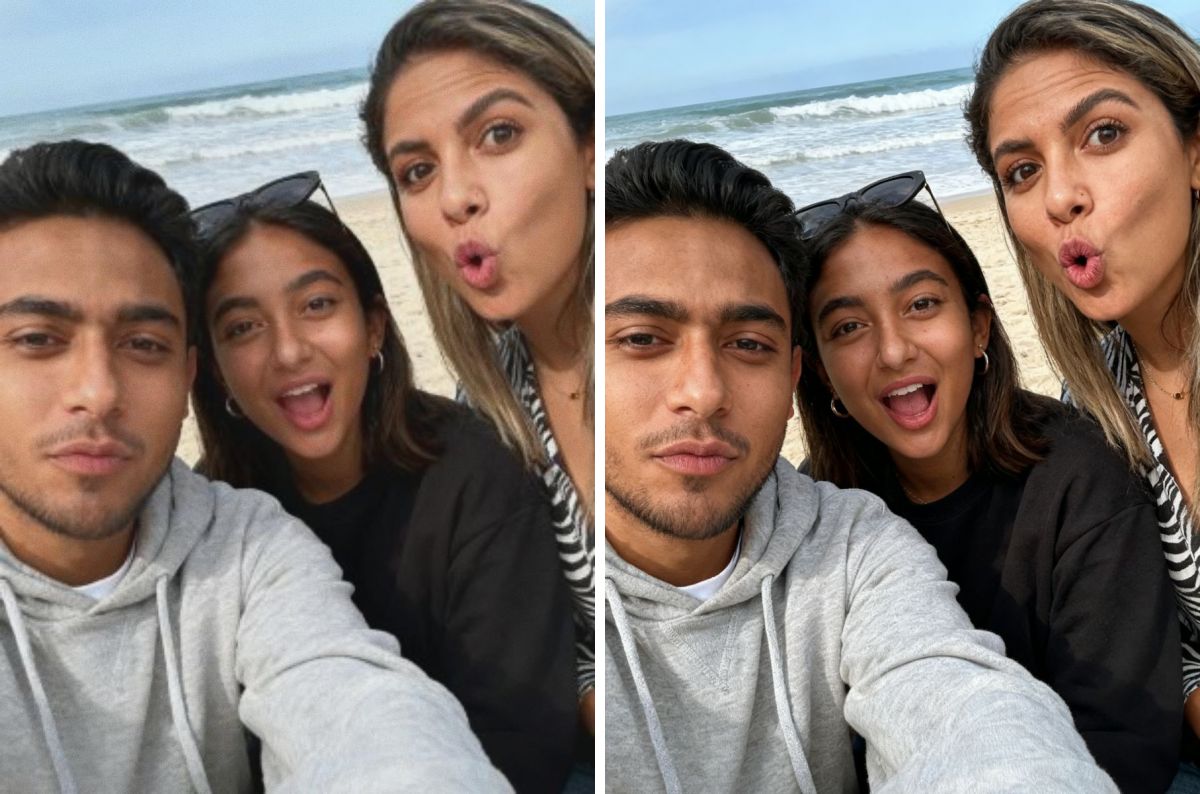
- Crystal Clarity—Our AI intelligently upscales your image, reconstructing fine details to make your portrait strikingly sharp and clear. No more annoying blurs and grains.
- Smart Skin Refinement—The AI evens out your skin tone while preserving your natural skin texture. This will make sure the result still looks like you.
- Vibrant Colors—The AI can subtly brighten the colors, making you look more awake and vibrant. At the same time, it analyzes the entire color palette of the image, boosting saturation and contrast to make you blend in well with the background.
How to Get Your Perfect Portrait in One Click
Achieving this magazine-cover look requires zero technical skill! Just follow these three steps that are easy as pie:
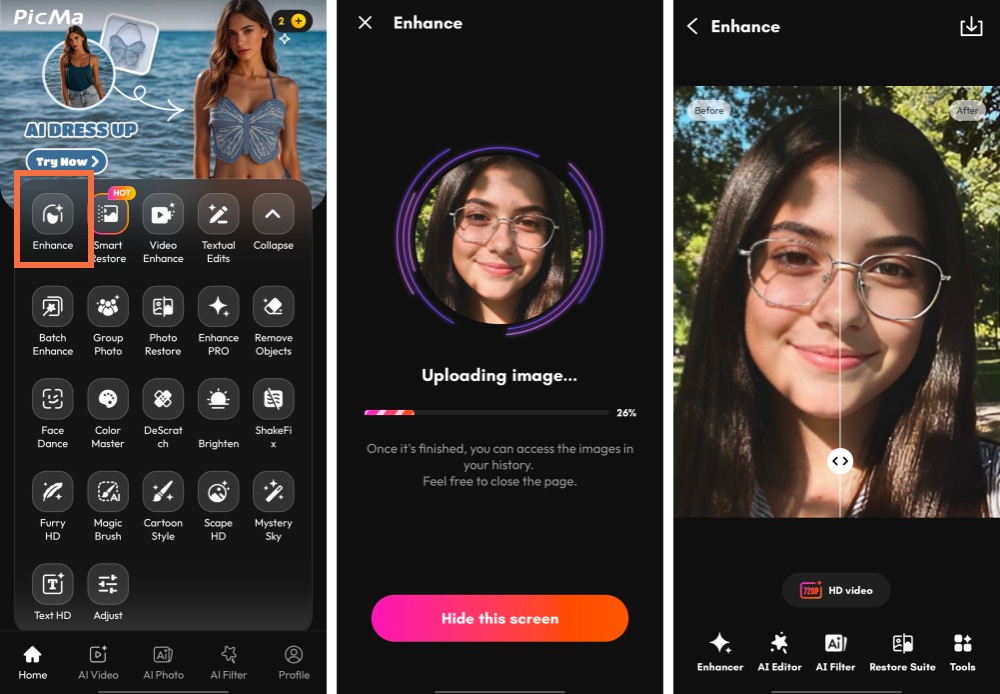
- Go to PicMa Studio and find the Photo Enhancer tool (or download the PicMa app on your phone from Google Play or the Apple App Store)
- Select your portrait and our AI will process it automatically
- Just in a second, you will get the result. Download and share it with the world!
Don't Miss PicMa's AI Enhancer—Completely Free!
That's it! This powerful feature is totally free of charge! And the whole process is super simple, just as you have seen above. You don't need to be a photo editing expert to have stunning portraits. You just need the right tool.
Try the PicMa Photo Enhancer today and see the difference for yourself!
Frequently Asked Questions (FAQ)
Q1: Is the Photo Enhancer really free to use?
A: Yes! It is 100% free. You can also upgrade to VIP for more credits and practical functions.
Q2: What kinds of images are supported?
A: We support common formats, including JPG, PNG, and BMP. The image resolution should be between 100×100 and 2048×2048.
Q3: Will enhancing a photo reduce its resolution?
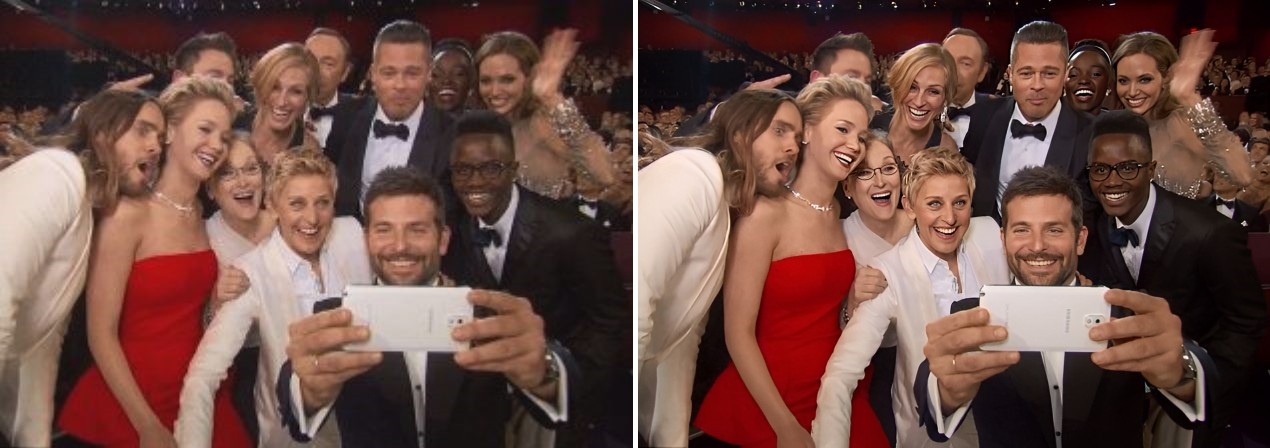
A: Not at all. You can get a high-resolution photo with crystal-clarity.
Q4: What if my photo is damaged and faded to some extent?
A: It's fine! Just jump into our Smart Restore feature, which is targeted at repairing your old photos in one click.
Q5: Are my uploaded photos kept private and secure?
A: Your privacy is our top concern. We do not store your original or enhanced photos after your use.


Related Readings:

 176
176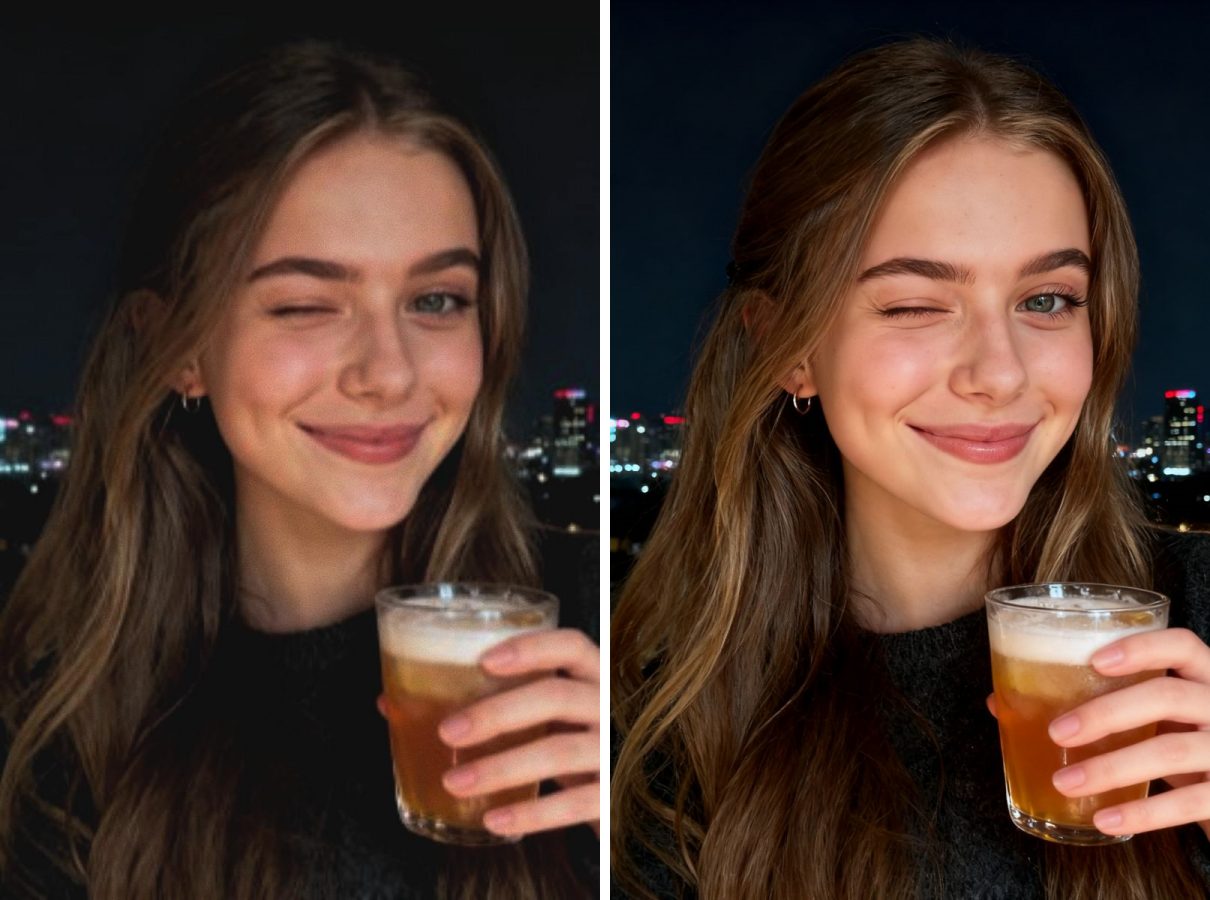

 English