Ever tried sprucing up your videos with photo editing software, only to end up with blurry footage that falls short of 4K or 8K standards? You are not alone.
Fortunately, Thanks to cutting-edge technology, we currently have a range of methods and tools available to us for unblurring low-quality videos to 4k/8k.
In this article, we will outline the approaches of PicMa Video Enhancer to enhancing blurry images, transforming them into clear, sharp visuals
Key Features of PicMa Video Enhancer
Explore the exceptional features that set PicMa Video Enhancer apart—making it the definitive tool for elevating your videos to professional-grade quality.
Dual-platform support
It offers seamless dual support for both web and app platforms, ensuring that the Video Enhancer is readily accessible whenever and wherever you need it—whether you’re polishing footage on your computer or sprucing up clips on your mobile device.
Feature one-click enhancement
Boasting an intuitive one-click enhancement feature, it eliminates the hassle of complex settings, allowing even beginners to transform their videos with professional flair in seconds.
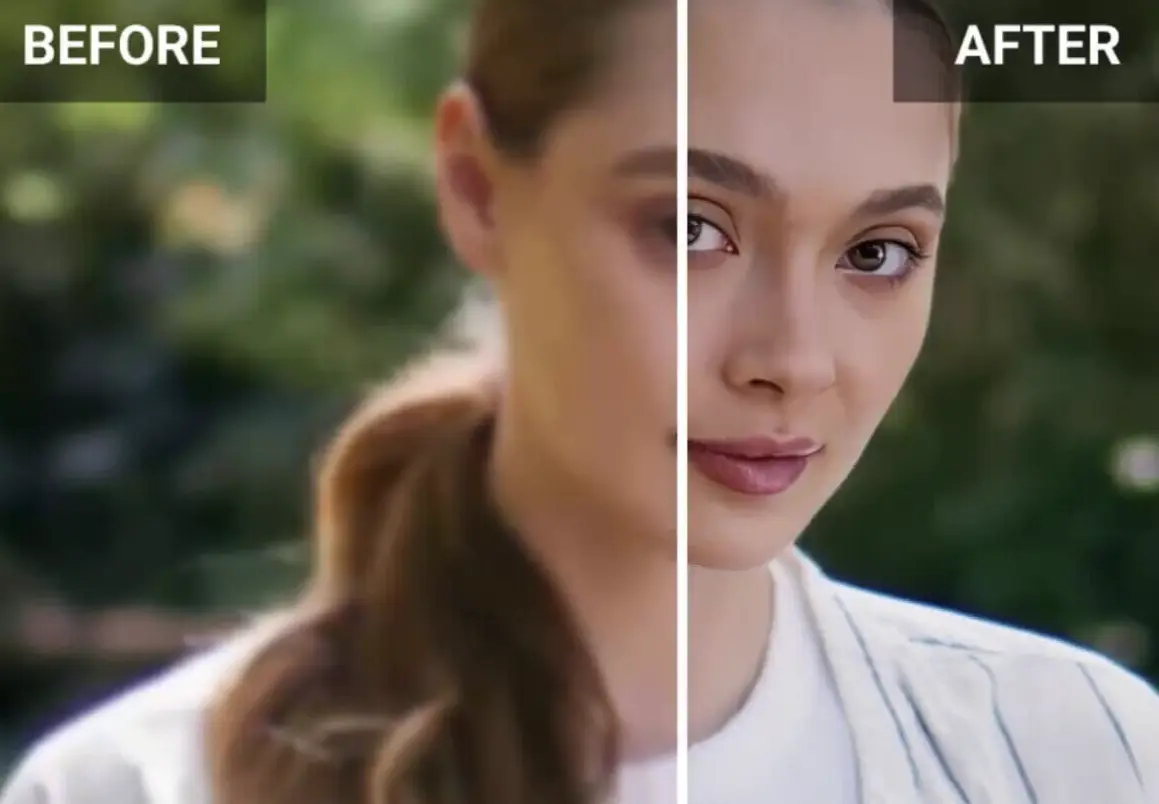
Adapt to diverse scenarios
It excels at adapting to diverse scenarios: from restoring old family videos to refining social media content, from upgrading low-light travel clips to enhancing business presentations.
Zero-threshold design
Its zero-threshold design means no prior editing experience is required—just upload, click, and witness your videos gain clarity, vibrancy, and polish effortlessly.
How to Enhance Low-quality Video to 4k/8k
Step 1. Open PicMa video enhancer
To start, open the PicMa website or download app (ios & android), head to the PicMa Video Enhancer online tool—a user-friendly platform that leverages AI to enhance your images effortlessly. It automatically boosts photo quality through sharpening, denoising, and color correction, turning blurry pictures into clearer versions—even up to 4K resolution—completely free of charge.
Step 2. Upload your low-quality video
Click the upload button and select the blurry video you want to improve from your device. The tool will then take over and process the video automatically.
Step 3. Start Video Enhancer to configure the video settings.
You can select an AI model, adjust the resolution and frame rate, set the encoding format and output format, and tweak the video quality level.
Step 4. Preview and download
After the enhancement is complete, you can choose to preview the improved footage. If the video clarity still doesn’t meet your expectations, you can go back to make further adjustments. Finally, save and download the enhanced video.
Wondering how PicMa Video Enhancer can elevate your videos? Here are three key advantages that make it a true game-changer—enhancing video quality, elevating the viewing experience, and delivering professional-grade results effortlessly.
- It is user-friendly for all
Enhance and sharpen your videos with AI instantly—no video editing skills required. With minimal effort, PicMa Video Enhancer delivers professional-grade results.
Restore, enhance, and perfect any video with AI. Our advanced algorithms automatically fix blur, noise, and colors—transforming ordinary footage into stunning content.
- Adjust video quality level
PicMa Video Enhancer significantly transform low-quality video to high-quality result by adjusting the resolution and frame rate.
- Flexible AI model to choose
Choose from a variety of AI model at will, meeting your diverse needs from daily video retouching to professional design, and unlocking a new experience in video enhancement.
Frequently Asked Questions of PicMa Video Enhancer
- What video formats are supported?
PicMa Video Enhancer embraces an extensive array of video formats—including MP4, AVI, M4V, and beyond. This remarkable versatility means you can enhance videos from all kinds of sources, free from the stress of compatibility hurdles.
- Can videos repaired on a mobile phone be imported into computer software for secondary processing?
Absolutely! PicMa Video Enhancer utilizes dual support for both web and app platforms, delivering flexible, personalized services tailored to users with diverse needs. Seamlessly switch between mobile and desktop devices—no restrictions on where you use it, empowering you to enhance videos whenever inspiration strikes. PicMa extremely brings users unparalleled convenience and satisfaction.
- Is the PicMa Video Enhancer easy to use?
Feel at ease! It is user-friendly for all users that no video editing skills required. Its intuitive one-click enhancement feature ensures anyone to upload, enhance, preview and download, providing smooth experiences for different groups of people.
- Can any type of video be enhanced?
Revive any video—whether it’s a grainy home clip, a shaky concert recording, or a cinematic gem—with our enhancement tool. A single tap upscales, sharpens, and restores footage to stunning 4K, preserving memories in vivid, crystal-clear detail. Rediscover the magic, frame by frame.


Related Readings:

 217
217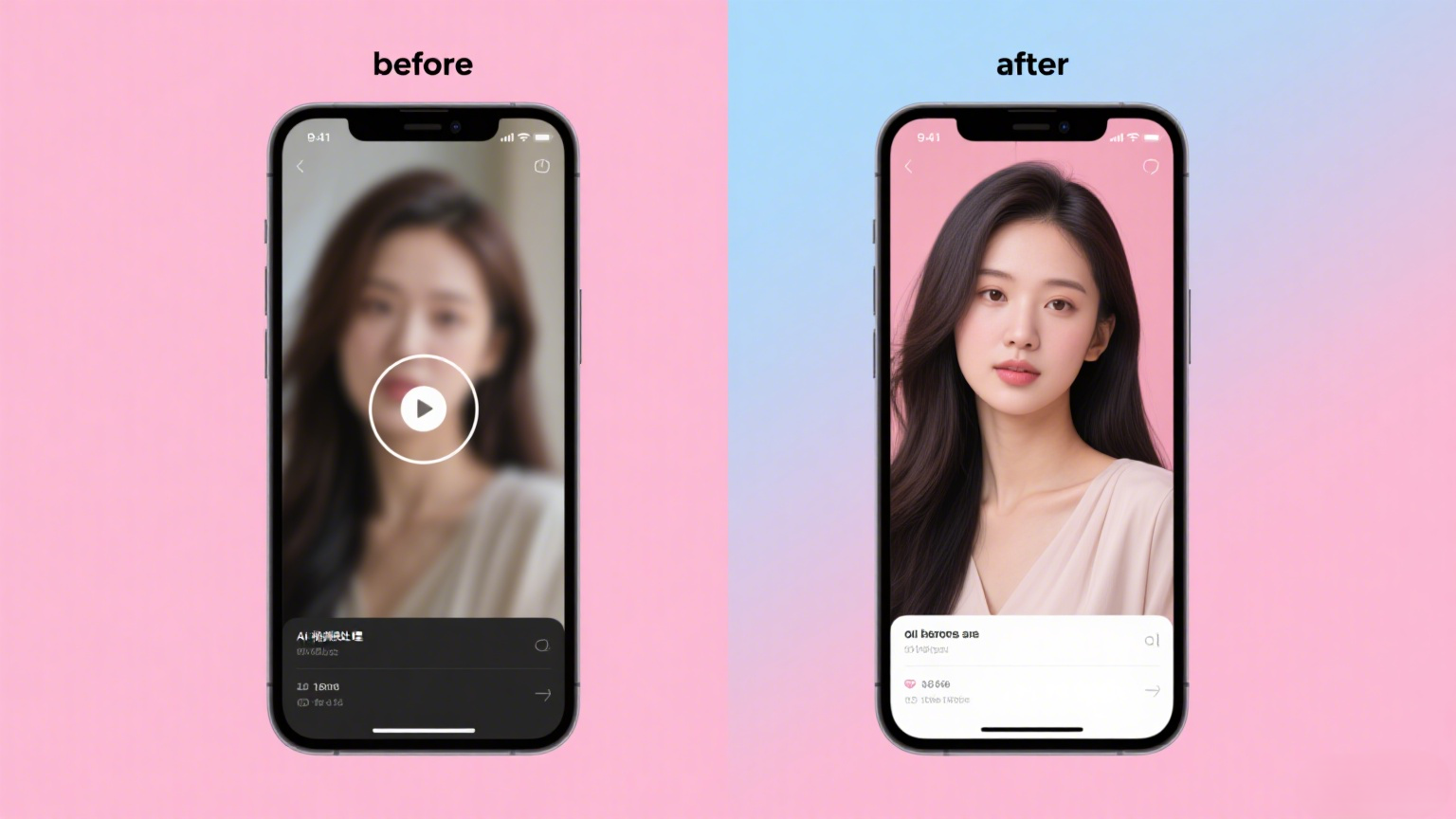

 English