You suddenly feel like rewatching Dragon Ball Z, but the viewing experience isn’t the same. The image looks soft, colors are faded, and fast battles show halos and noise. That’s where PicMa upscaling comes in—bringing sharper lines, richer colors, and a look closer to how you remember it.
Why 90s Anime Looks Different on Modern Screens
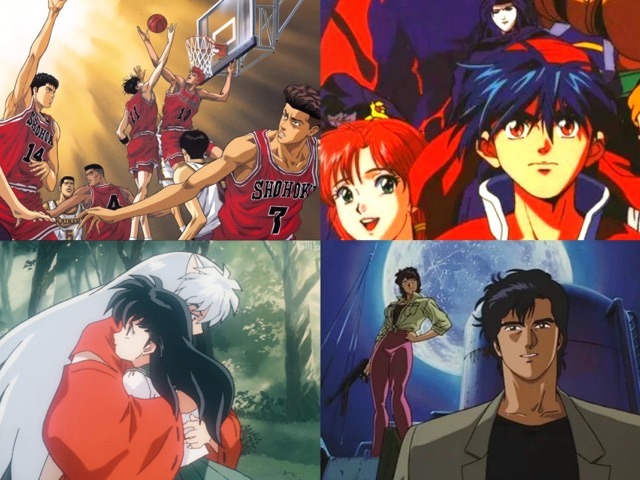
Dragon Ball Z and other 90s anime were created with cel-based production, where characters were hand-painted onto acetate sheets and then filmed. These frames were broadcast on CRT televisions, which naturally softened edges, boosted colors, and hid small defects. On today’s ultra-sharp digital displays, the same footage looks harsher: lines shimmer, colors fade, and flaws stand out. This explains why modern remasters and AI video enhancers emphasize line stability and color restoration—it’s not just nostalgia, but a difference in the display technology itself.
What AI Upscaling Does for 90s Anime
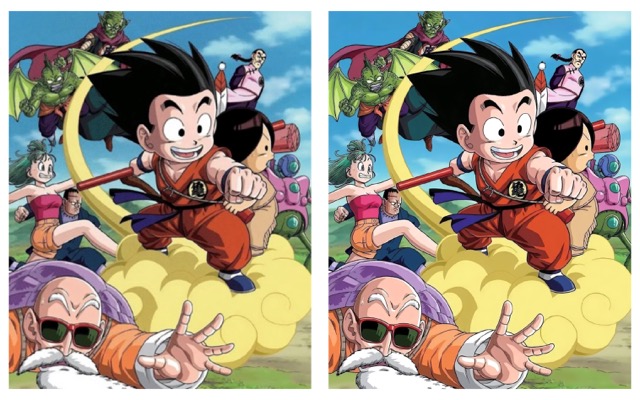
Three key features in PicMa video enhancer do most DBZ issues:
- Deinterlacing: removes combing from NTSC sources, keeping motion smooth so auras don’t “zipper.”
- Professional Noise Cancellation: reduces analog noise without flattening paint layers, avoiding “plastic” skin.
Color Enhancement: fixes drift and restores saturation, making reds punchy and skin tones natural—ideal for DBZ’s bold palettes.
How Can You Get Dragon Ball Z in 4K with PicMa
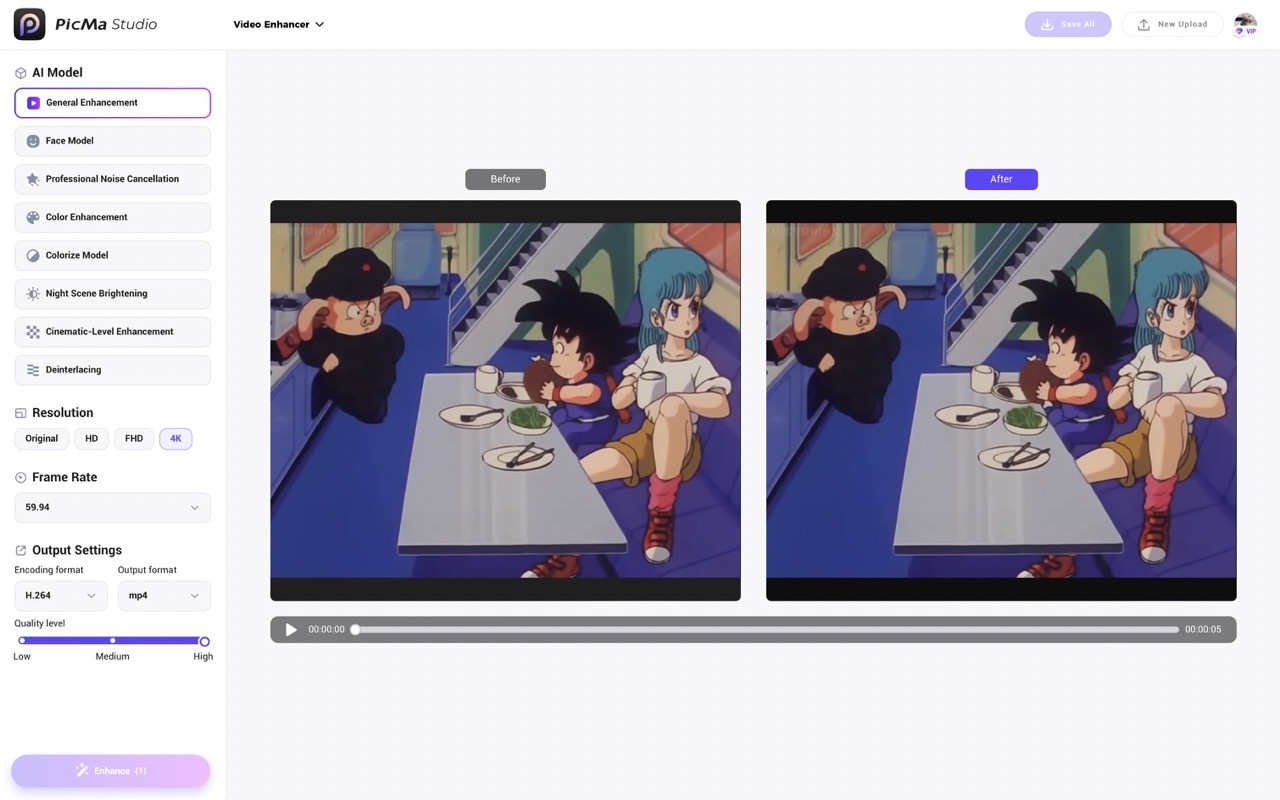
1.Open the PicMa website or Download app (iOS & Android) to find video enhancer
2.Turn on Deinterlacing → add Professional Noise Cancellation → Color Enhancement.
3.Export: 4K / 59.94 fps / High, keep 4:3.
CRT Feel vs Clean Modern
If you want a CRT anime remaster vibe, keep Professional Noise Cancellation mild and let a hint of grain live; pair with gentle Color Enhancement to avoid neon skin. Prefer a cleaner modern look? Push Color Enhancement a notch for contrast, but don’t overdo it—once skies look waxy, dial it back. Either way, run Deinterlacing first; otherwise halos and zipper edges survive every change.
FAQ
Q1:Will AI erase hand-painted charm?
A:With cel-based cartoon repair logic (mild noise cancel + measured sharpening), line art stays organic.
Q2:Is 4K worth it from SD?
A:On large screens, cleaner lines and fewer bands are obvious in DBZ’s high-motion cuts.
Q3:Avoid plastic faces?
A:Keep noise low–mid, PicMa skip heavy sharpening—fits cel-based cartoon repair.
Q4:Halos or rainbow edges won’t go away?
A:Check Deinterlacing, lower sharpening, add light color fix.
Q5:Should I crop to 16:9 or switch to 60fps?
A:It’s recommended to keep 4:3 instead of forcing 16:9; for NTSC sources, 59.94 fps feels more natural, while 60 fps works but doesn’t match the timing as closely.
Want to relive Goku vs. Frieza in crisp 4K? Open PicMa Smart Video Enhance and try it today. With just three settings, your favorite saga will shine like never before.


Related Readings:

 232
232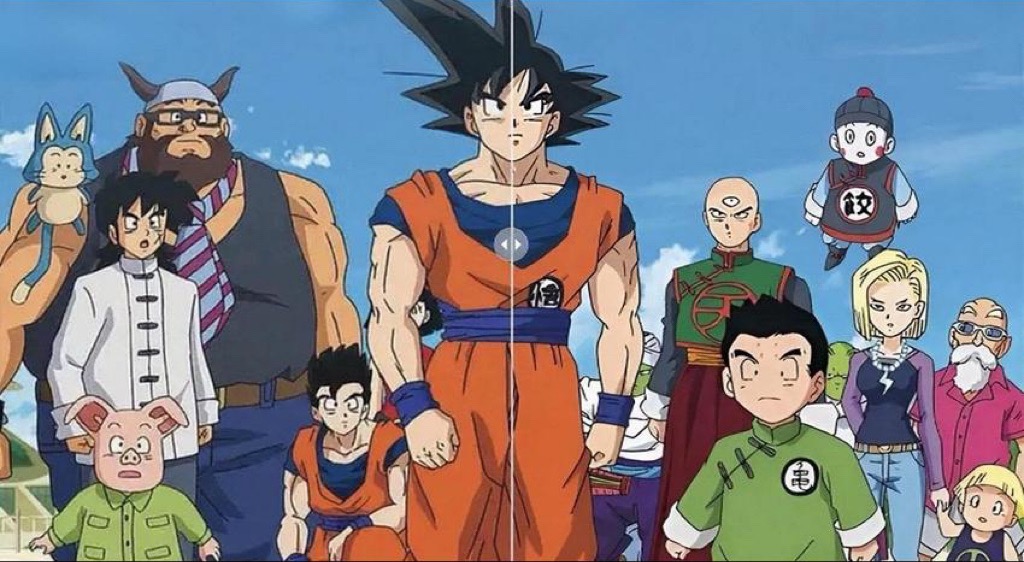

 English