Say goodbye to wasting time on minor camera shakes, poor lighting, or the low quality of old cameras. As of 2026, AI video enhancement technology has completely transcended the realm of "correction" and entered the phase of "creation."
Tasks that once required expensive workstations and skilled operators can now be completed in just a few clicks in your browser, or even completely for free. Chinese-origin AI technology, in particular, has made remarkable strides, with super-resolution and detail restoration technologies that shatter the old notion of "blurriness upon enlargement" becoming widely available. The choice of tool now makes a world of difference in the final quality.
What is an AI Video Enhancement Tool (Website)?
An AI video enhancement tool is a next-generation application that uses deep learning to intelligently supplement and generate resolution, frame rate, color information, and subject texture.
As of 2026, these tools have achieved the following three major evolutions:
- Generative Super-Resolution: Instead of simple interpolation, it understands context to generate missing pixels. This is a de-facto feature for the 8K/16K era, where even 4K feels like "standard definition."
- Multimodal Color Restoration: Goes beyond simply colorizing black-and-white footage to infer film degradation, original shooting conditions, and even seasonal ambiance. It doesn't just add color; it recreates the "colors of memory."
- Fully Practical On-Device Processing: Breaking free from cloud dependency. With the latest smartphones (A18 / Snapdragon 8 Gen 5) and high-end PCs, fully local processing is now the norm, marking a significant turning point for security as well.
2026's Top 5 Picks: The Best AI Video Enhancement Tools for You
Here, we thoroughly analyze the five most popular tools among modern creators, based on real-world use, from the perspectives of versatility, specialization, and cost-effectiveness.
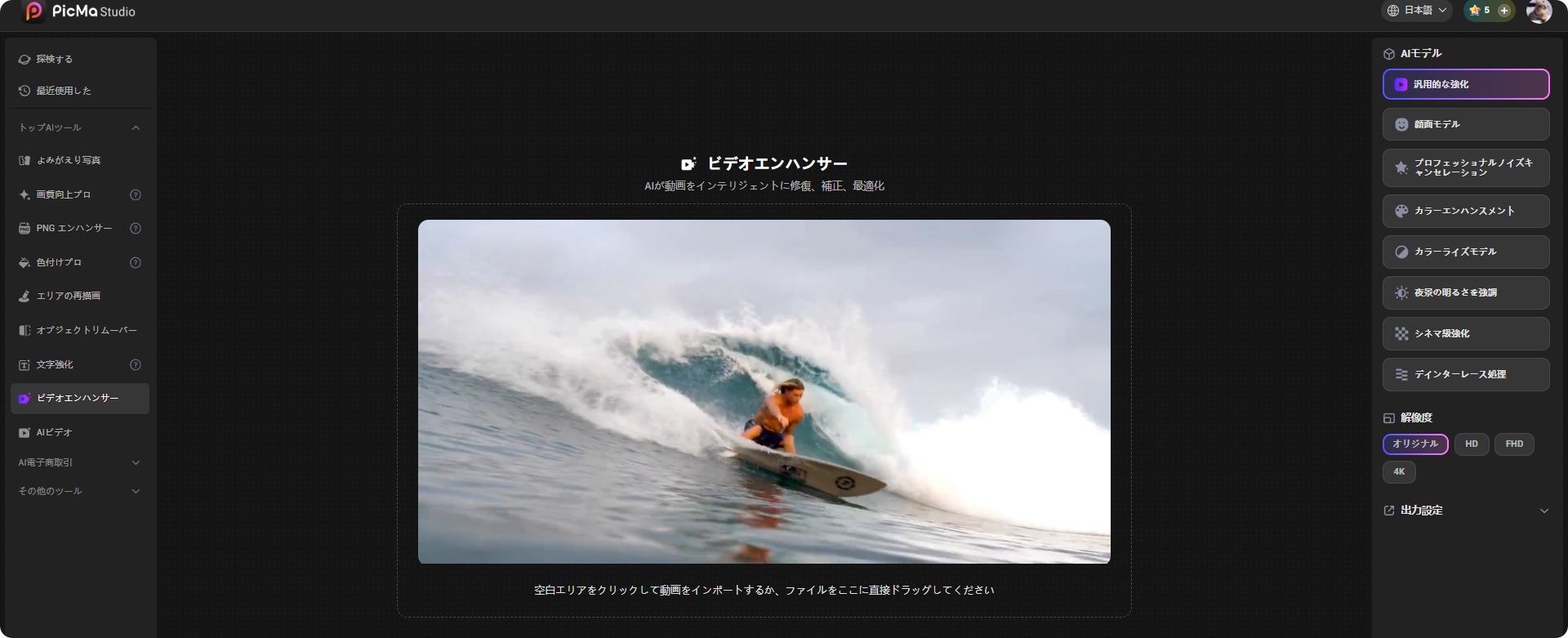
1. Best All-Rounder & Face Restoration AI: PicMa Video Enhancer
Its market share has surged since late 2025. Originally renowned for its photo editing app, PicMa has leaped to become a top runner in the video enhancement field with its 2026 model.
Its greatest strengths are the exceptional accuracy of its "Cinema-Grade Enhancement" and "Facial Model".
While traditional tools excel at restoring landscapes or animation, they often fail with live-action human faces, producing unnaturally smooth "doll-like" results. PicMa is different.
It enhances the subtle reflections in pupils, the texture of individual strands of hair, pores, and skin grain to an ultra-high definition while keeping them "naturally realistic." The result is akin to reshooting with a premium portrait lens, leaving competitors in the dust.
Furthermore, its "Night Scene Brightness Enhancement" model is entirely developed in-house. Instead of merely reducing noise in dark areas, it uses a proprietary algorithm to amplify the actual light information. This delivers astonishing restoration power even for extremely low-light footage like security camera videos.
Key Features:
- 8 Specialized AI Models: General, Face-Focused, Denoise, Color Boost, B&W Colorization, Night Scene, Cinema-Grade, Deinterlace
- Output Resolution: Original ~ 4K (8K support planned for Summer 2026)
- Interface: Fully supports Japanese, simple drag-and-drop UI
- Processing Engine: Cloud (High Quality) / Some features offer optional local processing
Ideal For:
- Vloggers and YouTubers who are particular about "how their face looks"
- Those wanting to revive Showa/Heisei-era home videos with "live-action quality" for the modern day
- Professionally-minded users seeking "natural beauty that surpasses the original" rather than just "vaguely prettier"
2. The Pinnacle of 16K Super-Resolution: Topaz Video AI
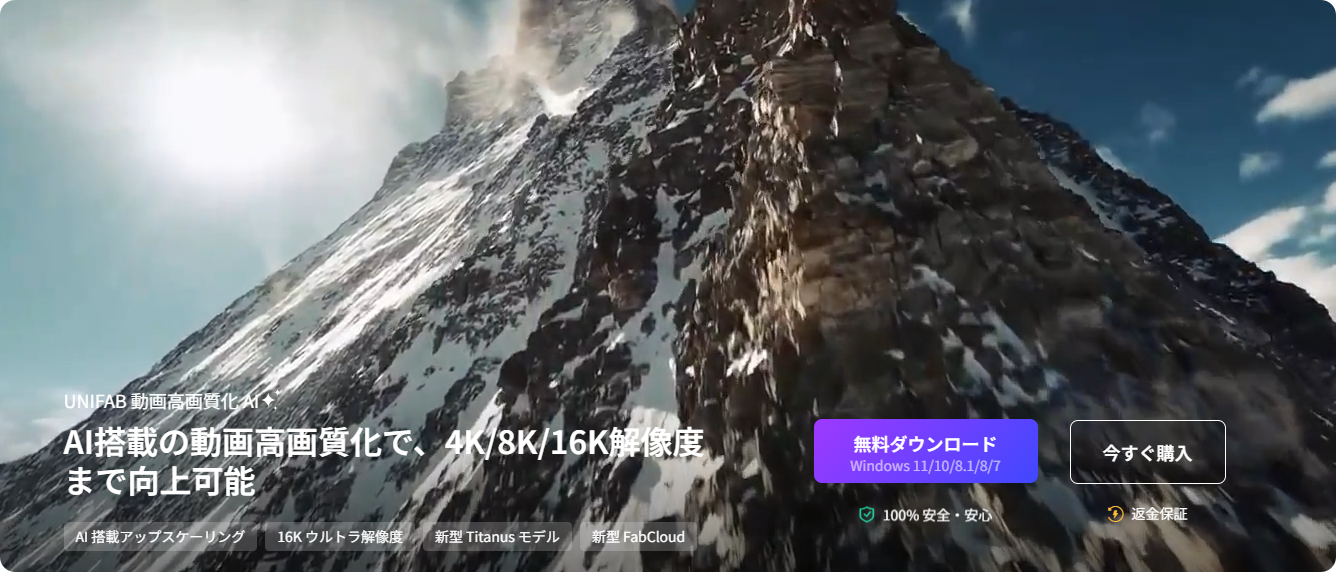
Topaz Labs has long been the industry's de facto standard. As of 2026, it continues to command absolute trust from professionals as the benchmark for scalability and the ceiling of image quality.
The new-generation AI model "Aurora", introduced in a major late-2025 update, completely eliminates the traditional trade-off (noise reduction = detail loss). It achieves the remarkable feat of reproducing even film grain as a high-fidelity texture.
Key Features:
- Up to 16K Upscaling: Suitable for theatrical masters and archival preservation.
- 4 Switchable AI Models (including the latest Aurora)
- Advanced Frame Interpolation: Generates 120fps / 240fps slow motion.
- Batch Processing: Enables bulk enhancement of series footage.
Ideal For:
- Video production companies, professional YouTubers, film archive institutions.
- Those who prioritize absolute image quality above all and can accommodate the required machine specs and processing time.
"I just want it easy, and I want faces to look dramatically better."
In 2026, the best buy for light users garnering the most support is AVCLabs.
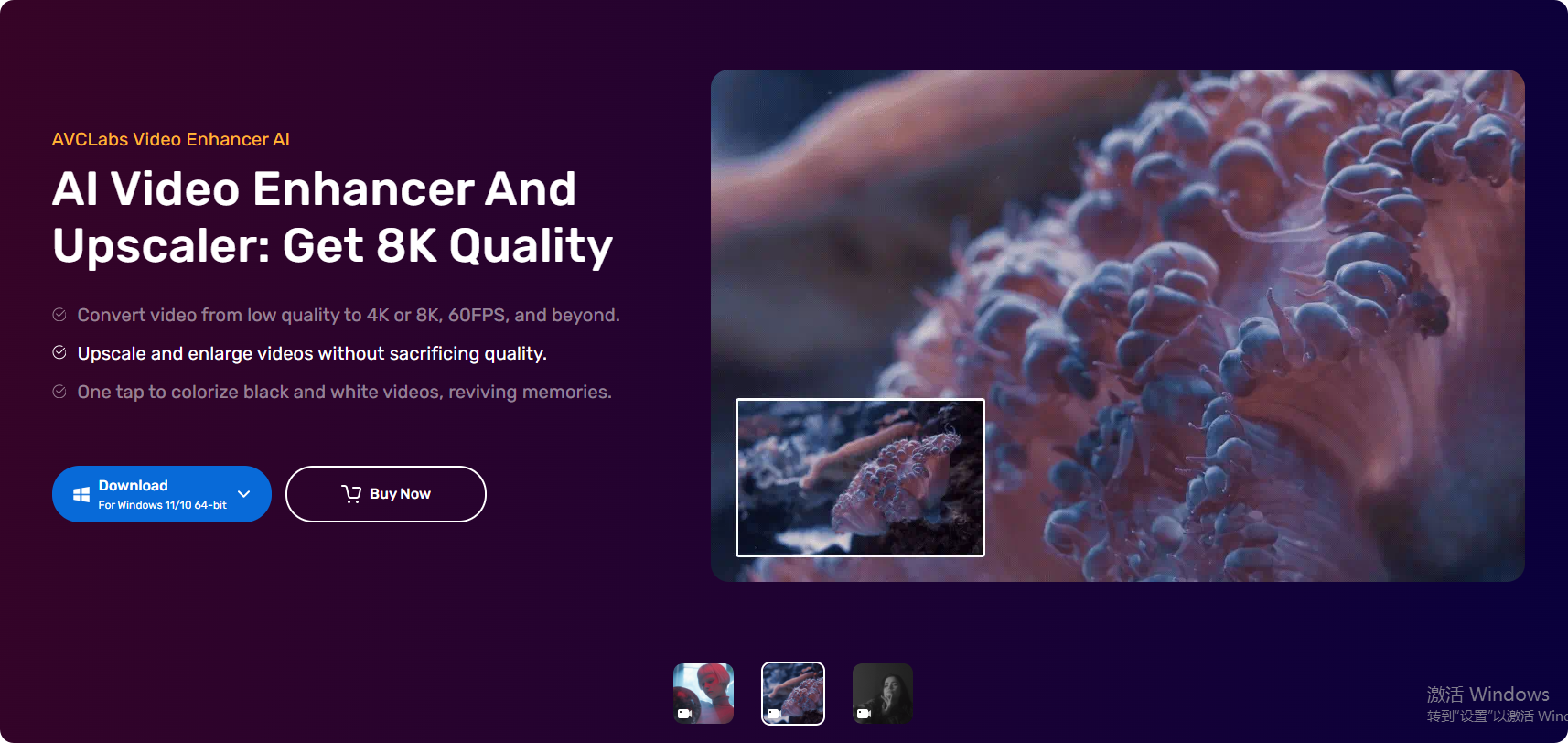
Often compared to PicMa, AVCLabs's biggest differentiator is its perpetual license model. It enjoys immense popularity among those resistant to ongoing monthly fees and users who want long-term ownership.
Key Features:
- Max 4K Output (No 8K, but more than sufficient for general home/SNS use).
- Face Restoration-Focused AI: Extremely effective for animating old family albums and restoring people in VHS tapes.
- Video Colorizer: Improved automatic colorization accuracy for black-and-white films.
- Optimized for Apple M3/M4 Chips: The smooth performance Mac users have been waiting for.
Ideal For:
- Cost-performance-focused users tired of subscriptions.
- Those wanting to permanently digitize family VHS tapes at an affordable price.
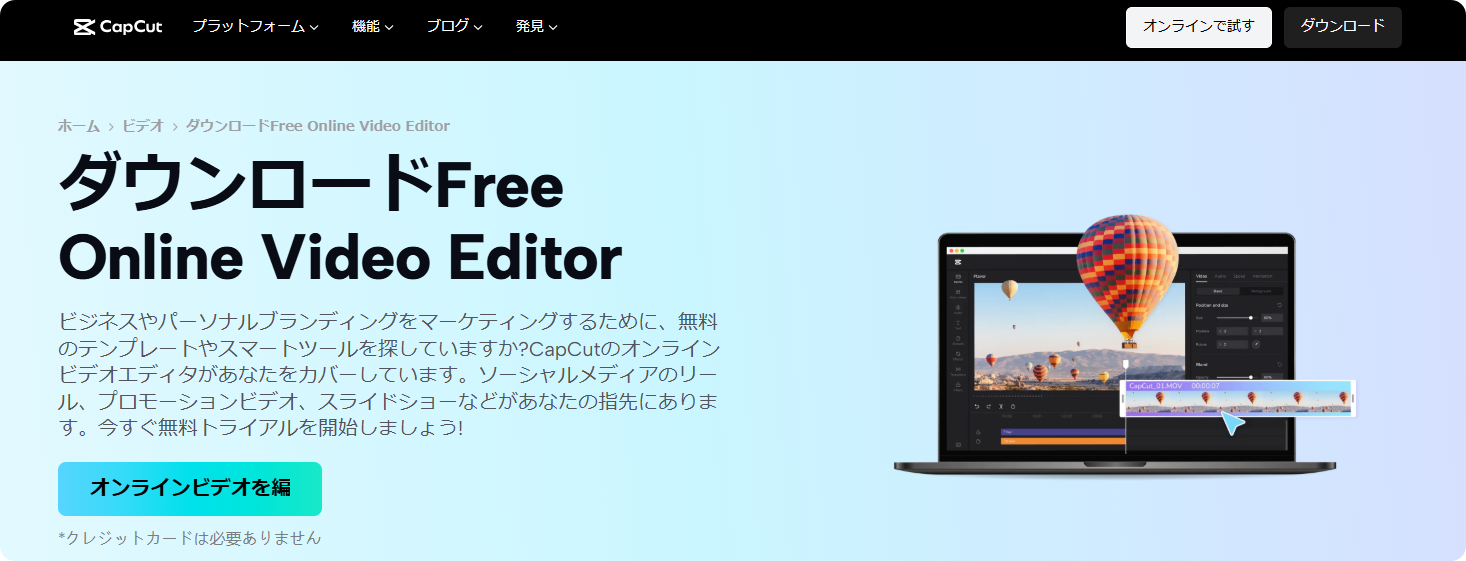
In 2026, "video editing = CapCut" is a global lingua franca. Its enhancement feature has also completely surpassed being just an add-on, pioneering a new frontier with text-prompt-based quality adjustment.
"Cinematic, HDR, 4K, Film Grain"—simply type words into the prompt field on the editing screen, and the AI automatically sets the optimal quality adjustment parameters. It's intuitive and surprisingly accurate.
Of course, the basic features are completely free. Starting here is arguably the 2026 standard.
Key Features:
- Cloud-Native: Consistent quality across smartphones, tablets, and PCs.
- One-Click Enhancement + Semi-Auto Adjustment via Prompts.
- Seamless integration of multi-track editing and enhancement.
- Output: Up to 4K (with a free tier).
Ideal For:
- TikTok, YouTube Shorts, Instagram Reels creators.
- Students and beginners seeking maximum efficiency with zero budget.
5. The New Standard for Team Workflows: BeautyPlus
BeautyPlus's intelligent AI analyzes videos, intelligently sharpening details frame by frame. It reveals hidden details, transforming them into crisp, clear visuals that enhance the overall viewing experience. Don't waste time on manual adjustments. This online AI video enhancer automatically adjusts brightness, contrast, and saturation to make your videos pop.
Key Features:
- Serverless Architecture: No theoretical limit on concurrent processing.
- Supported Codecs: ProRes, DNxHD, H.264/265, AV1.
- API Provision: Easy integration into proprietary services or internal portals.
- Pay-as-you-go storage (plans with included storage also available).
Ideal For:
- Video marketing agencies, large-scale archival projects.
- Companies/organizations with infrequent but high-quality processing needs.

Complete Comparison Table for AI Video Enhancement Tools (2026 Edition)
| AI Video Enhancement Tool | Pricing Model | Max Output Resolution | 2026's Biggest Strength | Ideal User |
|---|
| PicMa Video Enhancer | Free ~ Monthly/Pay-as-you-go | 4K | New Standard for Face Restoration + Cinema-Grade Enhancement | Vloggers focused on facial appearance, preserving family memories |
| Topaz Video AI | Perpetual $349 | 16K | Absolute Image Quality & Scalability | Professional production, all users seeking the highest quality |
| AVCLabs | Perpetual $159.95 | 4K | Best Value Face Restoration + Perpetual License | Intermediate/Home users tired of subscriptions |
| CapCut | Freemium | 4K | Free & Prompt-Based Editing | Beginners, SNS editors |
| BeautyPlus | Pay-as-you-go | 4K/HDR | Team Workflow & API Integration | Video production companies, digital marketers |
Conclusion: In 2026, Which is Your "Best One"?
The biggest change in this market from 2024 to 2026 is the "complete diversification of choices."
- If you want to reach the absolute pinnacle of image quality, choose Topaz without hesitation.
- For the perfect balance of cost and quality, especially to naturally and beautifully restore "human faces," choose PicMa.
- To get decent quality without spending a cent, choose CapCut.
Among these, PicMa stands out as "the most dynamic and considerate tool of 2026," confidently recommended for a wide range of users, from beginners to professional side-hustle creators.
Start with a free trial and experience how your precious videos can come back to life, more vividly than "the scenery in your memory."
PicMa Download the app fromGoogle Play orAppStore.


 354
354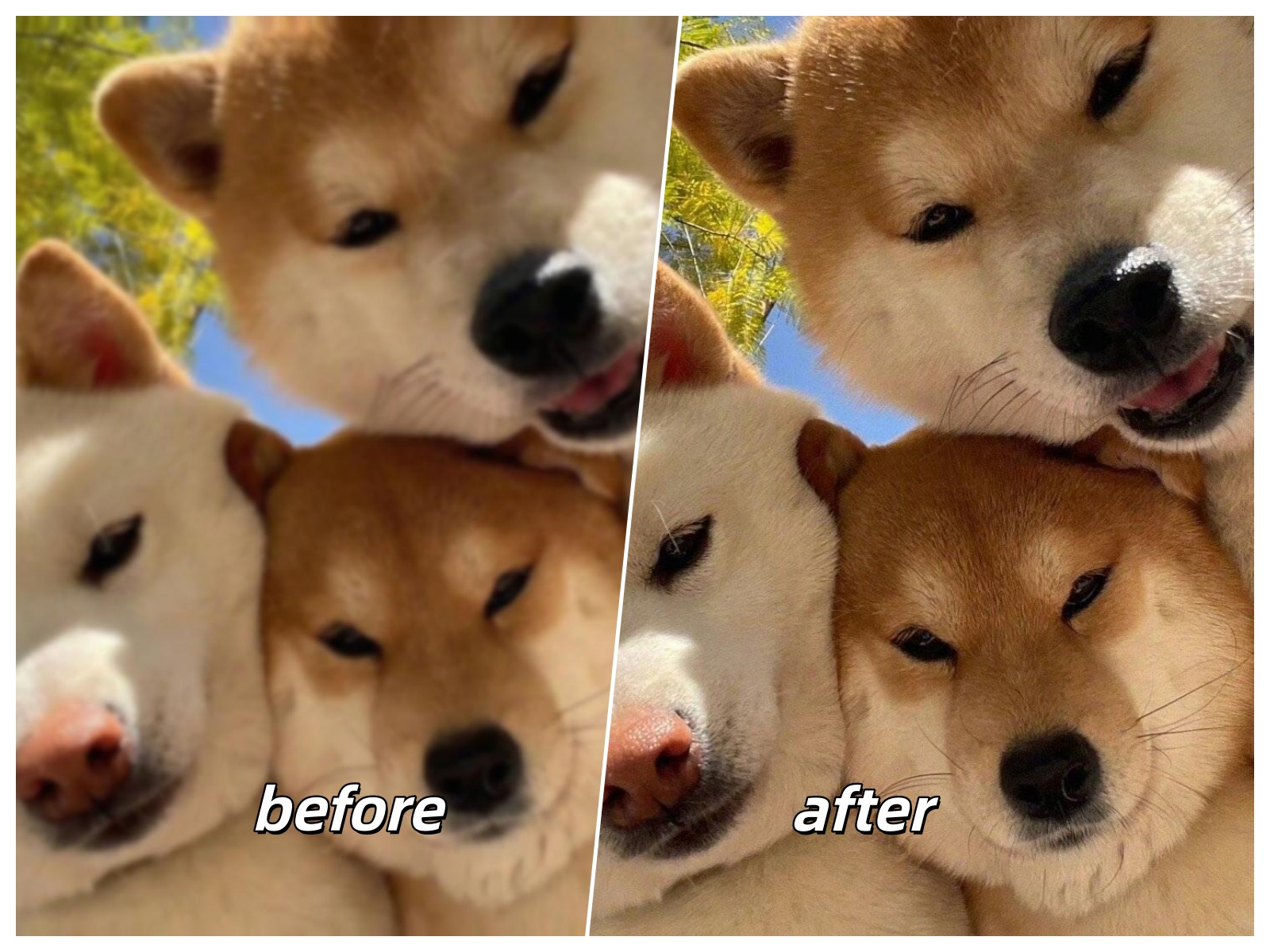

 English