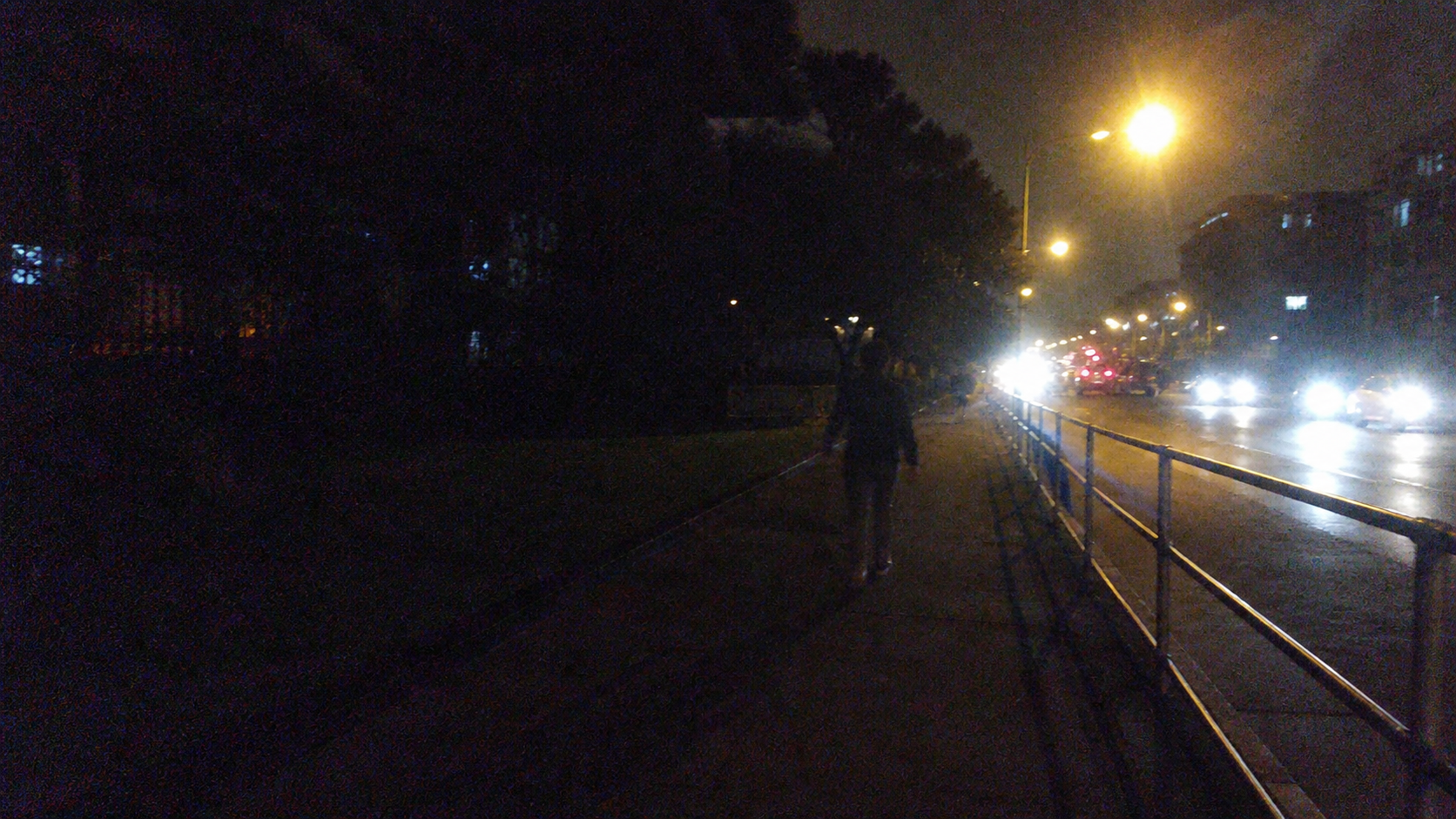
Night rides and city walks often look atmospheric in person but disappoint on camera. Roads disappear into shadow, faces lose detail, and streetlights become bright white patches. This is especially common with phones, GoPros, and action cameras recording while moving.
Increasing brightness in a basic editor may reveal more of the scene, but it also makes grain and colored noise more visible. To improve night cycling video or brighten GoPro night footage properly, you need to balance brightness, contrast, highlight protection, and noise reduction.
Why Brightening Dark Video Can Make Noise Worse
Cameras receive much less light at night. To compensate, they increase sensitivity, creating grain and colored speckles in darker areas. Motion, small camera sensors, and video compression can make the problem even more obvious.
A basic brightness adjustment lifts everything at once—including noise. It can also overexpose headlights, signs, and streetlamps while the road remains unclear.
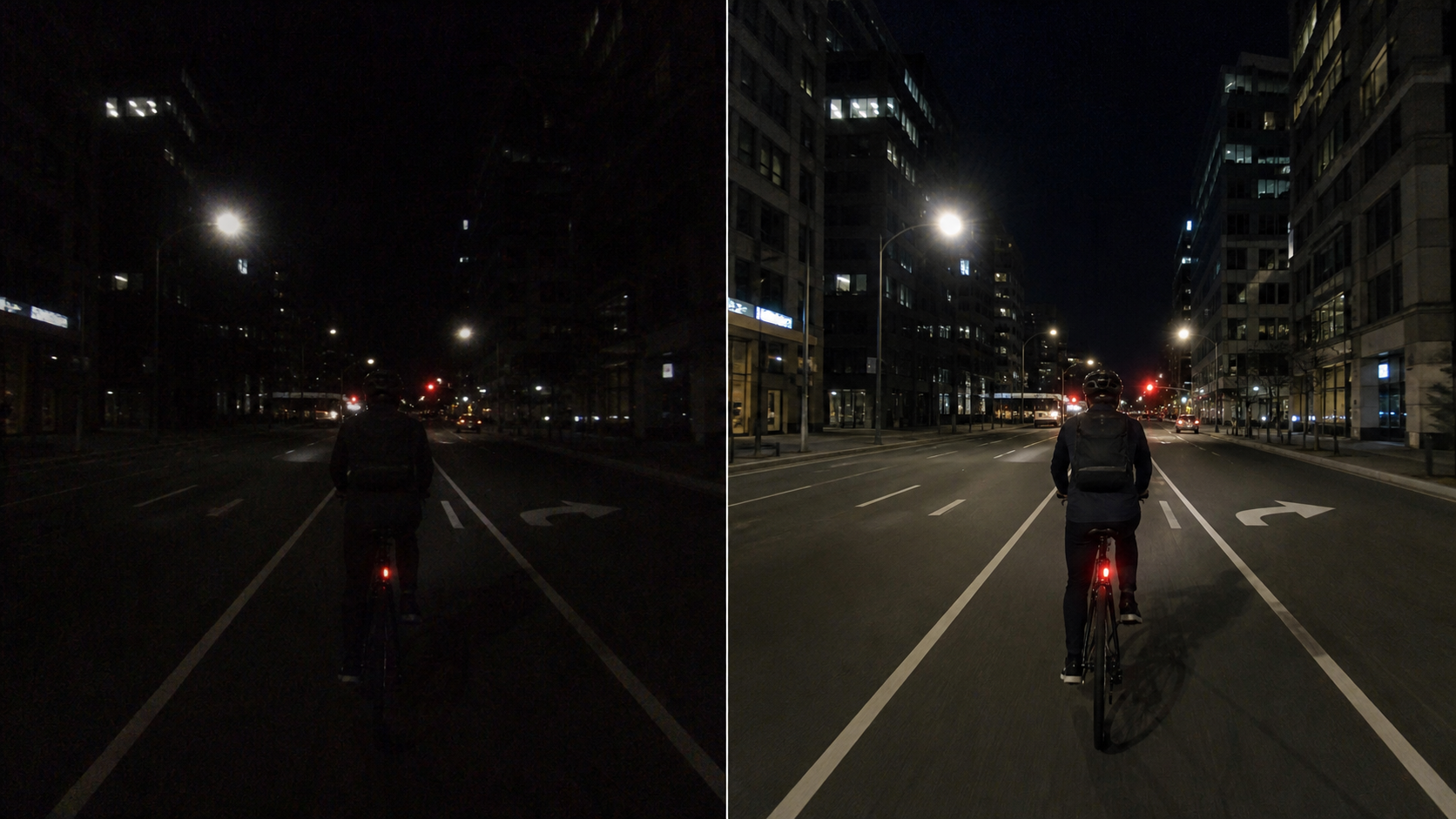
A low-light video enhancer takes a more targeted approach. Instead of making every pixel brighter, it can improve visibility in dark areas while maintaining a more balanced image.
How to Enhance a Night Video with PicMa Studio
The PicMa AI Video Enhancer includes several AI models for different types of footage. Night Scene Brightening is the most relevant option for motorcycle rides, night cycling, camping videos, and dark city-walk footage.
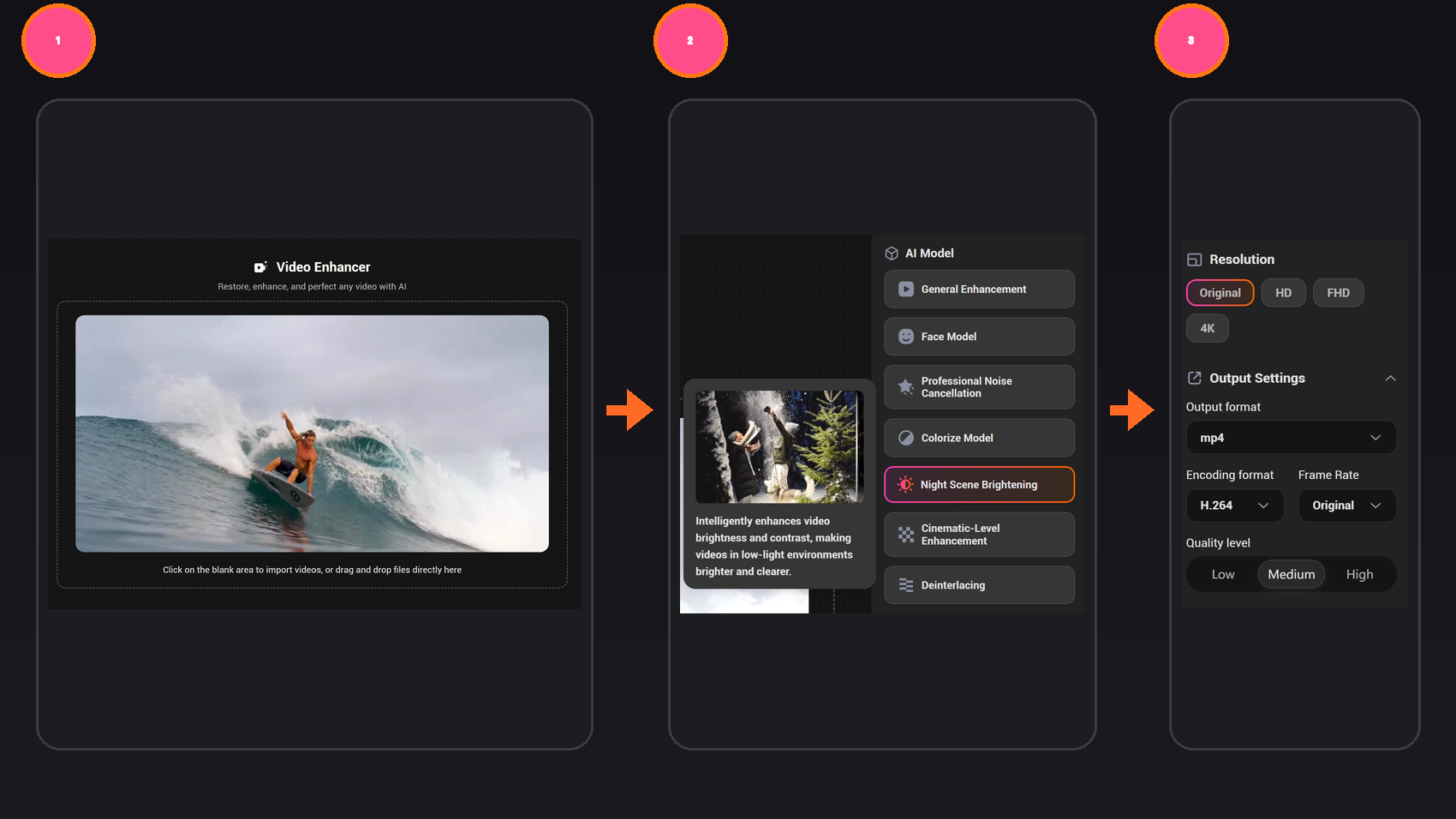
Step 1: Open PicMa Studio
Go to the PicMa AI Video Enhancer page.
Step 2: Choose an AI model
Select Night Scene Brightening to improve brightness and contrast in low-light footage. If the video looks grainy, choose Professional Denoising. If people are the main subject, try the Face Model to improve portrait clarity.
Step 3: Upload and adjust the output
Upload your video, then choose the preferred resolution and output settings.
Step 4: Process and preview
Start the enhancement and preview the result. Check the shadows, faces, road details, headlights, and streetlights before downloading.
This workflow provides a straightforward way to enhance a night motorcycle video, brighten action-camera footage, or fix a dark city-walk video without learning complicated editing tools.
Choosing the Right AI Model for Your Footage
Night Scene Brightening is a useful starting point when the entire scene is underexposed. It can help reveal roads, buildings, trees, tents, and people that are difficult to see in the original clip.
Professional Denoising is more suitable when the image is visible but covered in grain, colored speckles, or compression artifacts. For night markets, travel vlogs, camping portraits, and city walks where a person remains on screen, the Face Model can help produce clearer facial details.
However, AI cannot recover every detail that was never captured. Whenever possible, use the original camera file instead of a copy downloaded from social media, as recompression may remove additional image information.
Tips for Better Night Riding and City-Walk Videos
AI enhancement works best when the source footage already contains some usable detail. A few simple shooting habits can make a significant difference.
Keep the lens clean and stabilize the phone or action camera whenever possible. For cycling and motorcycle footage, use a secure mount to reduce shaking and motion blur. Avoid pointing directly at powerful headlights for long periods, as completely overexposed highlights are difficult to restore.
During a city walk, use shop windows, signs, and streetlights as practical light sources. When recording people, let them face a nearby light rather than standing with the light directly behind them.
Dark footage does not always need to be deleted. Targeted enhancement can reveal roads, buildings, and people while reducing the grain caused by manually increasing exposure.
Brighten your night video with PicMa Studio.


FAQ
Can AI brighten a night video without adding more noise?
AI enhancement can control noise more effectively than a basic brightness adjustment, especially when brightening is combined with a dedicated denoising model. The result still depends on the quality of the original footage.
Will brightening make streetlights and headlights overexposed?
AI enhancement is designed to improve darker areas while maintaining a more balanced image. However, lights that are already completely overexposed in the original video may not recover their lost detail.
Can it fix shaky GoPro or motorcycle footage?
It can improve brightness, contrast, and visible detail, but severe camera shake and motion blur may remain. Using the original file and a secure camera mount provides a better starting point.
Related Readings:

 32
32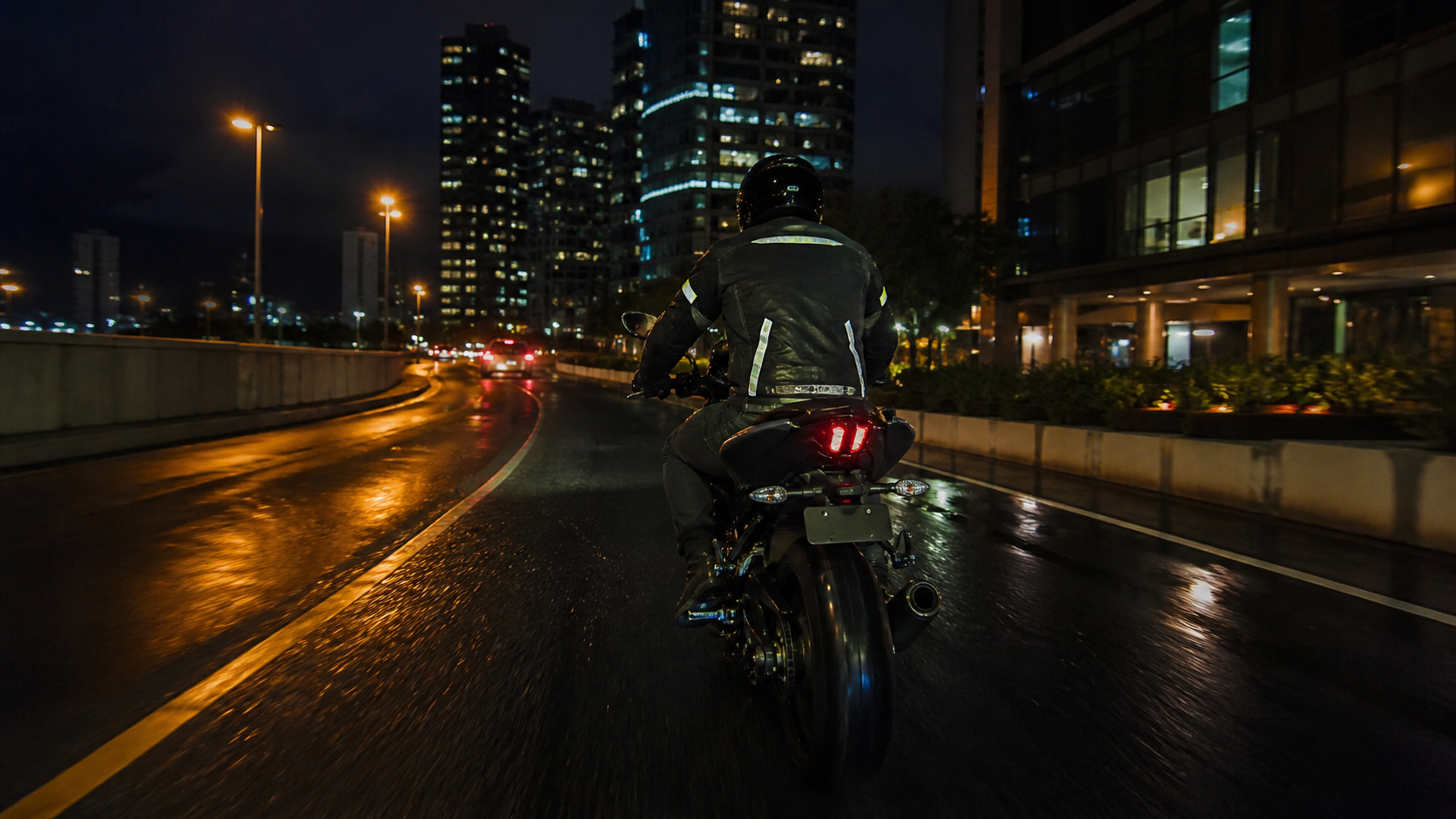

 English