High-quality video content is essential for social media, vlogs, and personal projects. However, low resolution, blurry footage, and poor lighting can reduce the impact of your videos. Fortunately, a range of free video enhancer online tools now allows creators to achieve instant quality boost with minimal effort.
Topaz Labs Video Enhancer
Topaz Labs Video Enhancer is an AI-powered video enhancement software that upscales low-resolution videos to HD, 4K, or even 8K, while improving details, reducing noise, optimizing colors, and supporting frame interpolation and slow motion—ideal for post-production and video restoration.
Platforms: Web/ Windows / macOS
Pricing:Free tier offers 20 credits upon signup for full-quality, watermark-free exports.
Pros:
High-quality outputs
no watermark on free usage.
Cons:
Desktop version demands high-performance hardware
cannot be used on mobile devices
HitPaw
HitPaw Video Enhancer is an AI-powered tool that upscales videos to 4K or 8K, reduces noise, stabilizes shaky footage, and restores details using specialized models like face, animation, color, frame interpolation, and low-light enhancement—all via a clear, user-friendly interface.
Platforms: Web/iOS/Android
Pricing: Free trial: Preview-only limited to ~10 minutes (600 credits), up to 1080P
Pro plans: $8.99/week, $23.99/month, $89.99/year unlock full features and 8K exports
Pros:
Resolution upscaling (720P–8K)
batch processing in full version
Cons:
Free version only allows preview, cannot export full-quality videos
Fotor Video Enhancer
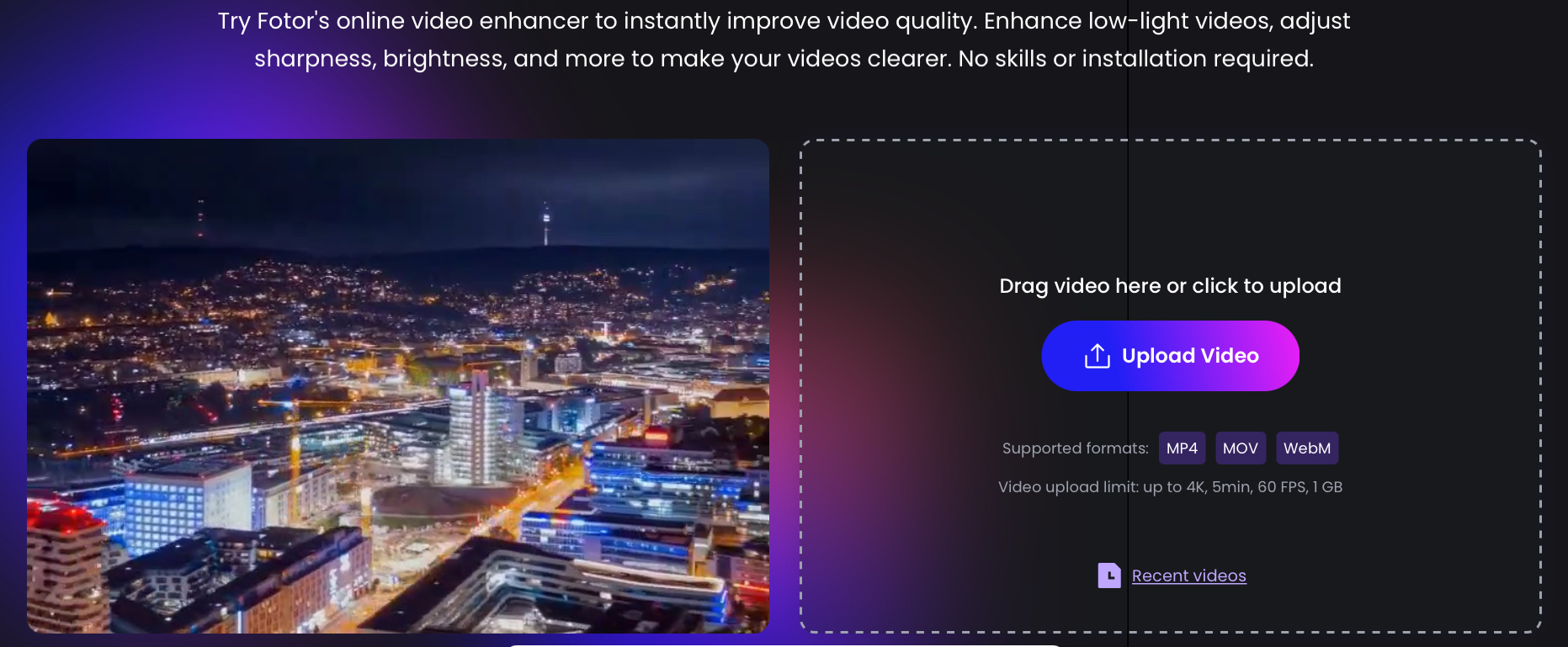
Fotor Video Enhancer is an AI-powered online tool that automatically enhances video quality. It supports upscaling videos to 4K resolution, improves sharpness, brightness, and saturation, and reduces noise. Users can upload videos in MP4, MOV, or WebM formats without installation, making it accessible and user-friendly.
Platforms: Web/iOS/Android
Pricing: Free for basic use; paid options unlock higher resolution and advanced editing
Pros:
Easy to use
quick results
Cons:
Basic functionality
not suitable for advanced editing
PicMa
PicMa focuses on producing clean, natural-looking enhancements rather than over-sharpened or artificial results. Its AI algorithms preserve realistic details while improving clarity, contrast, and color balance. Beyond standard enhancement, PicMa offers creative features such as animated portraits, cartoon avatars, and fun filters—perfect for social media or personal projects.
Platforms: iOS/ Android/Web
Pricing:
Free trial available.
subscription plans include weekly $9.99, monthly $24.99, yearly $79.99.
Pros:
Balanced enhancement without artificial effects
Creative modes for social sharing
Cons:
No multi-file processing
Some advanced features require subscription
Vmake.ai
Vmake.ai's AI video enhancer upscales 720P/1080P videos to 4K, automatically optimizing brightness, contrast, and sharpness while enabling background removal and watermark elimination.
Platforms: iOS/Android/Web
Pricing:
Free: 5-second full HD video, up to 30 uses/day, watermark included, non-commercial use 
Pro: $9.99/month ($69.99/year), removes watermark, expands to 60s videos, full commercial rights
Pros:
supports high-resolution enhancement
Cons:
Free version limited in duration and features
Tool Recommendations for Different Creator Types
1.Professional Video Editors
Tool: Topaz Labs
Reason: High-quality outputs for post-production and restoration.
2. Sports & Action Video Creators
Tool: HitPaw
Reason: Stabilizes shaky footage.
3.Time-Constrained Creators3
Tool: Fotor
Reason: Quick quality boost with automated features.
4.Short Video Creators
Tool: Vmake.ai
Reason: Auto-captioning and templates for efficient content creation.
5.Beginners&common users
Tool: PicMa
Reason: Automated enhancement with creative modes, no technical skills required.
For beginners and average users who want effortless video enhancement with a creative idea, PicMa is the perfect choice. Its AI automatically refines your videos, while fun creative modes let you add a playful style—no technical expertise needed. Start enhancing and make your videos truly stand out.


Related Readings:

 453
453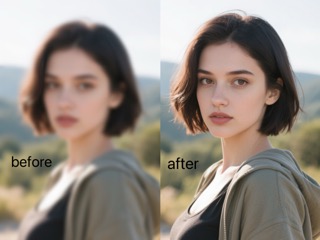

 English