Security cameras often capture the moment you need, but not always with the clarity you expected. A person may be too far from the camera, an object may be moving quickly, or poor nighttime lighting may leave the recording dark and grainy.
When this happens, an AI image enhancer can make a security camera still easier to inspect. It may improve sharpness, reduce visible noise and enlarge a low-resolution frame. However, enhancement should always be treated as a way to improve visibility—not as a way to invent details that the camera never recorded.
Why Security Camera Images Often Look Blurry
CCTV footage is usually designed for continuous monitoring rather than close-up photography. Image quality may be affected by low light, fast movement, camera vibration, compression, limited resolution or the distance between the camera and the subject.
Video compression can create blocky edges, while motion may blur faces, clothing, vehicles or objects. Night footage can also contain heavy noise that hides smaller details. Public-safety guidance emphasizes that camera placement, lighting, recording resolution and compression all influence how useful surveillance footage will be later.
For a video recording, begin by finding the clearest available frame. Export that frame at its original resolution rather than taking a compressed screenshot or sending it through a messaging app.
What AI Enhancement Can—and Cannot—Do
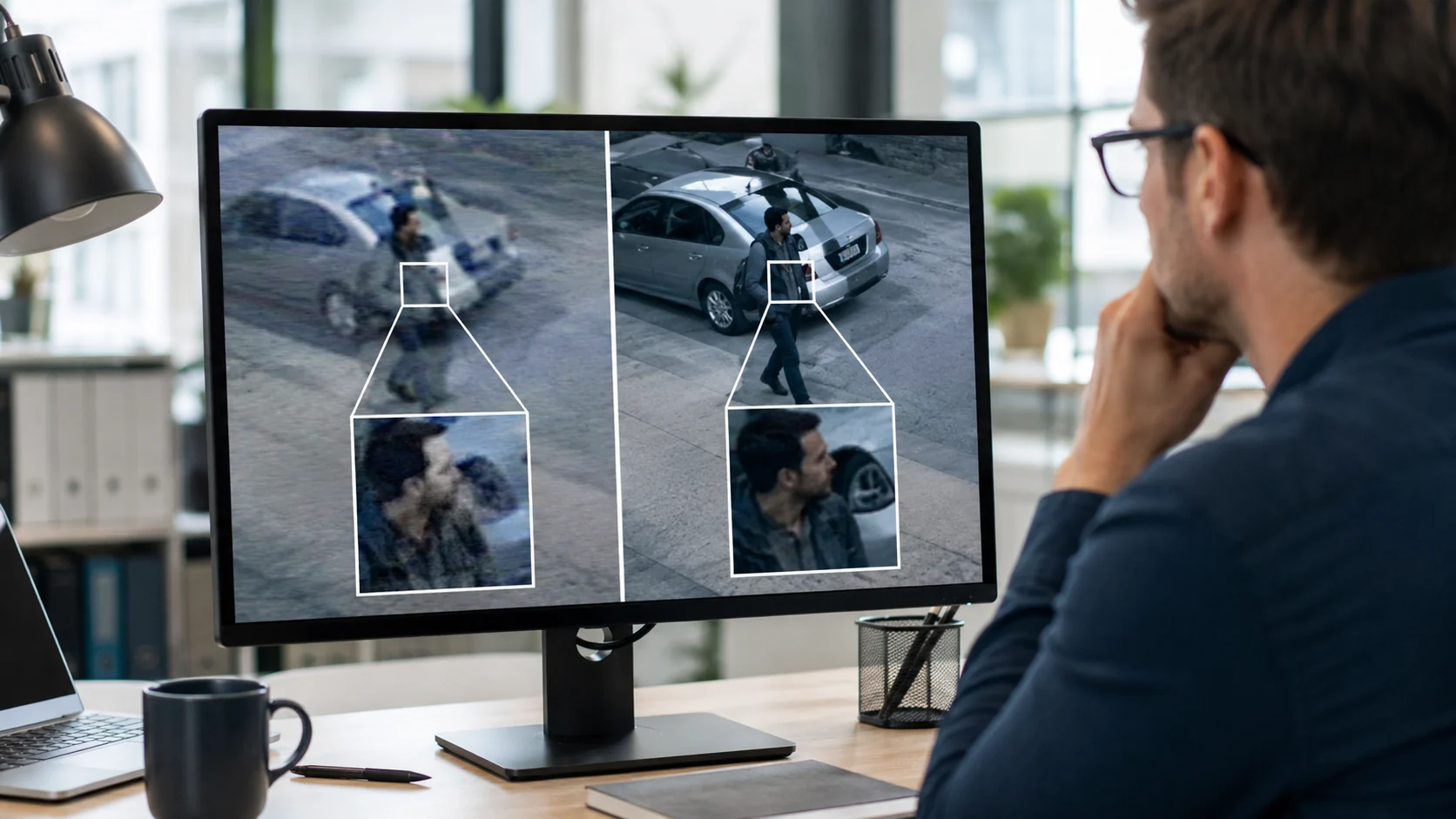
AI enhancement can help make existing visual information easier to see. Depending on the source image, it may reduce noise, improve contrast, sharpen edges and upscale a small frame for closer review.
It cannot reliably recover information that was never captured. If a license plate contains only a few indistinct pixels, for example, an AI-generated result should not automatically be treated as the actual plate number. Strong enhancement may also introduce artifacts that resemble real details.
That is why the enhanced image should always be compared with the original. Forensic image-processing guidance warns that excessive enhancement can remove relevant information or introduce misleading visual features.
For more specific situations, you can also read How to Enhance License Plates in Photos. When a timestamp, sign or label is the main concern, this guide to unblurring text in images may be helpful.
How to Enhance a Security Camera Still with PicMa Studio
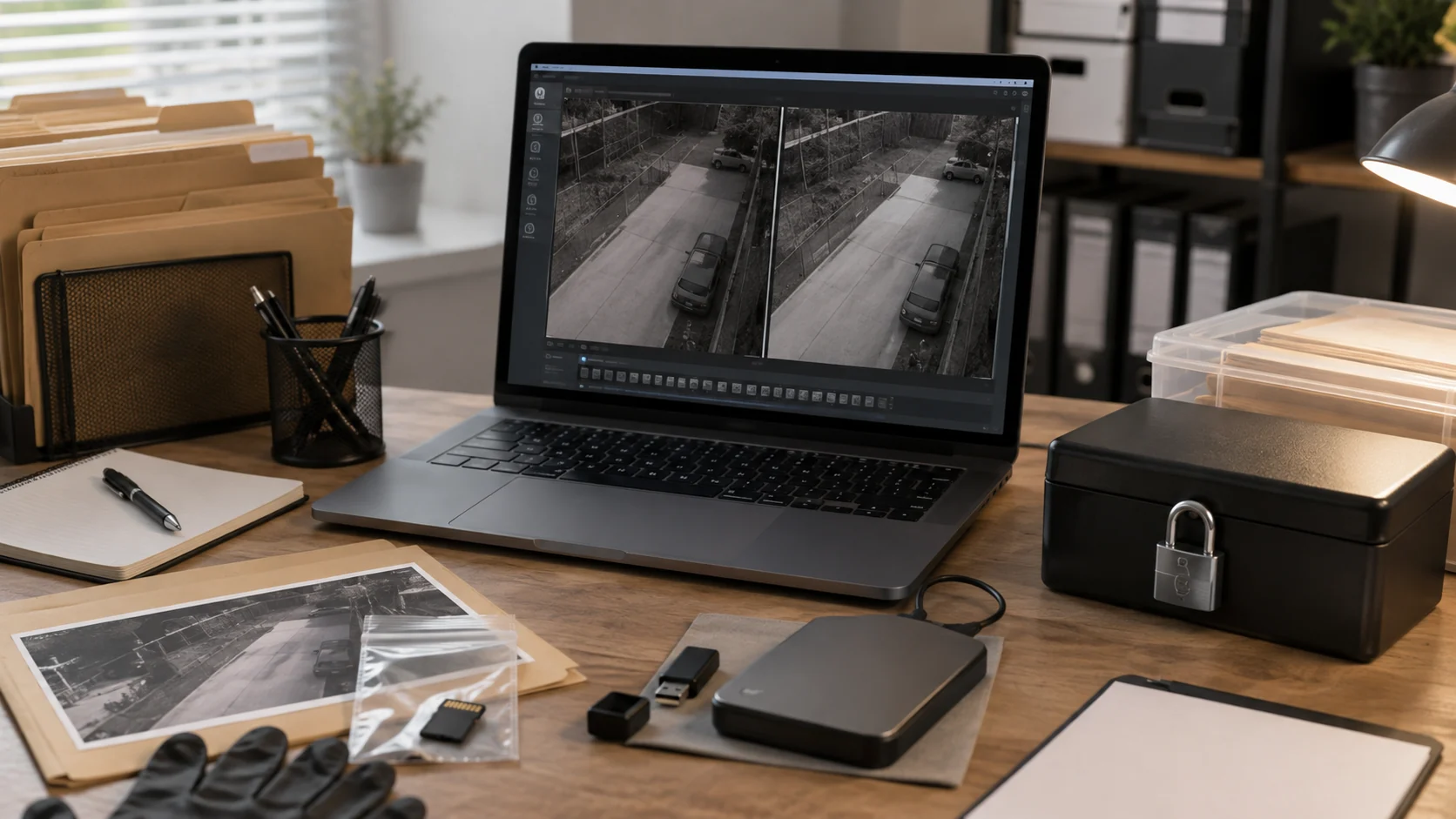
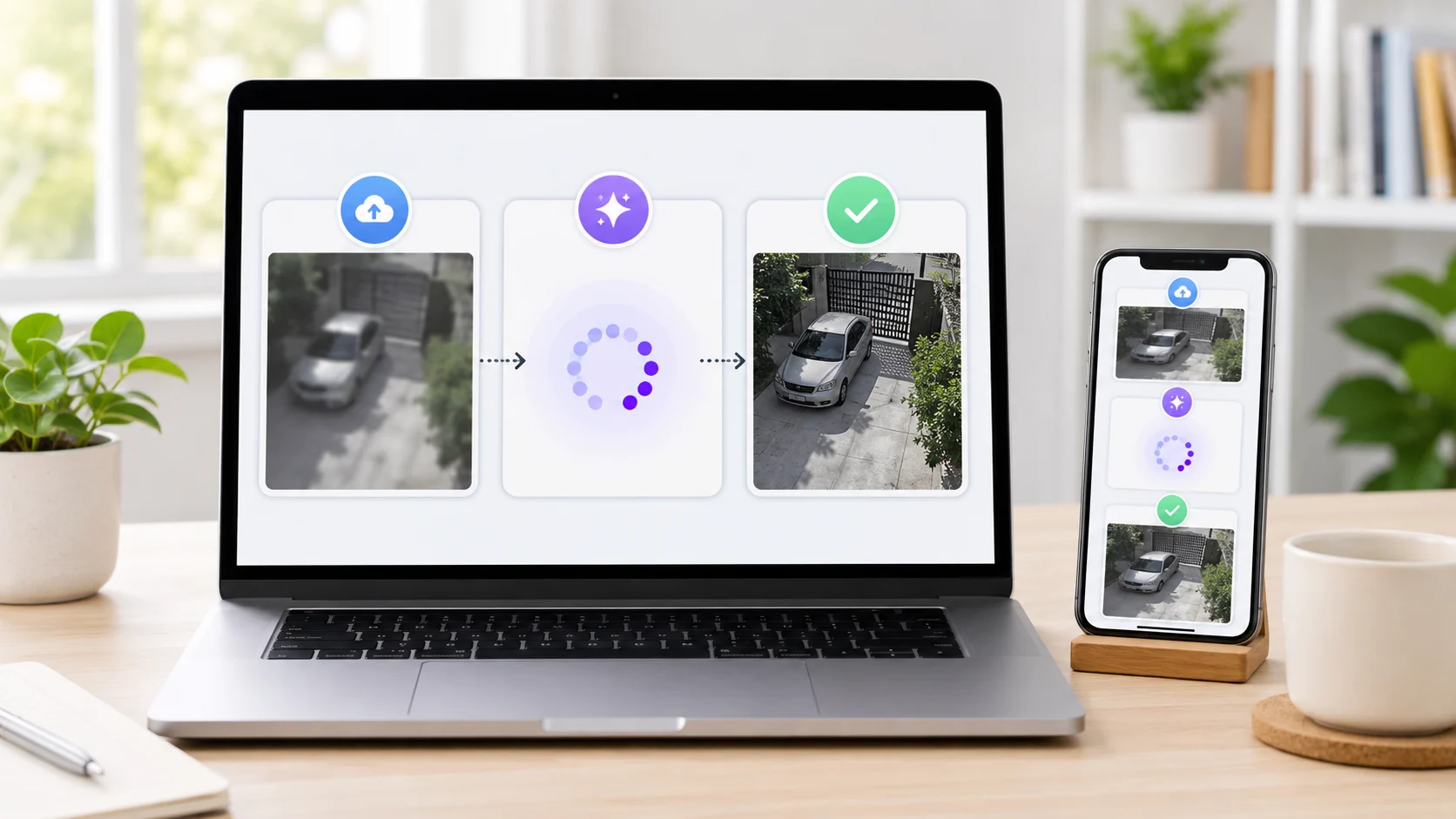
You do not need professional editing software to test whether a blurry surveillance frame can be improved. https://picma.magictiger.ai/zh/picma_web/enhance/enhance_pro offers a simple image-to-image workflow that can be completed in four steps.
Step 1: Open the Image Enhancer
Visit the PicMa Studio’s Photo Enhancer, or install PicMa from Google Play or the App Store.
Step 2: Upload a Copied Still Frame
Upload a copy of the security camera image or an exported frame from the original video.
Choose the clearest frame available and avoid overwriting, resizing or compressing the original file.
Step 3: Run the AI Enhancement
Start the enhancement process and allow the AI to analyze the image.
The tool will process areas such as sharpness, resolution, noise and overall visibility automatically, without requiring manual editing experience.
Step 4: Compare and Save
Compare the result with the original image before downloading it.
Look for details that genuinely appear more visible, but also check for distorted edges, unnatural facial features, altered text or patterns that are present only in the processed version. Save the enhanced image under a new filename.
Keep the Original File Before You Edit
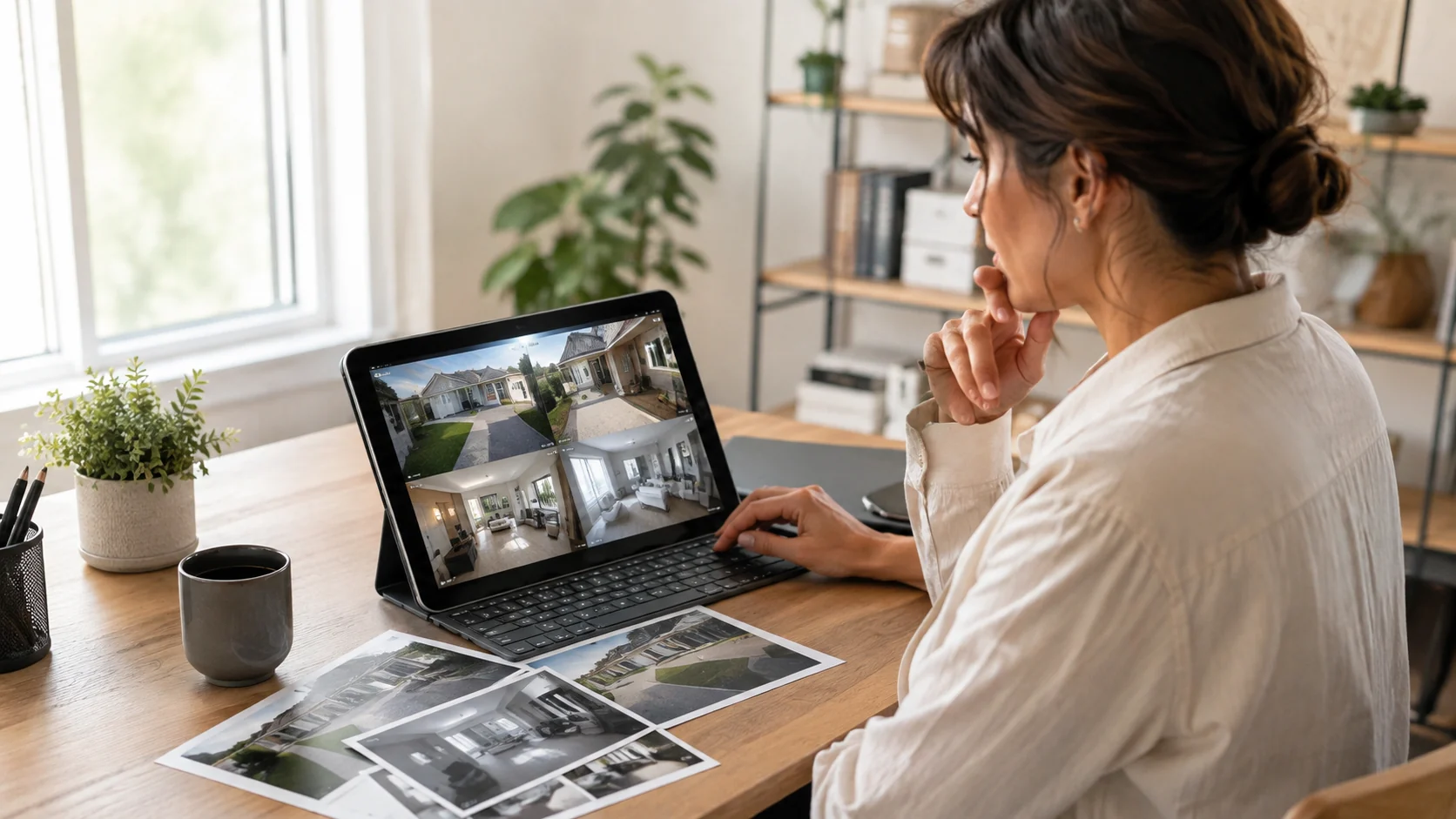
Never replace the original CCTV image or video with an AI-enhanced version.
Create a working copy, keep the original file unchanged and clearly label the processed result as enhanced. For important incidents, record which frame was used, which tool processed it and when the enhancement was performed.
Scientific Working Group on Digital Evidence guidance states that original imagery should be preserved, processing should be performed on a working copy and the steps should be documented. Processed images should be treated as derivative material rather than unchanged originals.
For investigations, insurance disputes or court proceedings, consider asking a qualified forensic video analyst or legal professional how the files should be handled in your jurisdiction.
Frequently Asked Questions
Can AI make every blurry security camera image clear?
No. Results depend on the original resolution, lighting, compression and amount of motion blur. AI can improve visibility, but it cannot guarantee accurate recovery of missing details.
Can I enhance an entire CCTV video?
A video-enhancement tool may be used for complete recordings. For quick inspection, you can also export the clearest still frame and enhance it as an image.
Should I crop the image before enhancing it?
A light crop may help focus attention on the relevant area, but keep an uncropped original. Avoid enlarging or repeatedly saving the image before uploading it.
Can an enhanced image be used as legal evidence?
Requirements vary by jurisdiction and case. Preserve the original recording, document the processing steps and clearly identify the enhanced version. An enhanced result should not be presented as an untouched original.
What should I do when the AI result looks unrealistic?
Do not rely on that version. Try a different frame, use a less aggressive enhancement method or consult a trained forensic analyst.
Security footage does not need to be perfect to become easier to review. Start with the best available frame, preserve the original and use enhancement carefully. Try PicMa Studio’s Image Enhancer to process a copied security camera still and compare the result side by side with the source image.
Related Readings:

 7
7

 English