A property can look bright and inviting in person but appear dark, blurry, or untidy in listing photos. Poor lighting, camera noise, compression, and small distracting objects may prevent buyers from noticing the room’s best features.
Instead of arranging another photoshoot, you can use AI to improve image clarity and clean up temporary clutter. The key is to enhance the presentation without changing the true condition of the property.
Why Real Estate Listing Photos Need Enhancement
Property photos are often taken in rooms with bright windows, dark corners, or mixed lighting. This can create grain, dull colors, soft details, and uneven exposure.
Clutter can be equally distracting. Loose cables, shopping bags, cleaning supplies, or packaging may draw attention away from the room itself.
AI enhancement can make the photo clearer and more balanced, while object removal can clean up small temporary distractions. However, permanent features and visible defects should remain unchanged.
For additional preparation tips, read this guide on how to enhance real estate photos.
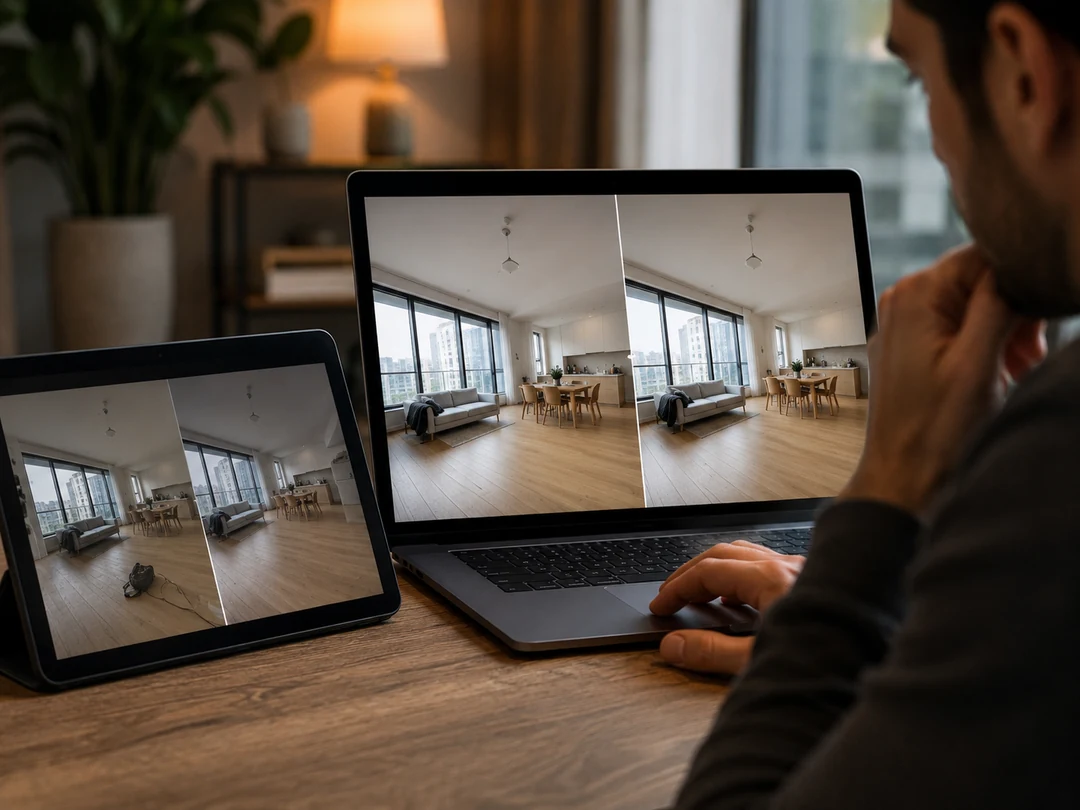
What Should and Should Not Be Edited?
Reasonable improvements include correcting brightness, reducing noise, sharpening soft details, balancing colors, and removing small temporary objects.
Avoid edits that make a room appear larger, newer, or structurally different. Cracks, water damage, permanent fixtures, neighboring buildings, power lines, and other important property details should not be hidden.
A useful rule is simple: improve the photograph, not the property.
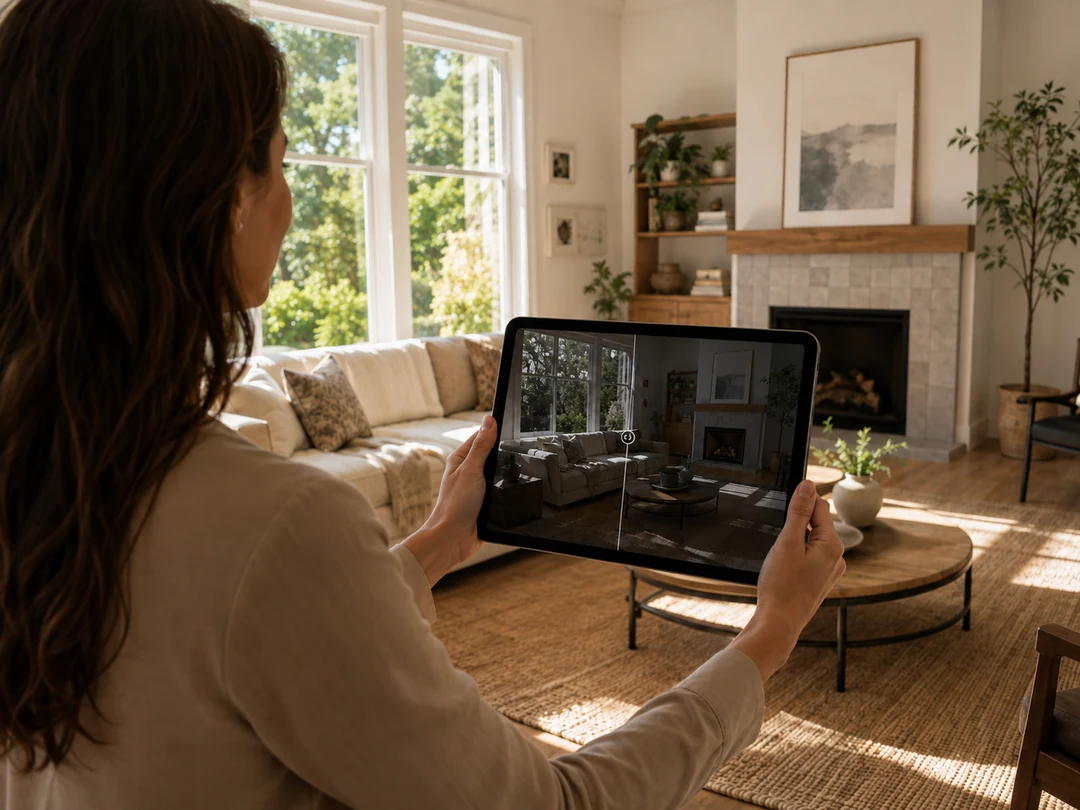
How to Enhance Real Estate Photos with PicMa Studio
PicMa Studio offers a straightforward workflow for users who do not want to adjust complicated editing settings.
Step 1: Open the tool
Open the PicMa Studio’s Photo Enhancer in your browser.
Mobile users can also download PicMa from Google Play or the App Store .
Step 2: Upload your property photo
Upload the original room, exterior, kitchen, or bedroom image. Avoid screenshots or heavily compressed copies when possible.
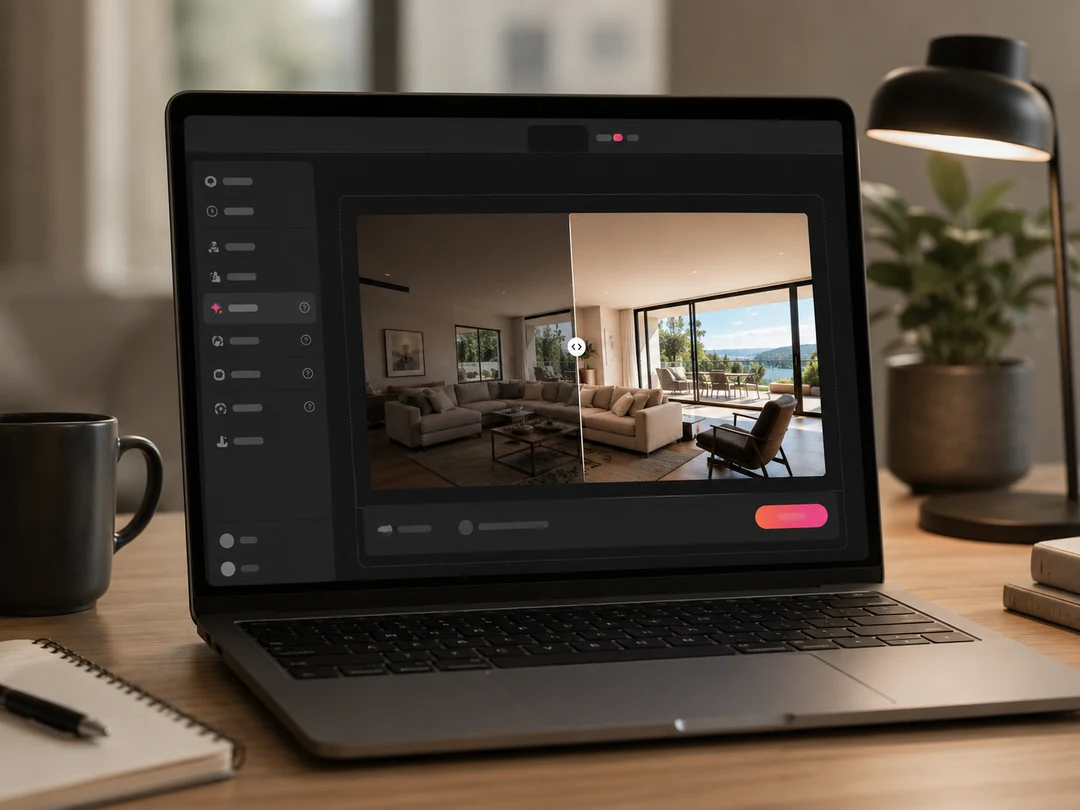
Step 3: Run the AI enhancement
Start the process and wait for the AI to improve clarity, lighting, texture, and overall image quality.
Review the result carefully to ensure that doors, windows, furniture, and architectural details still look natural.
Step 4: Download and save
Download the enhanced photo and save it separately from the original version.
Keeping both files makes it easier to compare the result and confirm that the image still represents the real property.
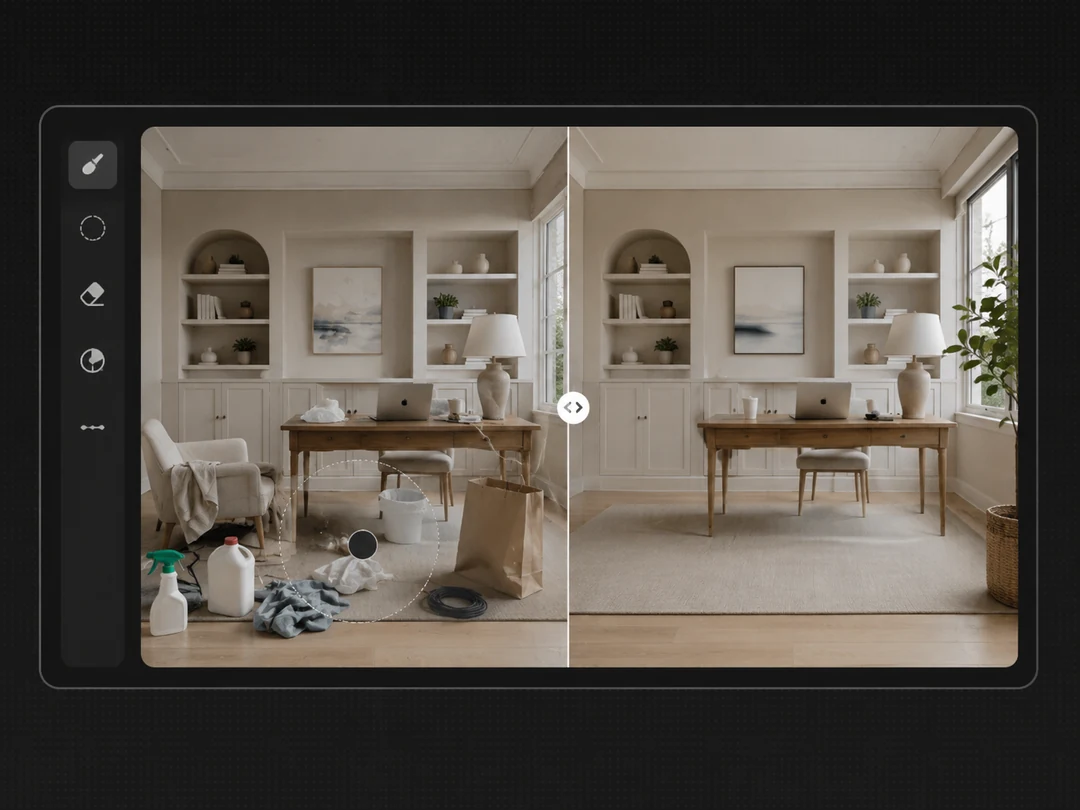
How to Remove Clutter from Property Photos
Image enhancement improves overall quality, but distracting objects may need a separate removal tool.
For small temporary items, use an object remover to mark the unwanted area and let the AI reconstruct the background. This works well for loose cables, packaging, cleaning tools, or objects accidentally left in the frame.
Avoid removing large furniture, built-in features, windows, or anything that affects how buyers understand the space.
PicMa Studio’s Object Remover can help clean up these distractions. You can also follow this guide on how to remove unwanted objects from photos.
Before publishing, zoom in and check for distorted walls, repeated floor patterns, blurred edges, or unnatural shadows.
Frequently Asked Questions
Can AI brighten dark real estate photos?
Yes. AI can improve brightness, contrast, noise, and visible detail, although extremely dark areas may still be difficult to recover.
Can I remove clutter from listing photos?
Small temporary objects can usually be removed. Permanent features and property defects should remain visible.
Can I enhance phone photos?
Yes. Phone photos can often be improved, especially when you upload the original file rather than a compressed screenshot.
Should I keep the original photos?
Yes. Save the original and enhanced versions separately for comparison and future reference.
Do edited property photos need disclosure?
Rules vary by location and listing platform. Material changes should be clearly disclosed, especially when they affect how buyers understand the property.
Better listing photos do not need to look artificial. They only need to show the property more clearly, without poor lighting, blur, or temporary clutter getting in the way.
Enhance your real estate listing photos with PicMa Studio and create cleaner property images in a few simple steps.
Related Readings:

 6
6

 English