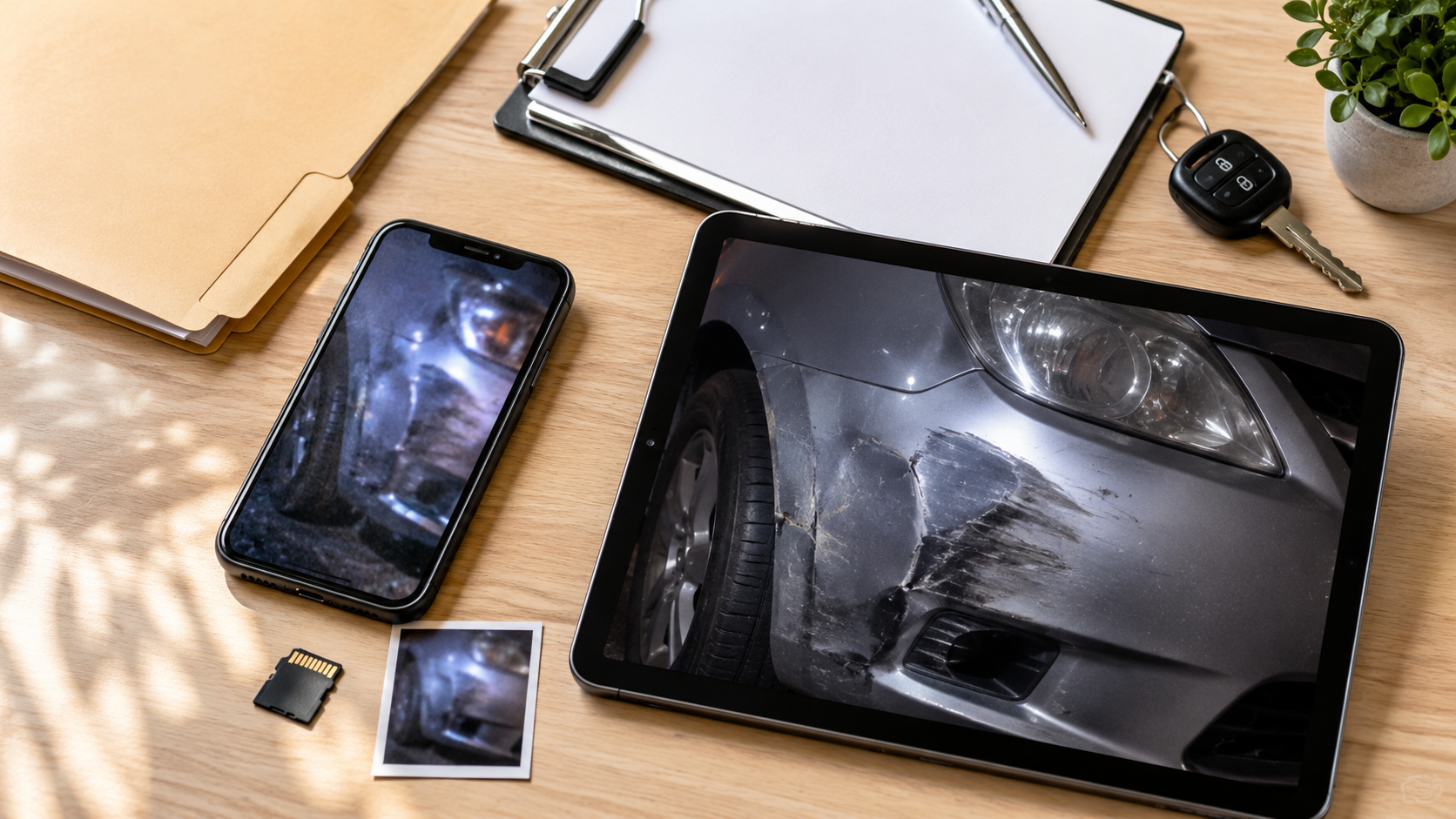
Clear photos can make insurance claims easier to document. Whether you are dealing with a car accident, property damage, or another unexpected event, photos can help show what happened and what was damaged. The NAIC also recommends taking photos and videos of damage when filing a homeowners claim.
But accident photos are rarely perfect. Poor lighting, shaky hands, motion blur, or image compression can leave important details looking soft or unclear.
Before giving up on a blurry photo, AI enhancement may help make the details already captured easier to see.
Why Blurry Insurance Claim Photos Can Be a Problem
Accident photos are often taken quickly and under less-than-ideal conditions.
A small hand movement can blur scratches or dents. Low light may introduce noise, while photos sent through messaging apps can lose quality through compression.
AI can help improve the clarity of these insurance claim photos, but the goal should always be simple:
Improve image quality, not the evidence itself.
Keep the original photo untouched and save the enhanced version separately.
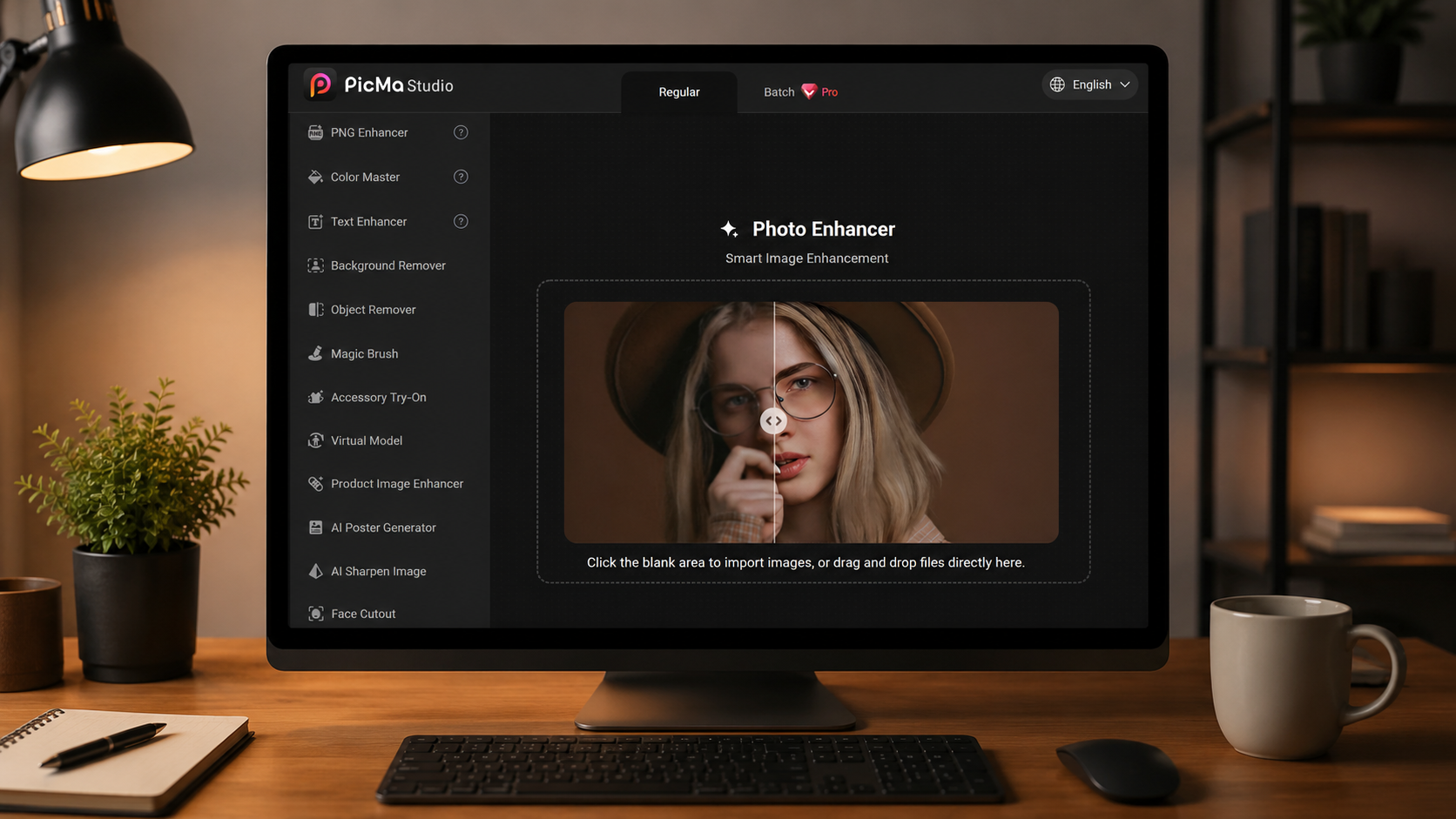
How to Enhance Insurance Claim Photos with PicMa
Enhancing a blurry accident photo only takes a few steps.
Step 1: Get PicMa
Download PicMa from Google Play or the Apple App Store, or open the PicMa Studio AI Image Enhancer online.
Step 2: Upload
Choose your blurry accident or damage photo.
Step 3: Enhance
Run the AI Image Enhancer and let PicMa process the image automatically.
Step 4: Save
Check the result, then download and save the enhanced photo.
Open, upload, enhance, save—that’s it.
For better results, start with the original photo from your phone or camera rather than a compressed copy from a messaging app.
What Can AI Fix in Blurry Accident Photos?
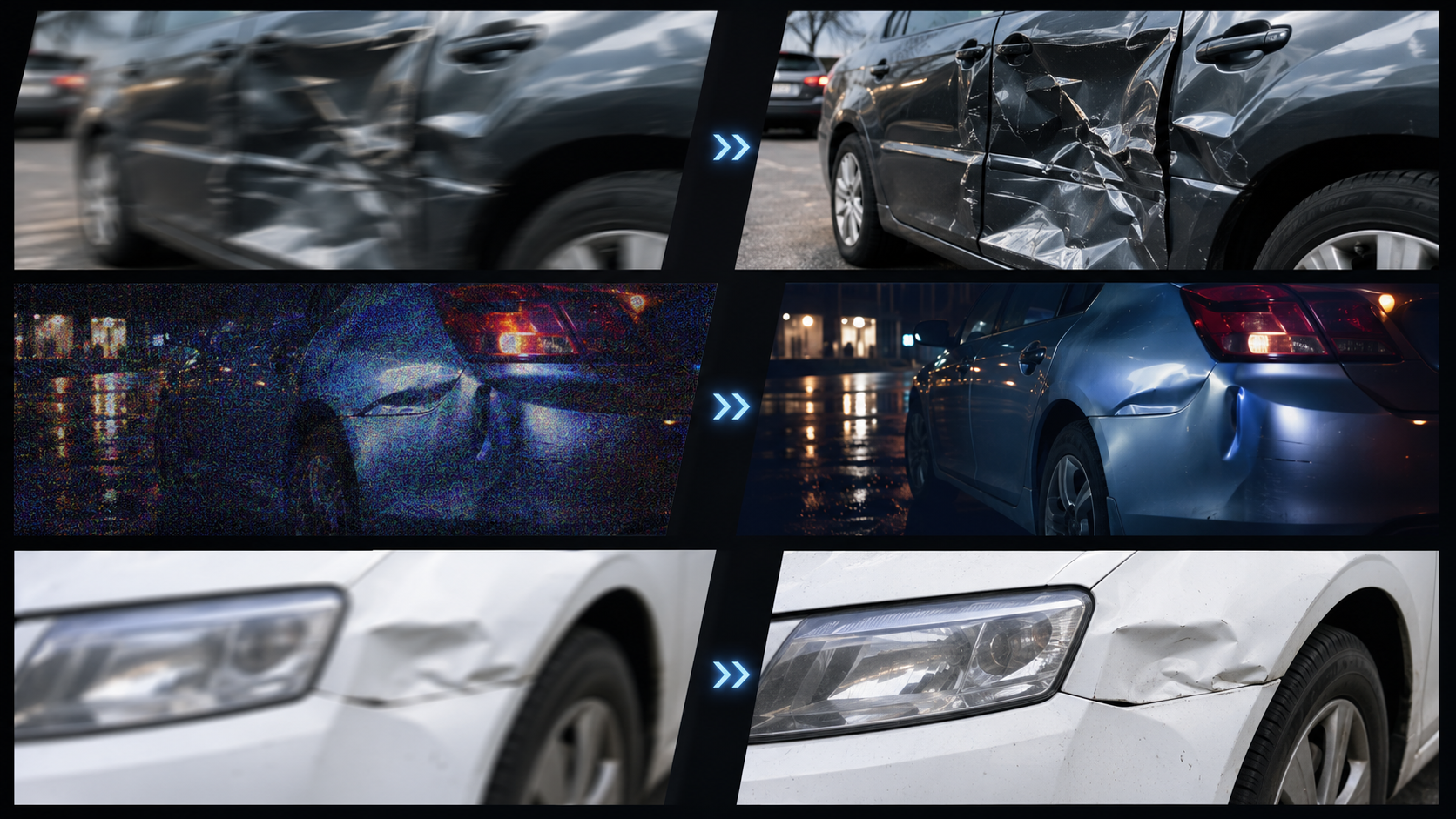
AI works best when the information is already present but difficult to see.
A slightly blurry car dent, a noisy nighttime accident photo, or a compressed image of property damage may benefit from enhancement.
However, AI cannot reliably recover details that were never captured. If a license plate is completely unreadable in the original image, for example, AI-generated characters should not be treated as accurate evidence.
Whenever possible, take clear photos before repairs or cleanup begin. For auto, homeowners, and renters insurance claims, the NAIC notes that documentation may include photos, videos, reports, and receipts.
When retaking a photo is no longer possible, enhancement can help make the image you already have easier to inspect.
Make Blurry Claim Photos Easier to See
A blurry accident photo does not always need to be discarded.
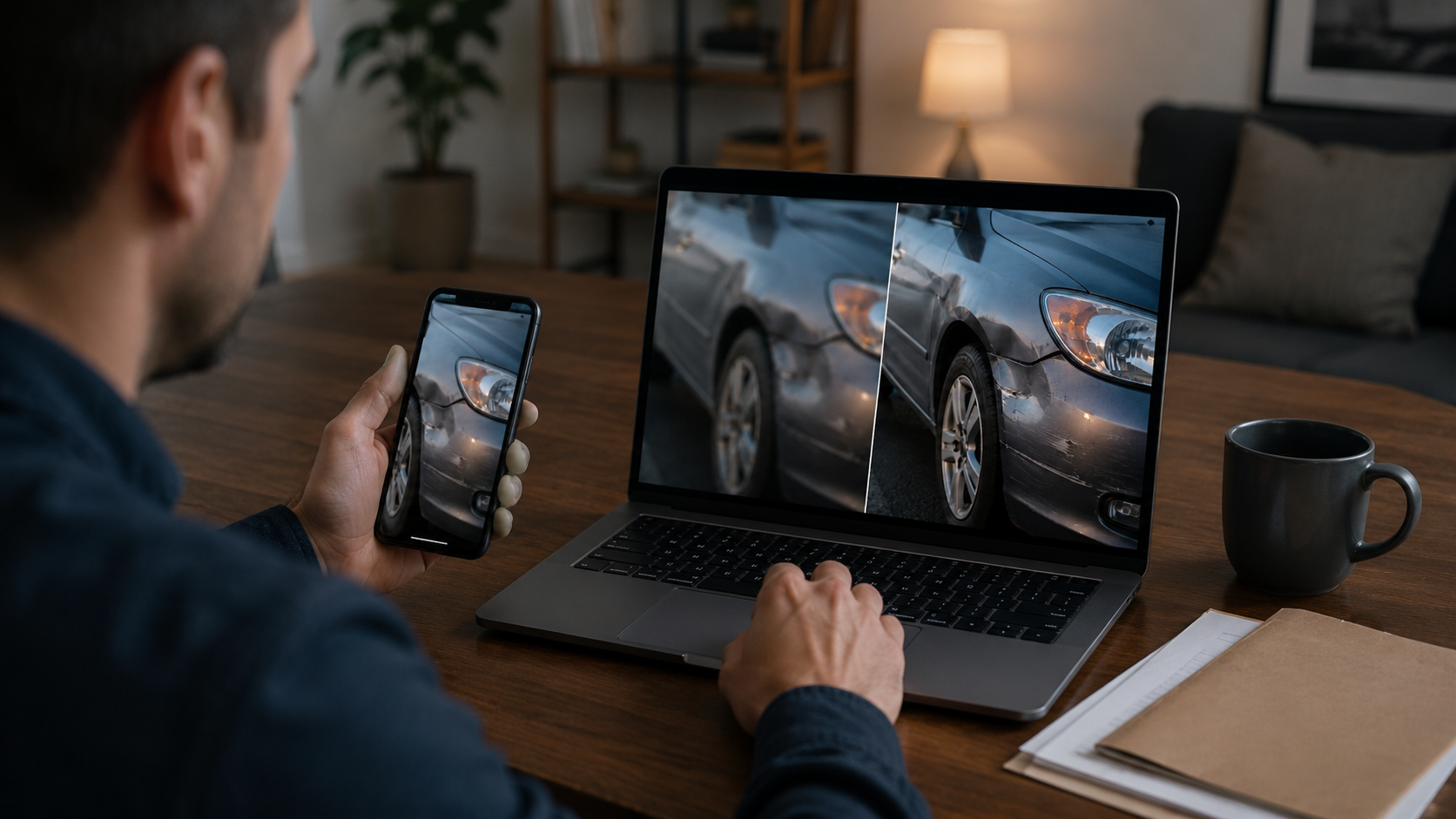
AI enhancement can help improve the clarity of an existing image without requiring you to manually adjust sharpness, noise, or other settings.
Keep the original, compare both versions, and use AI to make existing details clearer—not different.
Have a blurry accident or damage photo? Try PicMa Studio AI Image Enhancer and make it clearer in just a few simple steps.
Frequently Asked Questions
Can I enhance a blurry photo for an insurance claim?
Yes. Enhance a copy, keep the original file, and follow your insurer's requirements for submitting photographic evidence.
How can I fix blurry accident photos?
Start with the highest-quality original available, enhance it with AI, and compare the result with the original before saving.
Can AI make accident photos clearer?
Yes. AI can improve slightly blurry, noisy, compressed, or low-quality photos when useful visual information is still present.
Can AI recover completely unreadable details?
Not reliably. AI may generate plausible-looking information that was not clearly captured in the original.
Should I keep the original insurance claim photo?
Yes. Always keep the original file and save the enhanced version separately.
Related Readings:

 55
55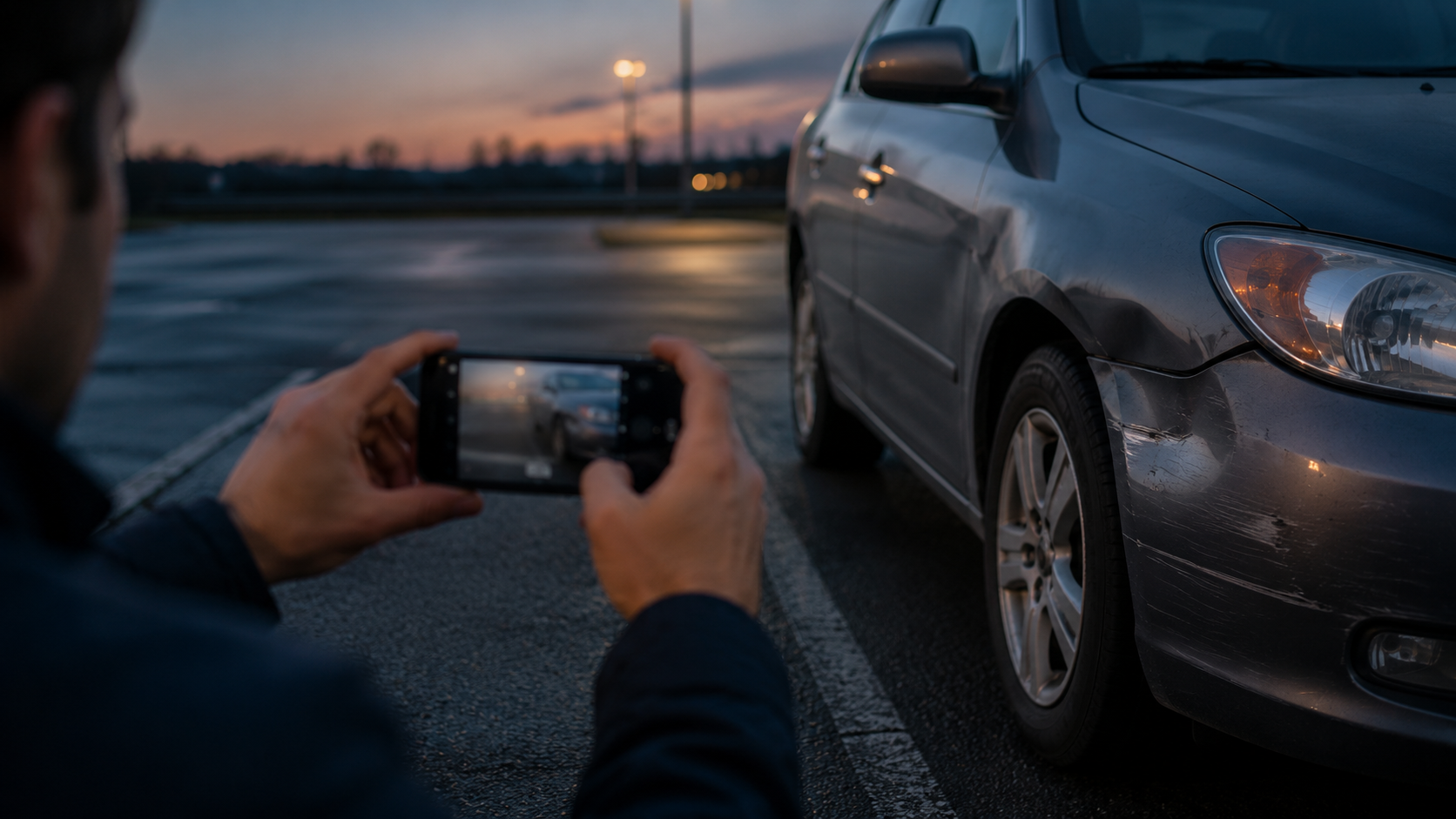

 English