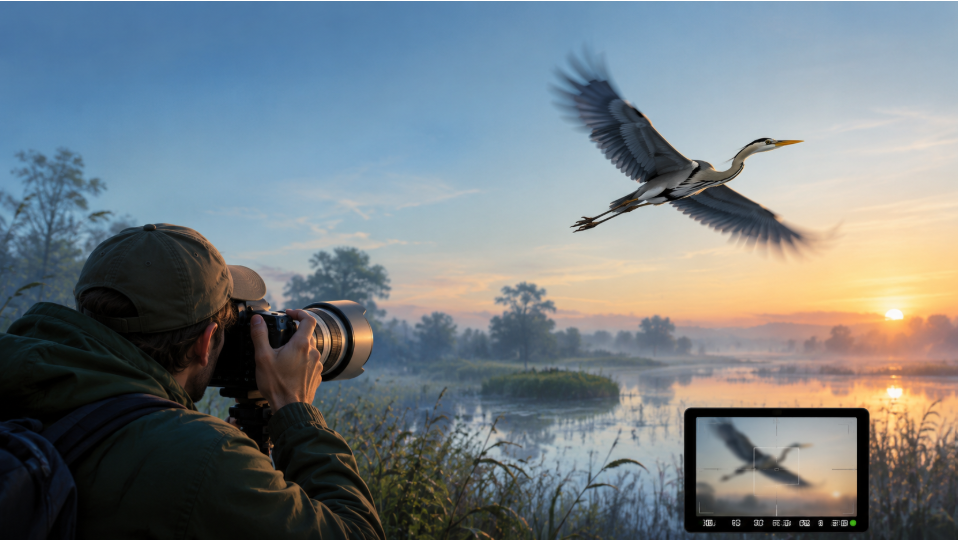
There is a particular kind of frustration every bird photographer knows.
You spot a bird you have been waiting for. It finally leaves the branch, spreads its wings, and crosses the frame at exactly the right angle. You press the shutter at what feels like the perfect moment.
Then you zoom in.
The pose is beautiful. The light is right. The background works. But the eye looks soft, the feathers have lost their definition, or the entire bird carries a faint streak of motion blur.
For anyone interested in bird photography, these near-perfect shots can be more frustrating than complete misses. You captured the moment, but not quite the clarity.
The good news is that a blurry bird photo does not always have to become a deleted bird photo. AI image restoration tools are becoming increasingly useful for photographs affected by subject movement, and an AI photo enhancer can sometimes give those almost-there images a second chance.
Motion Blur Is Not the Same as a Photo Being Out of Focus
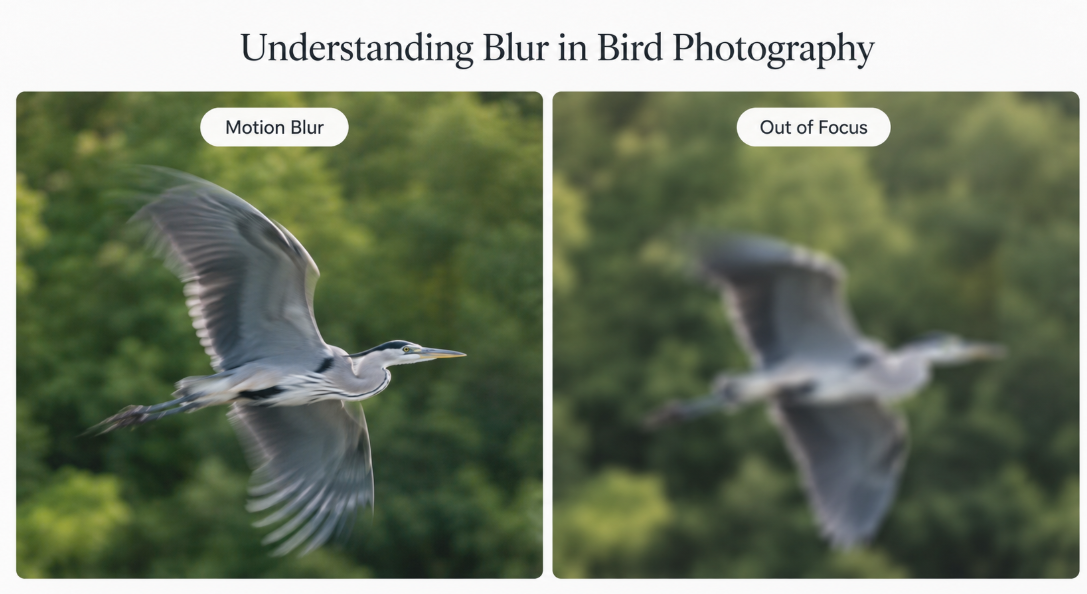
When people search for how to fix a blurry photo, they often treat every kind of blur as the same problem. It is not.
An out-of-focus photograph happens when the camera focuses on the wrong distance. Perhaps autofocus grabs a branch in front of the bird instead of the bird's eye.
Motion blur happens during the exposure itself. Either the camera moves, the subject moves, or both. With birds in flight, that movement may appear as softened edges, directional streaks or lost detail around the wings, head and feathers.
Traditional sharpening can improve the contrast around existing edges, but it cannot simply bring back every detail that was lost during movement. Push sharpening too far and you may end up with halos, exaggerated noise and a bird that looks crunchy rather than clear.
AI deblurring approaches the problem differently. Modern restoration models can analyze patterns associated with blur and predict a sharper representation of edges and textures. Research into learned motion deblurring has explored estimating complex motion patterns rather than relying solely on conventional uniform blur models.
That does not mean AI can magically recover information that was never recorded. But for a photograph that is already close—the bird is recognizable, the composition is strong and motion blur is the main issue—it can be surprisingly useful.
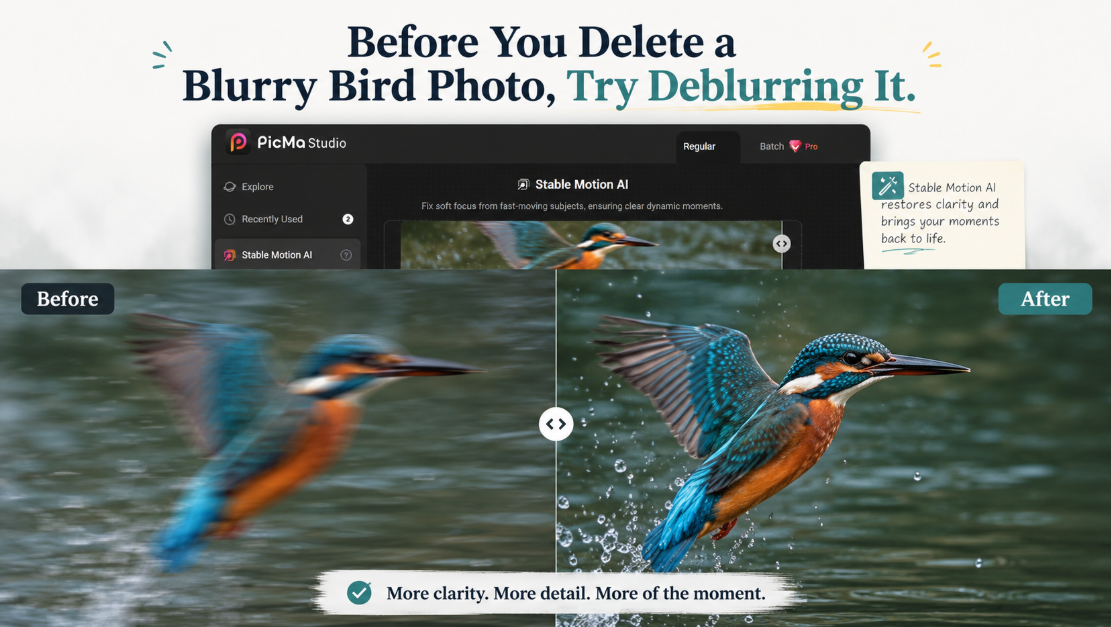
Before You Delete a Blurry Bird Photo, Try Deblurring It
I think this is the most useful mindset change AI brings to wildlife photography.
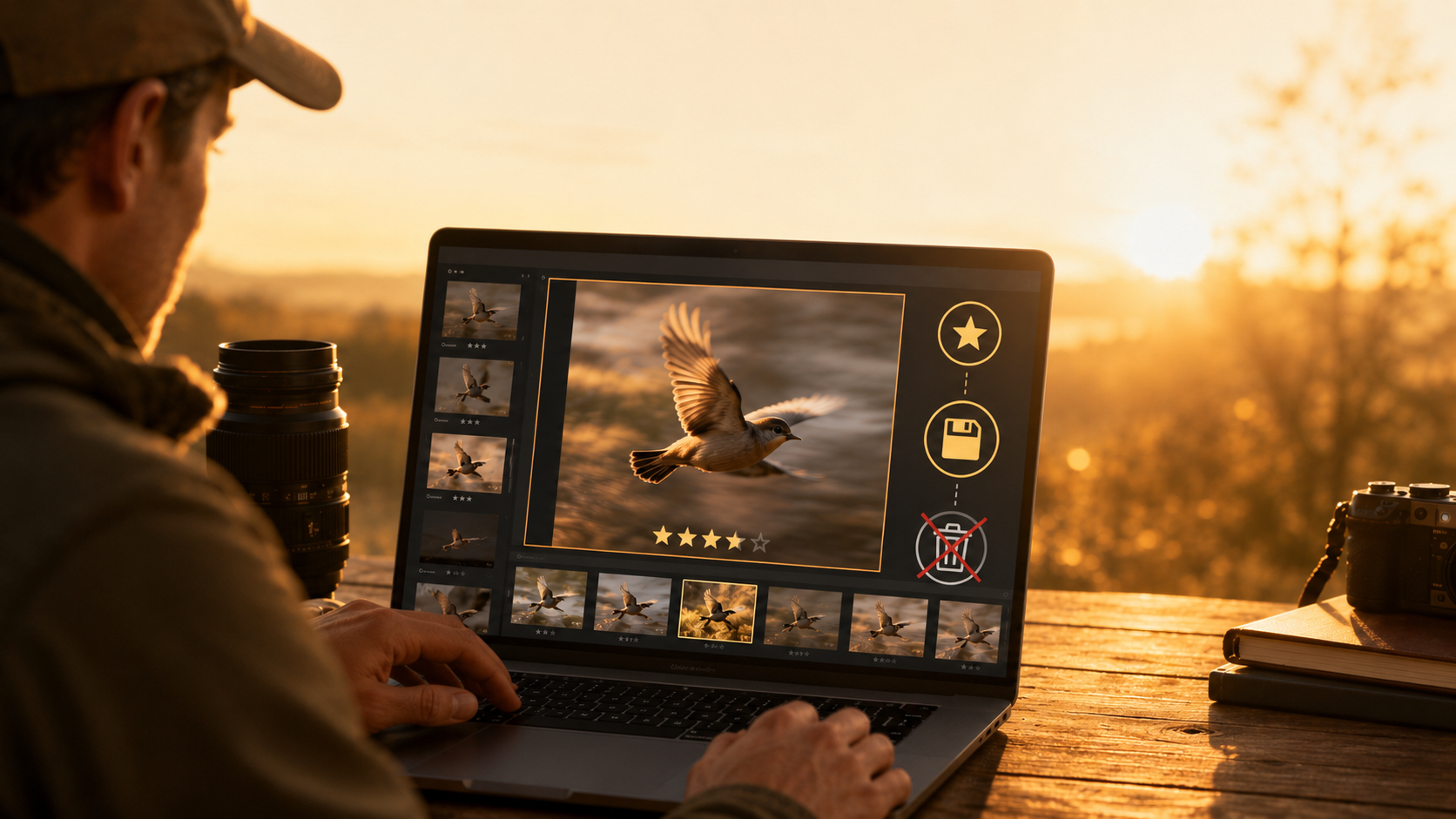
Previously, sorting photos after a long birding session could be ruthless: sharp eye, keep; blurry eye, delete.
Now there is another category worth considering: not sharp enough yet.
Suppose you photograph a heron taking off. One frame has perfect wing position, a clean background and beautiful light, but the head is slightly blurred. The next frame is technically sharper, but the wing cuts awkwardly across the body.
Which one is really the better photograph?
I would keep both.
The first image is exactly the kind of photograph worth testing with an AI motion deblur tool before writing it off.
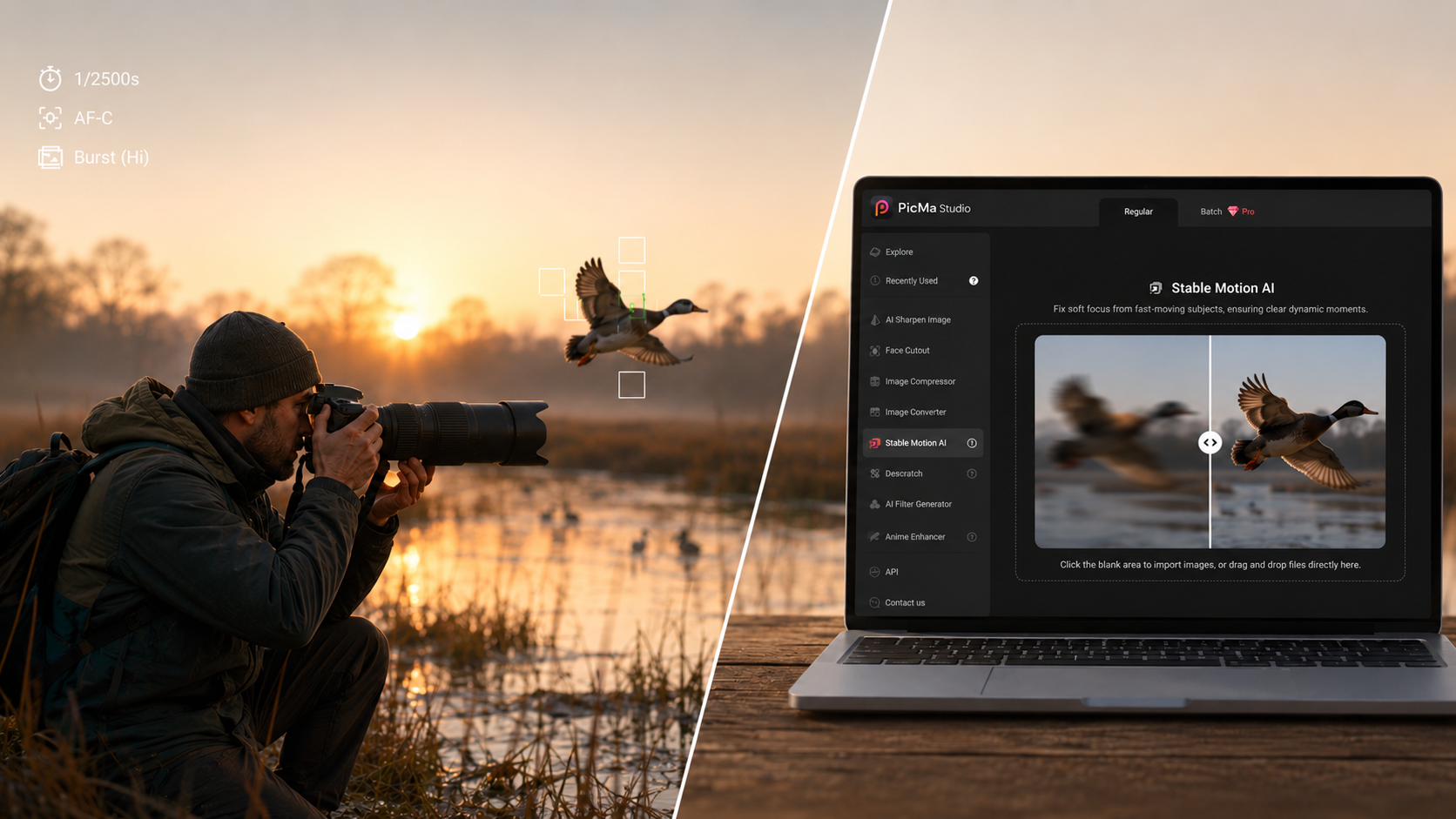
One option I have been exploring for this type of image is PicMa Studio's deblurring feature, which is designed specifically to address dynamic blur involving fast-moving subjects. PicMa describes the feature as an AI tool for correcting motion blur and preserving clearer moments in action photography.
What I like about using this kind of tool for bird photography is that it fits naturally into the editing process. You do not need to redesign your entire workflow around AI. It can simply become one extra check before you reject a promising image.
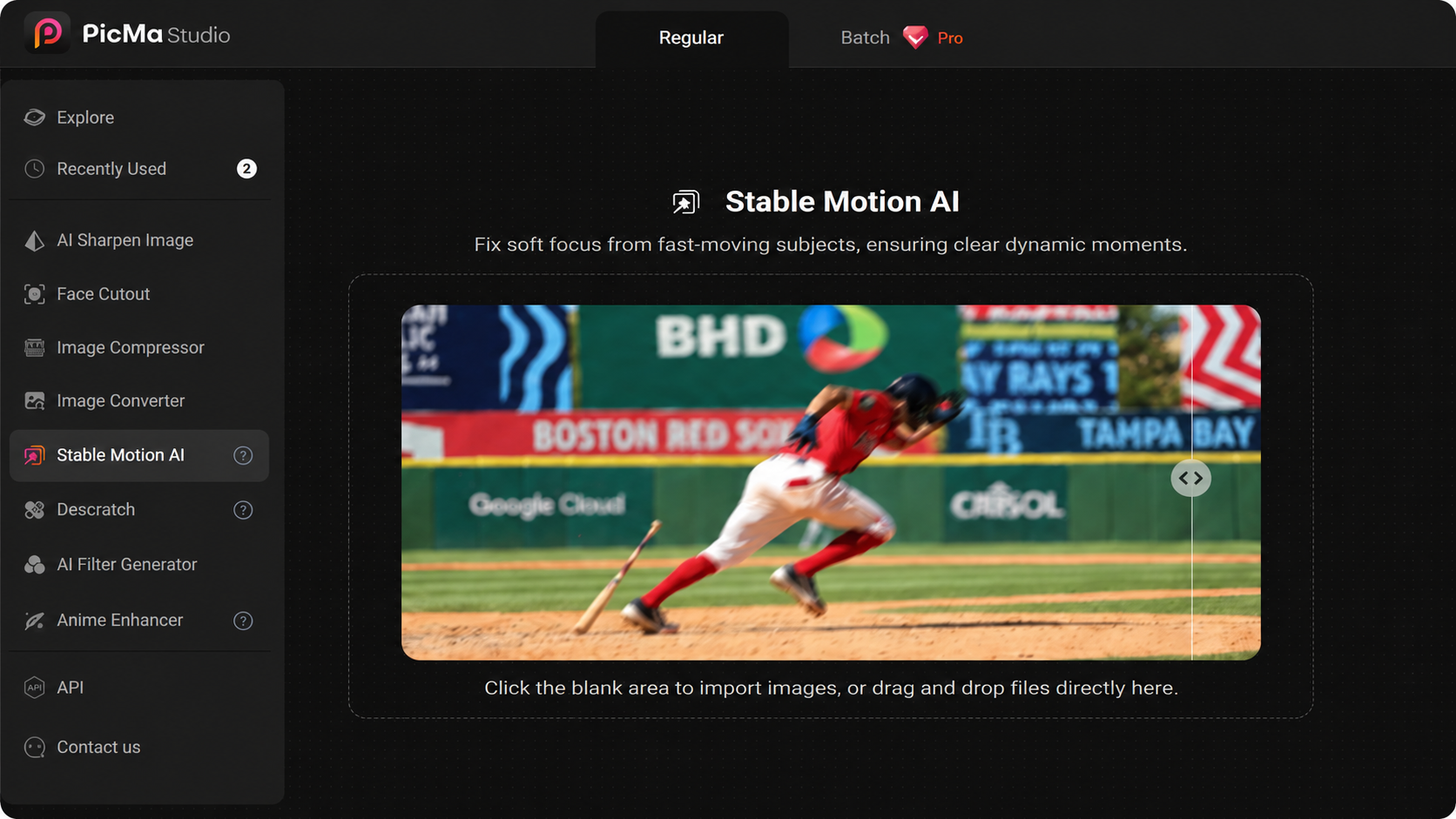
How I Would Use PicMa Studio on a Motion-Blurry Bird Photo
Start with the original photograph whenever possible rather than a heavily compressed version from social media.
Open the deblur tool in PicMa Studio and upload the blurry image. The web version allows photographs to be processed directly in the browser, so the workflow is straightforward: add the image and let the AI analyze it.
There is no need to manually trace the bird or tell the software which direction its wings were moving. The goal is to let the AI identify the blur and restore a cleaner version of the image automatically.
Once processing is complete, compare the result with the original.
For bird photos, I would look at the image in this order: eye, beak, feather edges, legs, then the background.
The eye matters most because viewers naturally look there first. A photograph with a clean eye can feel sharp even when parts of the wings contain natural movement.
Next, check fine features such as feather boundaries and the outline of the beak. You want improvement, not excessive artificial texture.
Finally, look at branches, water, grass or other fine patterns around the bird. AI enhancement can occasionally make uncertain details look more definite than they really were, especially when the original image is severely blurred. AI deblurring is a reconstruction process rather than a way of literally recovering every missing original pixel, so it is worth judging the final result visually instead of assuming stronger enhancement is always better.
When the result looks natural, save the enhanced version and continue with your normal workflow—cropping, exposure, color adjustment or preparation for social media.
It is a small extra step, but for the right photograph, it can rescue the frame you actually wanted.
Which Bird Photos Are Most Worth Trying?
Not every blurry photograph needs saving.
If the bird is a tiny unidentified shape in the distance, completely outside the focal plane and heavily compressed, no AI enhancer can turn it into a perfectly captured close-up.
The sweet spot is usually the photograph that makes you say:
"This would have been one of my favorites if it were just a little sharper."
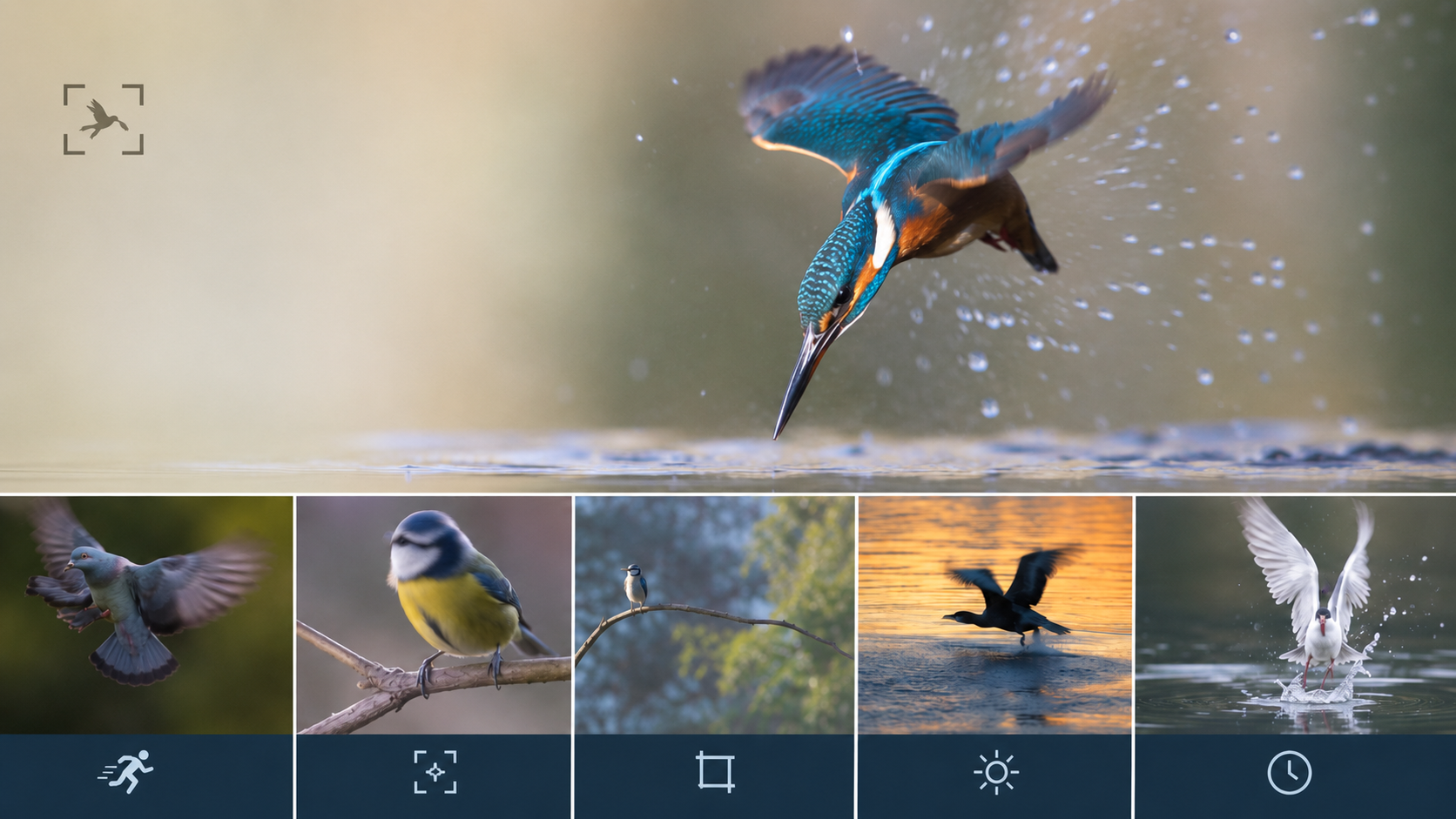
Birds in flight are an obvious example. So are takeoff and landing sequences, birds shaking water from their feathers, hummingbirds hovering around flowers, raptors diving, seabirds passing quickly across the frame and small songbirds hopping between branches.
These are exactly the moments that are difficult to recreate.
That distinction matters. A landscape can often be photographed again. A bird may never repeat the same movement in the same light at the same distance.
When the moment itself is valuable, attempting an AI restoration makes much more sense than immediately pressing Delete.
AI Deblurring Should Complement Better Photography, Not Replace It
There is an important caveat here.
An AI bird photo enhancer should not become an excuse to ignore shutter speed, autofocus or shooting technique.
Getting a clean capture in-camera is still the goal. A genuinely sharp photograph gives you more authentic detail and more freedom in post-production than a heavily blurred image that needs to be reconstructed later.
Think of AI deblurring as insurance rather than a shooting strategy.
Use the fastest practical shutter speed for the movement you are photographing. Watch your autofocus placement. Shoot bursts when behavior is unpredictable. Give yourself enough ISO to protect shutter speed when the light falls.
Then, after the shoot, let AI help with the images that missed perfection by a fraction.
That is where these tools feel most convincing: not turning a hopeless photograph into something completely different, but helping a strong photograph overcome one technical flaw.
The Best Bird Photo May Be the One You Almost Deleted
Wildlife photography has always involved missed opportunities.
Sometimes the bird turns away. Sometimes your focus lands on the branch. Sometimes your settings are wrong.
And sometimes everything comes together except for a little motion blur.
Those photographs deserve one more look.
The next time you return from a morning of bird photography, do not judge every frame solely by its first appearance at 100% zoom. Flag the images with great behavior, beautiful light or an unusually strong pose, even when they are slightly blurred.
Try an AI motion deblur tool such as PicMa Studio on the promising ones, compare the result carefully with the original, and keep the version that still feels like the photograph you remember taking.
Because in bird photography, you may only get one chance at the moment. A blurry frame does not necessarily mean you missed it.
Give those almost-perfect shots a second chance with PicMa Studio’s Stable Motion AI. → Start for Free Now
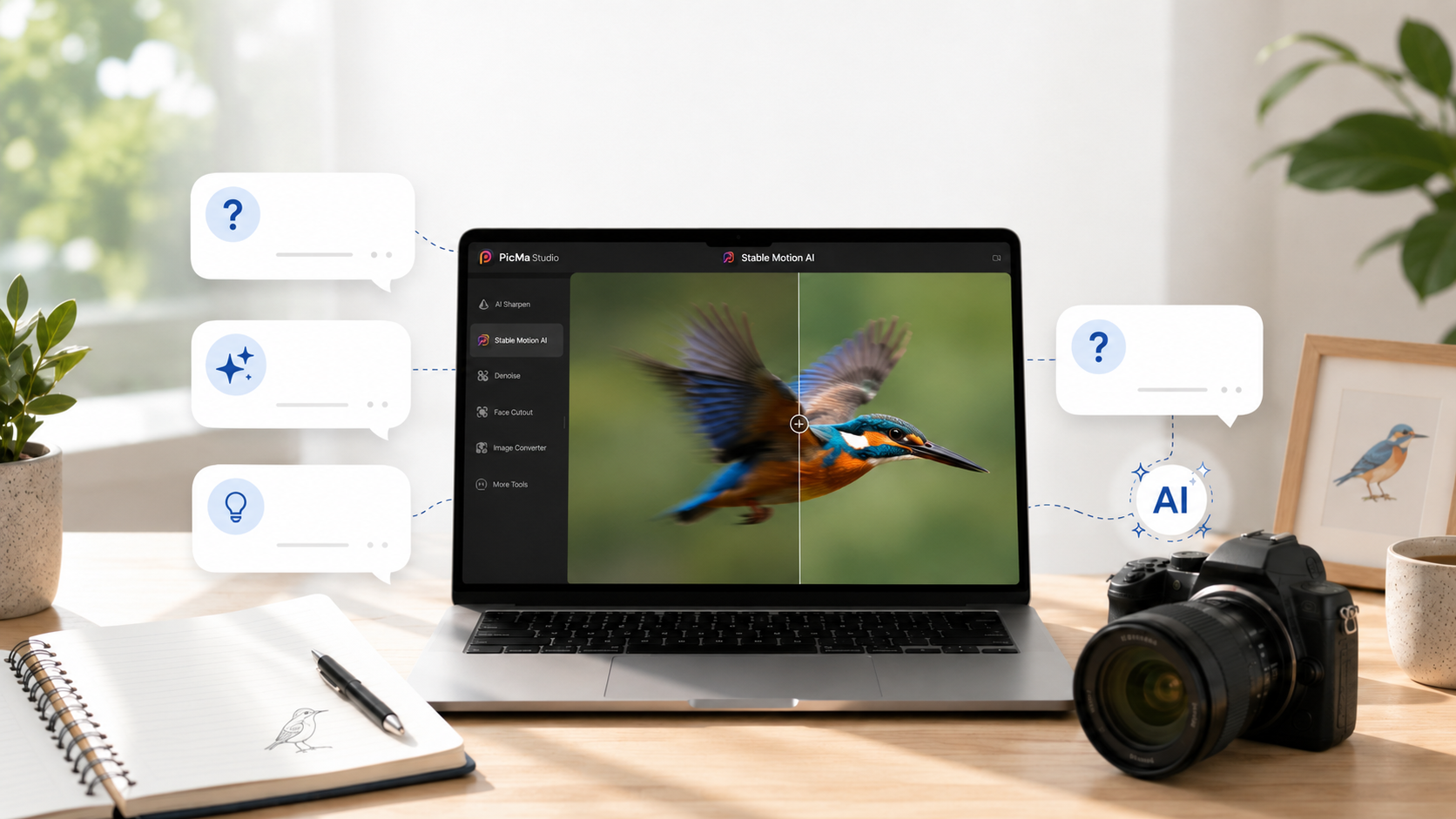
Frequently Asked Questions About AI and Blurry Bird Photos
Can AI fix a blurry bird photo?
AI can improve some bird photographs affected by mild to moderate motion blur by rebuilding cleaner-looking edges and textures. Results depend heavily on the quality of the original image. Extremely blurred, heavily cropped or badly out-of-focus photographs provide much less usable information for restoration.
What is the best way to sharpen birds in flight?
The best solution is still to reduce blur while shooting through an appropriate shutter speed, accurate autofocus and good camera technique. When an otherwise strong image already contains motion blur, an AI deblur or AI bird photo enhancer can be useful as a post-processing step.
Can AI remove motion blur from wings without ruining the background?
AI deblurring tools are designed to analyze unwanted blur rather than simply increasing sharpness across every pixel. Results vary by photograph, so inspect fine feather details and background textures after processing, particularly with complex scenes.
Should I use an AI photo enhancer before or after cropping?
When possible, begin with the highest-quality original file and avoid excessive cropping or compression before restoration. Giving the AI more image information generally provides a better starting point. Crop for composition after you have evaluated the restored image.
Is PicMa Studio useful only for bird photography?
No. Its motion-deblur feature targets fast-moving subjects more generally, so the same workflow can apply to sports, pets, wildlife and other action photographs affected by subject movement. PicMa Studio specifically describes its deblur function as intended for dynamic blur involving high-speed subjects.
Related Readings:

 72
72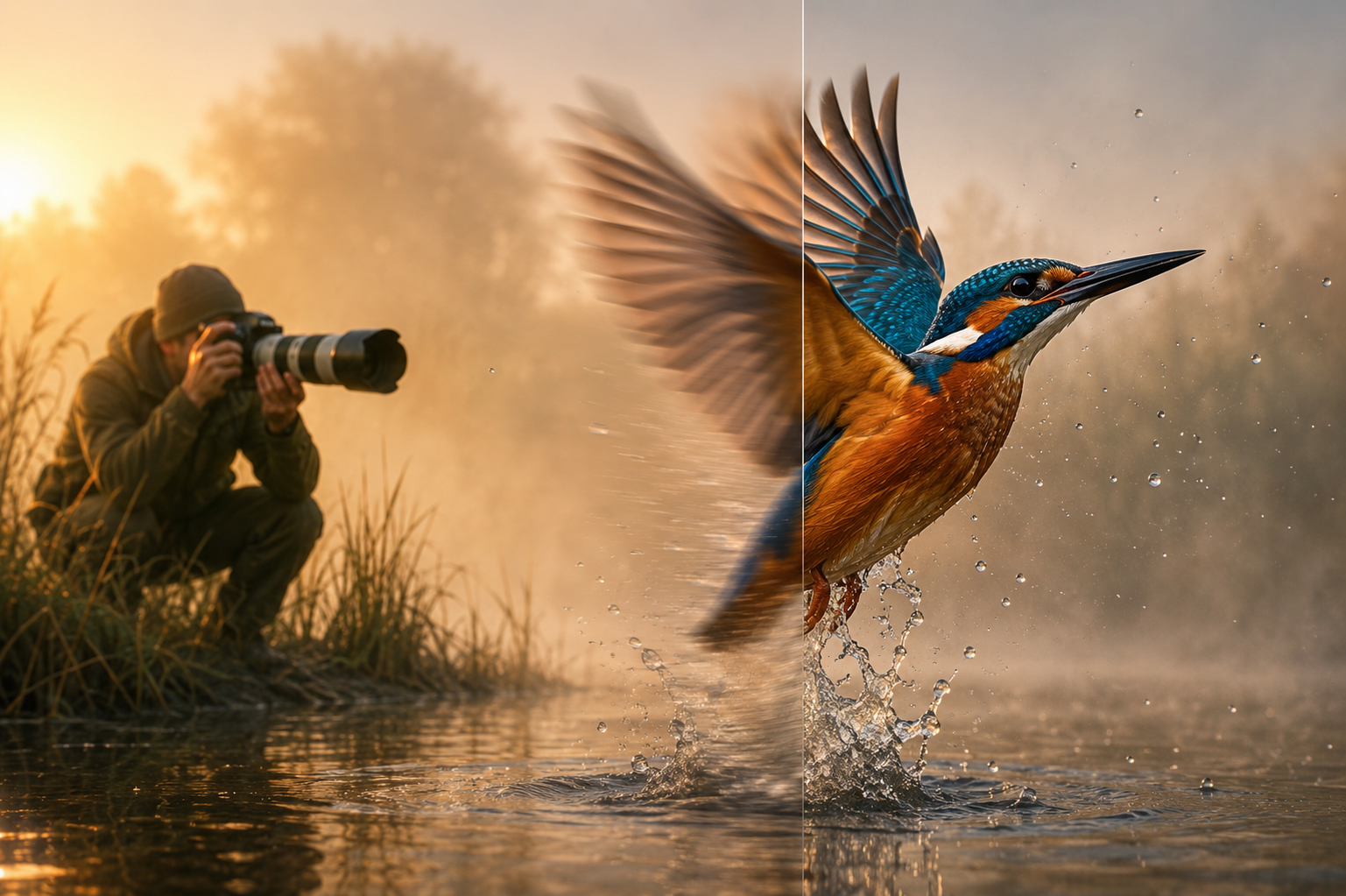

 English