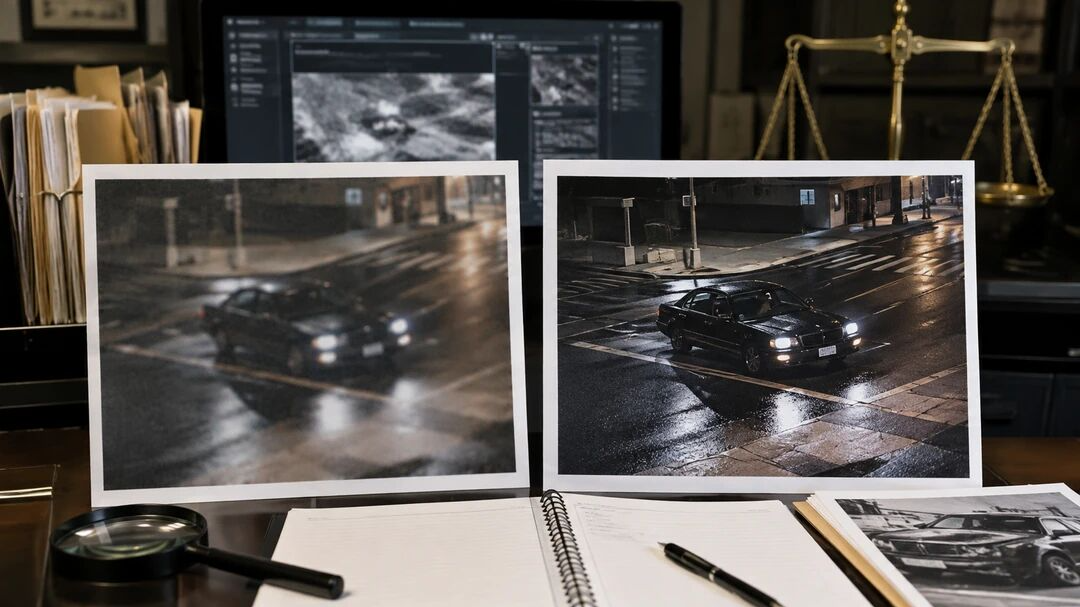
A photo may capture an important moment but still be difficult to understand. Low light, camera movement, compression or a poor-quality surveillance frame can hide details that matter.
AI enhancement can make an evidence photo easier to view. However, the enhanced image should never replace the original or introduce details that were not actually recorded. Think of it as a clearer viewing copy—not new evidence.
Why Blurry Evidence Photos Can Be a Problem
Evidence photos are often taken under pressure rather than in ideal photography conditions. A phone may move while photographing property damage, a security camera may record from far away, or an image may lose quality after being sent through a messaging app.
This can leave faces, license plates, timestamps, scratches or surrounding objects difficult to examine. Although enhancement may improve visibility, it cannot reliably recover information that the camera never captured.
For material that may be used in legal proceedings, always preserve the original file. Digital-evidence guidance from NIST emphasizes documenting the source and maintaining the integrity of original evidence.
What AI Can Safely Improve
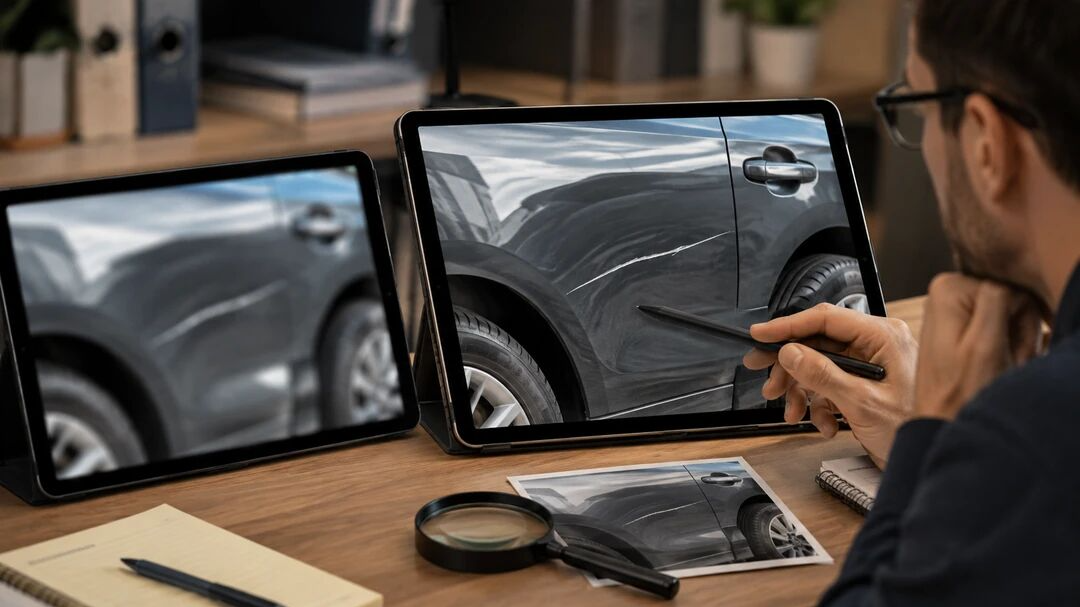
Careful enhancement may reduce visible noise, improve contrast, sharpen existing edges and make motion-blurred areas easier to inspect. For example, Stable Motion AI may help with a photograph affected by hand movement, while Descratch can clean up visible scratches on an older physical image.
The goal is not to make the photograph look dramatic. It is to create a more readable version while keeping the scene, objects and relationships unchanged.
Avoid removing objects, replacing backgrounds, reconstructing faces or using generative edits on evidence. The National Institute of Justice notes that forensic image processing requires proper procedures because some editing methods may be inappropriate for evidentiary images.
How to Enhance Evidence Photos with PicMa Studio
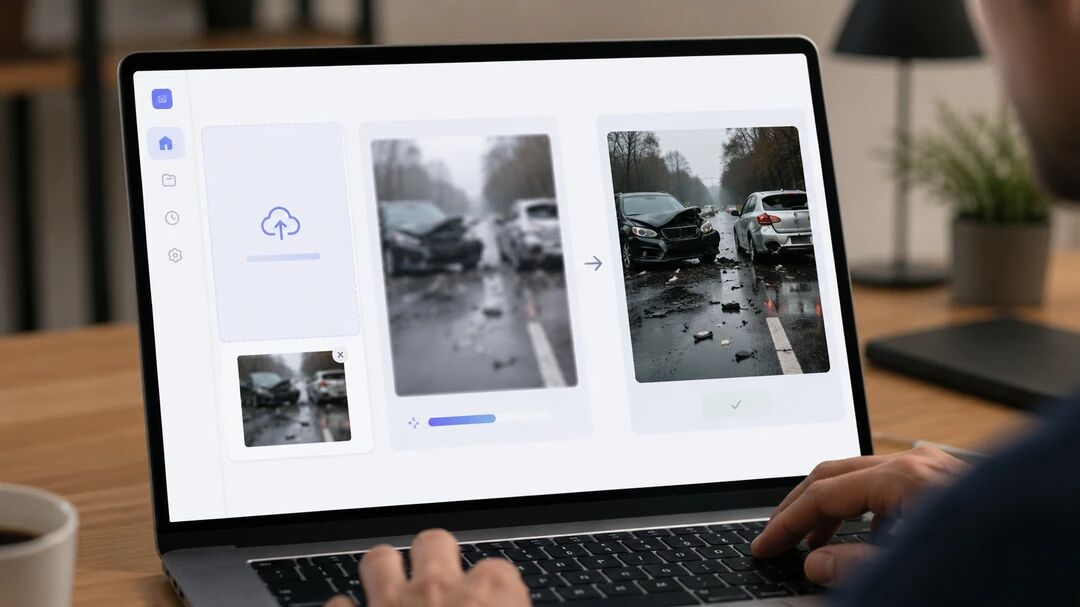
For a quick viewing copy, the process in PicMa Studio’s Photo Enhancer is straightforward.
Step 1: Open the tool
Visit the PicMa Studio’s Photo Enhancer, or install PicMa from Google Play or the App Store.
Step 2: Upload a copy
Upload a duplicate of the evidence photo rather than the only original file.
Step 3: Run the AI enhancement
Choose a suitable model and allow the AI to process the image. Use conservative settings and check that no important detail has been distorted.
Step 4: Download and save
Download the result with a clear filename such as enhanced-viewing-copy.jpg. Keep it in a separate folder from the original.
PicMa provides web and mobile enhancement options designed to sharpen and restore blurry or damaged images with a relatively simple workflow.
Before You Submit an Enhanced Image
Keep the untouched original, the enhanced version and a brief record of what was done. Note the tool used, the processing date and the selected enhancement model. Do not overwrite the source file or strip away the original metadata.
Whenever possible, provide both versions and clearly label the enhanced image as a processed copy. Legal requirements vary between jurisdictions, so speak with your lawyer or a qualified digital-forensics professional before submitting enhanced material as evidence.
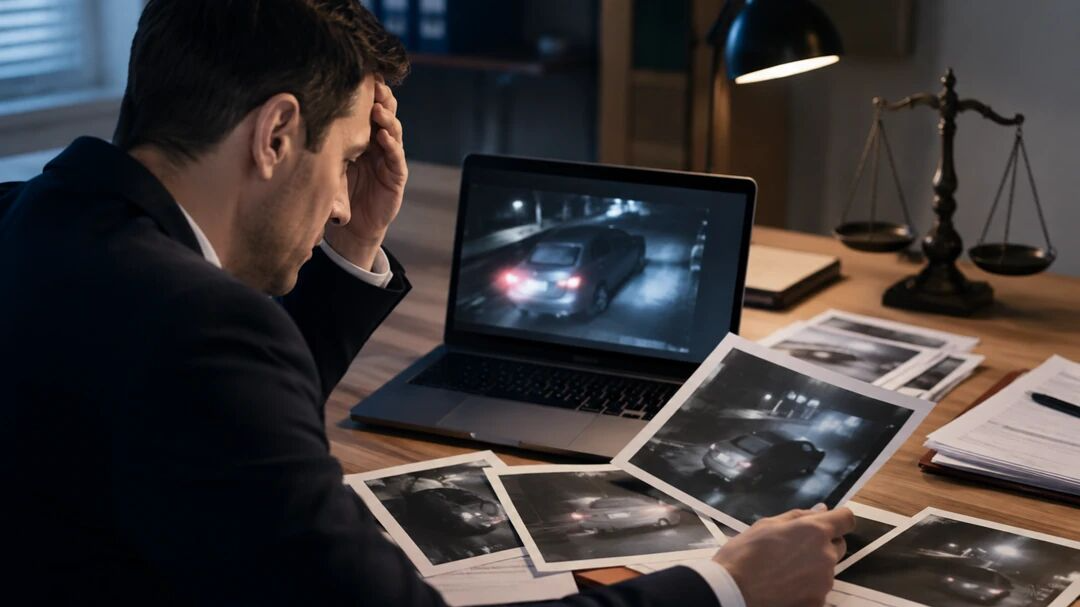
For especially important details—such as identifying a person, reading a license plate or interpreting a security-camera frame—a certified forensic examiner is more appropriate than a general consumer enhancement tool. Guidance from the Scientific Working Group on Digital Evidence stresses that image integrity affects whether digital imagery is considered reliable.
Ready to create a clearer viewing copy? Open PicMa Studio’s Photo Enhancer, upload a duplicate of your photo and review the result carefully alongside the original.
Frequently Asked Questions
Can AI make a blurry evidence photo completely clear?
Not always. AI may improve existing visual information, but it cannot reliably recreate details that were never captured.
Can an AI-enhanced photo be used in court?
Possibly, but admissibility depends on the jurisdiction, the editing process and how the image is documented. Ask a legal or forensic professional.
Should I enhance the original evidence file?
No. Preserve the original unchanged and work only with a duplicate.
Can I enhance a still image from surveillance footage?
Yes, a still frame can be enhanced for easier viewing. Keep the original video and record how the frame was extracted and processed.
What changes should I avoid?
Avoid deleting objects, replacing backgrounds, altering timestamps or generating new facial, text or license-plate details.
Related Readings:

 5
5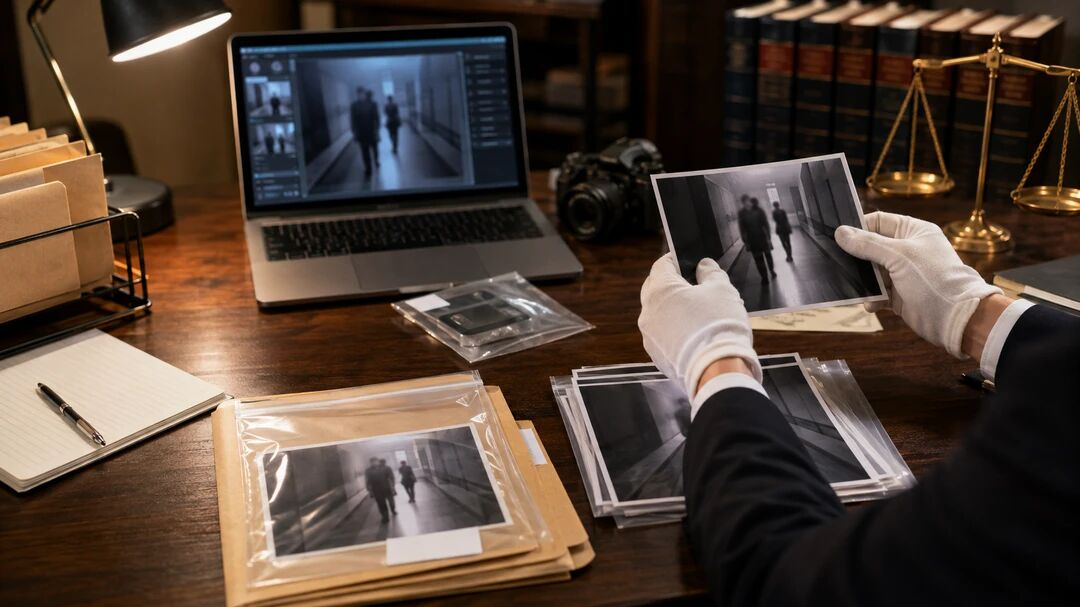

 English