Enhance Your Wildlife Photography Effortlessly
There’s something magical about wildlife photography. It’s the split second when a rare bird takes flight, the moment a predator’s eyes lock with the lens, or the gentle interaction between a mother and her young. You’ve captured it luckily—but the photo is blurry, grainy, or just lacks the vibe you desire.
Welcome to a new era of photography, where AI is your most powerful tool. At PicMa, we’ve developed a cutting-edge AI Photo Enhancer that will transform your photos from forgotten files into gallery-worthy masterpieces.
Whether you're in the wild or in the zoo, wildlife photography is often a game of patience and luck. You may come across some hurdles like:
- Low Light: The golden hours of dawn and dusk offer beautiful light but often lead to low-resolution photos.
- Fast Motion: Animals don’t pose. A sudden movement can turn your perfect shot into a mess.
- Great Distances: Shooting from far away can result in soft details and a lack of definition.
But with PicMa, all of these problems can be solved easily.
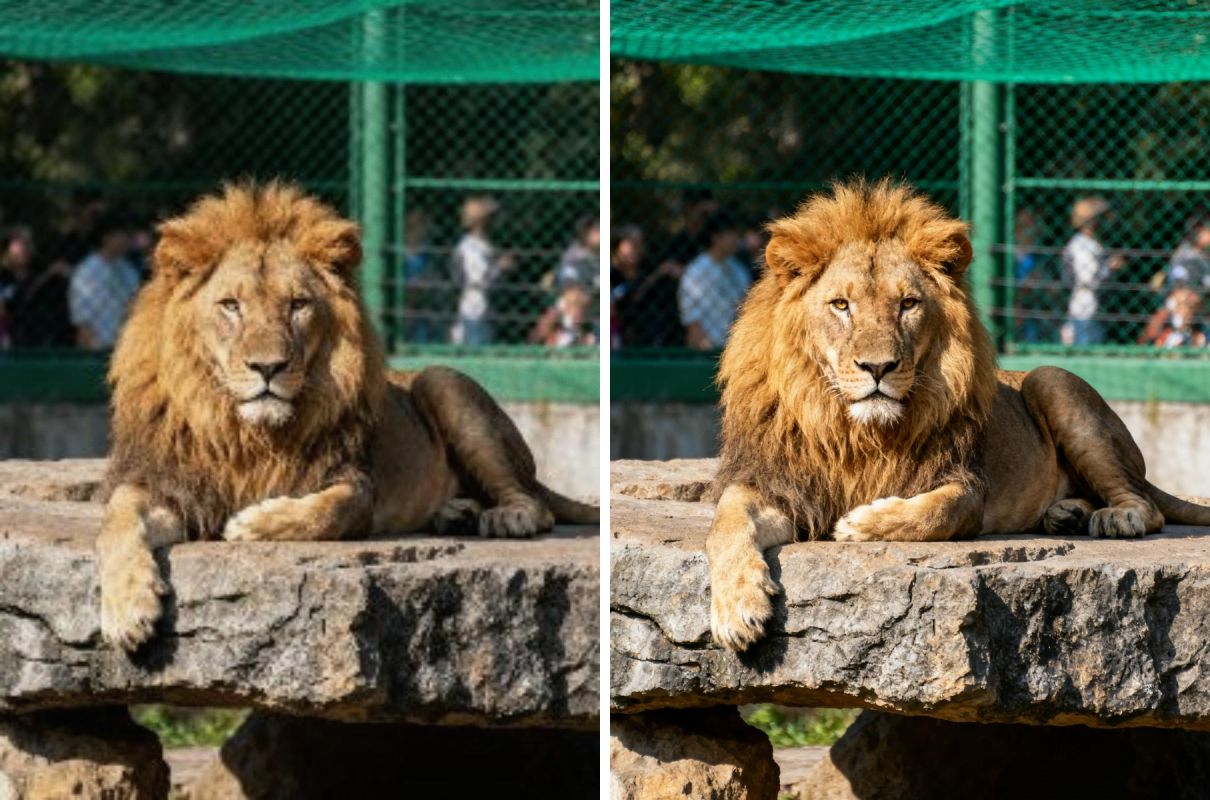
How to Transform Your Wildlife Photos in Three Steps
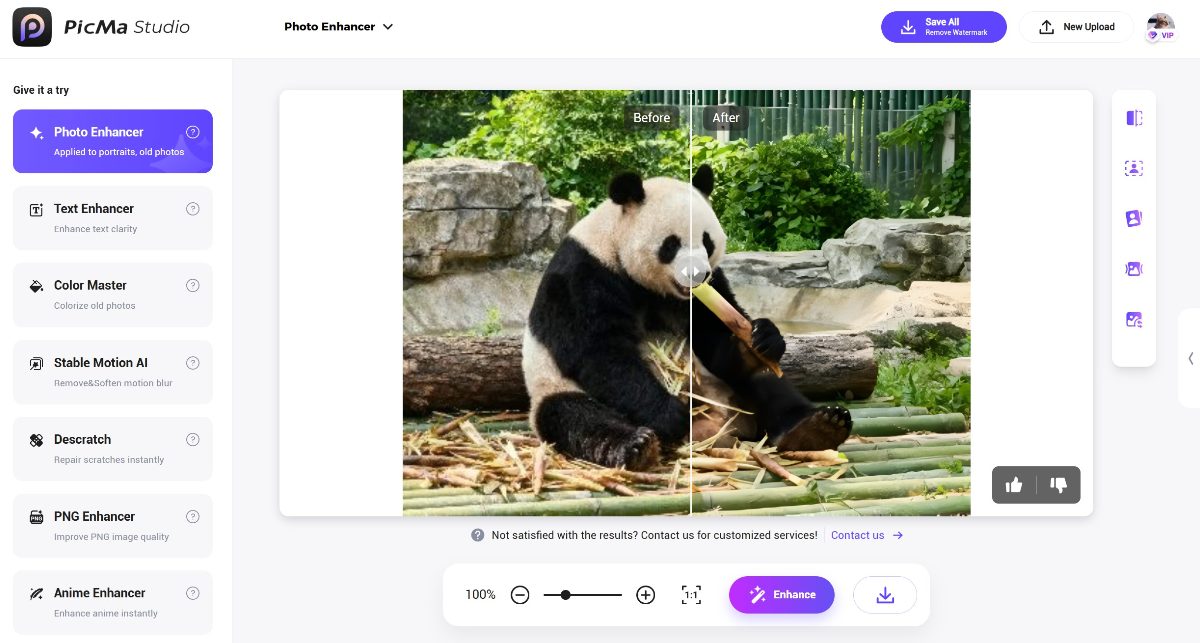
Using the PicMa Photo Enhancer is as simple as it is powerful:
- Go to the PicMa Studio website, or download the PicMa app on your mobiles (available for iOS and Android)
- Navigate to "Photo Enhancer". Upload your low-quality or blurry wildlife photo. (exclusively for the app, you can choose the "Furry HD" model)
- Wait seconds to preview your result. If you’re happy, download your enhanced, high-resolution photo for free
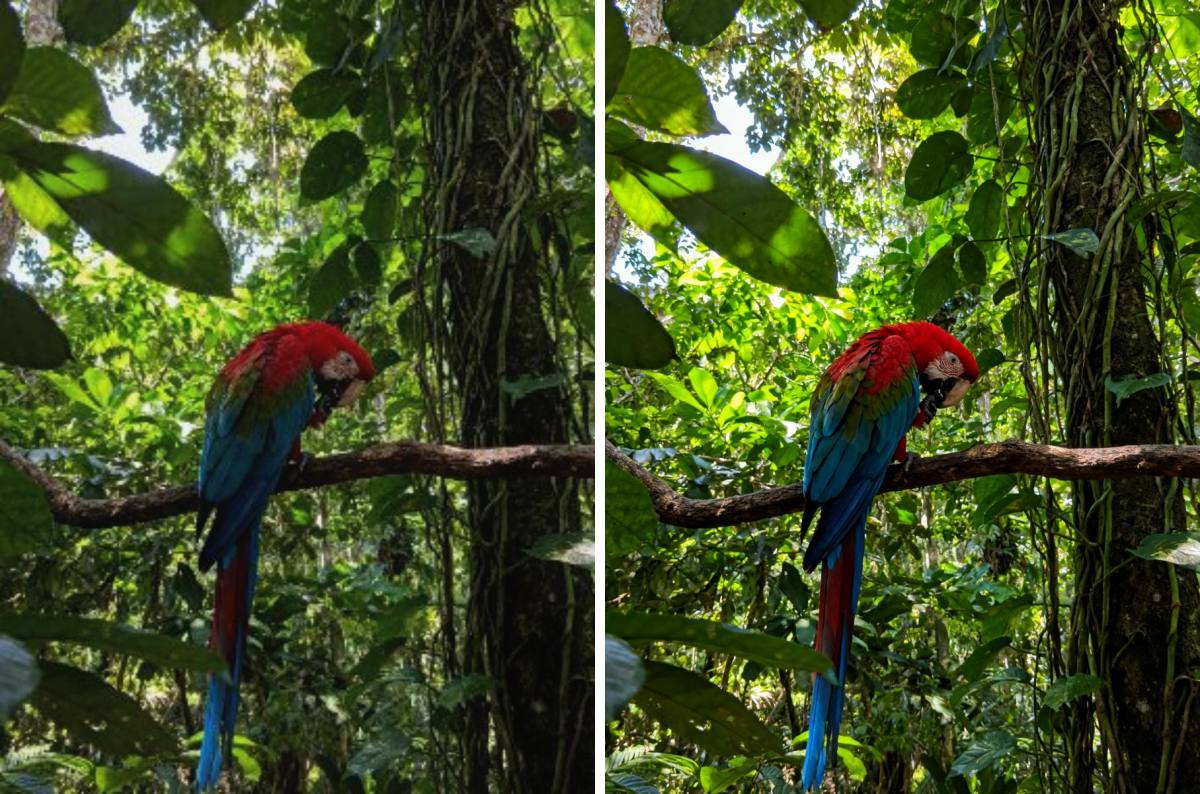
Go on a Safari with PicMa's AI Enhancement Tools
It’s that easy to give your wildlife photography the clarity it deserves. Stop letting technical limitations hide your best travel memories. Besides Photo Enhancer, now you can also enhance your videos at PicMa! Just check our Video Enhancer.
Visit PicMa and let it be your ultimate travel partner for capturing stunning safari moments!
FAQ(Frequently Asked Questions)
Q1: Is the PicMa Photo Enhancer really free to use?
A: Yes! Our core enhancement tools are accessible to everyone. You may upgrade to VIP for more advanced features.
Q2: What kind of image formats do you support?
A: Our enhancer supports common file formats including JPG, PNG, and BMP. Just make sure the image resolution is over 100×100 and less than 2048×2048.
Q3: How does the AI handle my privacy? Are my photos safe?
A: Absolutely. We take your privacy seriously. Uploaded photos are processed securely and are not shared with any third parties.
Q4: What kind of photos can this tool process?
A: Of course all kinds of photos! Whether it's an animal photo, a portrait or a landscape, PicMa's Photo Enhancer can always handle them with ease.
Q5: How long does it take to process a photo?
A: Typically, it takes only a few seconds per image depending on file size.


Related Readings:

 184
184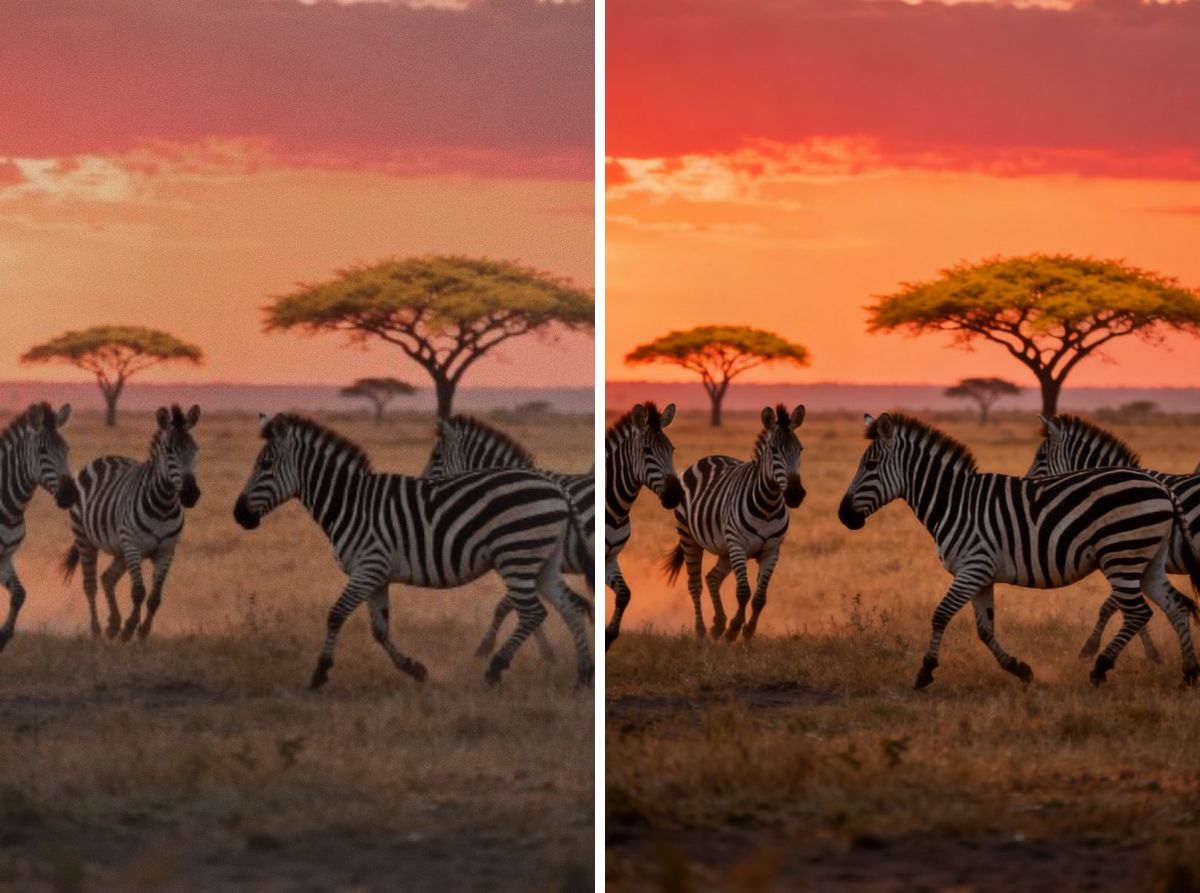

 English