Say Goodbye to Your Crusty Image
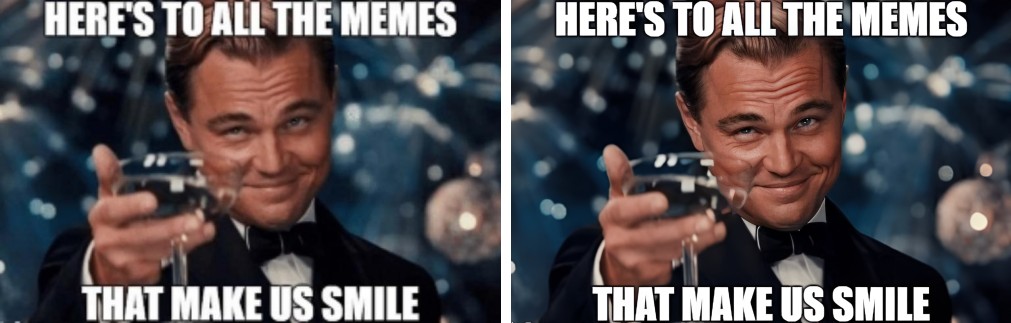
You’re scrolling through your camera roll, hunting for the perfect profile picture, and you find the one—the photo with a perfect look. But unfortunately, it looks like it was taken on a potato! Or maybe you’ve stumbled upon a legendary, ancient meme that’s been shared like one million times. It’s so pixelated you can barely make out the text.
It's time to make a change. Here at PicMa, we believe every photo deserves a second chance to shine again. That’s why we must introduce you to our AI-powered Photo Enhancer. It can intelligently improve your images' clarity, sharpness and vibrance, bringing them back to life, all with one click.
How to Transform Your Images in 3 Seconds Flat
To master the magic is super easy:
- Head to the PicMa Studio website or download the PicMa app from Google Play or the Apple App Store
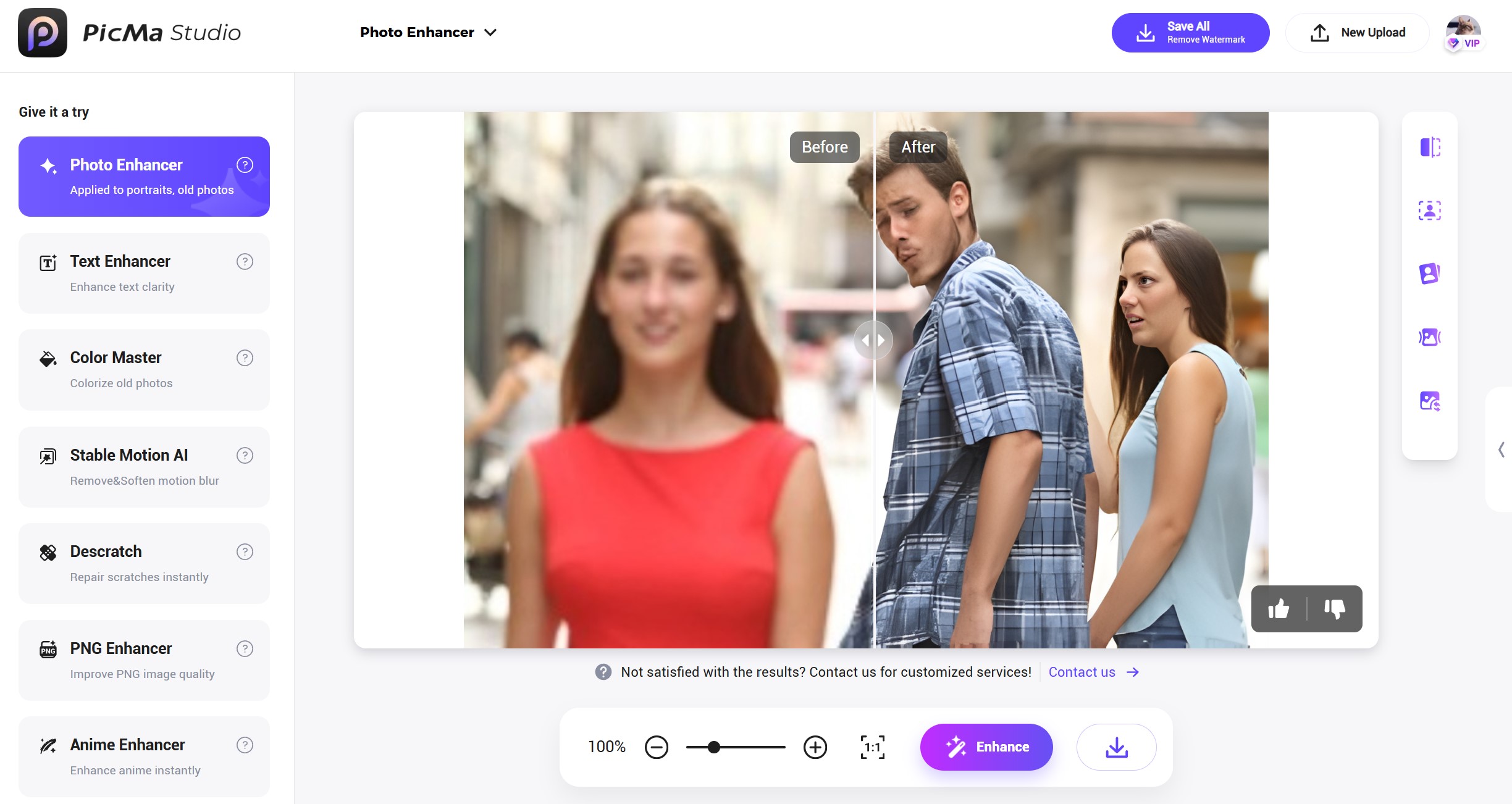
- Find the "Photo Enhancer" tool. Drag and drop your blurry, low-quality, or pixelated image, whether it's a meme, a selfie or a screenshot from a TV series
- Take a sip of your coffee and leave the rest to AI. It reduces noise, sharpens edges and upscales the resolution. In a blink, you’ll see a stunning result. Save your masterpiece right away
Change Your Digital Life with PicMa
In the digital era, tons of images can always flood your mobile album. You can't miss PicMa's Photo Enhancer because it's:
- Completely Free: Yes, you read that right. We’re offering this magical tool for free. No hidden costs. Just pure, unadulterated photo enhancement.
- As Easy as Breathing: No complex editing skills required. If you can click a button, you can be a photo restoration expert.
- Powerful & Versatile: Enhance your Instagram shots, LinkedIn headshots, or whatever you like to make an amazing first impression.
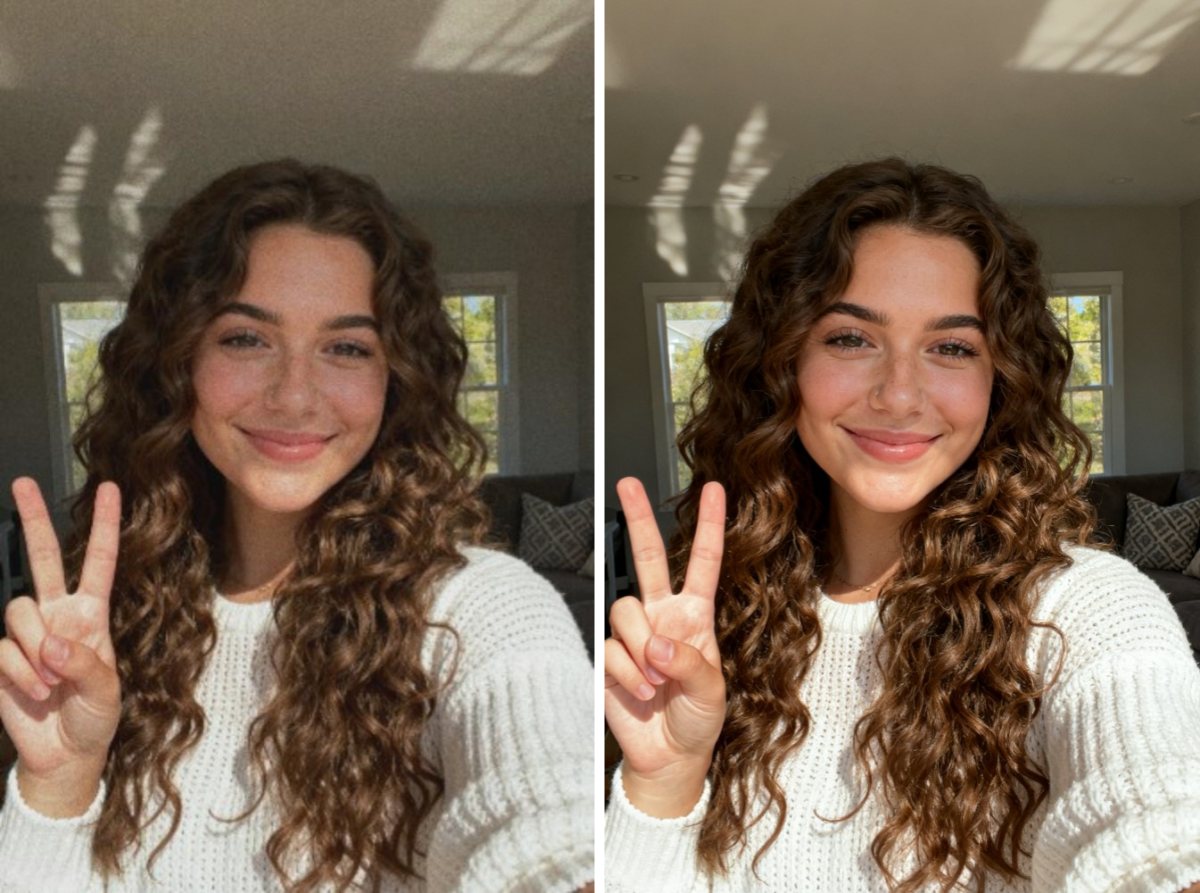
Ready to turn your blurry "meh" into a magnificent "WOW"? Head over to PicMa now and give your pictures the upgrade they deserve!
FAQ (Frequently Asked Questions)
Q1: Is the Photo Enhancer really free to use?
A: Absolutely! It is 100% free. You can also upgrade to VIP for more credits and practical functions.
Q2: What kind of images work best with the enhancer?
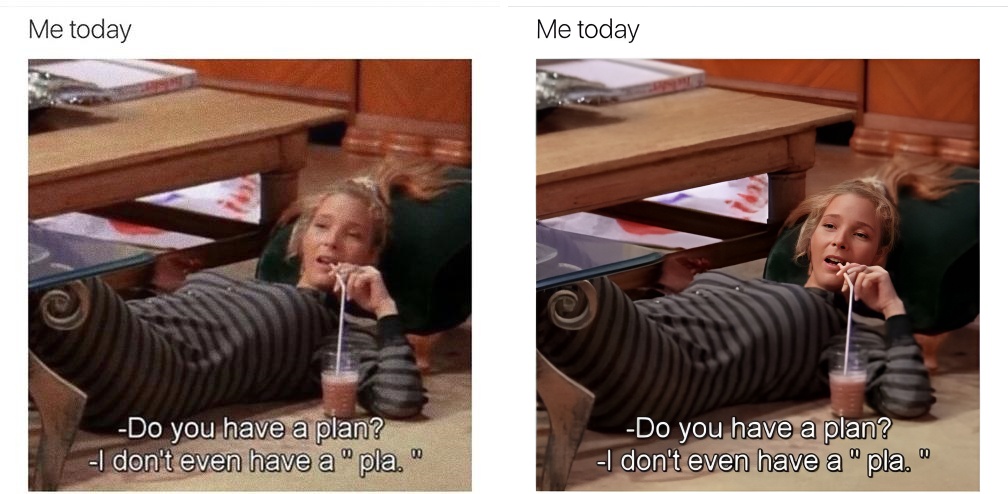
A: It works brilliantly on a wide range of photos! This includes selfies, old scanned pictures, low-resolution memes, grainy screenshots and so on. The image resolution should be between 100×100 and 2048×2048.
Q3: How does the AI enhance my photos without losing quality?
A: Our AI is trained to intelligently predict and reconstruct missing details. It doesn't just sharpen pixels; it understands the content of the image (like faces, text, and backgrounds) to create a naturally sharper and higher-resolution version.
Q4: Are my uploaded photos kept private and secure?
A: Your privacy is paramount. We do not store your original or enhanced photos for longer than necessary to provide you with the service.


Related Readings:

 229
229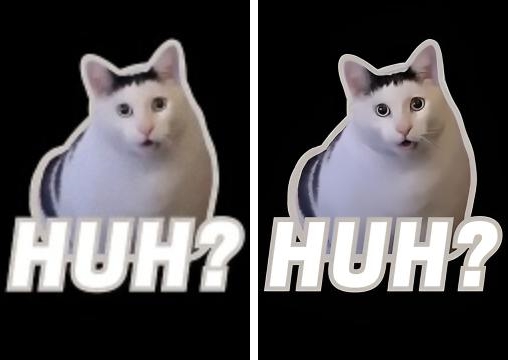

 English