Bring Old Videos to Life with AI-Powered Video Enhancer
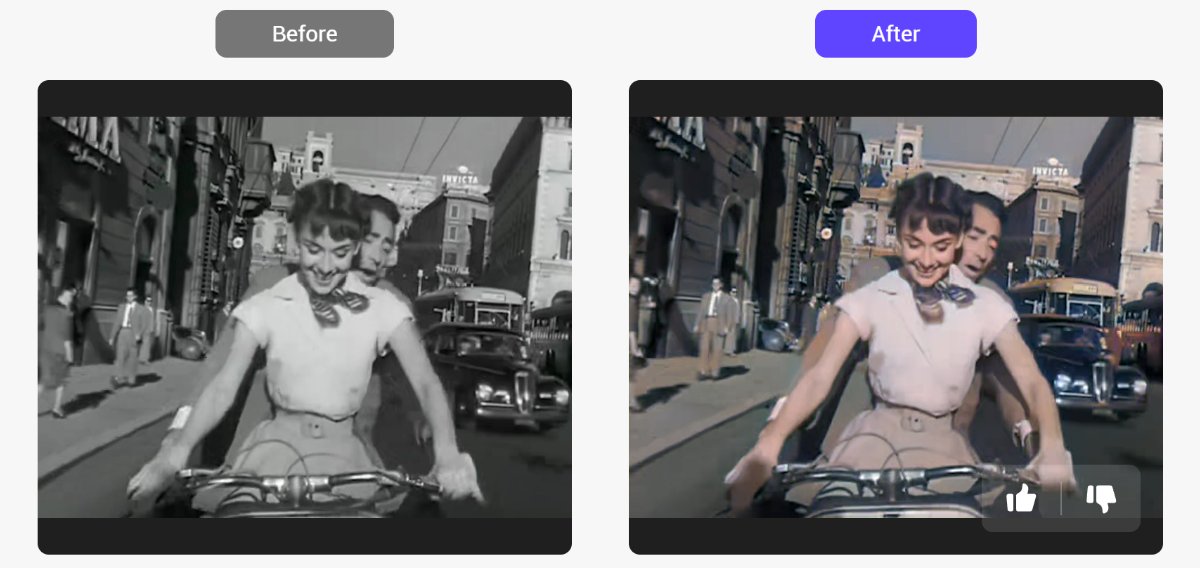
Black and white movies always hold a unique charm. They capture moments of history, tell timeless stories, and preserve memories of generations past. Yet, as technology evolves, so do our expectations of visual quality. Now we prefer the vibrant clarity of color.
Your elders may have kept some precious old-time family videos, or you might want to recolor your childhood videos. What if you could transform those grainy, monochromatic clips into vibrant, colorful videos with just one click? In PicMa Studio, we’ve made this possible with our Video Enhancer tool and its powerful Colorize Model.
How Does Our Video Enhancer Work?
Powered by advanced AI models, our Video Enhancer feature analyzes every frame of your video to accurately improve sharpness and vividness, making dark videos brighter, blurry videos clearer and pixelated videos high-resolution. It doesn't alter the original video; instead, it just reveals the original look of the video.
Taking the Colorize Model for example, the AI has been trained on vast datasets of both monochromatic and color imagery, enabling it to understand how objects, scenes, and human features should appear in color. It's the best choice for restoring old monochromatic videos. No technical expertise is needed—just upload and let AI do the rest.
Simple Steps to Vitalize Your Black and White Videos
Everyone can be a movie restorer in PicMa Studio. Just follow these steps:
- Visit PicMa Studio and head to the "Video Enhancer" feature
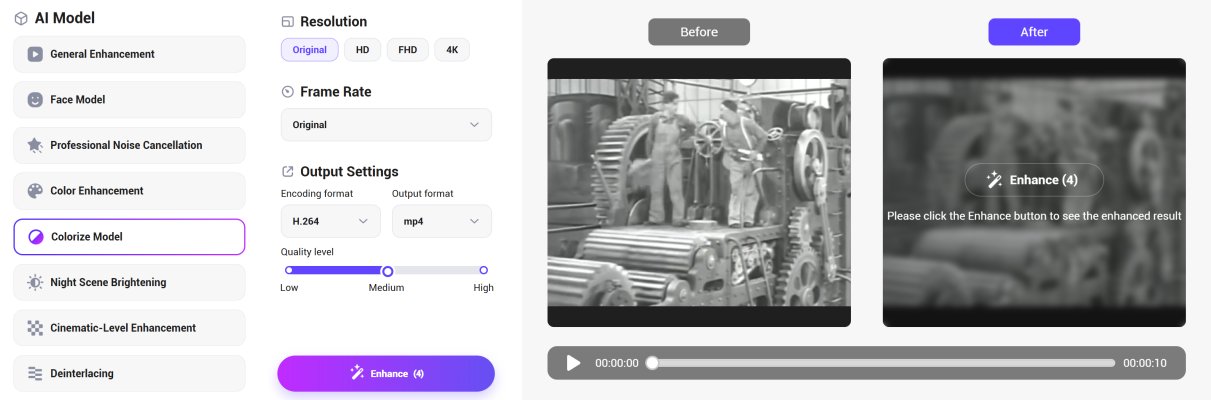
- Upload your black and white video and choose the "Colorize Model"
- Comfirm the parameters like resolution and frame rate
- Click "Enhance" and leave the rest to AI
- Preview and download your newly colorized video in high definition
Beyond Colorization: A Full Suite of Enhancement Tools
While the Colorize Model specializes in adding color, our Video Enhancer offers a variety of AI models focusing on different problems:
- Face Model: Optimizes blurry facial features
- Professional Noise Cancellation: Removes grain and noise
- Color Enhancement: Boosts existing colors by enhancing saturation
- Night Scene Brightening: Illuminates dark scenes with higher brightness and clarity
- Cinematic-Level Enhancement: Adds a film-like quality to videos, making low-noise, high-quality videos more delicate and clearer
- Deinterlacing: Restores unnatural scenarios such as jagged edges, blurring, or flickering in motion areas
Don’t let black and white videos fade into obscurity. Embrace the future of video restoration with PicMa’s Video Enhancer and see history in a new light. Just give it a try!
FAQ (Frequently Asked Questions)
Q1: What video formats are supported?
A: We support common formats like MP4, MOV, MKV. Videos must have a maximum resolution of 1920x1920, a maximum duration of 5 minutes, and a maximum file size of 1GB.
Q2: How long does it take to process a video?
A: Processing time depends on the length and resolution of the video, ranging from a few seconds to several minutes.
Q3: Is Video Enhancer free to use?
A: YES! You can upload up to 5 videos every week for free now.
Q4: Can I use the Video Enhancer for commercial purposes?
A: Absolutely. You retain all rights to your uploaded and enhanced videos. Feel free to use them for personal or professional purpose.
Q5: What types of videos benefit most from Video Enhancer?
A: Our AI video enhancer is ideal for low-resolution, dark, noisy, or older videos.
Related Readings:

 487
487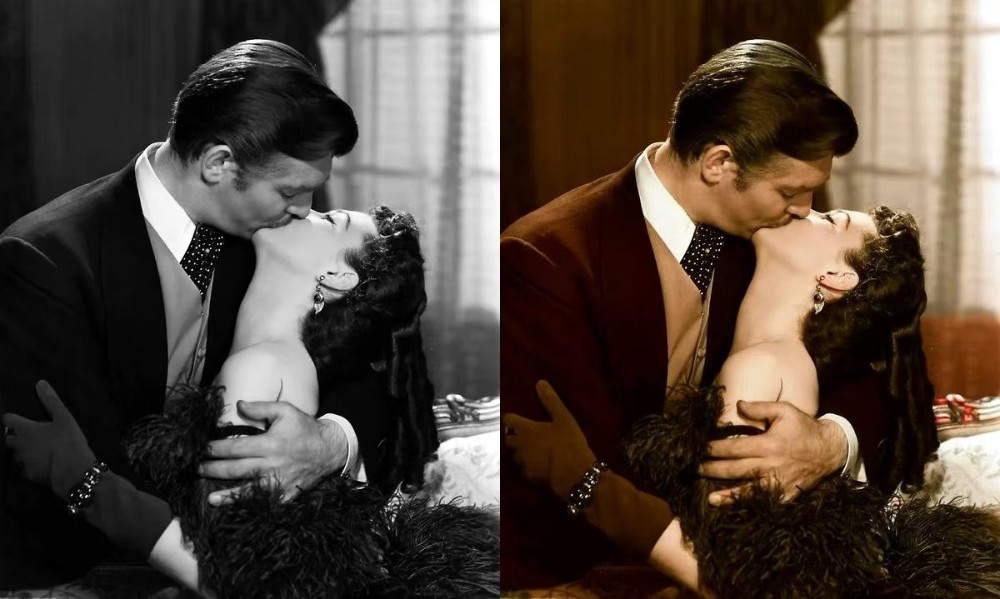

 English