Many users face the same pain: blurry travel photos, pixelated social uploads, or product listings that look cheap. The real challenge is finding a way to increase photo resolution without sacrificing authenticity.

The Secret Weapon: AI Upscale
Traditional image enlargement methods only stretch existing pixels, often producing blurry edges and artificial smoothness. PicMa’s AI upscaler works differently. It uses deep learning to predict and rebuild missing details, which allows it to enhance pixelated images while keeping them natural.This makes it possible to increase photo resolution without losing authenticity—whether it’s restoring hair strands in portraits, sharpening text in screenshots, or preserving fabric and metallic textures in product photos.
Practical Process for Getting the Best Results
1.Open the PicMa website or Download app (iOS & Android).
2.Find the Photo Enhance function.
3.Upload your low-resolution photo
4.Let AI enhance it in seconds
5.preview and save the photo to your device
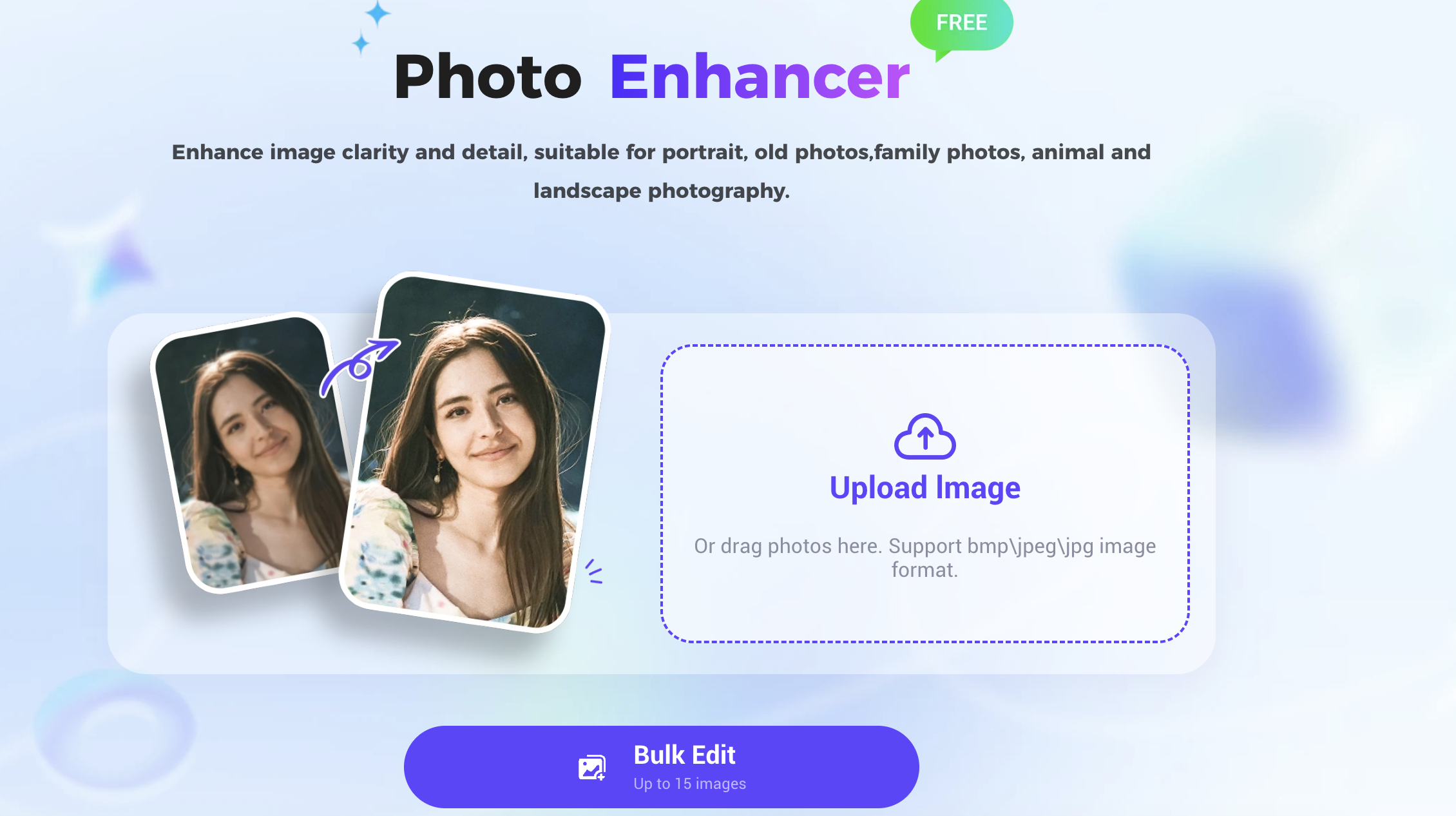
By following this process, you not only increase photo resolution quickly but also achieve professional and natural-looking results.
More Powerful Features in PicMa Photo Enhance
- Text Enhancer:Sharpens blurred text, ideal for restoring screenshots, scanned files, or study materials.
- Color Master:Enhances saturation and contrast automatically, making images more vivid—perfect for e-commerce or social media.
- Stable Motion AI : AI Produces smoother and more natural motion in frames, useful for video repair and dynamic visual content.
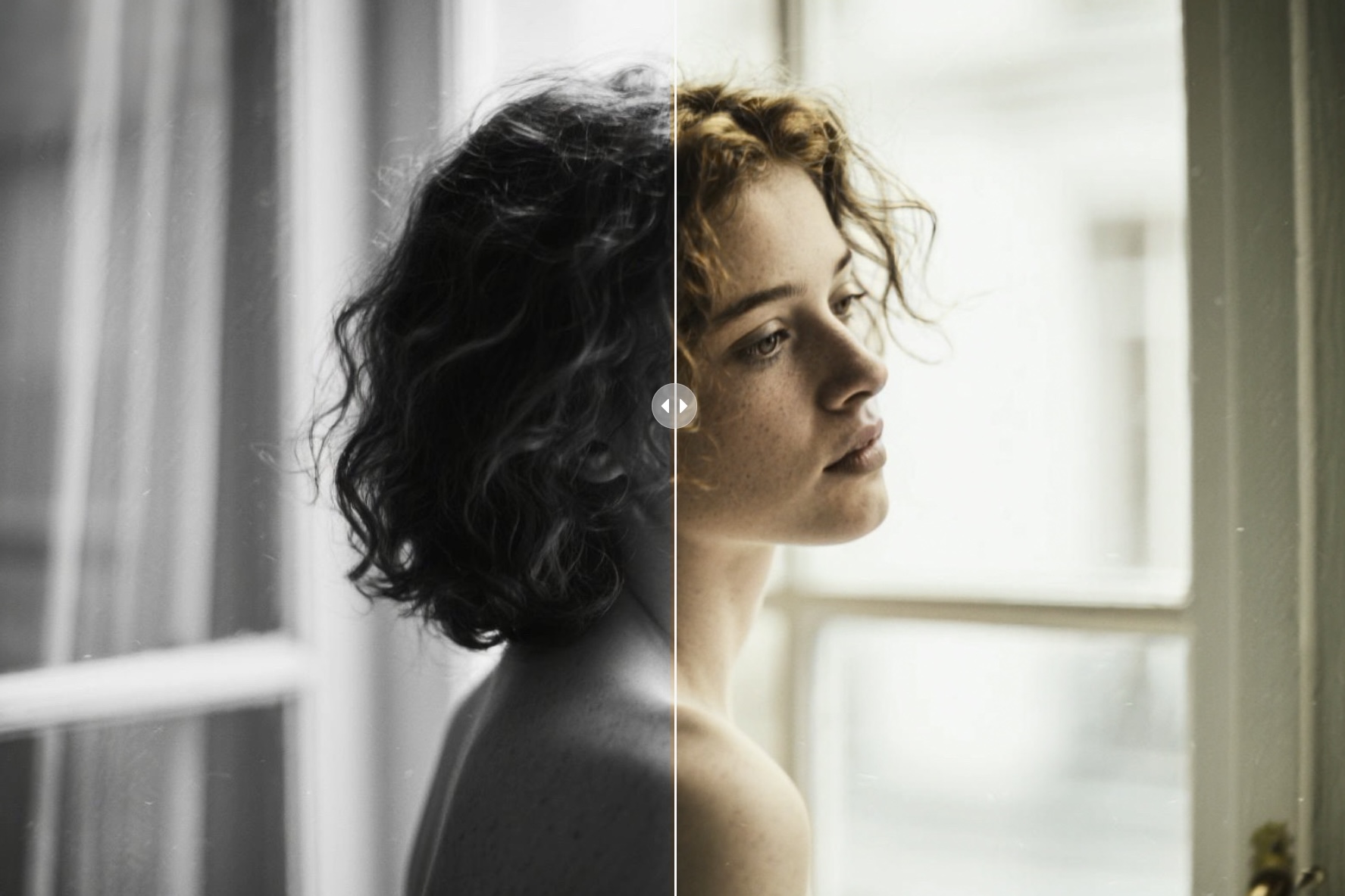
- Descratch :Removes scratches and imperfections from old photos, restoring their authentic texture.
- PNG Enhancer :Optimizes transparent-background PNG files, preserving clarity while reducing file size.
- Anime Enhancer:Designed for anime and illustration images, keeping lines sharp and colors vibrant even after enlargement.
With these features, PicMa goes beyond simply helping you increase photo resolution—it improves readability, enriches colors, and preserves artistic style, covering a wide spectrum of use cases.
Everyday Applications: From Memories to Marketing
1.For individuals, PicMa brings new life to old photos and cherished memories. A pixelated 480p family photo can be turned into a clear, printable keepsake.
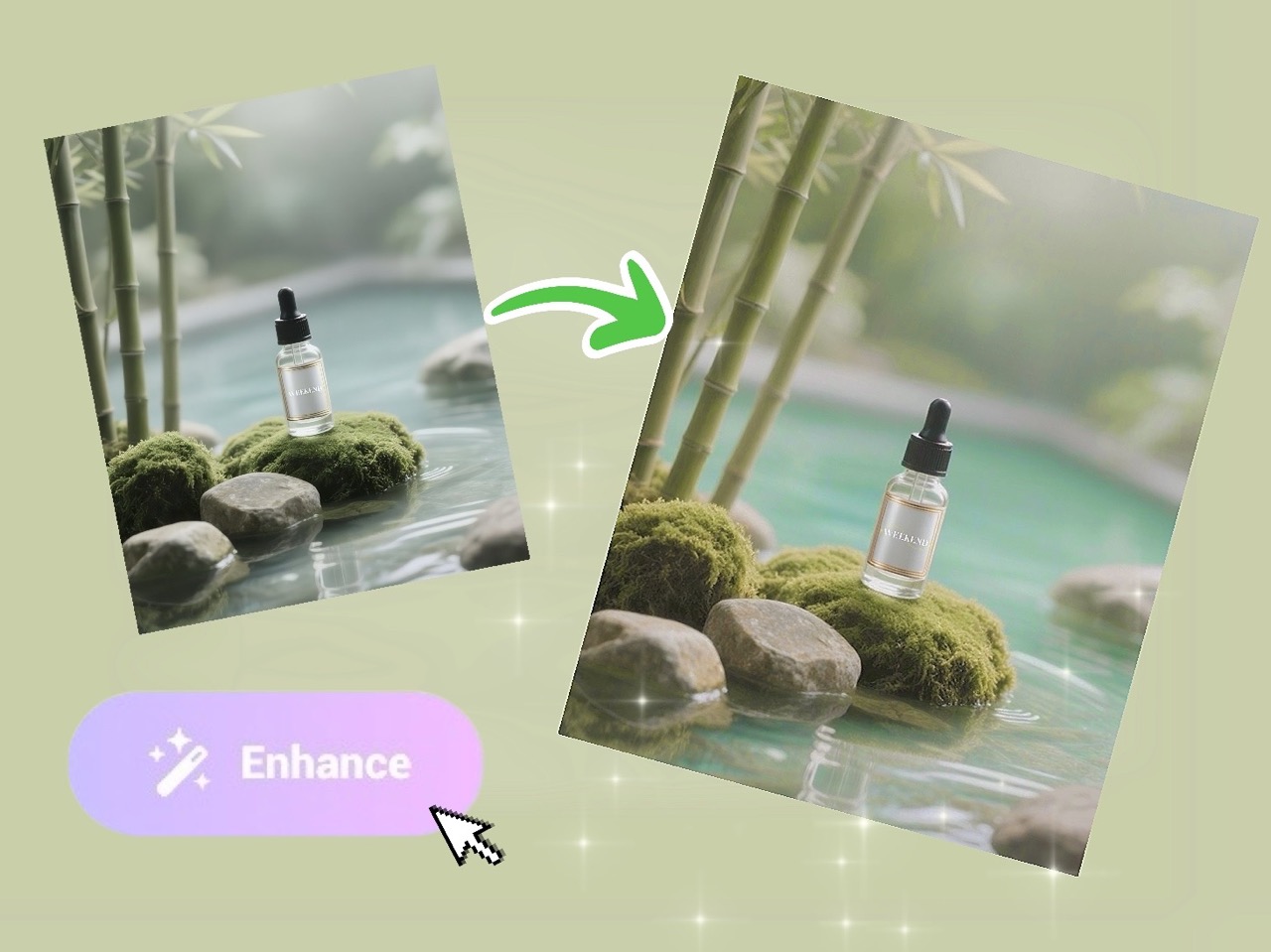
2.For professionals, sharper images build trust and credibility. Designers and content creators use PicMa to refine artwork, while sellers rely on it to enhance pixelated images in product photos.
3.In marketing, high-resolution visuals directly influence visibility and engagement. Ads with crisp images achieve higher CTR, and e-commerce stores that increase photo resolution with PicMa often enjoy stronger conversion performance.
Future of Image Upscaling
AI upscaling is not just about fixing blurry photos—it’s becoming a core part of digital content creation. As AR/VR, 8K video, and immersive media grow, the ability to increase photo resolution will be essential.
Future tools will automatically adapt resolution based on platform requirements, from social thumbnails to cinematic frames, ensuring every image looks its best.
By continuing to improve AI upscaler technology, we move toward a world where every image—past or present—can be clear, professional, and ready for use.
Low-resolution photos don’t have to stay blurry. Whether you want to revive family memories, present products with confidence, or prepare visuals for future digital platforms, PicMa provides a simple yet powerful solution. Try PicMa today—see how quickly you can enhance pixelated images and give your visuals a new life.


 180
180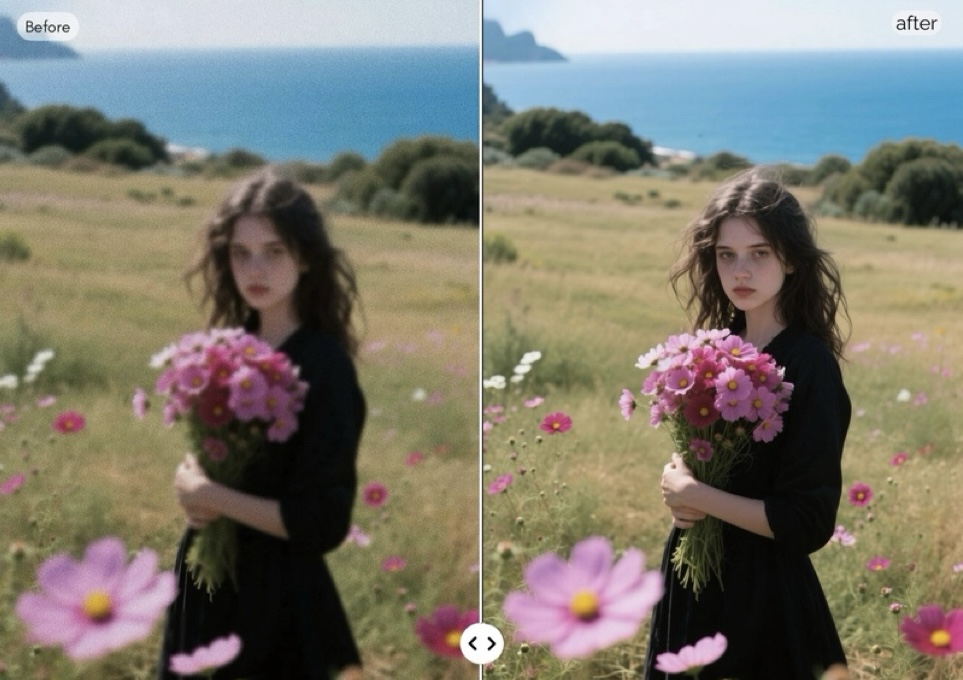

 English