Brighten Your Image with One Tap in PicMa
Sometimes you think you've captured something fantastic with your camera, only to find the photo turned out dark and underexposed. Whether it’s due to poor lighting, a quick snapshot, or just bad luck, dark photos can always be frustrating. While professional editing software can help, not everyone has the time or skill to manually adjust parameters like exposure, shadows, highlights, and contrast. But what if you could bring those moments back to life with just one tap?
Say hello to Brighten Image, the feature in PicMa designed specifically to instantly illuminate your photos and unblur details. Now you don't have to bother figuring out the complex editing tools anymore.
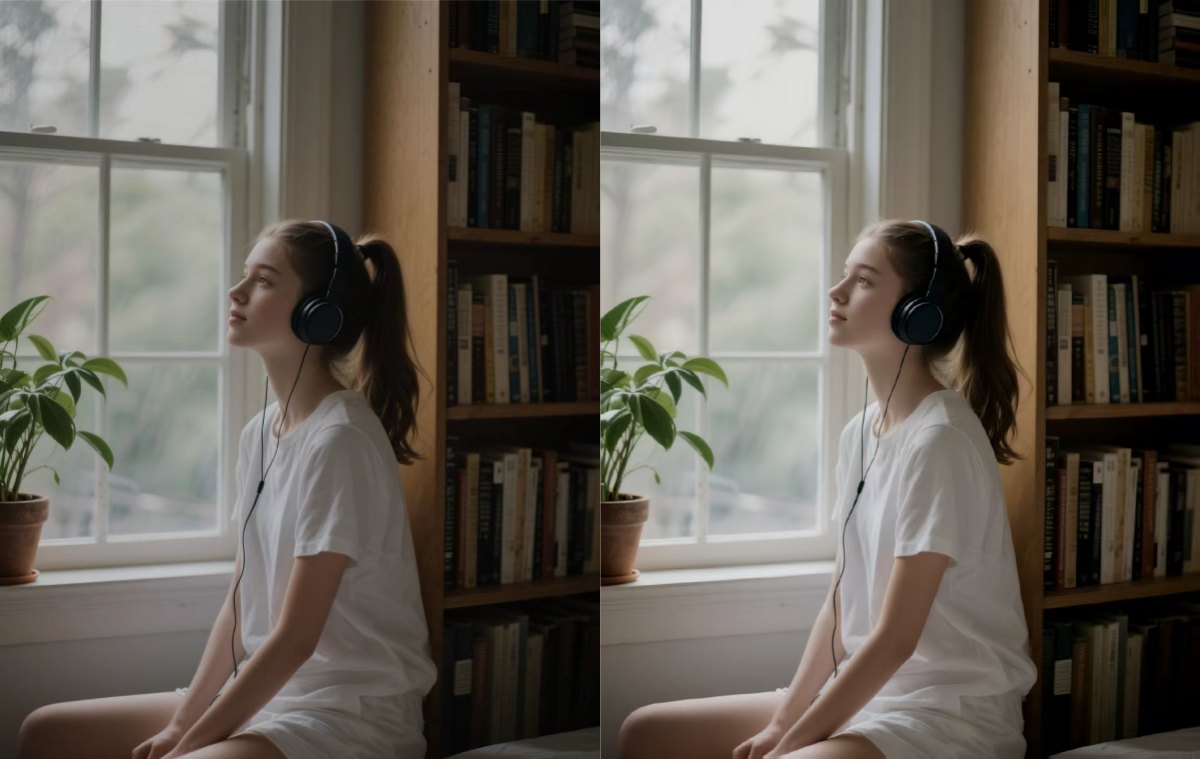
How Does Brighten Image Work?
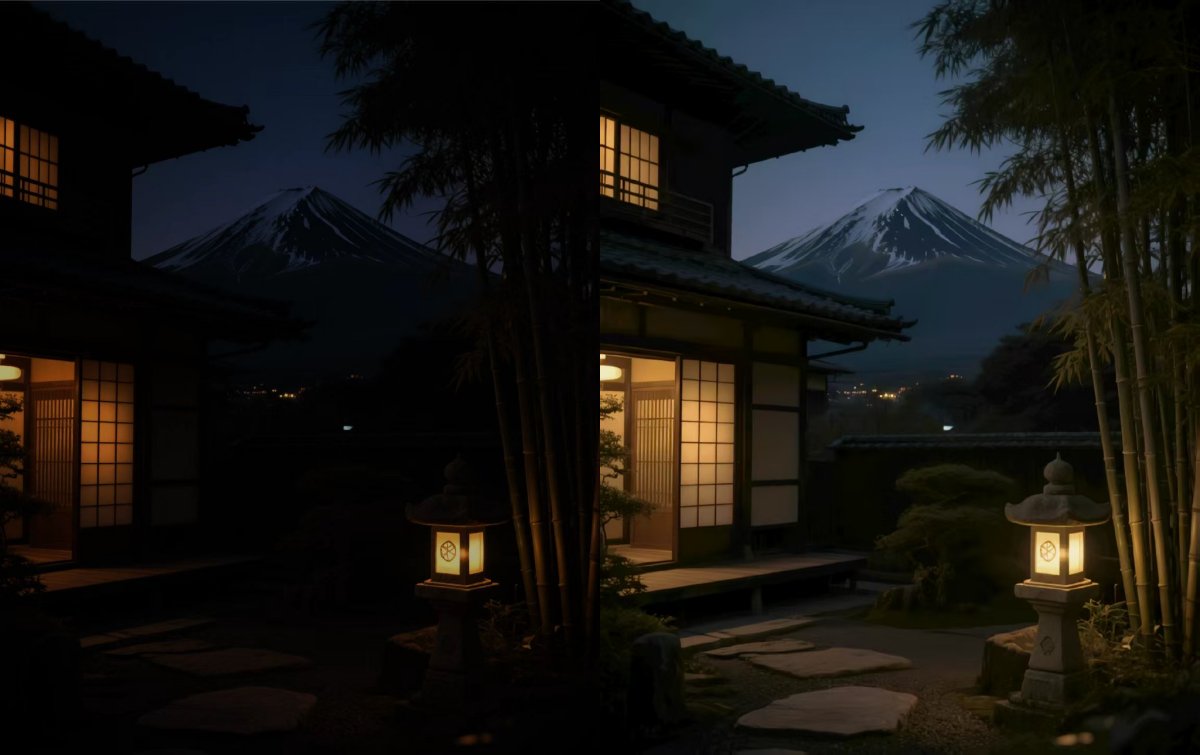
Behind the simple tap lies sophisticated technology. Our Brighten Image tool uses advanced AI-powered algorithms to analyze each photo’s details, as it intelligently identifies the parts that need enhancement the most, making exposure adjustments and restore color without losing quality. It's a perfect solution for dim indoor photos, backlit landscapes and night photos. 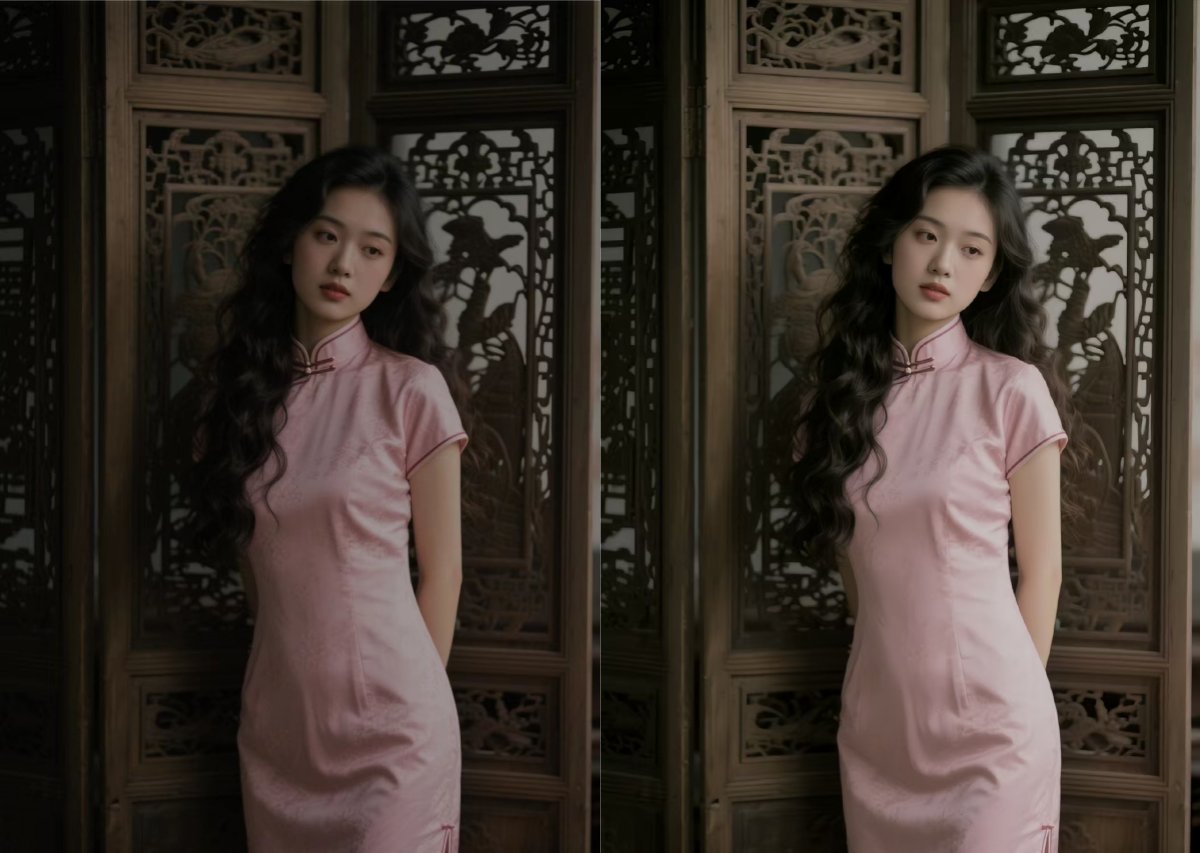
How to Brighten Your Image
The entire process takes just a few seconds. You don’t need to slide adjustments or understand photo jargon. You just need to:
● Download the PicMa app from Google Play or Apple Store
● Tap the "Brighten Image" icon and select a photo from your device
● Check and save your result in seconds
Try PicMa Now – A Powerful AI Image Editor
After brightening your photo, you can stick around to further edit your photo with a lot of amazing tools in PicMa, including:
● Photo Enhancer: Improve the image clarity to a higher level
● Photo Restore: Repair damaged or faded photos automatically
● Remove objects: Remove unwanted objects from the image
● Magic Brush: Create some elements you'd like to see in the image
● Color Master: Colorize black-and-white photos
● ...
We believe everyone should be able to create beautiful photos—no expertise required. With PicMa, everyone can become a photo editing master. Just relive your cherished moments with ease!
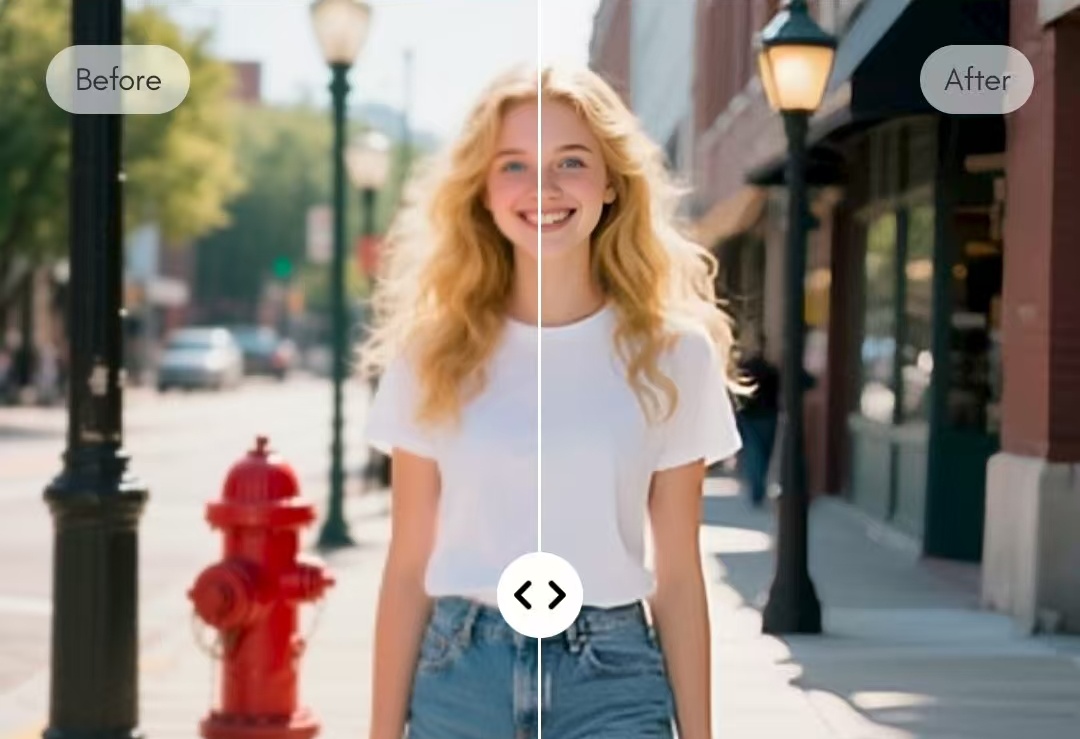
Frequently Asked Questions (FAQ)
Q1: Is the Brighten Image feature free to use?
A: Yes! The Brighten Image feature, along with other basic enhancement tools, is now available to all users at no cost.
Q2: Will using Brighten Image reduce the quality of my photo?
A: Not at all. Our algorithm will enhance your image intelligently while preserving detail and reducing noise, so you get a clearer, brighter photo without losing quality.
Q3: How is this different from just adjusting the brightness in my phone's gallery app?
A: Great question! Simply turning up the brightness slider often washes out colors and amplifies noise. Our Brighten Image feature uses AI to make precise adjustments. This means it brightens only the dark areas and protects the highlights.
Q4: Will it work on very old photos?
A: Absolutely! You can also try our "Photo Restore" feature, which is designed for old and damaged photos.


 184
184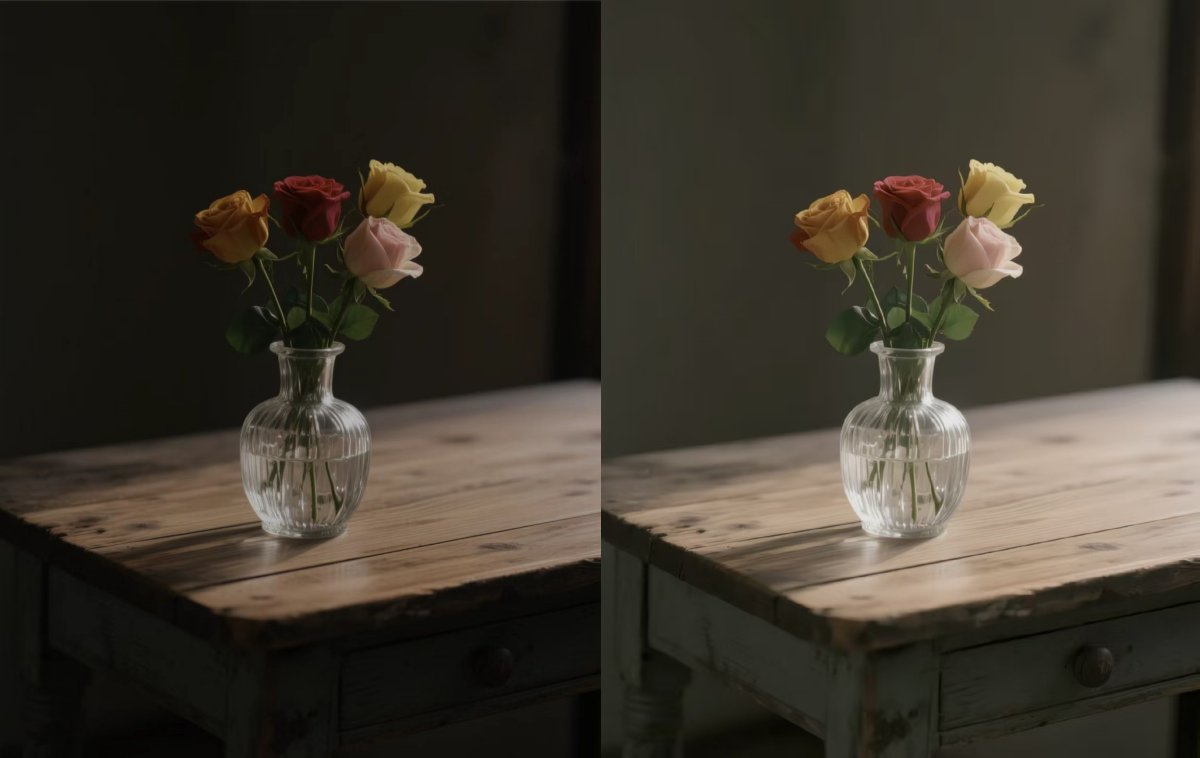

 English