Colors decide whether a photo feels alive or dull. We’ve all had that moment—snapping a picture that meant so much, only to see it look pale and flat on screen. That’s where PicMa comes in. With its AI saturation tool, you can enhance photo colors in seconds, bringing back the vivid tones that make images pop. From everyday snapshots to product photos that need to stand out, PicMa transforms dull visuals into vibrant ones with no extra effort.
Why Memories Lose Their Spark
We often trust our cameras or phones to preserve moments exactly as we remember them. Yet when we look back, the colors that felt so vivid in person often appear flat and faded on screen. Hidden technical limits quietly strip away the richness:
- File compression: Mobile devices often shrink image size to save space. This reduces subtle color information, leading to photos that look washed out.
- Auto white balance errors: Cameras try to “guess” the right color temperature, but under mixed lighting—like indoor lamps with daylight—it often guesses wrong, leaving everything too yellow or too blue.
- Challenging lighting: Backlit scenes, cloudy weather, or smog scatter light unevenly, flattening contrast and muting tones.
- Sensor limitations: Phone sensors are tiny compared to professional cameras, which means they struggle to capture the full range of color depth our eyes naturally perceive.
Memories don’t deserve to fade, and with PicMa’s photo enhance, they don’t have to.
No Editing Wall: Click and Done
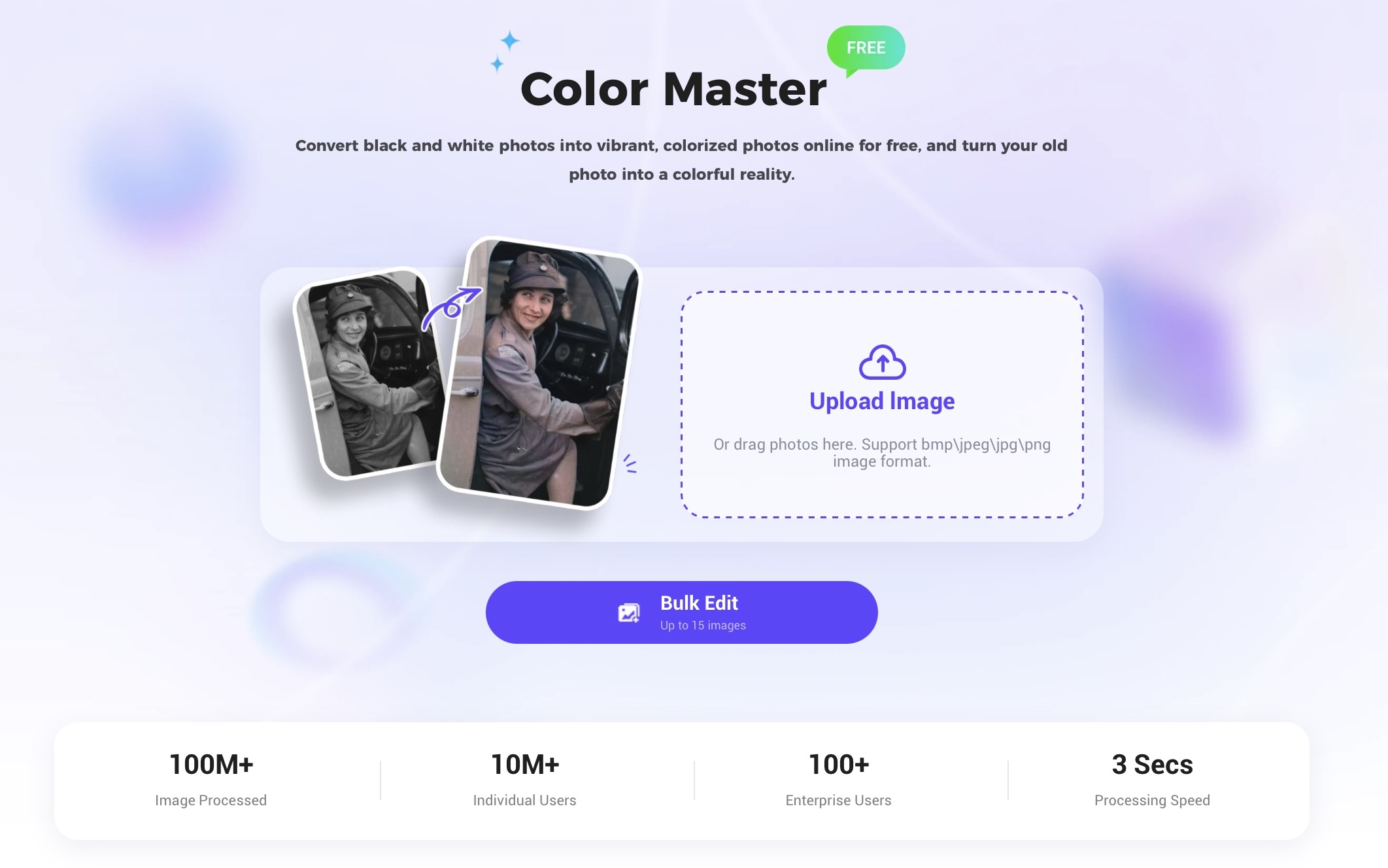
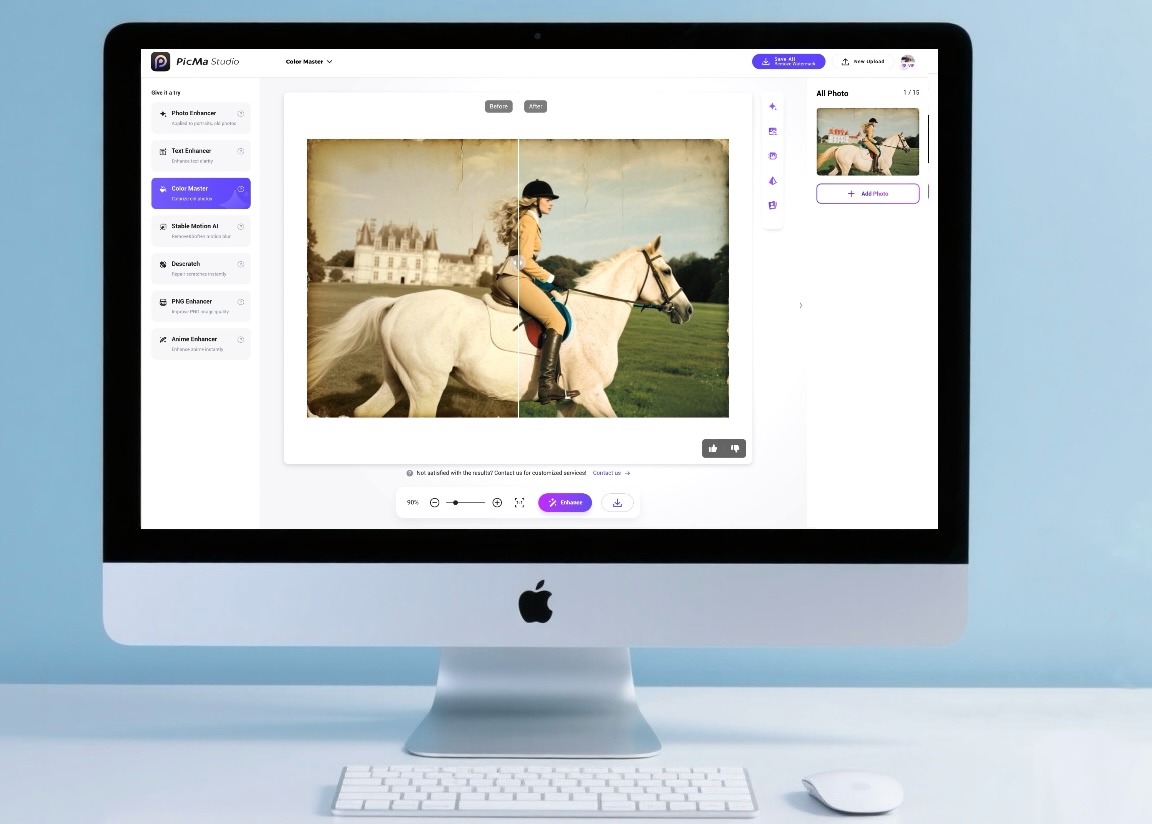
Most people hesitate at photo editing because it sounds like work—curves, HSL sliders, masks, layers. With PicMa Color Master, you skip all of that,photo clarity comes in just three easy steps:
1.Open PicMa on the website or app (iOS & Android).
2.Upload your photo—whether it’s blurry, faded, or scanned.
3.Let AI enhance it in seconds, then preview and save.
Instead of getting stuck learning complicated software, you can spend time sharing, selling, or simply enjoying your photos.
What PicMa Can Fix
Phone photos often lose subtle colors due to file compression.
Over time, treasured old photos often fade and lose their vibrancy.
When automatic settings make skin tones or product colors look off, PicMa corrects them naturally.
How AI Rebuilds Color Relationships
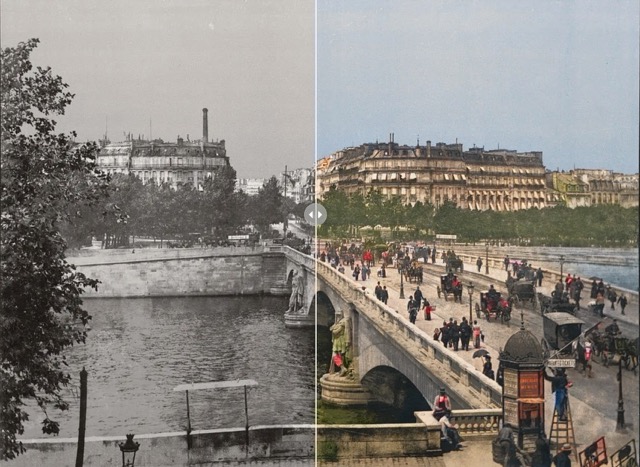
PicMa uses AI to automatically analyze the main elements in your photo—like skies, people, or objects—and how their colors relate to each other. It then adjusts and enhances the colors in a natural way, making the image more vivid without looking unnatural. For example, the sky can become a clearer blue, green leaves look fresher, and skin tones stay soft and natural. Think of it as the AI “learning” from thousands of high-quality photos and applying that knowledge to make your picture pop, so every detail and color feels closer to what you saw in real life.
Clearer Colors, Stronger Memory & Results
Color isn’t just about appearance—it’s about meaning. When shades are vivid, memories feel alive and products earn trust.
For personal memories, photos carry emotions that might fade over time. With PicMa, colors are restored—the golden glow of a sunset, the soft pink of a birthday cake, or the deep blue of the sea—bringing moments back to life. Sharing these enhanced photos is more than posting an image; it’s reliving the happiness and atmosphere of that day.
For professionals, accurate colors matter in many situations—social media posts, portfolios, event photos, or presentations. PicMa helps restore clarity and vibrancy so that each image reflects reality and intention. Clearer colors make work look more polished and stories easier to understand.
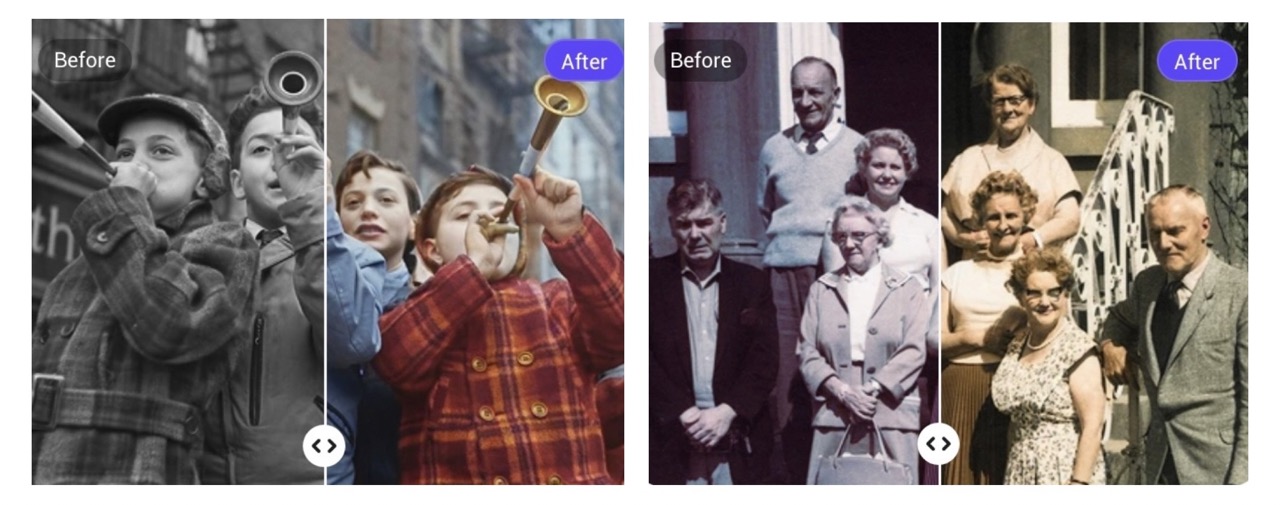
With PicMa, clearer colors mean your stories connect more deeply, and your business visuals work harder for you.



 190
190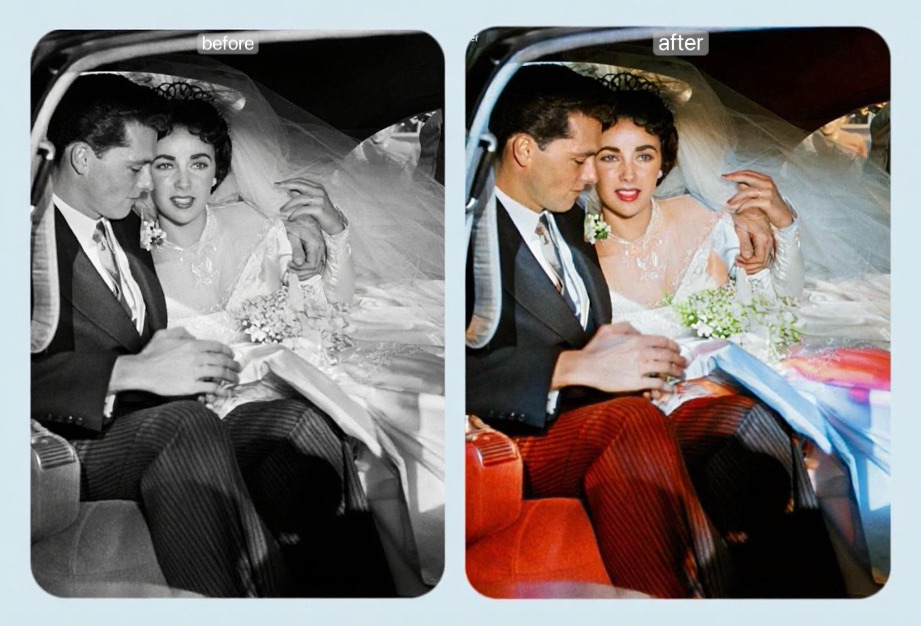

 English