Children draw constantly: family portraits, invented characters, magical animals, dream houses, whole fantasy worlds. For parents, kindergarten teachers, and elementary school teachers, those drawings often feel too meaningful to throw away—but too easy to forget once they disappear into folders, drawers, or storage boxes.
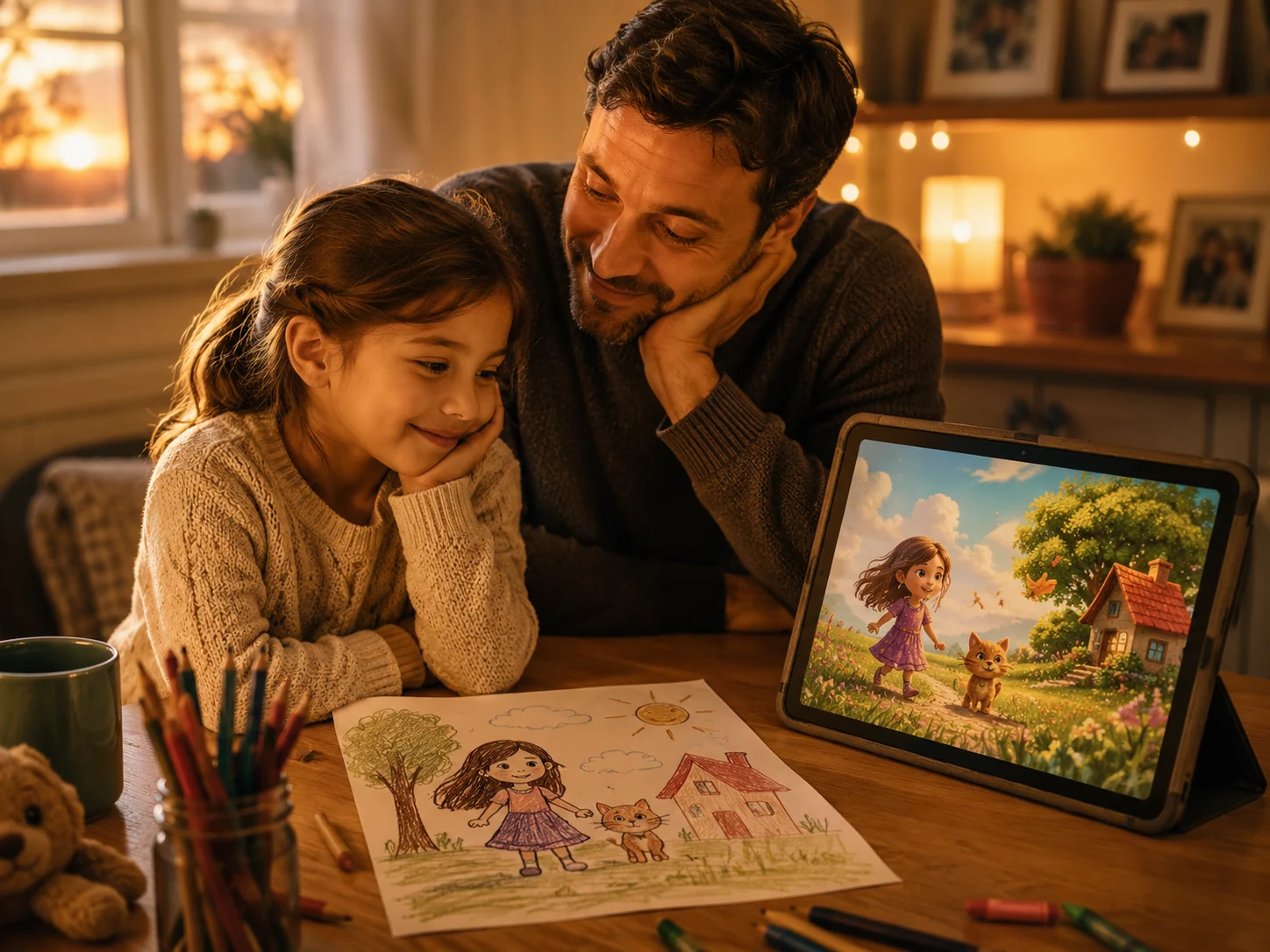
That is why more people are now looking for simple ways to animate kids’ drawings, turn a child’s drawing into a video, and bring children’s artwork to life with AI. A still image can already preserve a memory, but a short video can make that memory feel more alive. A handmade character can wave, smile, walk, or move through the little world a child imagined.
If you want a practical way to do that, tools like PicMa Studio’s Image to Video make the process much easier than most people expect.
Why Kids’ Drawings Deserve More Than a Drawer
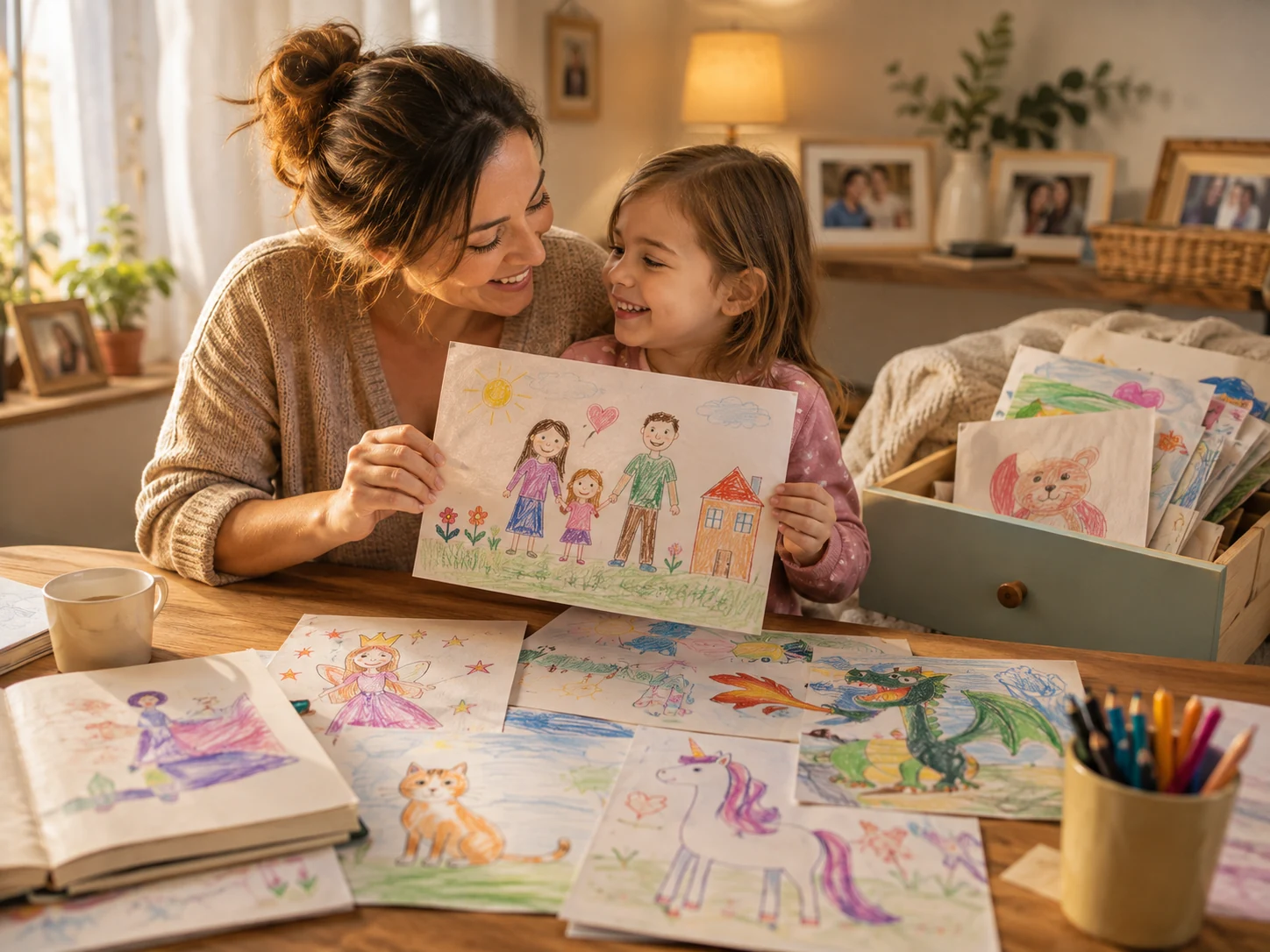
Most families and classrooms collect a huge number of children’s drawings over time. Some are everyday sketches, while others capture a very specific stage of growth: the first self-portrait, a favorite imaginary friend, a birthday scene, or a drawing of the whole family.
The problem is not that these drawings lack value. The problem is that physical paper is hard to revisit regularly. It gets stacked, folded, or stored away.
Turning a drawing into a short video gives it a second life. Instead of only saving the paper itself, you also save the feeling behind it. For parents, that can become part of a birthday montage, a yearly growth record, or a digital family memory. For teachers, it can become a classroom display, a storytelling activity, or a simple way to showcase student creativity during presentations.
What Makes a Kid’s Drawing Good for Animation?
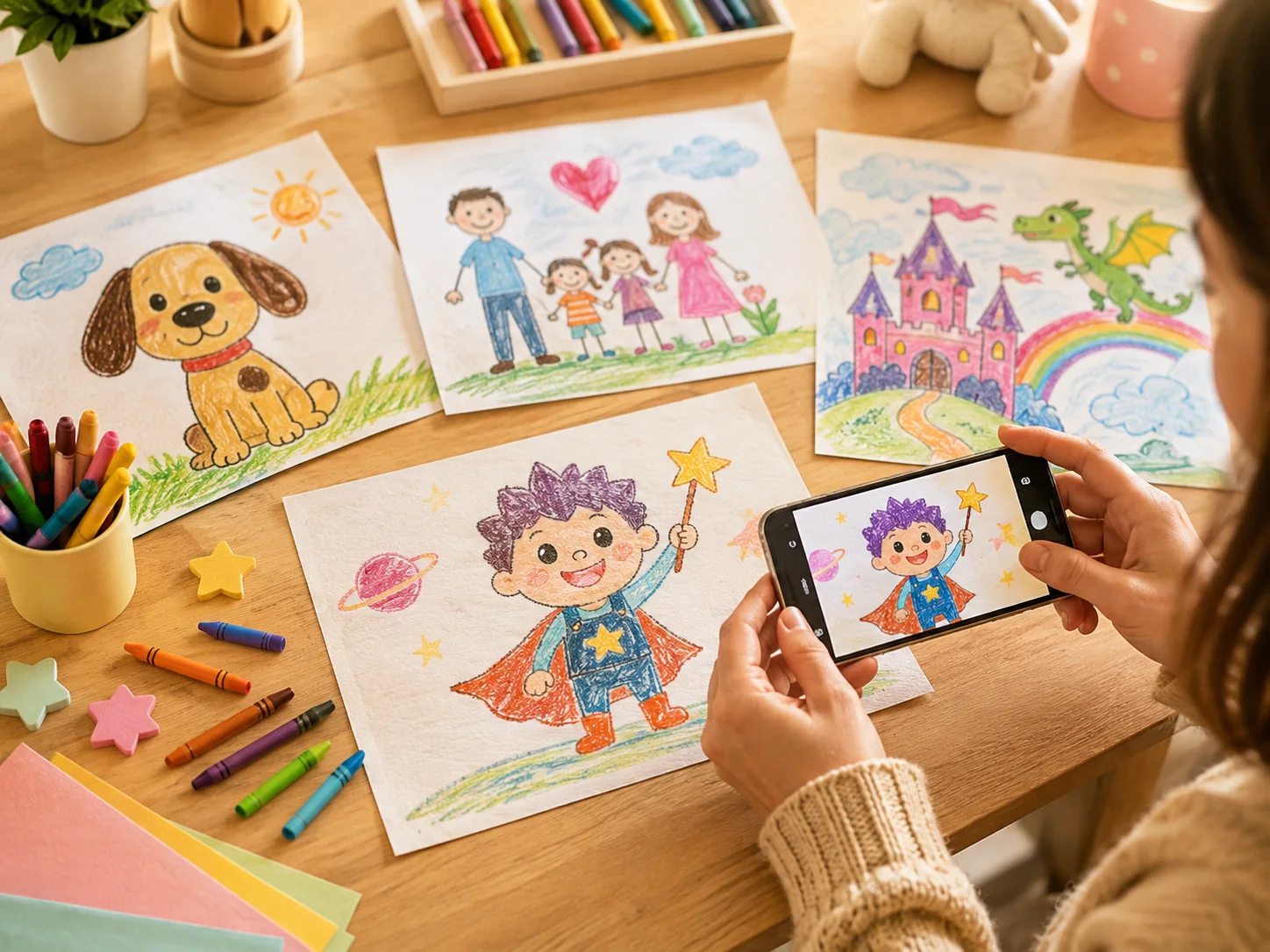
The good news is that a child’s drawing does not need to look “professional” to work well. In fact, the charm usually comes from the original style: uneven lines, unusual proportions, bright colors, and imaginative details.
Simple character drawings often work especially well. A person, animal, monster, princess, robot, or family scene can all become more engaging once motion is added. Even drawings of fantasy landscapes or made-up worlds can feel more dynamic in video form.
To get a cleaner result, it helps if the artwork is photographed clearly. Try to use even lighting, keep the paper flat, and avoid dark shadows across the page. A clear image gives the AI a better base to work from before you generate the video.
If you are exploring ways to animate kids’ drawings with AI, the most important thing is not perfection. It is simply preserving the child’s original idea in a more vivid format.
How to Turn a Kid’s Drawing Into a Video with PicMa Studio
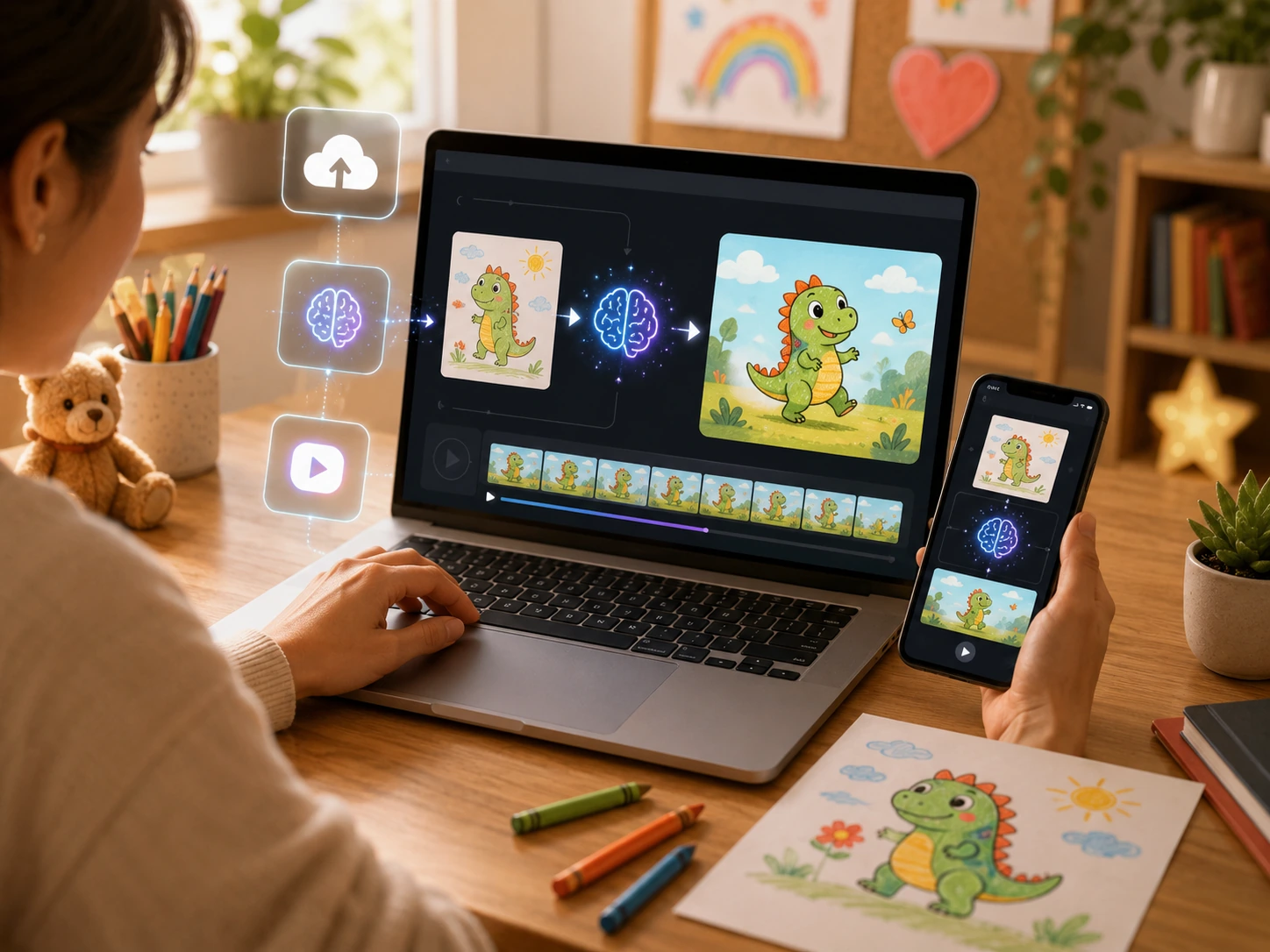
One reason this idea has become more practical is that the workflow is now very simple. With PicMa Studio Image to Video, the process can feel approachable even for first-time users.
Step 1: Open the tool
Use the PicMa Studio web version, or open the app from Google Play or the App Store.
Step 2: Upload the drawing
Upload a clear photo or scanned image of the child’s artwork.
Step 3: Run the AI and wait a moment
Start the Image to Video process and let the AI generate motion from the picture.
Step 4: Download and save
Save the finished video to your device and use it for sharing, memory keeping, or classroom presentation.That simplicity is what makes this workflow useful in everyday life. You do not need advanced editing experience, and you do not need to rebuild the drawing from scratch in another program.
Creative Ways Parents and Teachers Can Use the Finished Video
Once the drawing becomes a video, it is easier to use in ways that feel personal rather than purely technical.
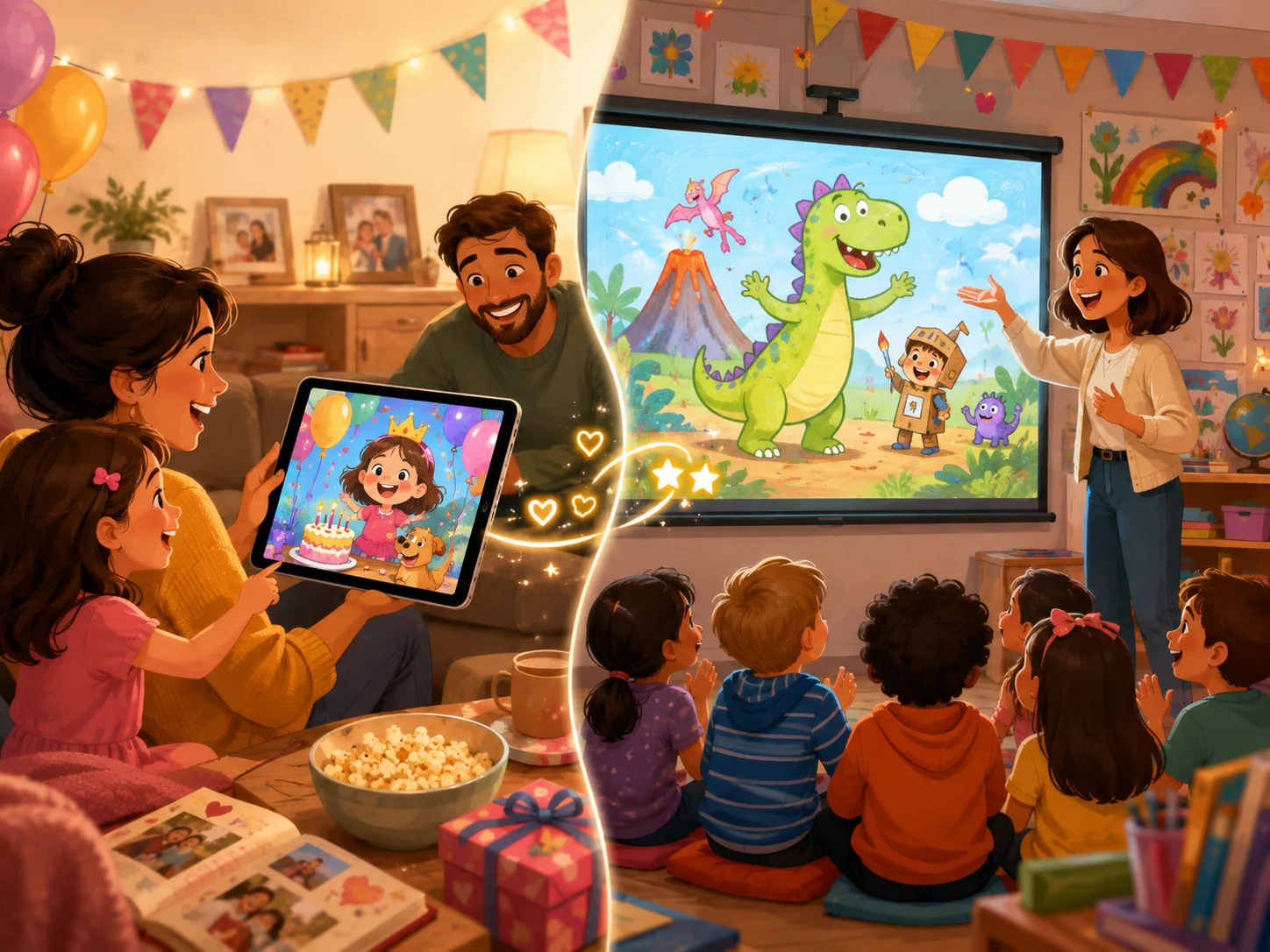
For parents, an animated drawing can become part of a birthday slideshow, a keepsake for grandparents, or a digital memory for a child’s growth album. A made-up character from age five may become something you will want to revisit years later.
For teachers, the same idea can support class storytelling, art showcases, end-of-term displays, or student presentations. A drawing of a family, a favorite animal, or an imagined world can become a small storytelling asset instead of remaining only a sheet of paper pinned to the wall.
This is also why the topic performs well for search. People are not only looking for “AI video tools.” They are often searching for a practical answer to a more emotional question: What can I do with my child’s drawings besides storing them?
A Simple Way to Preserve Creativity
Not every drawing has to become a framed keepsake, but some deserve more than a drawer. When a child creates a character or scene that reflects a moment in their imagination, turning that image into a video can be a simple and meaningful upgrade.
If you want to try it for a birthday memory, a family keepsake, or a classroom project, you can start with PicMa Studio’s Image to Video tool. It is an easy way to turn a child’s artwork into something more lively, more shareable, and easier to revisit over time.
Ready to bring a child’s artwork to life? Try PicMa Studio Image to Video and turn a simple drawing into a short animated memory in just a few steps!
FAQ
Can I animate a child’s drawing from a phone photo?
Yes. A clear phone photo usually works well as long as the drawing is visible and the lighting is good.
What kinds of drawings work best?
Character drawings, animals, family scenes, and fantasy-themed artwork often work especially well.
Do I need editing experience?
No. The workflow is simple and beginner-friendly.
Is this useful for teachers as well as parents?
Yes. It can be used for classroom presentations, storytelling activities, and student art showcases.
Can I save the final video and share it later?
Yes. After the AI finishes, you can download the video and keep it for personal or classroom use.
Related Readings:

 70
70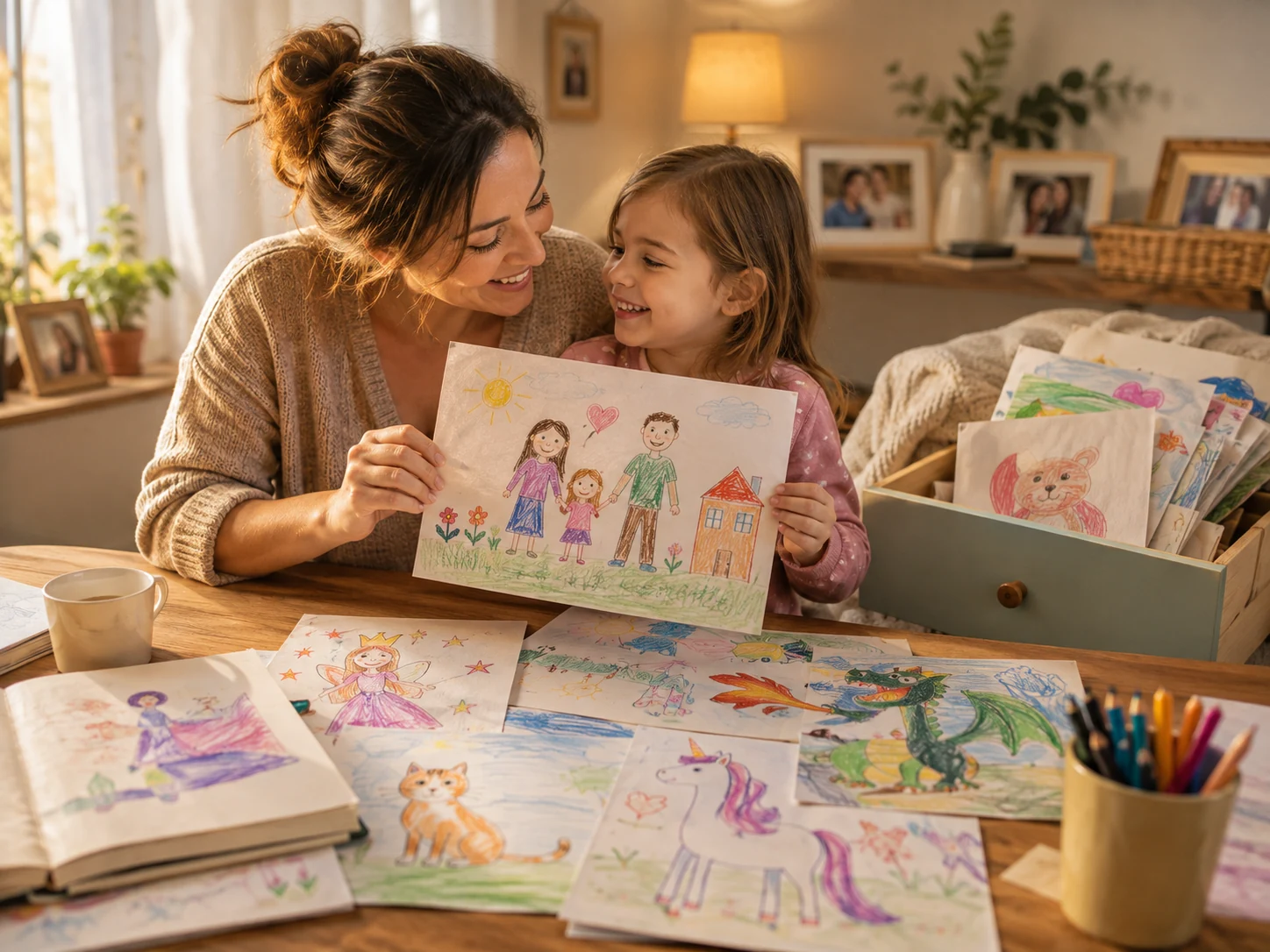

 English