Creating a Webtoon, manga, fan art, or original character (OC) project takes countless hours. After finishing a chapter, many creators want to share their work on TikTok, Instagram Reels, or YouTube Shorts—but static comic panels often struggle to capture attention in today’s video-first platforms.
Turning a comic into a full animation sounds like the perfect solution, but traditional frame-by-frame animation requires a huge amount of time and effort.
For most creators, the goal is not to animate an entire chapter. It is simply to add a little movement that makes an existing illustration feel more alive.
With AI image-to-video tools, finished comic panels can be transformed into short animated clips with subtle camera movement, flowing hair, changing light, or moving backgrounds—without redrawing every frame.
Why Turn Comic Panels Into Short Videos?
A single illustration already contains the most important elements: your characters, composition, emotions, and storytelling.
What it often lacks is movement.
A slow camera zoom toward a character’s face, a slight breeze moving their hair, rain falling in the background, or a glowing effect around a scene can completely change how a viewer experiences the image.
For Webtoon creators and OC artists, these short animations are especially useful for:
● New chapter previews
● Character introductions
● Story teasers
● Fan art showcases
● Social media promotion
Instead of creating a complete animation, many artists are using AI to create lightweight motion from artwork they have already finished.
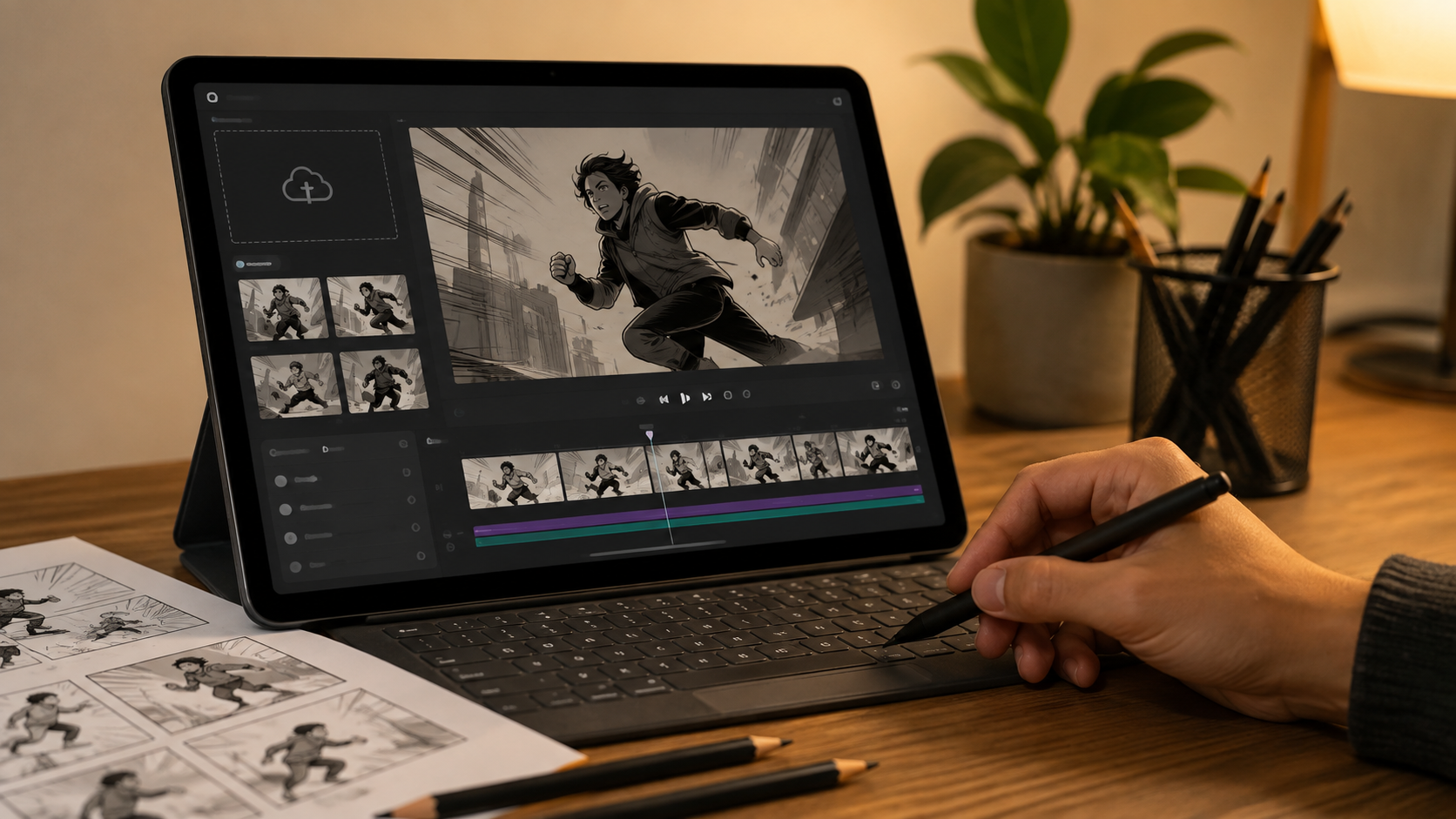
How to Animate a Comic Panel with AI
You do not need animation experience or complicated editing software. With an AI image-to-video workflow, you can quickly turn an existing comic panel into a short video.
Tools like PicMa Studio Image to Video allow creators to add motion to illustrations while keeping the original artwork as the foundation.
Step 1: Open the Image to Video Tool
Open PicMa Studio through the web version or mobile app.
Step 2: Upload Your Comic Artwork
Upload your finished Webtoon panel, manga illustration, fan art, or OC artwork.
Step 3: Let AI Generate the Motion
Wait for AI to analyze your image and create natural movements based on the artwork.
Step 4: Download and Save Your Video
Preview the result, then save the animated clip for your social media posts.
The best results usually come from simple motion ideas, such as:
“Slow camera movement, gentle hair motion, cinematic lighting.”
Small movements often make illustrations feel more natural than dramatic animation effects.
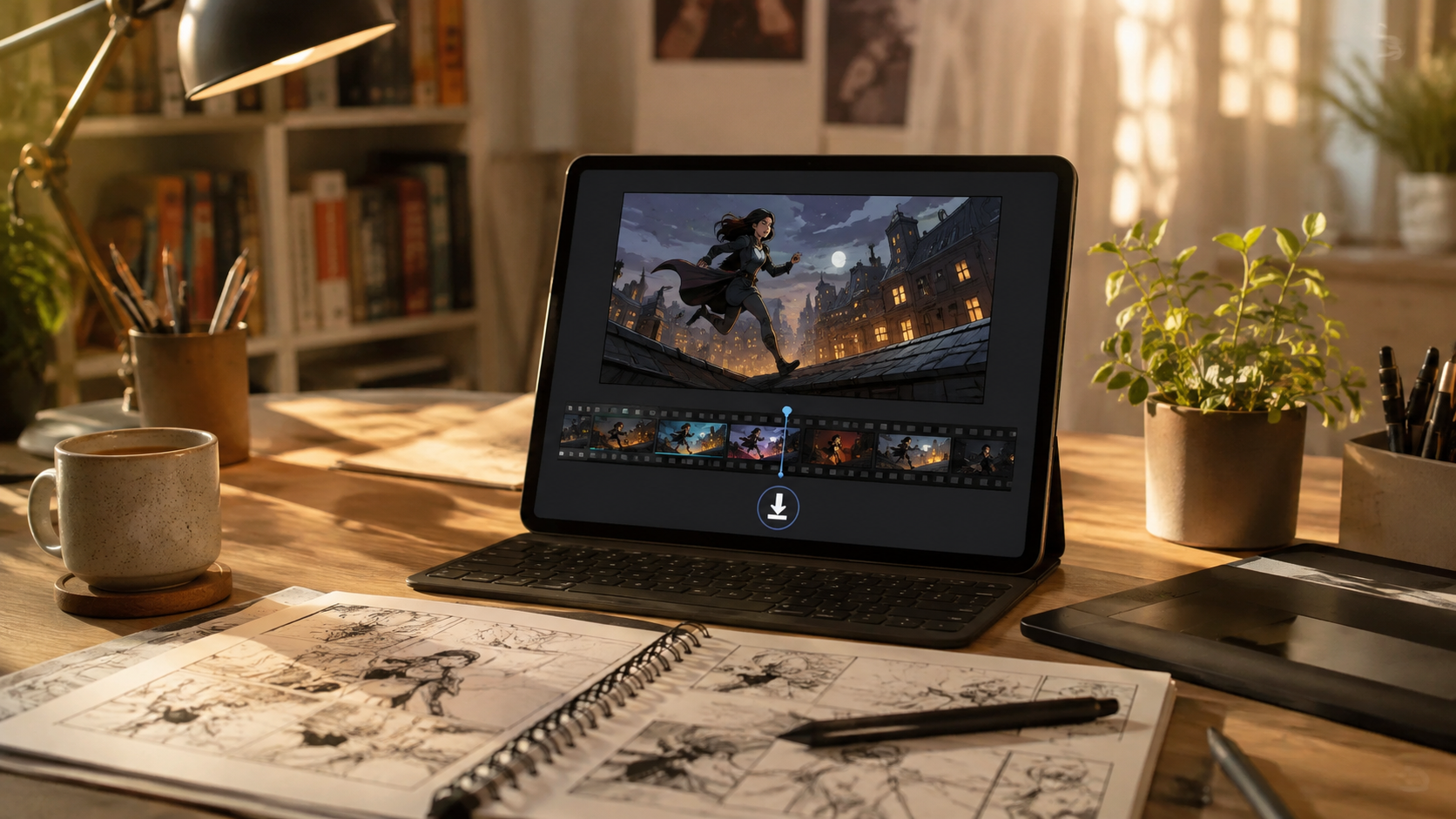
Create More Content From Your Existing Artwork
One of the biggest challenges for independent artists is finding enough content to share online.
A completed comic chapter may take weeks or months to create, but social platforms require frequent updates.
AI animation provides a way to reuse your existing artwork.
Instead of making a new animation from scratch, you can select a few memorable panels—a character close-up, an emotional scene, or a dramatic final page—and turn them into short promotional videos.
A simple comic panel can become a chapter teaser with camera movement, atmosphere, and subtle animation.
Your artwork remains the focus. AI simply helps adapt it into a format that works better for video platforms.
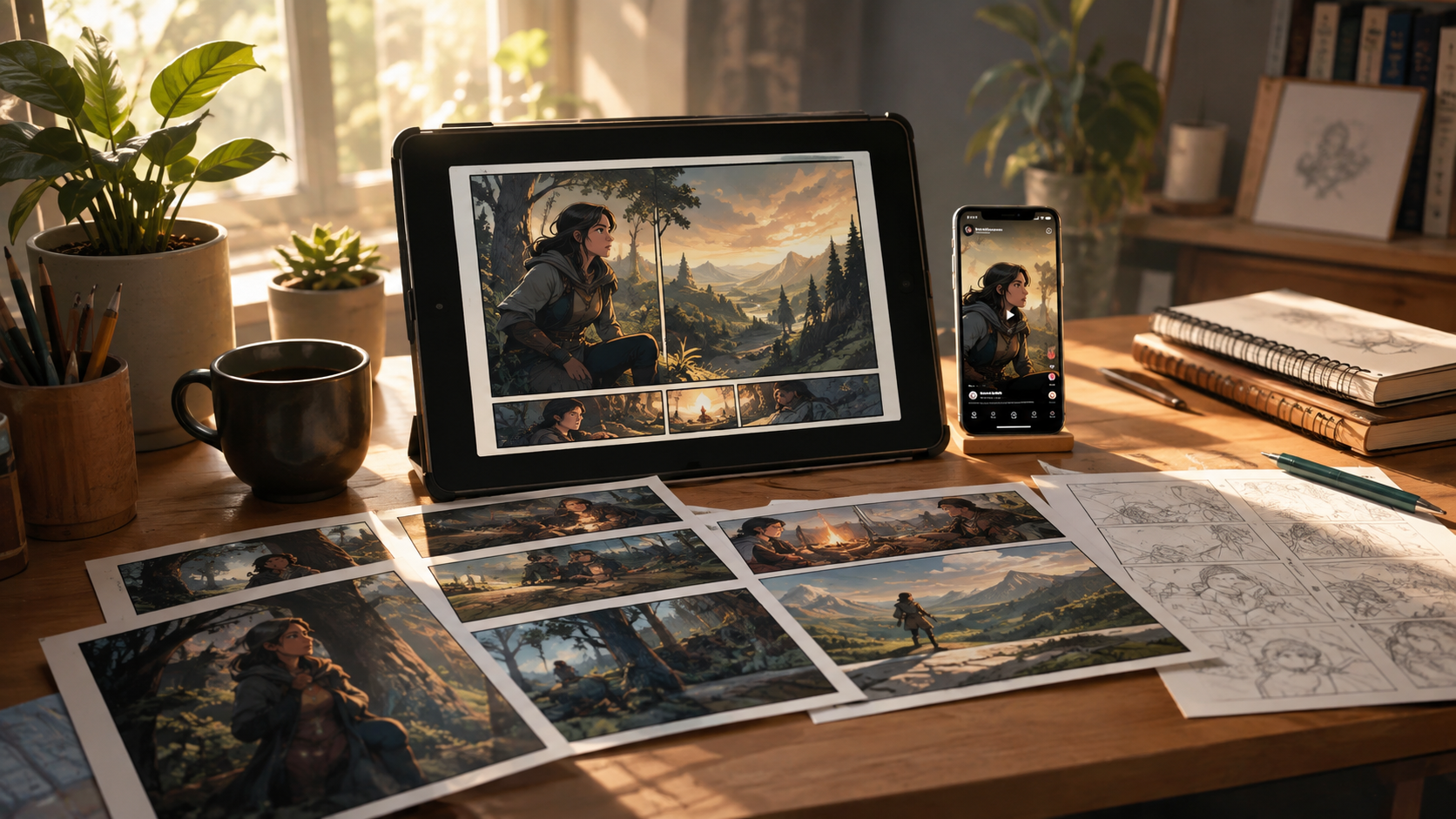
Give Your Characters a New Way to Be Seen
For comic creators, every illustration represents hours of creativity and storytelling.
Not every artwork needs full animation to attract attention. Sometimes, a few seconds of motion are enough to make viewers stop scrolling and become curious about your story.
Whether you create Webtoons, manga, fan art, or original characters, AI image-to-video can help you explore new ways to share the world you have already built.
Try turning one of your favorite panels into a short animated teaser with PicMa Studio Image to Video and see how a static illustration can become a moving story.
Bring your finished illustrations to life with AI-powered image-to-video. Turn Webtoon panels, OC artwork, and comic scenes into engaging short videos without creating every frame manually.
Start for Free with PicMa Studio Image to Video.
FAQ
Can AI animate my existing comic panels?
Yes. AI image-to-video tools can add motion effects to finished illustrations, including camera movement, environmental effects, and subtle character motion.
Do I need to redraw my comic before animating it?
No. You can use your existing artwork directly without creating additional animation frames.
What type of comic images work best for AI animation?
Panels with clear characters, strong composition, and visible foreground and background elements usually produce more natural results.
Can I use animated comic panels for TikTok and Instagram Reels?
Yes. Short animated comic clips are suitable for chapter previews, character reveals, and social media storytelling.
Is AI animation suitable for OC creators?
Yes. OC artists can use AI animation to create character introductions, atmosphere videos, and promotional clips from existing artwork.
Related Readings:

 87
87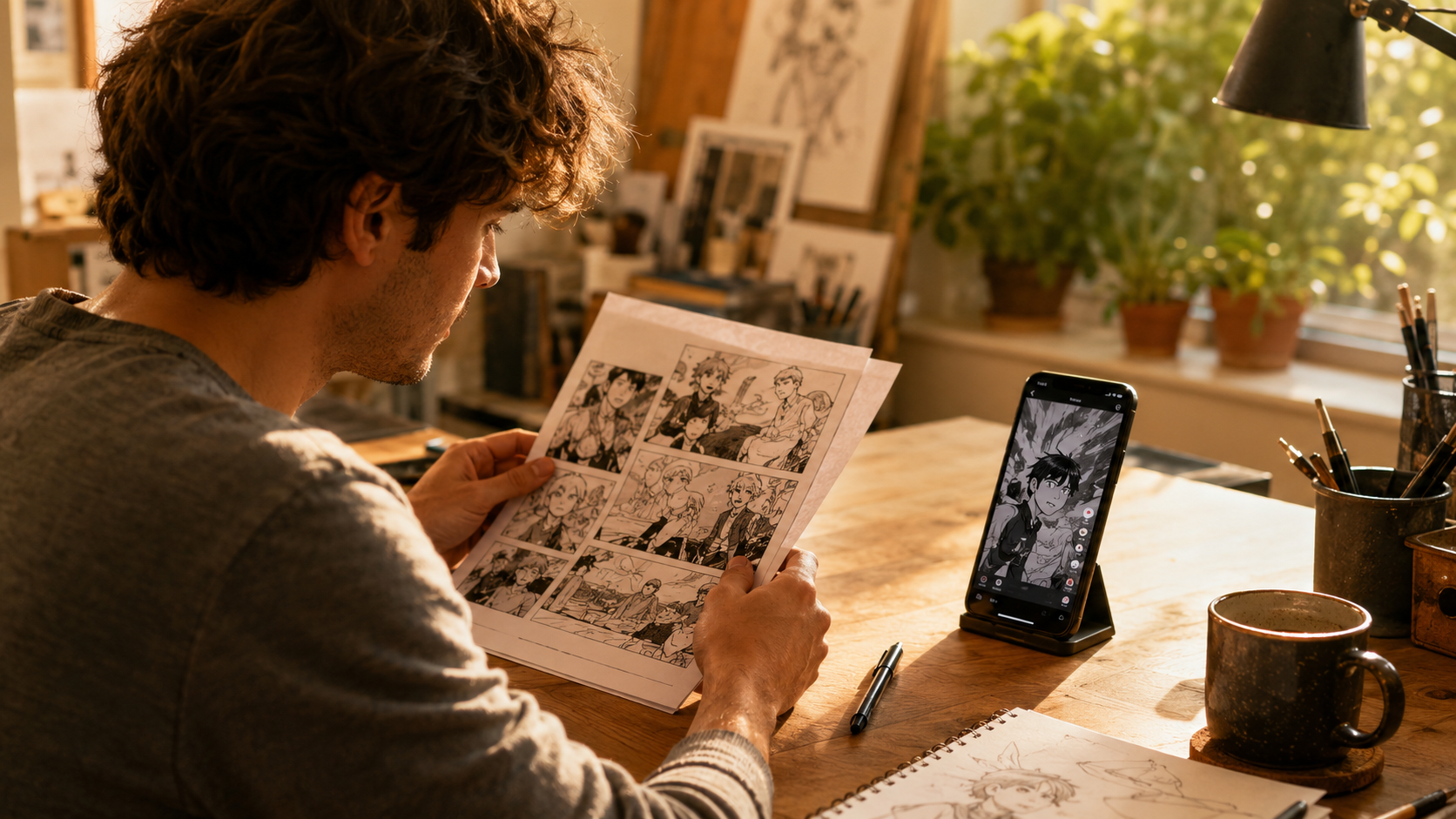

 English