Your cat's sleepy expression, your dog's excited face, or a funny moment captured on camera — some pet photos are simply too cute to leave as still images.
What if you could turn those favorite pictures into short, playful videos? With AI pet video templates, you can transform a single photo of your furry friend into an entertaining video without animation skills or complicated editing.
PicMa Studio makes the process simple with ready-made templates designed for pet photos. Here's how to create cute AI pet videos in just a few steps.
Turn Your Pet Photos into Fun AI Videos
A great pet photo already captures a moment worth remembering. AI video templates take it a step further by placing your pet into a creative video scene.
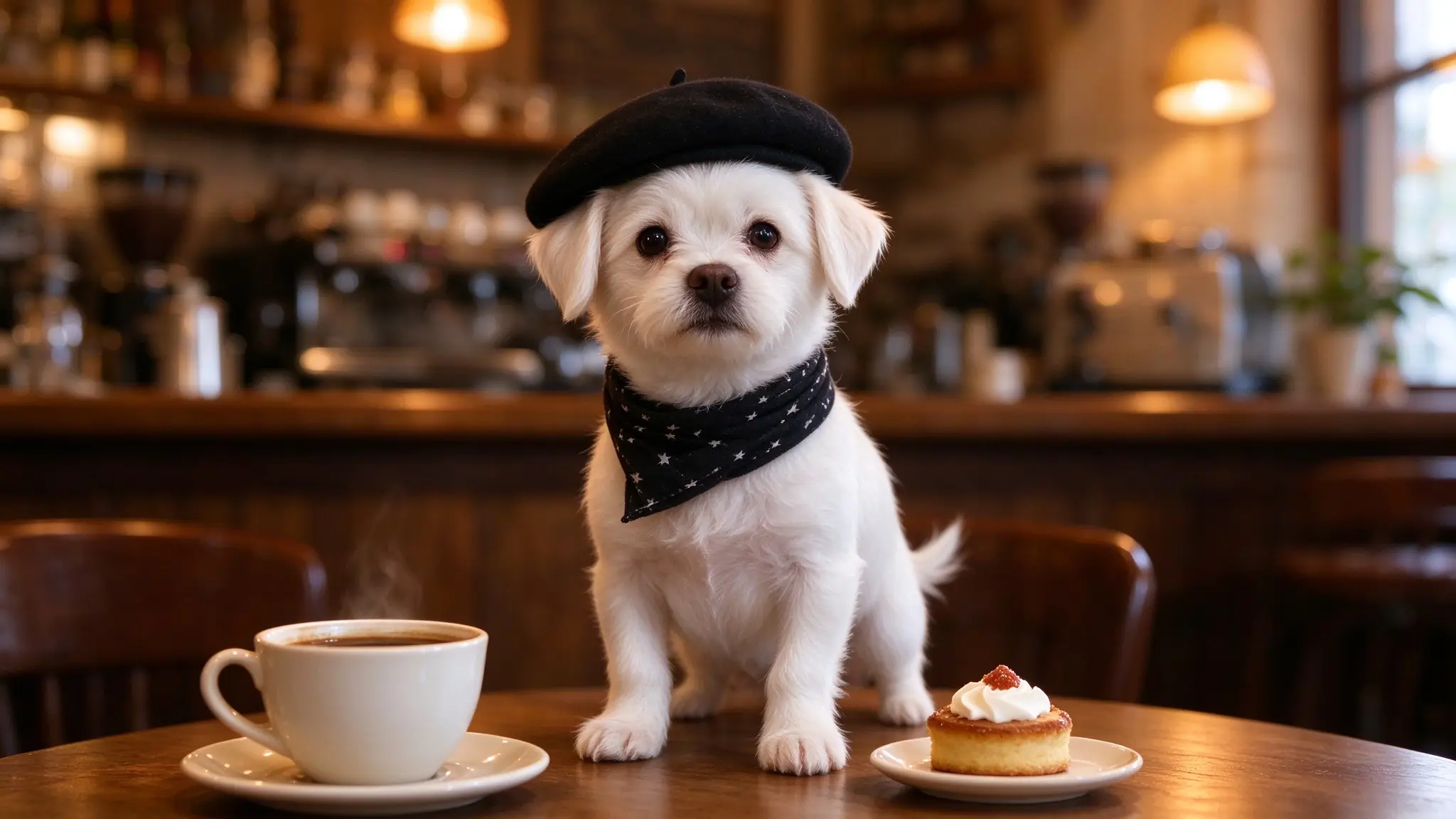
For example, you can turn a portrait of your dog into a playful clip or give your cat a starring role in an adorable animated scene. Instead of writing prompts or building an animation yourself, simply choose a ready-made template and upload your photo.
Whether you're making a funny dog video, a cute cat video, or something to share with fellow pet lovers, AI templates offer an easy way to create something different from your usual pet pictures.

Create Adorable Pet Videos with Pet Wonderland
PicMa Studio offers a collection of ready-to-use AI video templates in Video Plaza. Inside the Pet Wonderland section, you'll find a variety of fun and adorable templates designed for pet photos.
You don't need to write prompts, create animations manually, or adjust complicated video settings. Simply choose a template and upload your photo.
Step 1: Open Video Plaza
Visit PicMa Studio Video Plaza to explore the available AI video templates.
Step 2: Find Pet Wonderland
Go to the Pet Wonderland section in Video Plaza. Browse the collection to discover different pet-themed video templates, featuring a range of fun, playful, and adorable styles.

Step 3: Choose Your Favorite Template
Select the video template you like and click to enter it. Explore the available styles and find one that matches your pet's personality or the kind of video you want to create.
Step 4: Upload Your Pet Photo
Upload a photo of your dog, cat, or other pet as requested by the selected template.
For better results, choose a clear photo where your pet's face and main features are easy to recognize. Images with good lighting and a clearly visible subject are generally a good choice.

Step 5: Wait for Your Video to Generate
Once your photo is uploaded, wait for the AI to process it. When the video is ready, preview the result and save your favorite creation.
That's it! You can now share your AI pet video on social media, send it to friends, or keep it as a fun new memory of your furry companion.
Tips for Getting Better AI Pet Video Results
The photo you upload can influence the final video. A few simple tips can help you get started:
- Choose a clear photo: Make sure your pet is in focus and its face is easy to recognize.
- Avoid heavily cropped images: Photos that show your pet's main features clearly are generally easier to use.
- Try different templates: The same photo can create different moods and visual styles depending on the template you choose.
- Use good lighting: Bright, evenly lit photos can help your pet remain recognizable in the generated video.
Keep in mind that AI-generated videos may sometimes change small details, such as fur patterns or facial features. Preview the result before sharing it to make sure you're happy with the final video.

More Than Pet Videos: Explore Other Photo Styles
Pet Wonderland is a fun option for pet lovers, but AI video templates can also inspire other kinds of photo creations.
You can explore different portrait and selfie styles to give an ordinary photo a more dynamic look, or create a cinematic-style clip from a favorite portrait.
Whether it's a photo of your pet, a selfie, or a special moment with someone you love, video templates offer a new way to bring still images to life.
Turn Your Favorite Pet Photos into Something Special
You don't need animation skills or complicated editing software to create an adorable pet video. With Pet Wonderland in PicMa Studio Video Plaza, you can simply choose a template, upload your pet's photo, and wait for your video to be generated.
Ready to see your furry friend in a whole new way?
Explore the templates in PicMa Studio Video Plaza and give your favorite pet photos a new look.
Frequently Asked Questions
What types of pets can be used in AI pet videos?
AI pet video templates can be used with photos of different pets, including dogs, cats, and other furry companions. The results may vary depending on the selected template and the uploaded photo.
Do I need to write a prompt to create an AI pet video?
No. Pet Wonderland provides ready-made video templates. Simply choose a template, upload your pet photo, and let the AI generate the video.
What kind of photos work best for AI pet videos?
Clear, well-lit photos where your pet's face and main features are visible are generally a good choice. Avoid blurry or heavily cropped images for better results.


 2

 English