Your song is finished. Your single or album cover is ready. But when release day comes, one thing is still missing: motion.
For independent musicians, bedroom producers, and small bands, making a Spotify Canvas or short release visual can easily become another production task. Hiring a motion designer costs money, while learning After Effects for a few seconds of animation may feel unnecessary.
The good news is that you can start with the artwork you already have. With AI image-to-video tools, a static album cover can become a short moving visual without rebuilding the design from scratch.
Why Turn an Album Cover Into a Video?
A static cover gives your release an identity. A little movement can make that identity feel more alive.
Spotify's Canvas allows artists to add a short looping visual to the Now Playing screen. The same type of animated artwork can also work well for Instagram Reels, TikTok, YouTube Shorts, release teasers, and lyric clips.
And the animation does not need to be complicated.
Neon lights can flicker behind an electronic track. Clouds can slowly move across an indie cover. Reflections can shift on a nighttime photo. An illustrated cover can gain subtle environmental motion without changing its original style.
The goal is simple: animate the artwork you already love, rather than create an entirely new visual identity.
How to Animate Your Album Cover with AI
You do not need a motion graphics timeline for this.
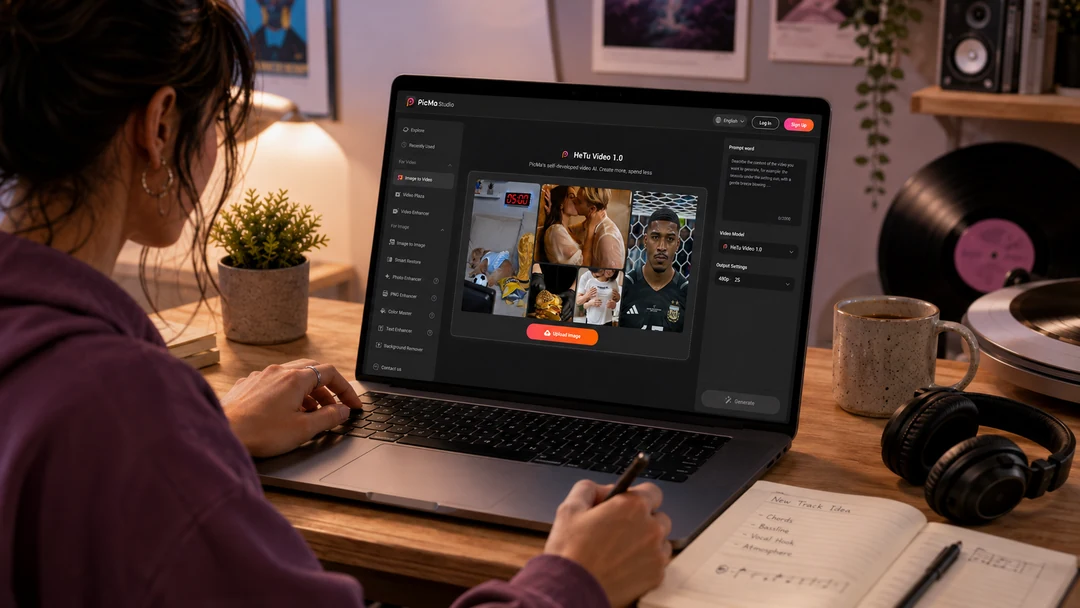
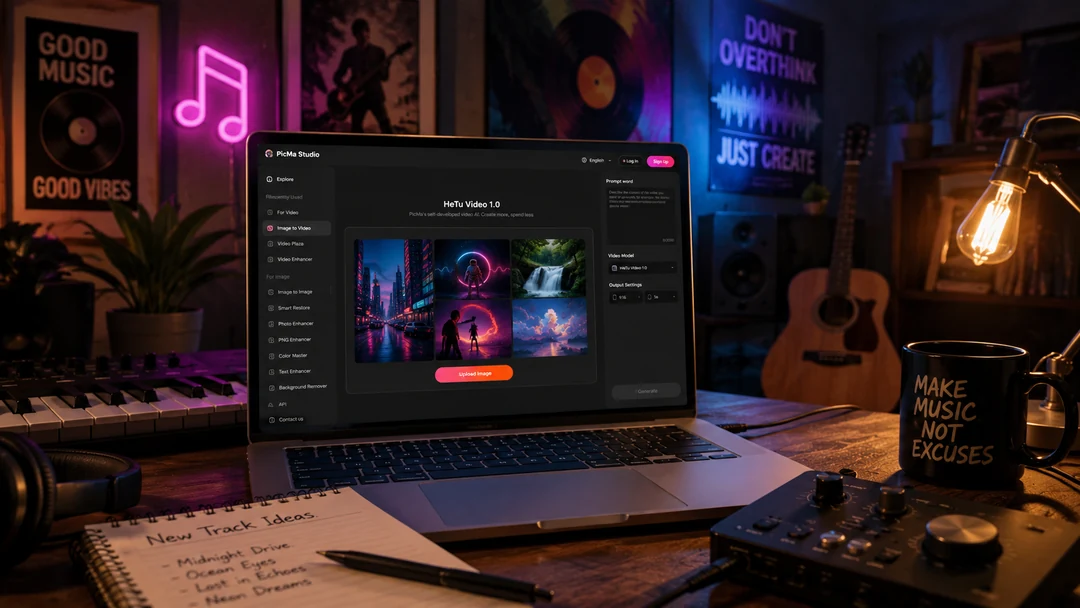
PicMa Studio's Image to Video tool lets you turn an existing image into a short video with a simple prompt. If you want to explore more ideas without putting a large budget into motion design, you can also try PicMa's in-house HeTu Video 1.0 model for a more cost-friendly creative workflow.
Step 1: Open PicMa Studio
Open Image to Video on the web, or use PicMa on Google Play or the App Store.
Step 2: Upload Your Cover
Upload your finished single or album artwork.
Step 3: Describe the Motion
Choose HeTu Video 1.0, or another PicMa video AI model that fits your idea, and enter a short prompt describing what you want to happen.
For example:
“Slow camera push, soft moving light, subtle fog in the background.”
Then generate the video.
Step 4: Save Your Video
Preview the result and save the version that best matches your music.
That's it: upload, describe, generate, save.
What Kind of Motion Works Best for Album Covers?
More motion does not always mean a better music visual.
For lo-fi, ambient, dream pop, acoustic, or indie releases, subtle animation often works best. Think slowly moving light, smoke, clouds, reflections, film grain, particles, or a gentle camera push.
Electronic, hyperpop, alternative, and experimental releases can go further with stronger lighting changes, surreal movement, or more noticeable camera motion.
One useful rule is to protect the elements that define your artwork. If the cover contains a logo, artist name, important typography, face, or illustrated character, keep those elements relatively stable and let the environment move around them.
That usually makes the result feel like an animated album cover, rather than an unrelated AI video.
Use One Animated Cover Across Your Release Campaign
The biggest advantage is that you do not have to create a separate visual from zero for every platform.
A single animated cover can become a Spotify Canvas, an Instagram Reel background, a TikTok release teaser, a YouTube Short, or a looping visual behind a song preview.
You can even generate a few variations from the same artwork: a slower atmospheric version for Spotify and a more energetic version for social media.
For independent artists working with limited time and budget, that means more creative possibilities from the assets you already have—and less money spent building every visual from scratch.
If your next release already has a cover, you are halfway there. Open PicMa Studio Image to Video, upload your artwork, and turn that static image into a visual that moves with your music.
FAQ
What is HeTu Video 1.0?
HeTu Video 1.0 is PicMa's self-developed AI video model, available as an option for creating video from visual content inside PicMa Studio
Do I need After Effects to make a Spotify Canvas?
No. You can create a short video with an AI image-to-video tool and then prepare it according to Spotify's current Canvas requirements.
What should I write in the prompt?
Keep it simple. Describe the camera movement, lighting, background motion, or atmosphere you want.
Can I use the same video on TikTok and Instagram?
Yes. Animated cover art can also be reused for Reels, TikTok, Shorts, and other music promotion content.
Related Readings:

 86
86

 English