Breathe New Life into Old Photos with Color Master
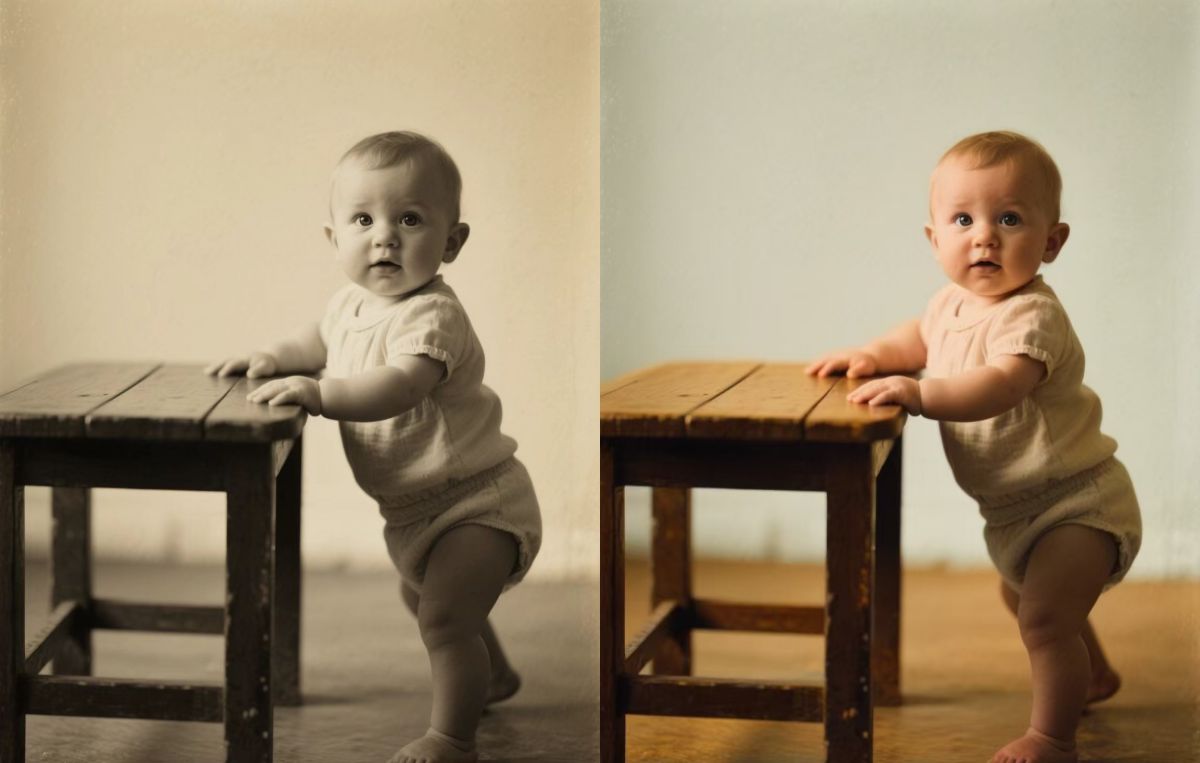
Have you ever stumbled upon an old black and white photo and wondered what it really looked like? For decades, those precious photos have remained frozen in monochrome, making us imagine the vibrant hues that once were. Now, with PicMa's powerful Color Master feature, you can restore their true color with just a single click. Instantly transform black-and-white photographs into beautifully colorized images, and see the past in a whole new light.
Color Master isn’t just a filter. It’s an advanced AI tool trained on millions of images to accurately predict and apply realistic colors. Whether it’s your grandparents’ wedding photo, a childhood memory, or an old-time landscape, the AI intelligently distinguishes different elements in the image and recolors them properly, delivering seamless and natural results.
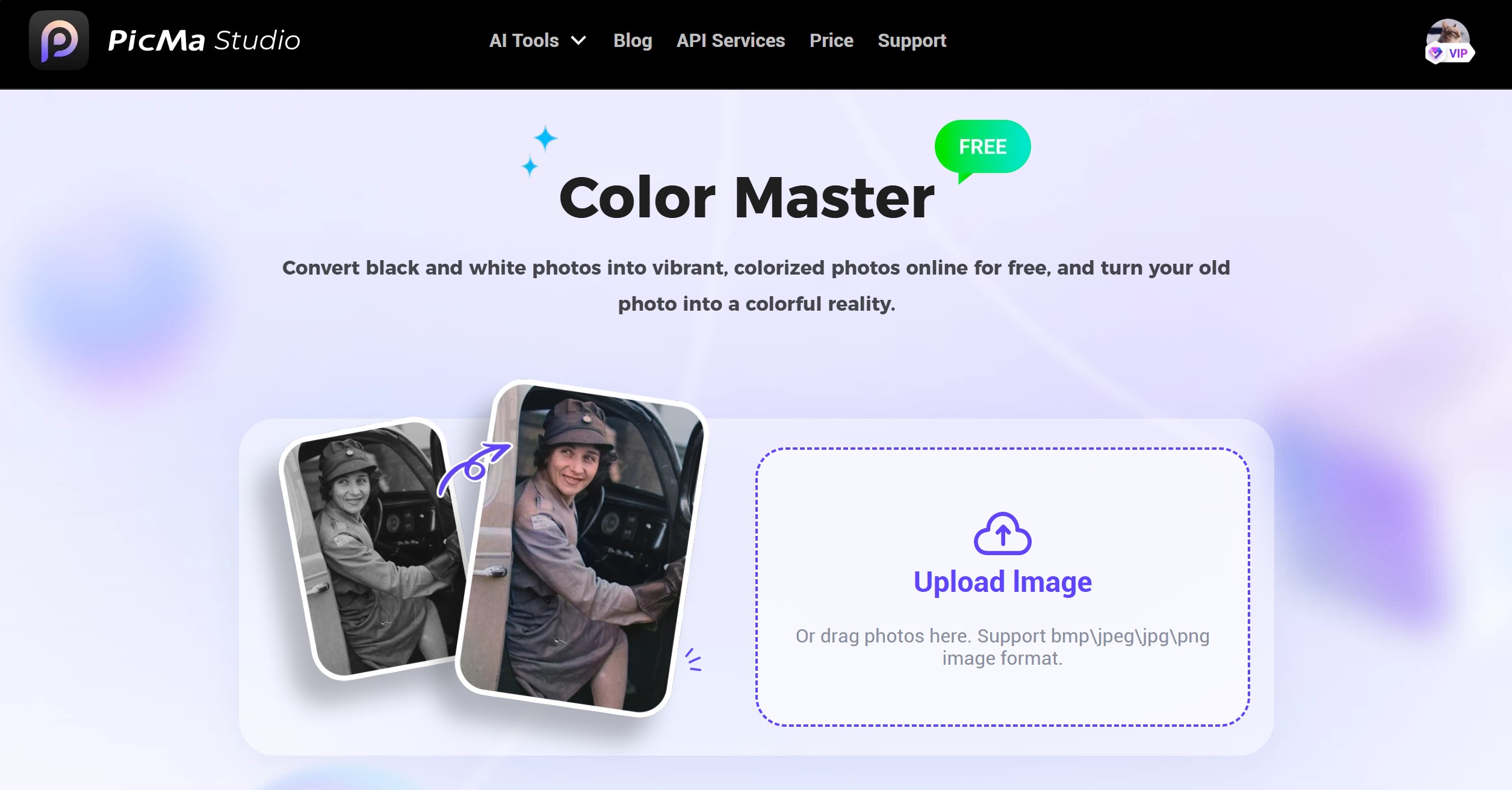
How to Use Color Master?
Now, Color Master is available both on web and mobile. You can choose the option that's most convenient for you.
The process couldn’t be simpler.
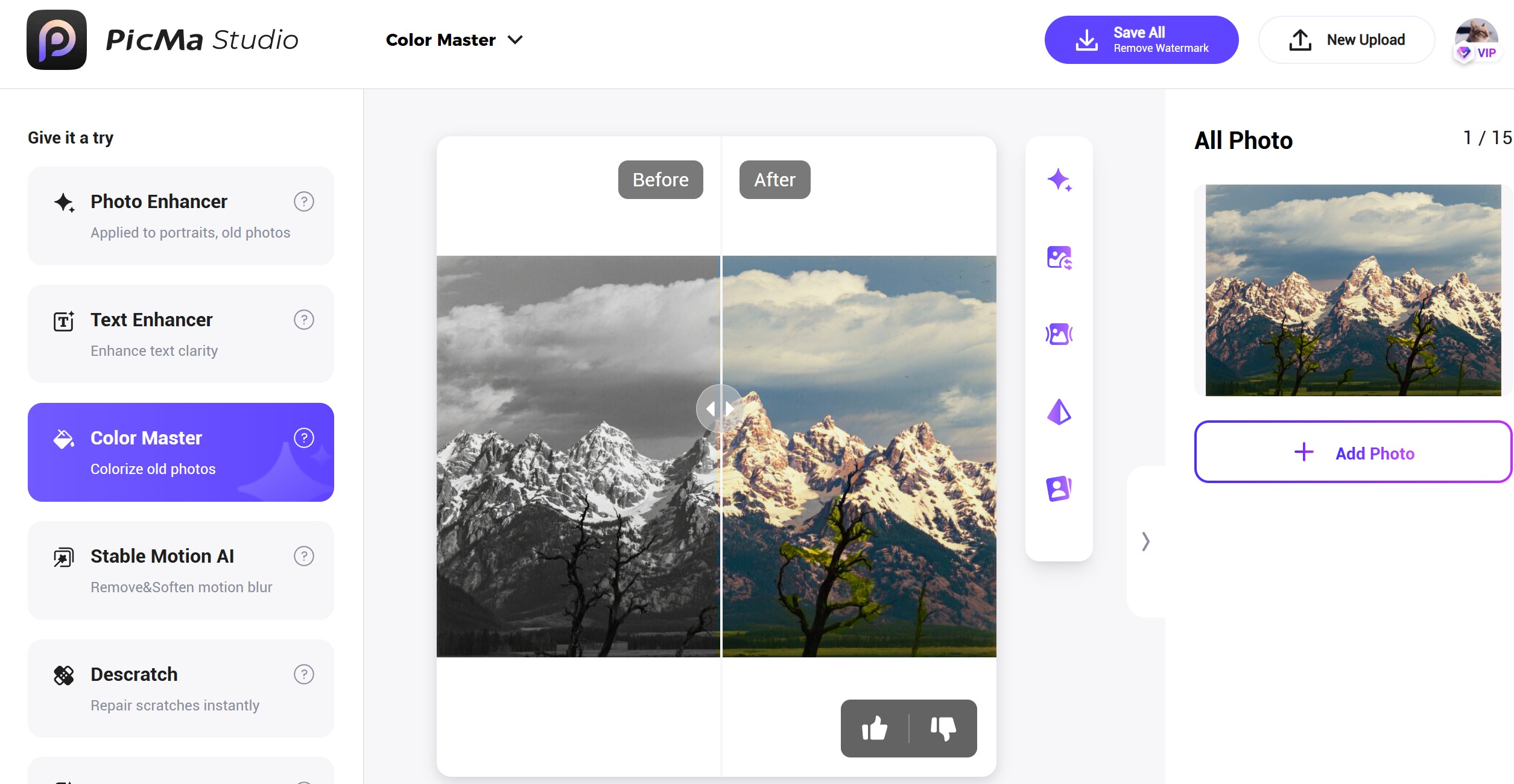
For web users, you can access this function without downloading anything:
- Go to PicMa Studio and find the "Color Master" section in our toolkit;
- Select your black-and-white photos by uploading or dragging. You may select 1~15 photos at once;
- Wait a few seconds, and your colorized photo will be ready.
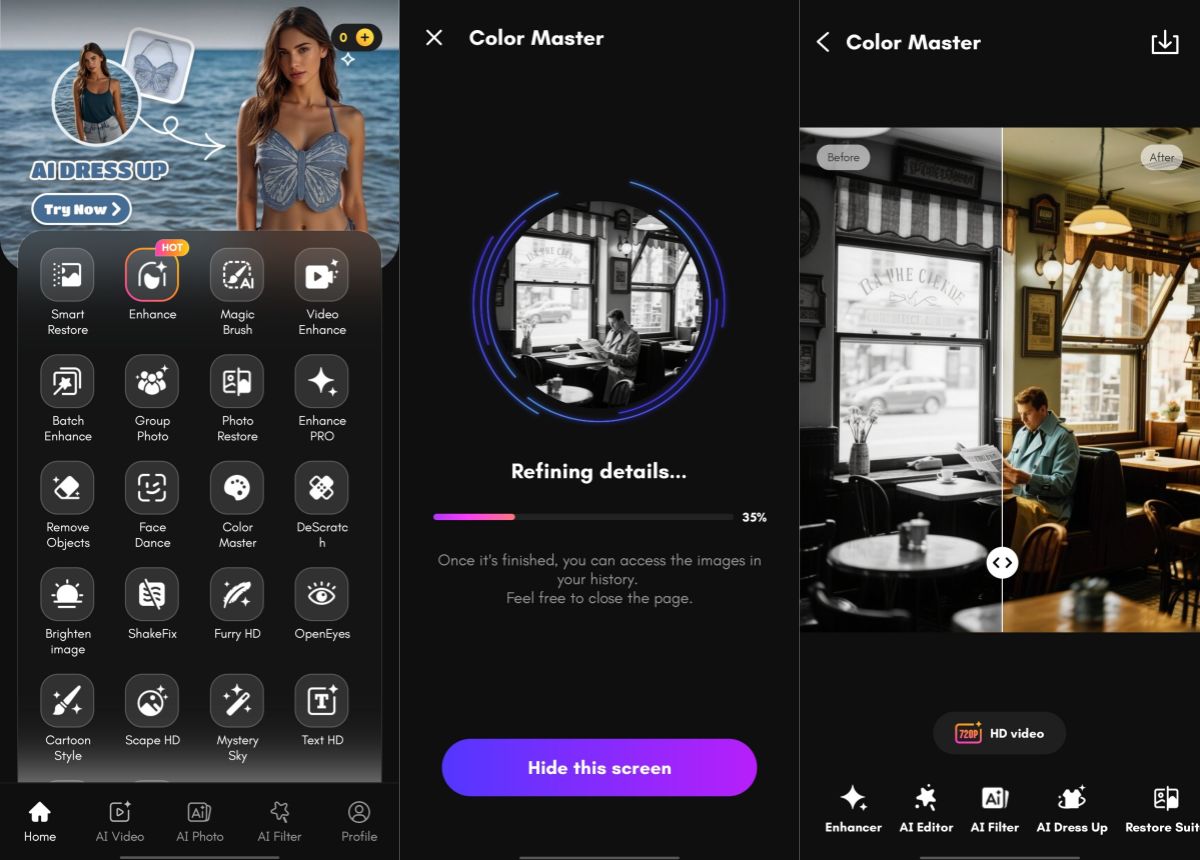
Or you want to try it on your mobile:
Why Choose Color Master?
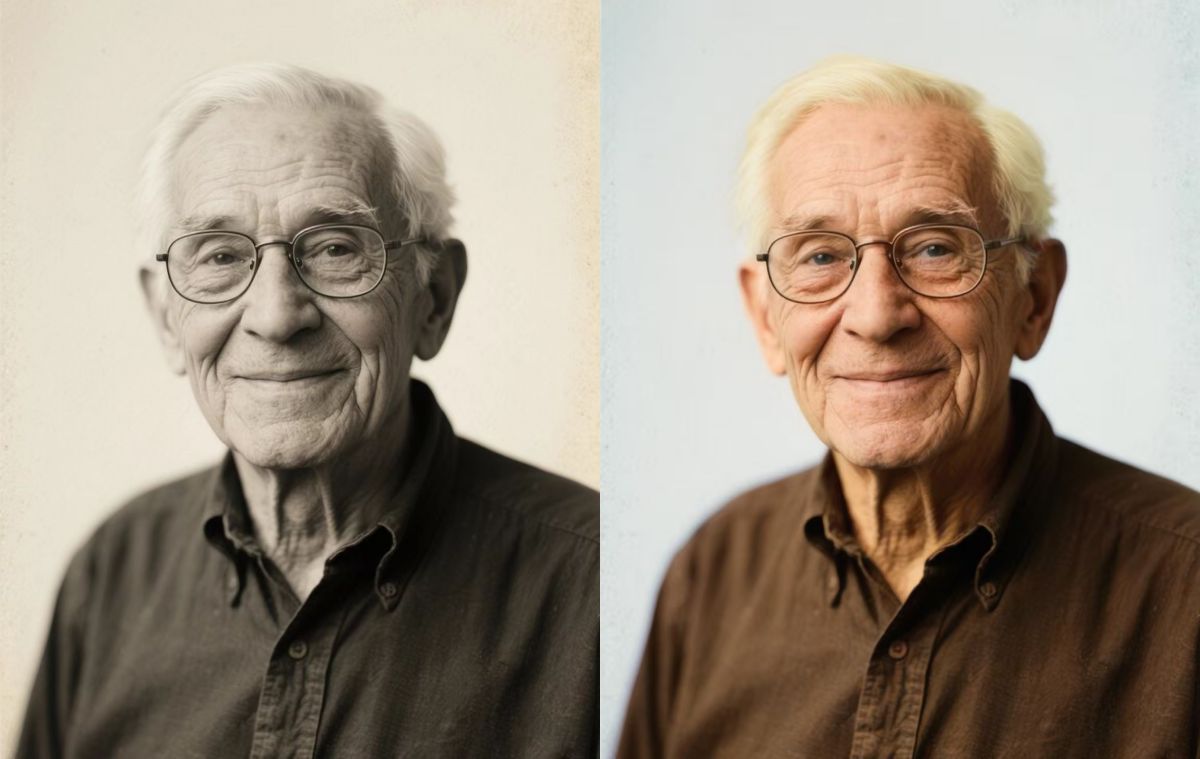
The AI has a strong sense of color, and it can always deliver natural-looking colors that stay true to the scene. For example, it knows well that the sky is blue, grass is green, and your hair can be black/brown/blond. Most imporatantly, it requires no skills and is totally free!
One click to recolor your old photos for free! How could it be more appealing? Color Master helps reconnect generations and rekindles emotional connections to moments once faded by time. You can't miss it!
Find More AI Enhancement Tools in PicMa
You may ask, it that all for PicMa? Absolutely NO! We offer a variety of photo/video enhancement tools that you can use FOR FREE:
● Photo Enhancer/Video Enhancer: Greatly enhance the clarity and vividness of all kinds of images or videos.
● Smart Restore: Repair damaged or stained parts of your picture and render a brand new image.
● Text Enhancer: Sharpen and clarify the text in your picture with high precision.
● Descratch: Remove time marks from your old photo.
What are you waiting for? Come and give it a try!
Frequently Asked Questions (FAQ)
1. Q: Is the original black and white photo altered?
A: No. The original photo remains unchanged. We provide a new colorized version that you can download separately.
2. Q: What image formats are supported?
A: You can upload common formats including JPG, PNG and BMP. The size of the image should not exceed 20 MB.
3. Q: Can I edit the colors after the process?
A: Currently, Color Master provides an automated result. For further manual adjustments, you can turn to image editing software.
4. Q: Is Color Master really free?
A: Absolutely! This function, along with other basic enhancement tools, is free of charge and accessible to everyone now!


Related Readings:

 220
220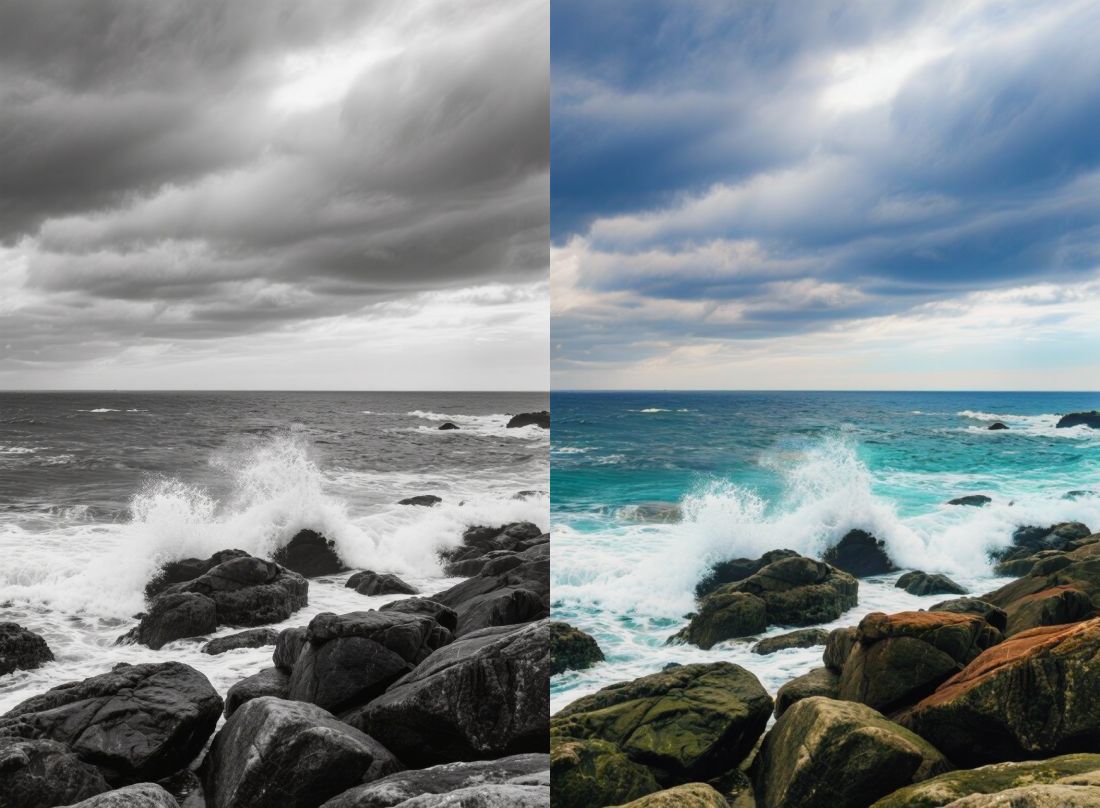

 English