A handmade necklace can look beautiful in person but strangely cheap online.
For Etsy jewelry sellers and small accessory brands, this is a common problem. Dull metal, distracting reflections, soft details, or messy backgrounds can make a good product feel less valuable.
Since shoppers cannot touch the jewelry, your product photo becomes part of the buying experience.
With AI product retouching, sellers can improve product photos without building a professional studio—and the same skill can even become a small photo-editing side hustle.
Why Jewelry Photos Often Look Cheap?
Jewelry is difficult to photograph.
Metal reflects its surroundings, gemstones can lose their sparkle, and dust or scratches become obvious in close-ups. Poor lighting can also make delicate details disappear.
Good jewelry photo editing is not about changing the product. It is about helping the photo show the quality that is already there.
For sellers searching for how to edit jewelry photos for Etsy or how to make jewelry photos look expensive, better lighting, cleaner backgrounds, and sharper details can make a noticeable difference.
What Makes a Product Photo Look More Premium?
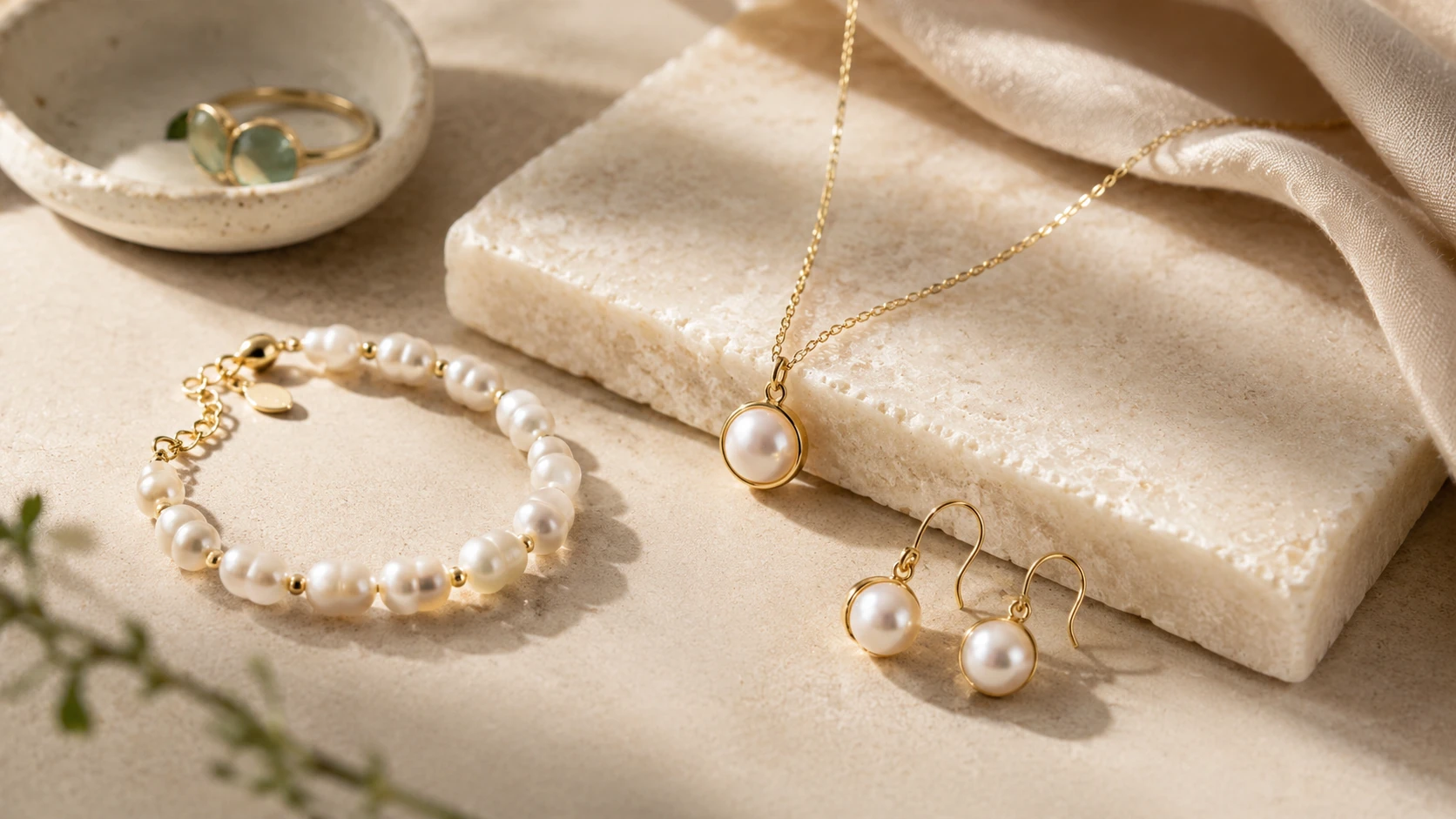
Premium-looking product images are usually simple and clean.
A tidy background keeps attention on the jewelry, while sharper details make chains, stones, textures, and engravings easier to see. Consistent brightness and image style also make the whole store feel more professional.
Instead of reshooting every product, sellers can use product photo enhancement to improve the images they already have.
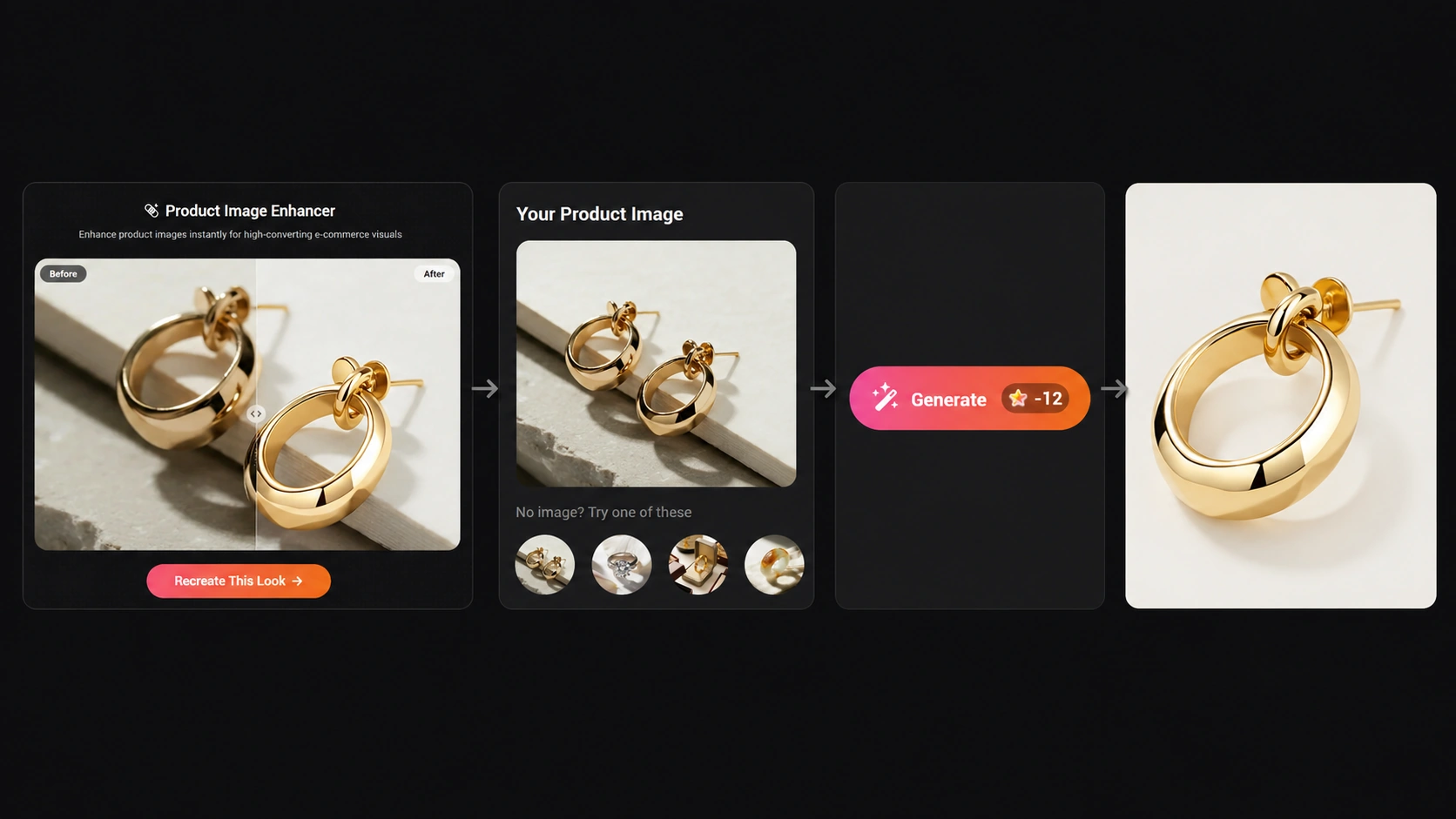
For example, PicMa Studio's Product Image Enhancer can help refine product visuals for online stores without a complicated editing workflow.
How to Retouch Jewelry Photos with AI
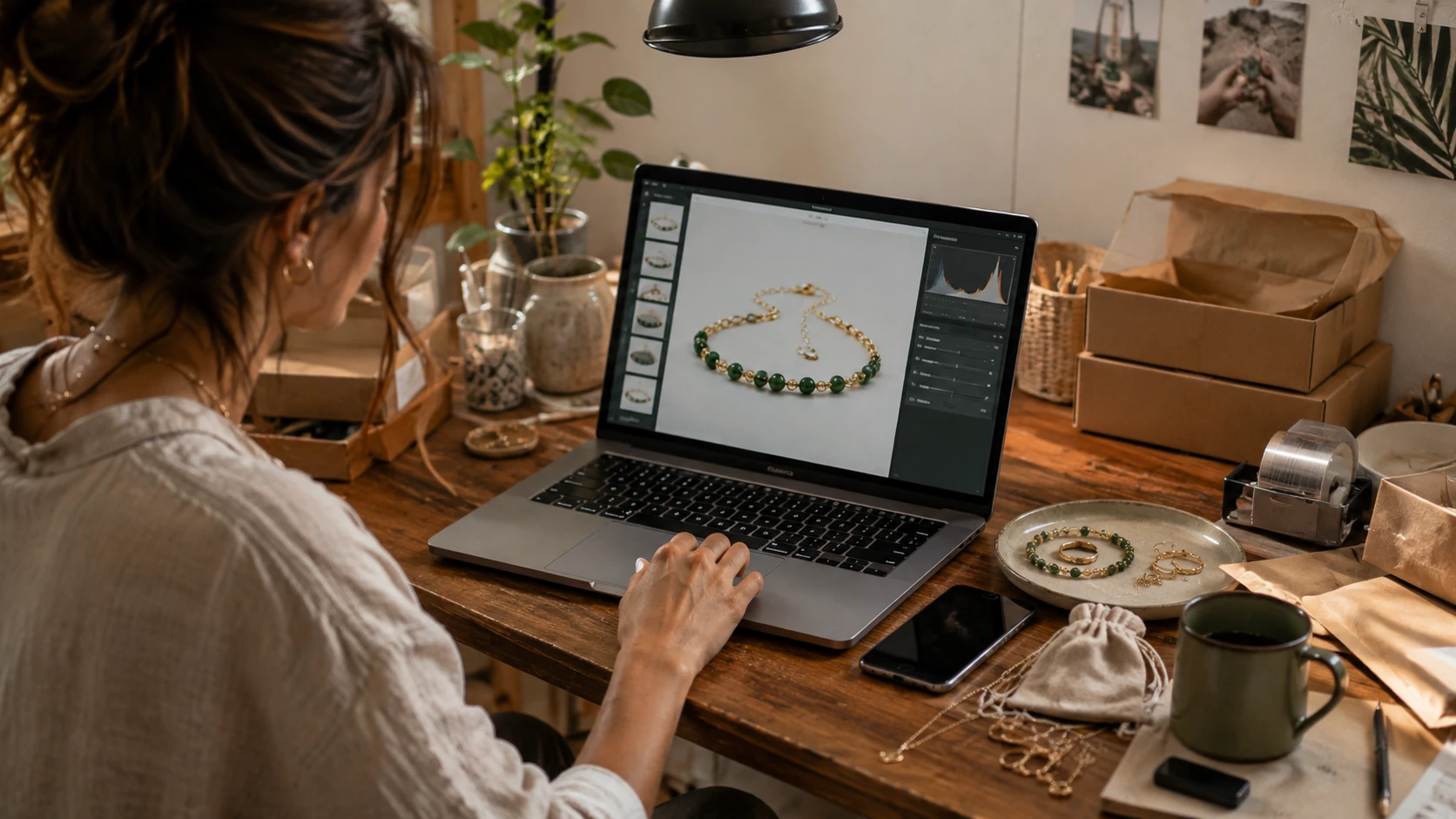
Using AI can make product retouching much easier for sellers who regularly upload new listings.
Step 1: Upload your product photo
Open the Product Image Enhancer and upload a jewelry or accessory image.
Step 2: Enhance the image
Let AI improve the overall clarity and product presentation.
Step 3: Check the details
Make sure colors, materials, gemstones, textures, and logos still match the real product.
Step 4: Save and upload
Export the enhanced image for Etsy, Shopify, marketplace listings, or social media.
The key is to improve presentation without changing what customers will actually receive.
How AI Product Retouching Helps Jewelry E-commerce Grow
For jewelry sellers, better product images can directly influence how customers perceive value.
Many small brands create beautiful handmade pieces but struggle to present them professionally online. A clearer product photo, cleaner background, and more consistent visual style can help listings attract more attention and build customer trust.
With AI product retouching, sellers can quickly improve existing images without expensive photography equipment or complicated editing skills.
Better visuals can help jewelry brands create stronger Etsy listings, improve social media content, and maintain a more professional store appearance.
The goal is not to make products look unrealistic, but to highlight their real details and make the online shopping experience closer to seeing the jewelry in person.
A cleaner product photo can make a small shop feel more polished, consistent, and trustworthy.
Try PicMa Studio Product Image Enhancer and see how a more refined product image changes the way your listing feels.


FAQ
Can I use AI-edited jewelry photos on Etsy?
Yes. Just keep the product accurate—do not change details such as color, material, shape, or gemstones.
Do I need professional photos first?
No. A reasonably clear phone photo with decent lighting is usually a good starting point.
Can product photo editing really become a side hustle?
Yes! Small sellers often need better listing images but do not want to learn Photoshop. If you can give them clean, accurate, ready-to-use photos, that is already a useful service.
Related Readings:

 59
59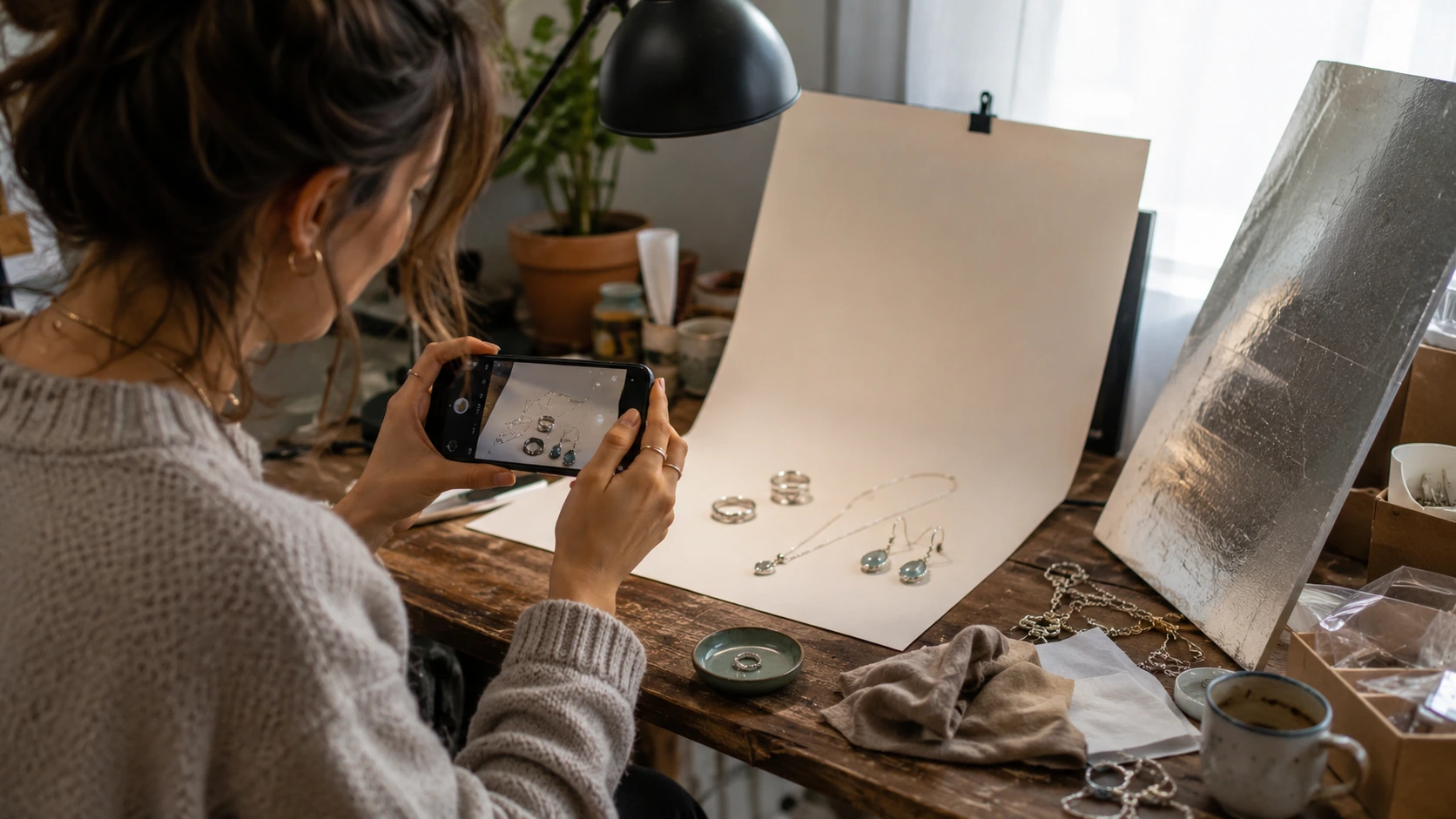

 English