


Image to Video
Upload a still image and AI generates a matching dynamic video while preserving the subject and composition.

 English
 Image to Image
 Portrait Studio
 Smart Restore
 Photo Enhancer
 PNG Enhancer
 Color Master
 AI Filter Generator
 Descratch
 Stable Motion AI
 Image Converter
 Background Remover
 Object Remover
 Magic Brush
 Accessory Try-On
 Virtual Model
 Product Image Enhancer
 AI Poster Generator
 AI Sharpen Image
 Face Cutout
 Image Compressor
 Anime Enhancer
AI Video Creation Toolkit - Complete Guide
PicMa Studio's AI video creation toolkit includes flagship tools like Seedance 2.0. Supports image-to-video, text-to-video, multiple durations, and landscape/portrait output for social shorts, e-commerce showcases, and creative visuals.
Confirmed capabilities in the current toolkit. More tools are coming soon.
Upload a still image and AI generates a matching dynamic video while preserving the subject and composition.

Enter a text prompt and AI generates the corresponding scene.

Choose different video lengths for different use cases and short-form platform needs.

Supports landscape and portrait aspect ratios to fit different platform display requirements.

It can be used in tandem with AI image tools: first generate images, and then use video tools for dynamic creation.

Refer to the high-popularity prompts from other creators to quickly gain creative inspiration and lower the threshold for prompts.
Cartoon Portrait Video
Scene Storytelling
Atmospheric Portrait Short
Duo Interaction Story
Red Carpet Highlight
Character FX Performance
Select Seedance 2.0 in the AI video toolkit and prepare a reference image or text prompt.
Choose duration and aspect ratio, then enter your prompt with help from the inspiration board.
After generation, results appear in Recents where you can preview and download directly.
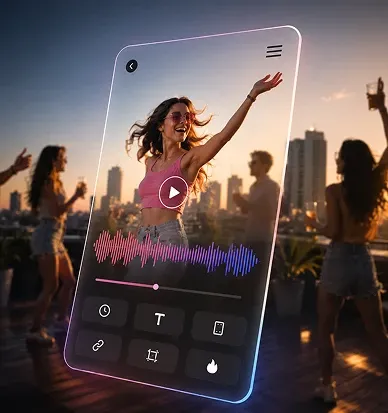
Turn static assets into dynamic short videos for TikTok, Instagram Reels, and similar platforms.
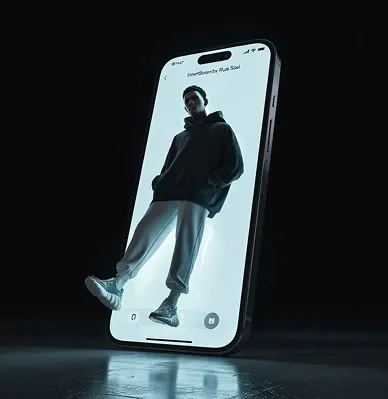
Generate creative video clips from text at low cost to explore different visual narratives.
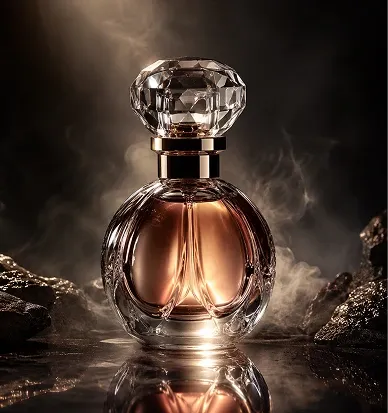
Turn product photos into dynamic showcase videos for product pages and ad creatives.

Multi-model image-to-video—turn still frames into natural, fluid motion

Multi-model image-to-image and image creation—pick the model and parameters you need

AI-powered video repair/enhancement/optimization

Restore old photos first, then create memorial videos

Developer API Routes

AI intelligently generates dynamic videos