


Reference-image assisted generation
Upload a reference image, and the AI will use it as a basis to extend the style or replace the scene, while retaining the key elements.

 English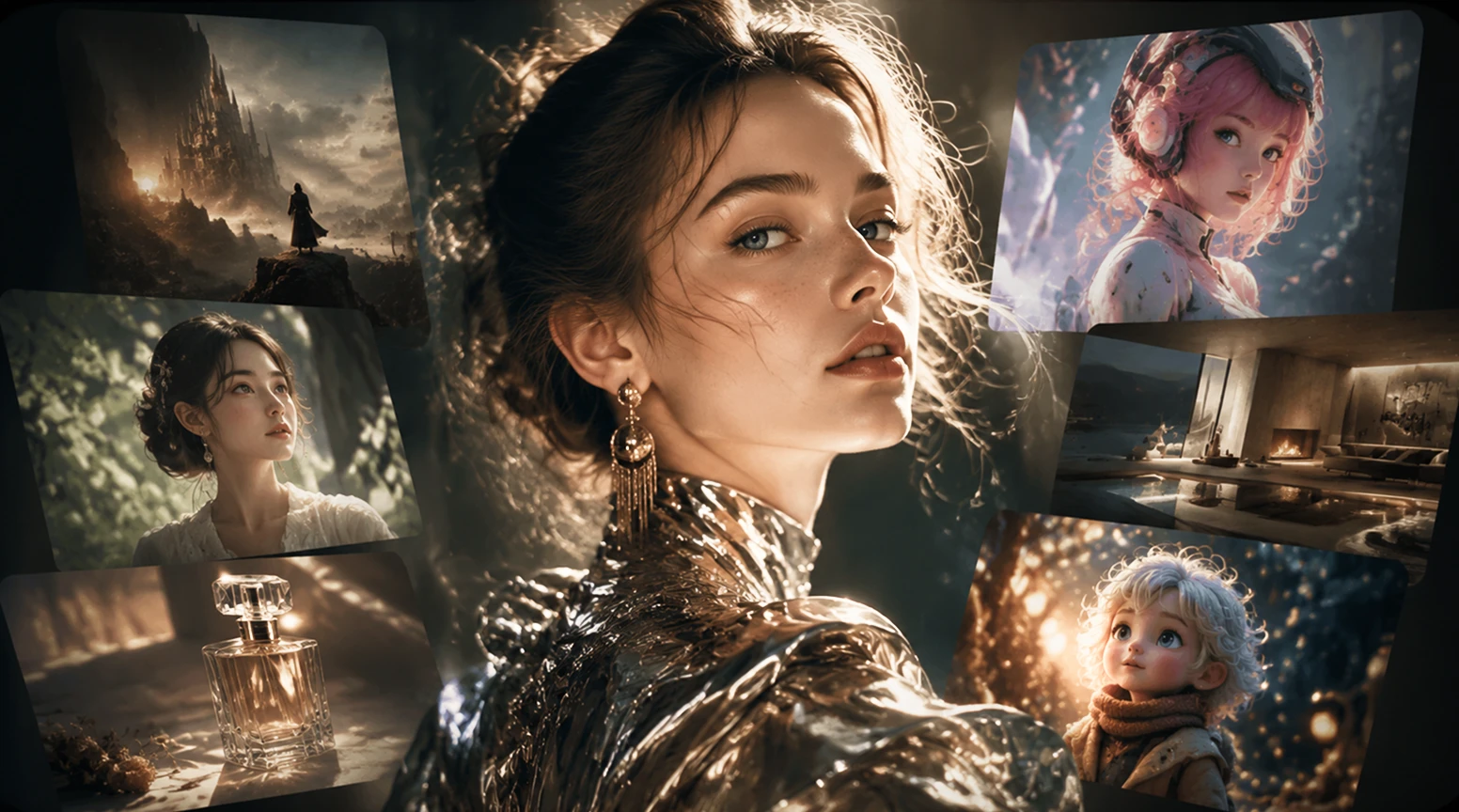
High-quality image generation
 NEW
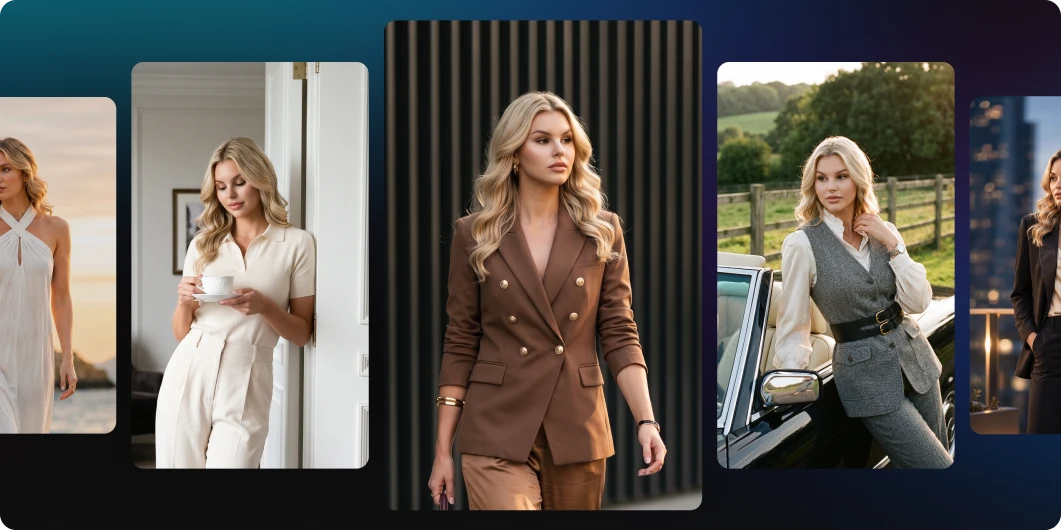
NEWGenerate versatile style photos from a single photo
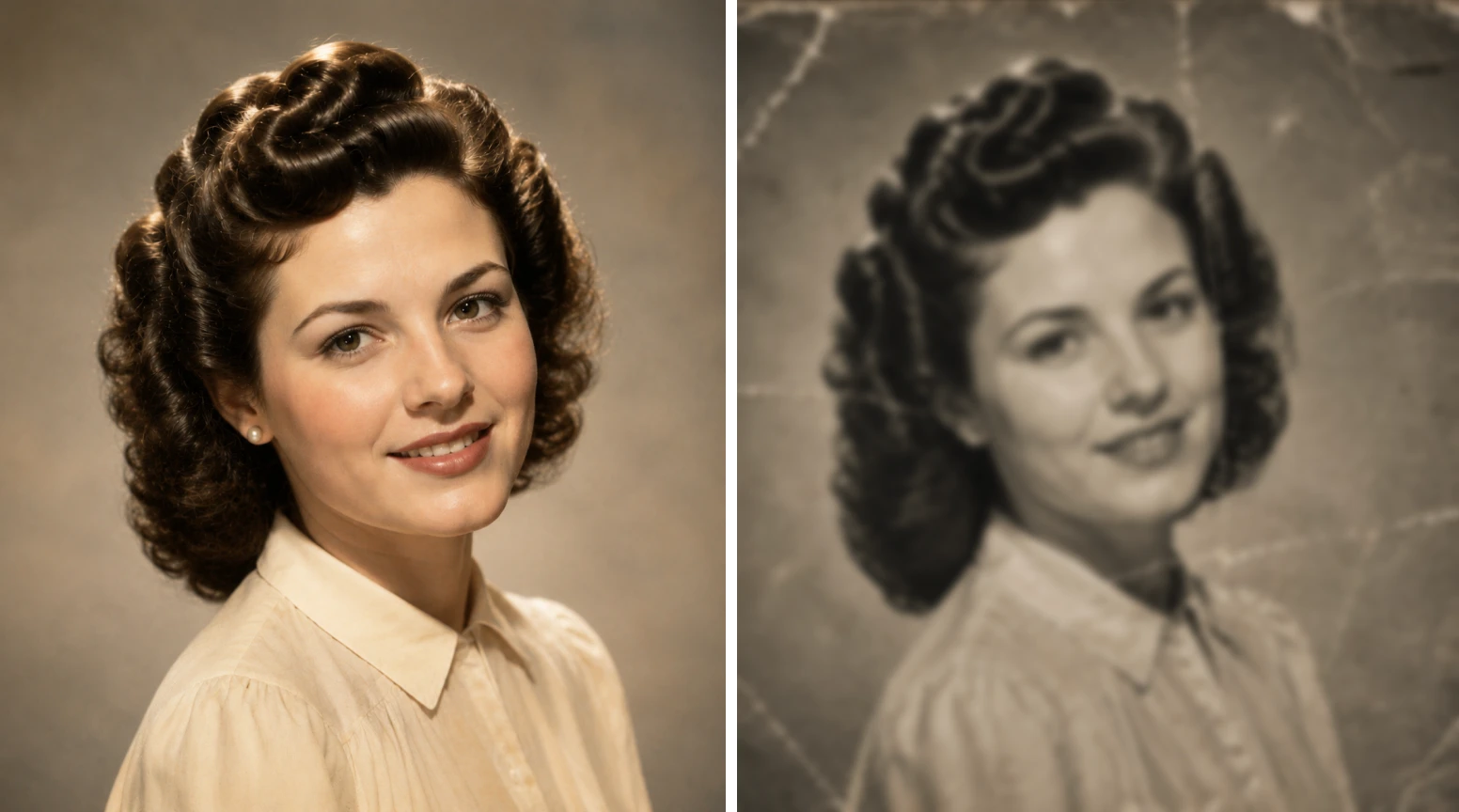
Perfect restoration of damaged photos
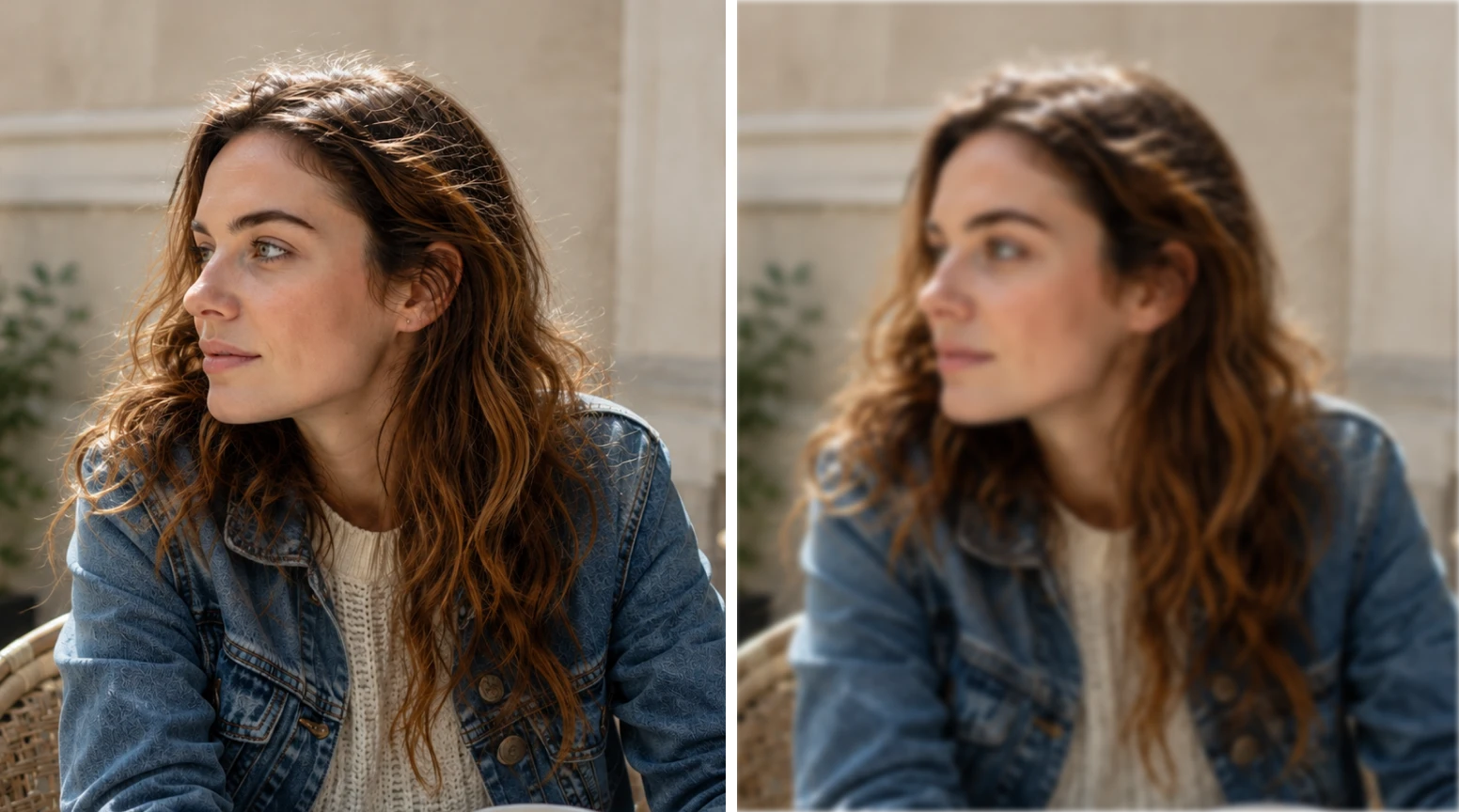
Smart Image Enhancement
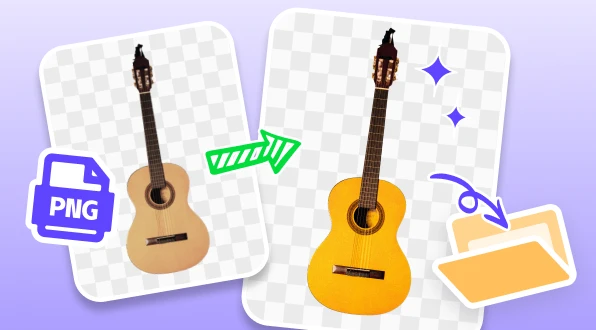
Enhance the clarity of PNG images
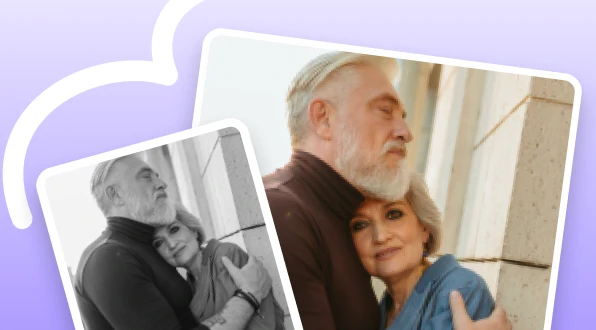
Black and white photos instantly turn into color
Enhance Anime Images with Zero Quality Loss
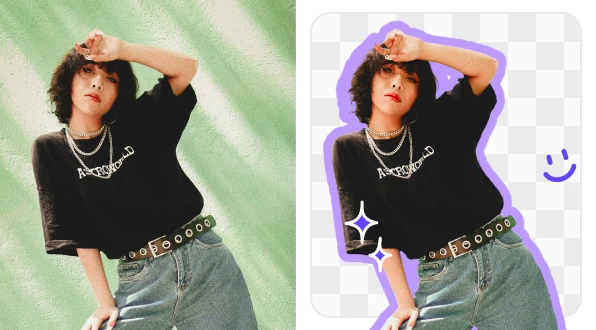
PicMa Studio AI Generator sparks your creativity
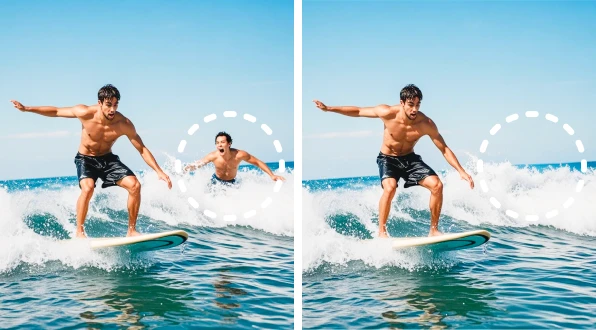
Erase unwanted ared

Refine images
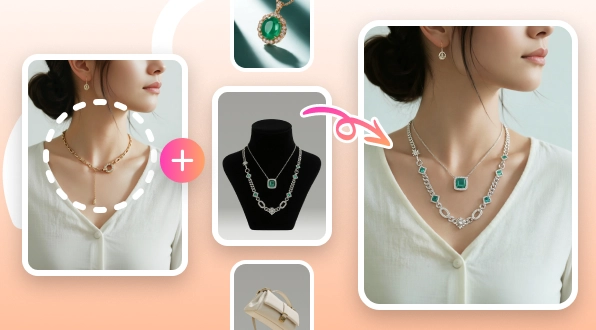
Natural and realistic product display effect
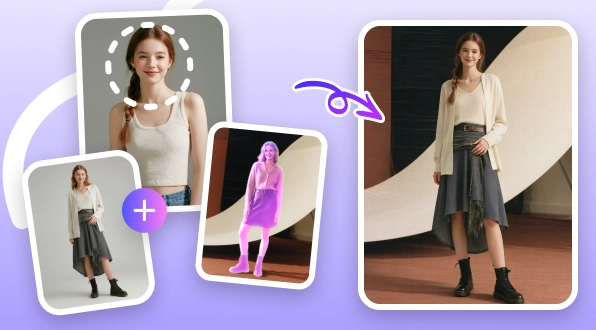
Generate professional-grade product model images with one click
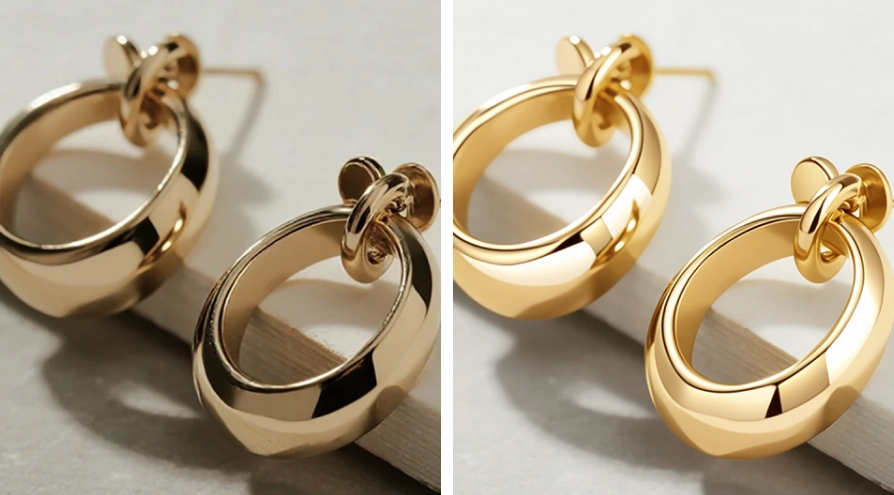
Instantly create high-conversion e-commerce visuals

Easily create stunning posters

Blurry photos instantly become high-definition
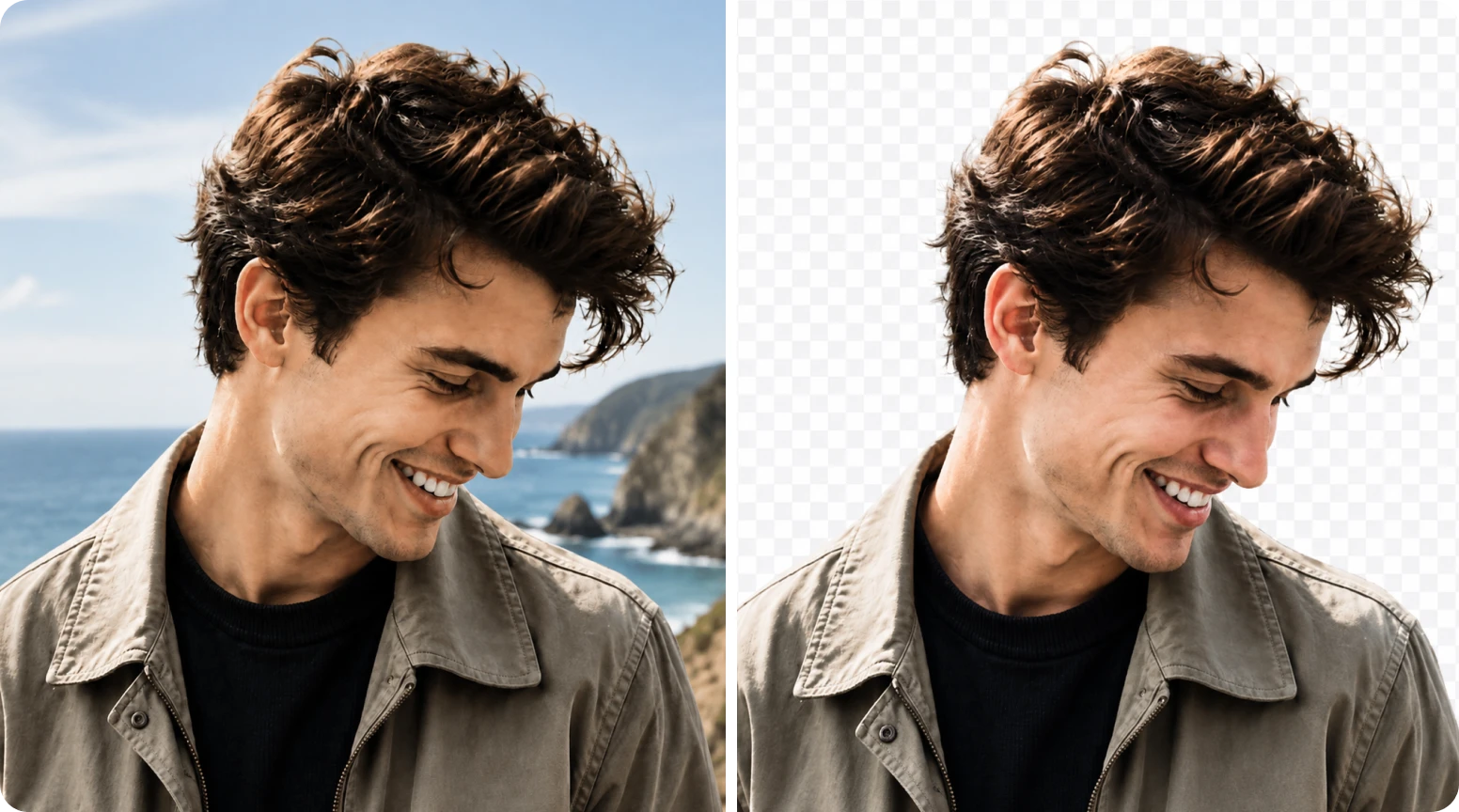
Intelligent removal, efficient output
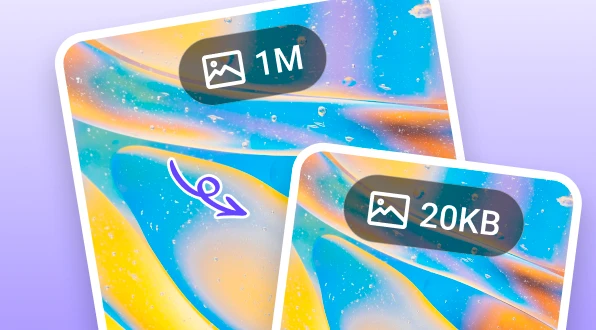
Quickly and accurately compress images
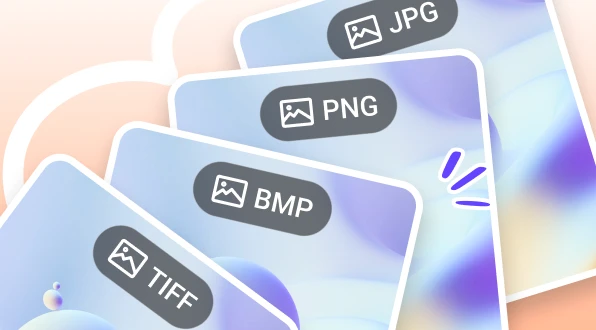
Quickly convert images to needed formats with one-click
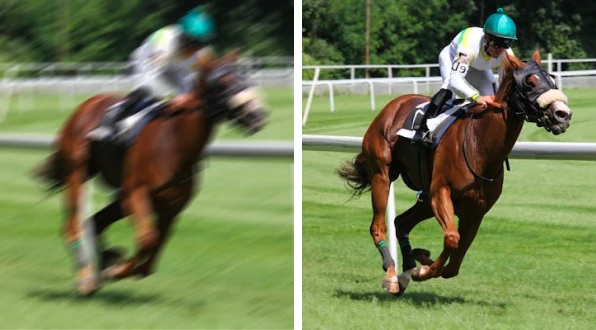
Capture every moment clearly
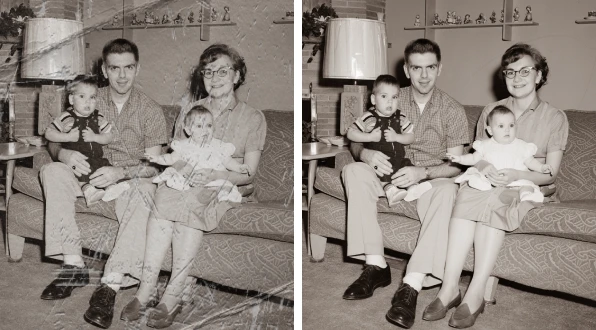
Old photos make a dazzling appearance again.

Generating virtual avatars ignites social media.
AI Image Generation Toolset - Complete Guide
PicMa Studio’s AI image creation toolkit. Supports reference-assisted generation, multi-style output, and multiple aspect ratios for ecommerce, social, and creative visuals.
Confirmed capabilities of the current image toolkit. More tools are coming.
Upload a reference image, and the AI will use it as a basis to extend the style or replace the scene, while retaining the key elements.

Enter descriptive text, and AI will generate a corresponding image based on the prompts.

It supports various aspect ratios, including landscape, portrait, and square formats, to meet the size requirements of different platforms.

It covers a variety of styles, including realism, illustration, watercolor, and traditional Chinese style, to meet the visual needs of brands.

The generated images can be directly sent to tools such as image enhancement and AI background removal for further processing.

By combining restoration tools, old photos and low-quality images can be intelligently restored and then recreated.
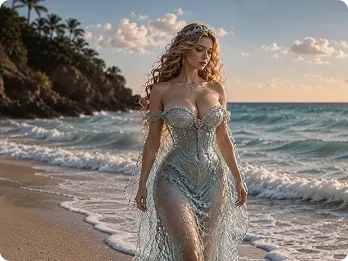
Fantasy portrait photography
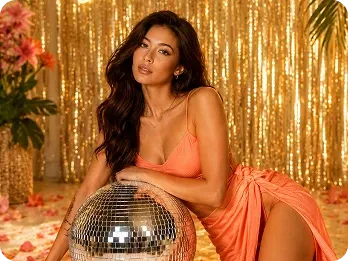
Party Atmosphere Portraits
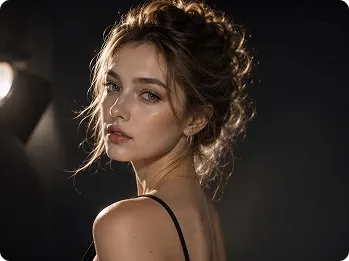
AI portrait photography
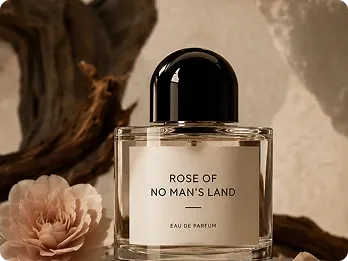
Advertising-grade product images
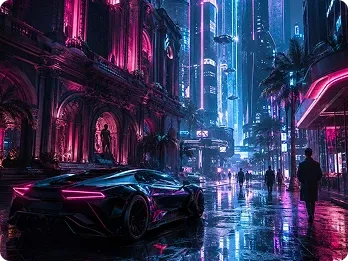
Cyberpunk scene
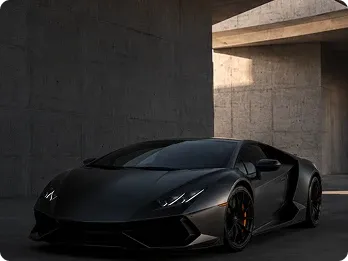
High-end car advertising
Pick a tool in the AI image toolkit and describe the subject, style, and aspect ratio you want.
If you have a reference image, you can upload it as the basis for generation. The AI will combine the reference image with the text description to create the image.
After clicking "Generate," the result will appear in "Recently Used." You can download the image you are satisfied with directly or send it to subsequent tools.
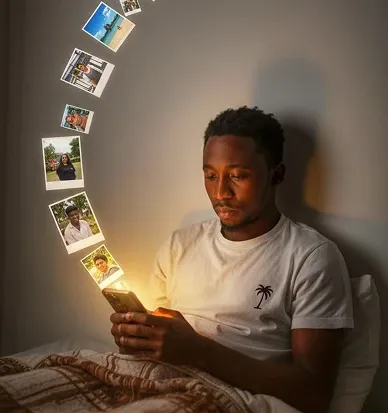
Generate vertical or square images based on the text theme to enhance the visual appeal of social media content.
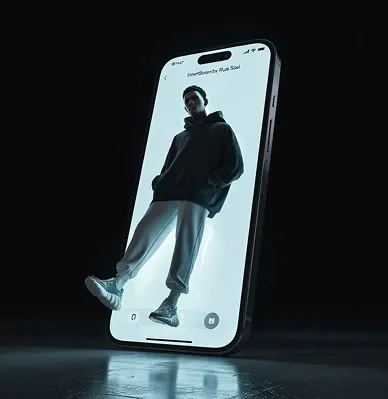
Explore different styles of visual expression, quickly generate images to verify creative directions, and reduce design communication costs.
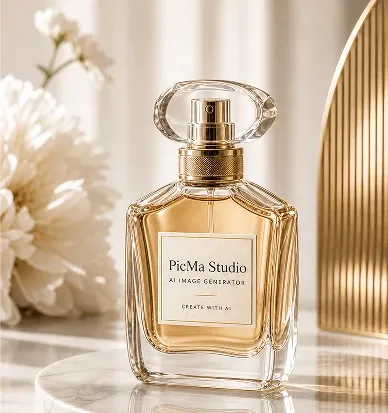
Quickly generate white-background product images and scene matching images to meet the specifications of various e-commerce platforms.

Multi-model image-to-image and image creation—pick the model and parameters you need
Enhance the image quality of the generated image and improve detail.

It can identify themes and remove backgrounds with one click, making it suitable for product image processing.

First restore the old photos, then use AI for stylized creation.

Multi-model image-to-video—turn still frames into natural, fluid motion

Developer API route