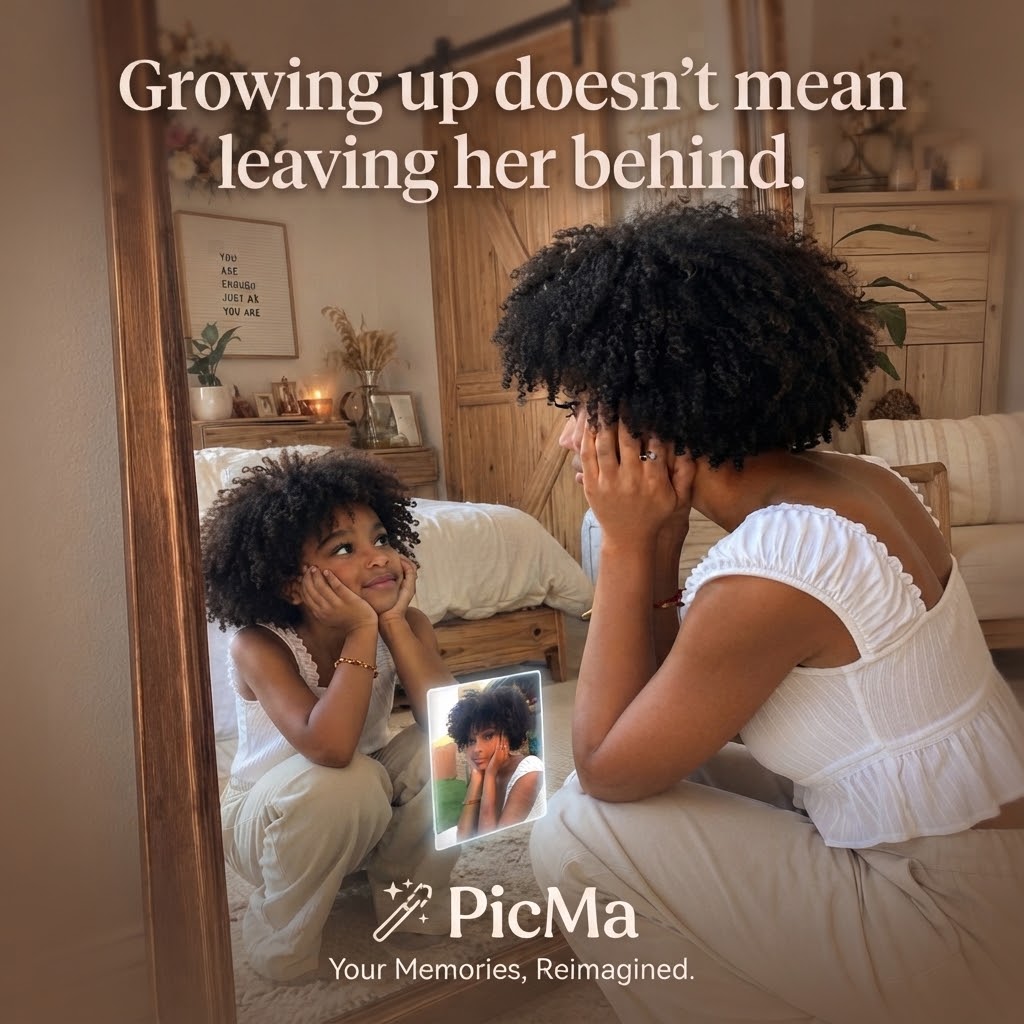
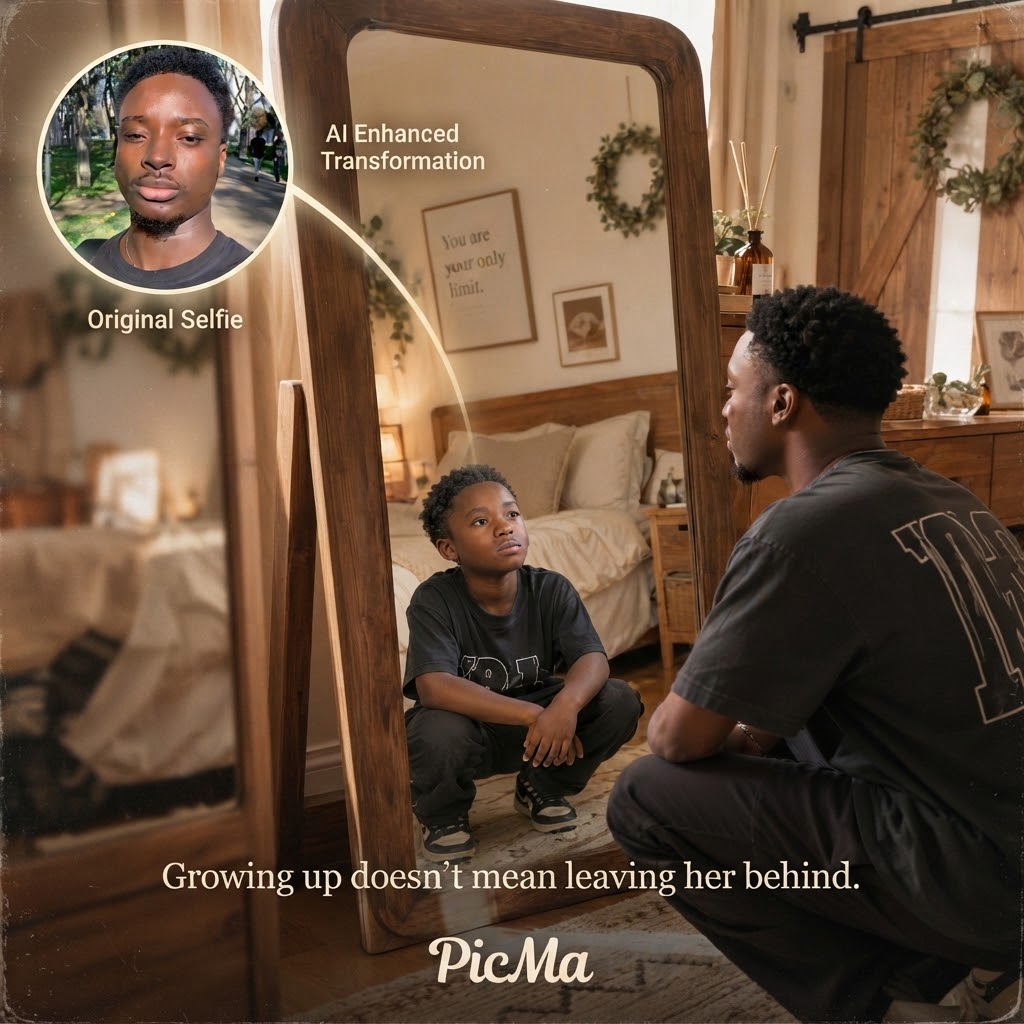
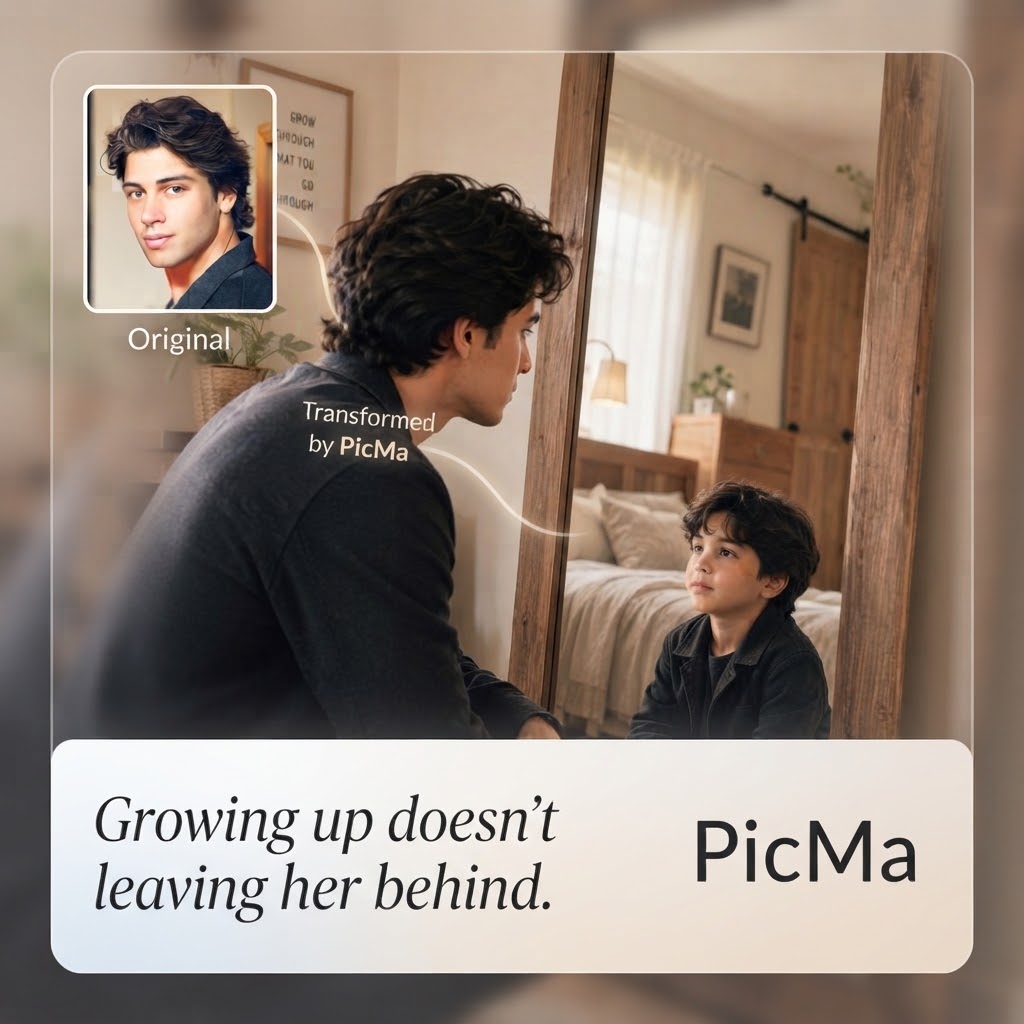
What if you could see your younger self again—not just in an old photograph, but through a creative AI image effect? The Childhood Mirror effect in Picma AI transforms a simple image into a nostalgic visual experience, creating a playful connection between who you are today and the child you once were. It captures the feeling of looking back at childhood and turns it into a memorable image that feels personal, emotional, and fun to share.
The appeal of the AI Childhood Mirror effect comes from its simplicity. Childhood memories are often preserved in old photos, school pictures, or family albums, but these static moments usually remain unchanged. With Picma, you can give those memories a fresh visual interpretation. The effect creates the feeling that the past and present are meeting in the same image, making an ordinary photo feel like a meaningful moment from another timeline.
What Is the Childhood Mirror?
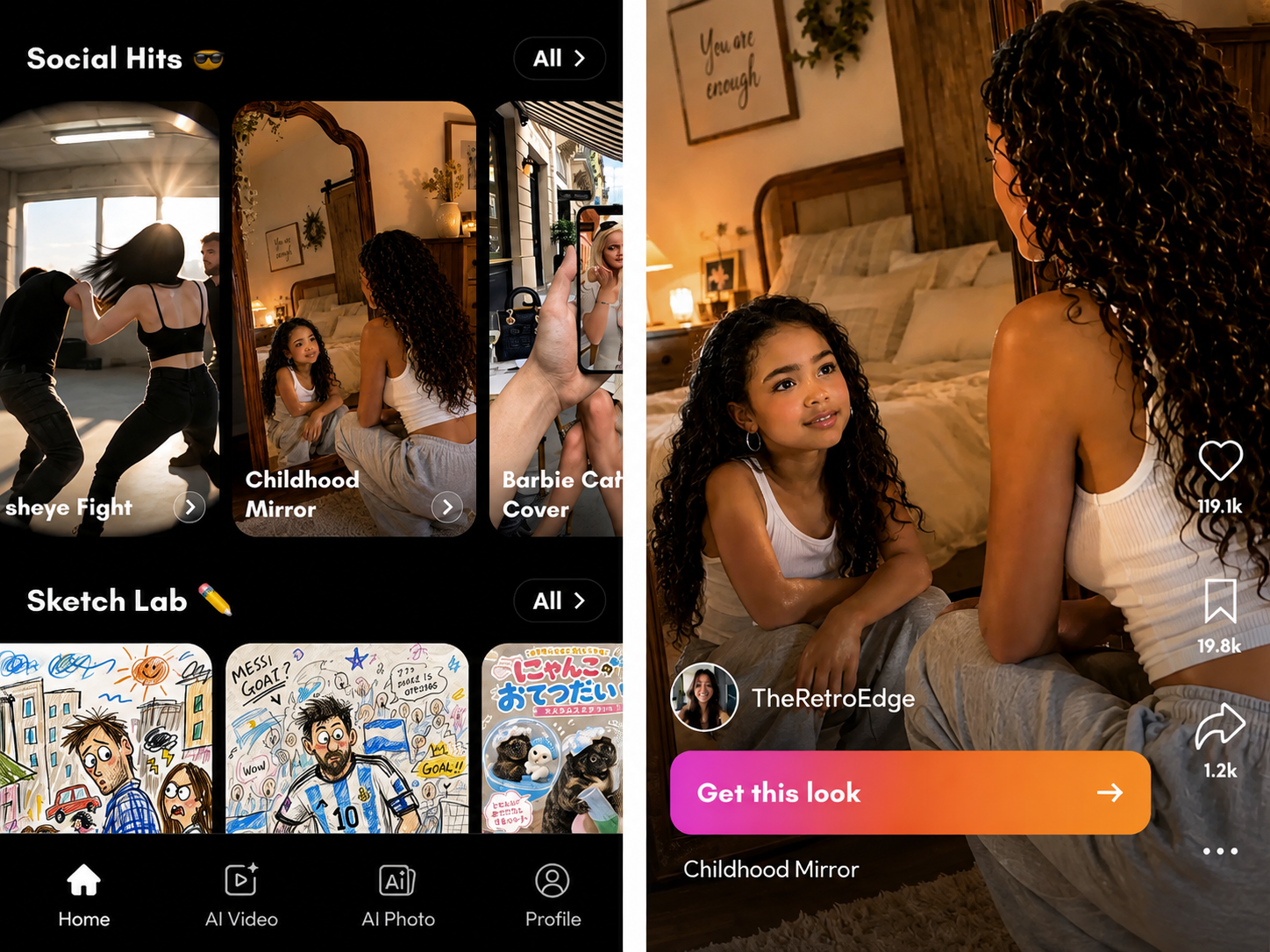
The Childhood Mirror effect is an AI-powered image effect available in AI image section of Picma App. It is designed around the idea of seeing your younger self reflected alongside your present-day identity in one creative image.
Instead of manually combining photos, removing backgrounds, adjusting layers, or learning complicated editing techniques, Picma uses AI to handle the visual transformation. You simply choose an image and apply the effect, while Picma creates a nostalgic image that connects your childhood memories with who you are today.
The result can be used as a personal keepsake, a fun social media post, or a creative way to revisit an important memory. Whether you want to recreate the feeling of looking at an old childhood photo or explore a new version of your personal story, the Childhood Mirror effect gives familiar memories a fresh visual form.
How to Create a Childhood Mirror Image With Picma
With Picma, creating a Childhood Mirror image is quick and accessible, even if you have no professional design or photo-editing experience.
1. Open the Picma
Go to the AI image section in Picma app (Download in the end of the article) and find the Childhood Mirror. Since it is a ready-to-use AI image effect, you do not need to write a detailed prompt or adjust complicated settings.
2. Choose your image and apply the effect
Start by selecting a suitable personal photo that clearly shows you. A recognizable image gives the AI a strong foundation for creating the Childhood Mirror effect. Then select Childhood Mirror and let Picma process your image. With just a few taps, the AI creates a new image that visually connects your present-day self with your childhood self.
3. Preview, save, and share
Once the image is ready, preview the result and save it to your device. You can share it on social media or pair it with a childhood story, an old memory, or a simple then and now caption to make the post more personal.
The process is designed for experimentation. Try different photos and memories to discover which image creates the most meaningful, nostalgic, or entertaining result.
Why Is the Childhood Mirror Effect So Engaging?
The most engaging AI effects usually do more than demonstrate what technology can do—they give people a personal reason to try them. Childhood Mirror works because the concept is instantly relatable. Everyone has a younger version of themselves, and seeing that version represented in the same image creates an emotional connection that a standard photo filter may not provide.
The effect is also versatile. You can use it for a nostalgic social media post, a birthday memory, a growing-up comparison, a family keepsake, or a creative image designed to make people stop scrolling. Friends and family can also use their old photos to create a shared visual memory.
Most importantly, you do not need professional photo-editing skills to participate. Picma takes care of the complicated editing work and lets you focus on the photo, the memory, and the story behind it.
Turn a Childhood Memory Into a Creative Image
An old childhood photo may capture who you were years ago, but the AI Childhood Mirror effect gives you a new way to revisit that memory. Instead of simply looking at the past, you can transform it into a creative image that brings your childhood and present-day identity together.
👉With Picma, it is simple: choose your image, open the AI image section, select Childhood Mirror, apply the effect, and save your result.
Ready to see your younger self in a new way? Try the Childhood Mirror effect in Picma and create your own nostalgic AI image in just a few taps.


 53
53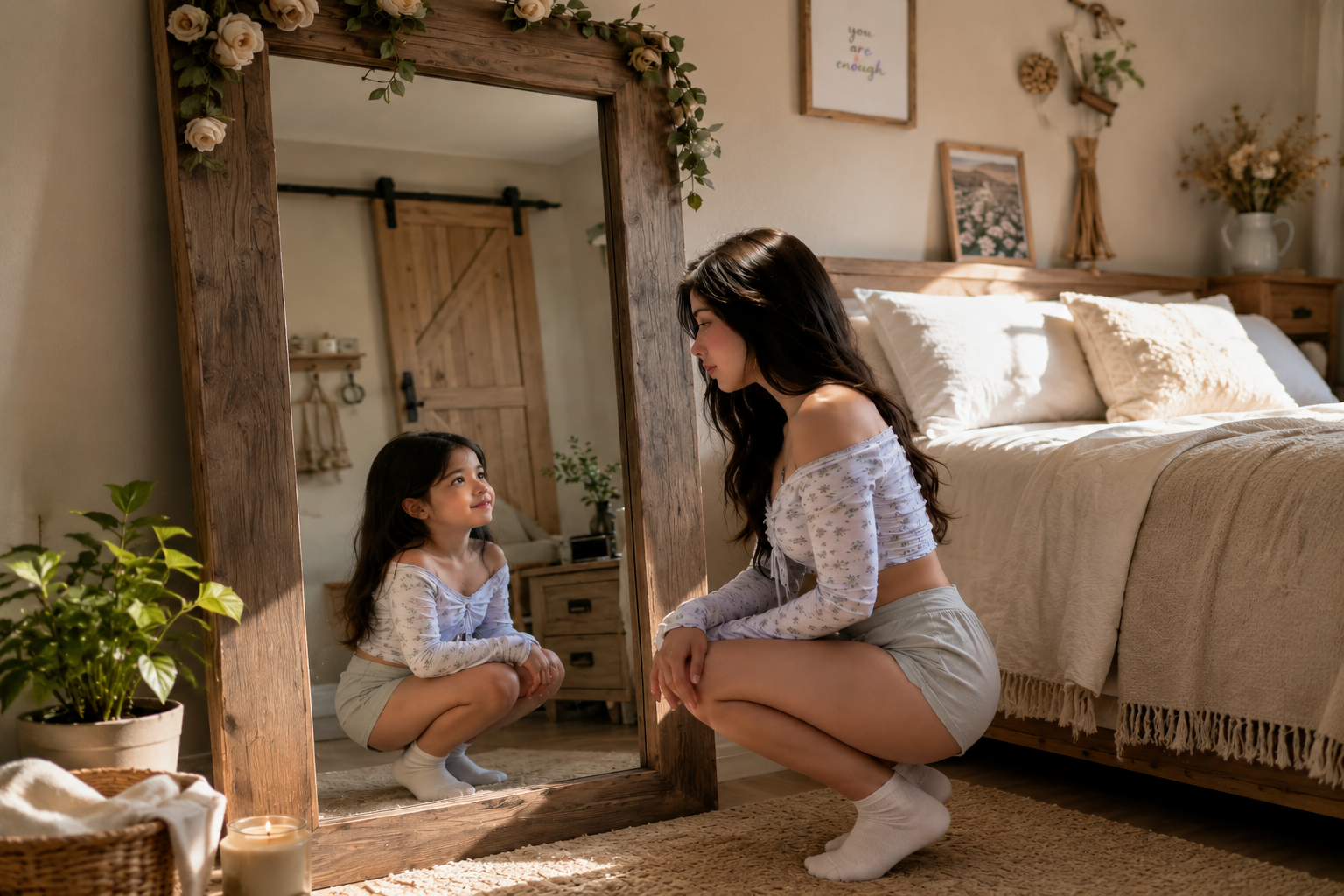

 English