What would it look like if the block-style version of you suddenly stepped out of a game and into one of your photos?
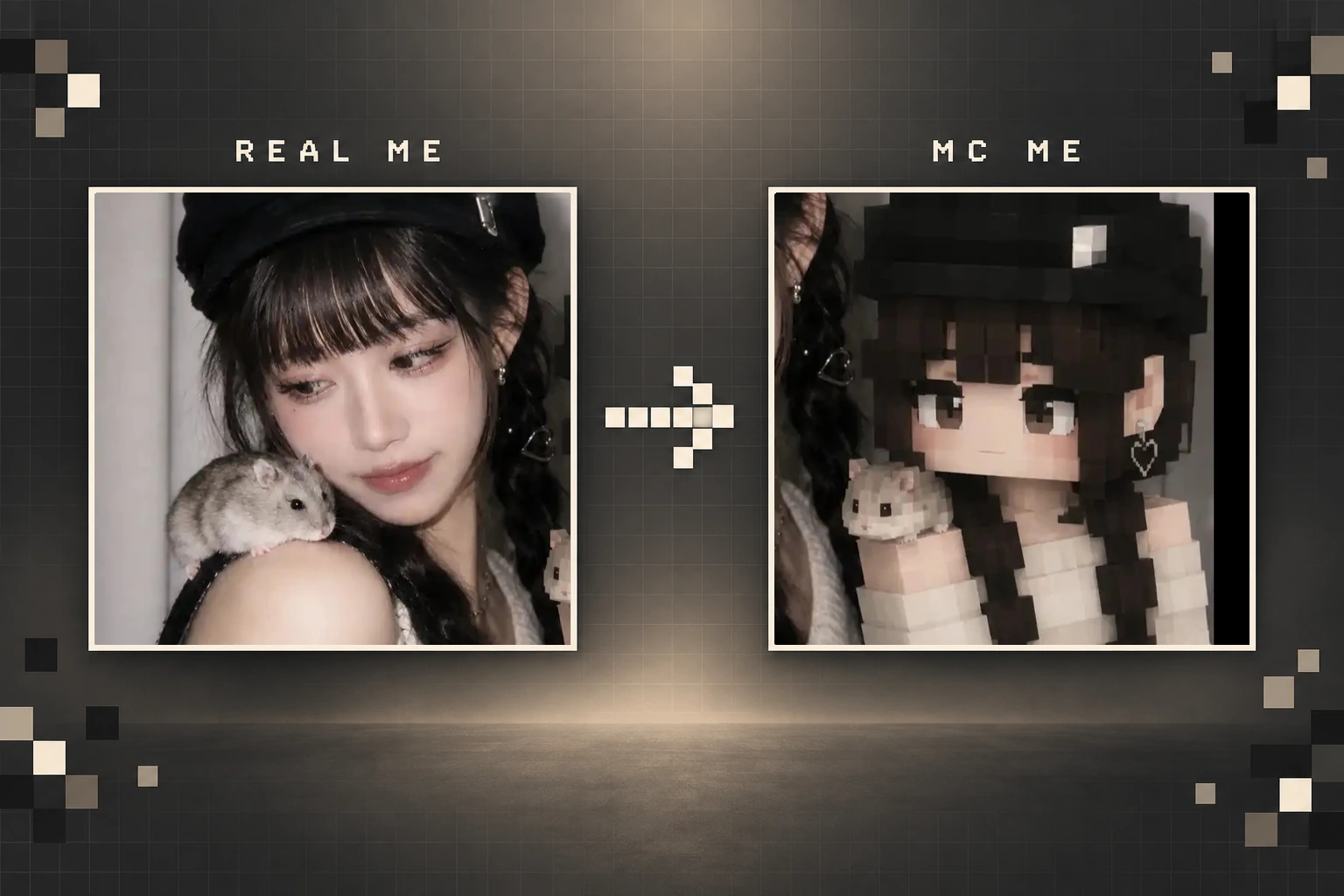
PicMa’s new MC ME AI portrait style turns that idea into a playful image. Upload a photo, and the result places a blocky character inspired by your appearance beside the real you. Your outfit, hairstyle and overall mood become part of the character design, while the original setting helps the final image feel more like a shared moment than a standard avatar.
For Minecraft fans, gamers and anyone tired of ordinary profile pictures, it is an easy way to bring a little game-world personality into a real photo.
More Than a Pixel Avatar on a Blank Background
Most avatar generators produce a character by itself. That can work for a profile icon, but it often loses the personality and story of the original photo.
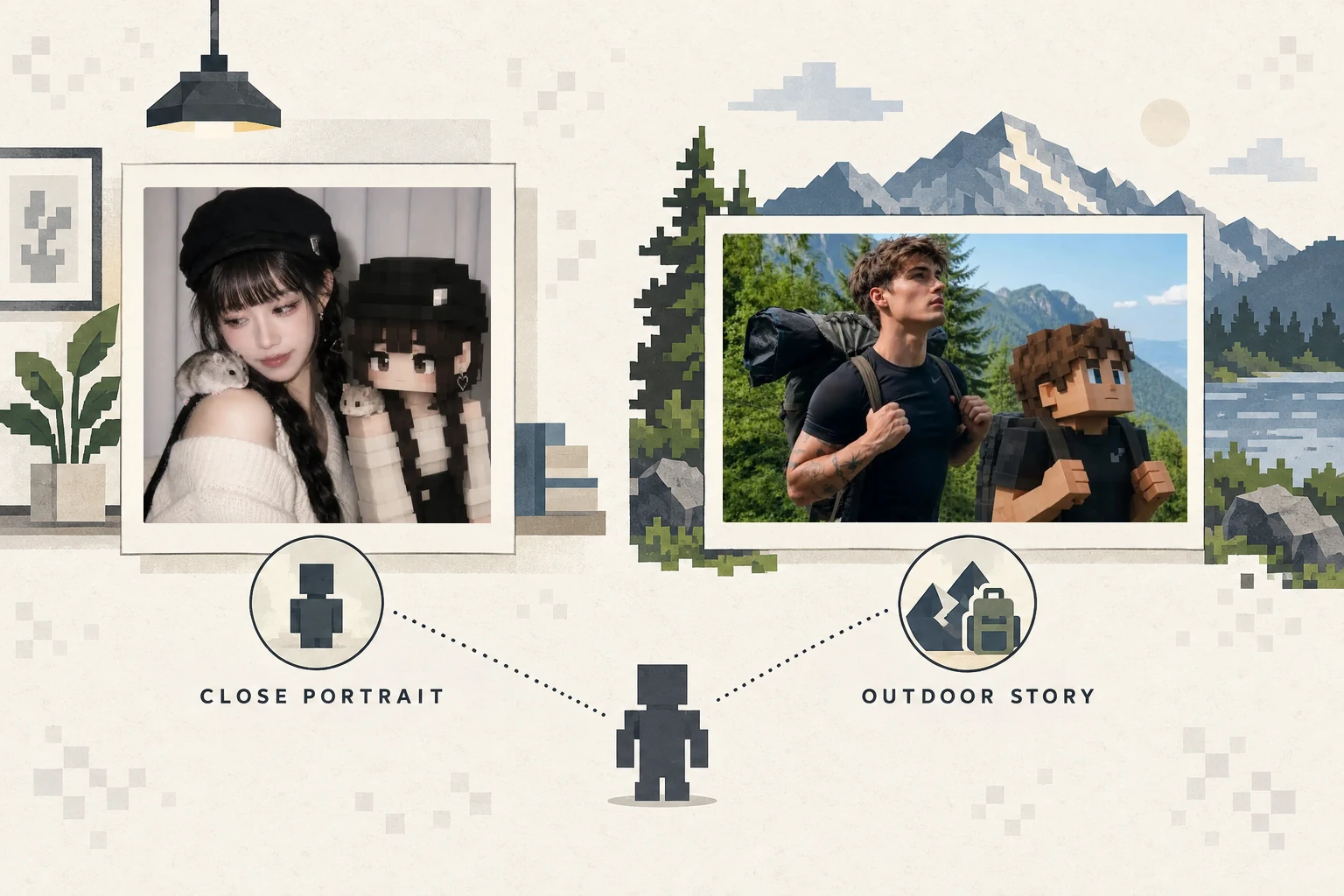
MC ME takes a more visual approach. The block-style character appears in the same kind of scene as the person: posing indoors, joining an outdoor adventure or sharing a small detail from the moment. A casual portrait can become a cozy photo with a digital companion, while a hiking shot can look like two versions of the same traveler exploring together.
The contrast is what makes the image fun. One side remains recognizably photographic; the other brings in chunky shapes, simplified features and the visual language of a sandbox game.
Which Photos Work Best with MC ME?
A clear photo gives the AI more useful details to work with. Your face, hairstyle and clothes should be visible, but the photo does not need to look like a professional studio portrait.
A waist-up selfie works well when you want the character to feel close and expressive. A full-body or outdoor photo gives the result more room to build a scene, especially for travel, hiking or lifestyle images.
You can also think about the story before choosing a picture. A soft indoor photo may suit a cute companion-style result, while an active outdoor image can create more of an adventure-game feeling. Avoid photos with several overlapping people or a heavily obscured face, as the main subject may be harder to identify.
How to Create an MC ME AI Portrait in Three Steps
The feature is designed for people who want the result without writing a long AI prompt.
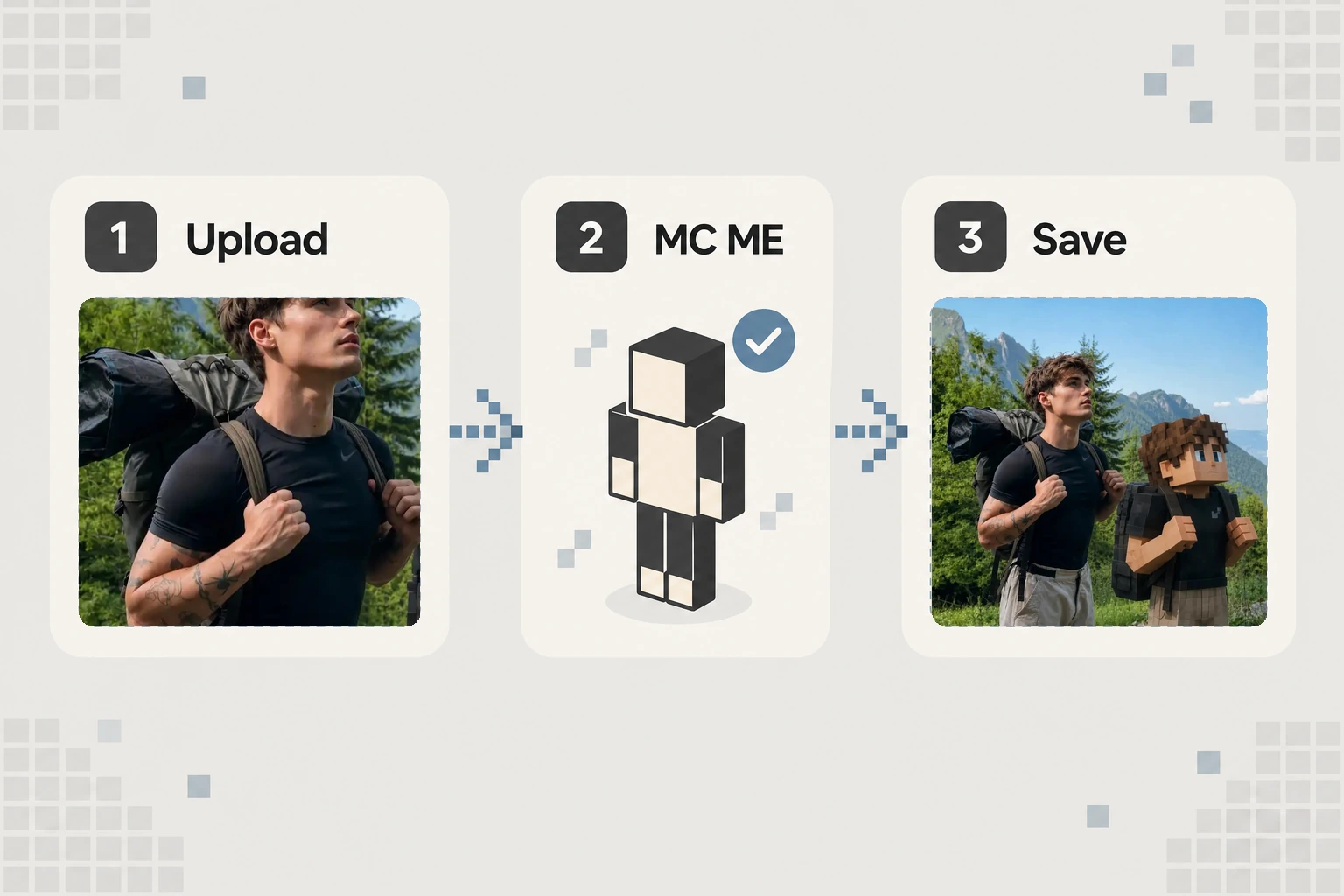
Step 1: Open Portrait Studio.
Visit PicMa Portrait Studio or PicMa APP from the homepage.
Step 2: Choose MC ME and upload a photo.
Select a clear selfie, portrait or travel picture from your device.
Step 3: Generate and save.
Wait for the block-style scene to appear, review the details and download the version you like.
Before sharing, take a quick look at the face, hands, clothing and background. AI-generated details can vary, so choose the result that feels most recognizable and visually balanced.
A Fun Choice for Gamers, Couples and Content Creators
An AI gaming portrait does not have to stay in your camera roll. A close composition can work as a gaming profile picture or Discord avatar. A wider image can become an Instagram post, video thumbnail or personalized wallpaper.
The side-by-side concept also makes MC ME suitable for matching posts. Couples or friends can create separate images and compare their block-style characters. Content creators can use the effect for gaming announcements, channel milestones or posts that connect their real identity with the games they enjoy.
The best use is usually personal rather than polished. Choose a photo with a story behind it—a favorite trip, a pet moment or simply an outfit that feels like you. The block character then becomes part of that memory instead of looking like a random filter.
Ready to meet your block-style alter ego? Try MC ME in PicMa Portrait Studio, upload a favorite photo and see how your real-world scene changes when the game version of you joins in.


FAQs
Is MC ME only for Minecraft players?
No. The style will feel familiar to sandbox-game fans, but anyone who enjoys pixel art, block characters or playful portraits can use it.
Do I need a full-body photo?
No. Selfies and waist-up portraits can work well. Full-body photos simply leave more space for the character and surrounding scene.
Can I use the result as a profile picture?
Yes. Choose a result where both your face and the block character remain clear after the image is cropped into a small square or circle.
Related Readings:

 39
39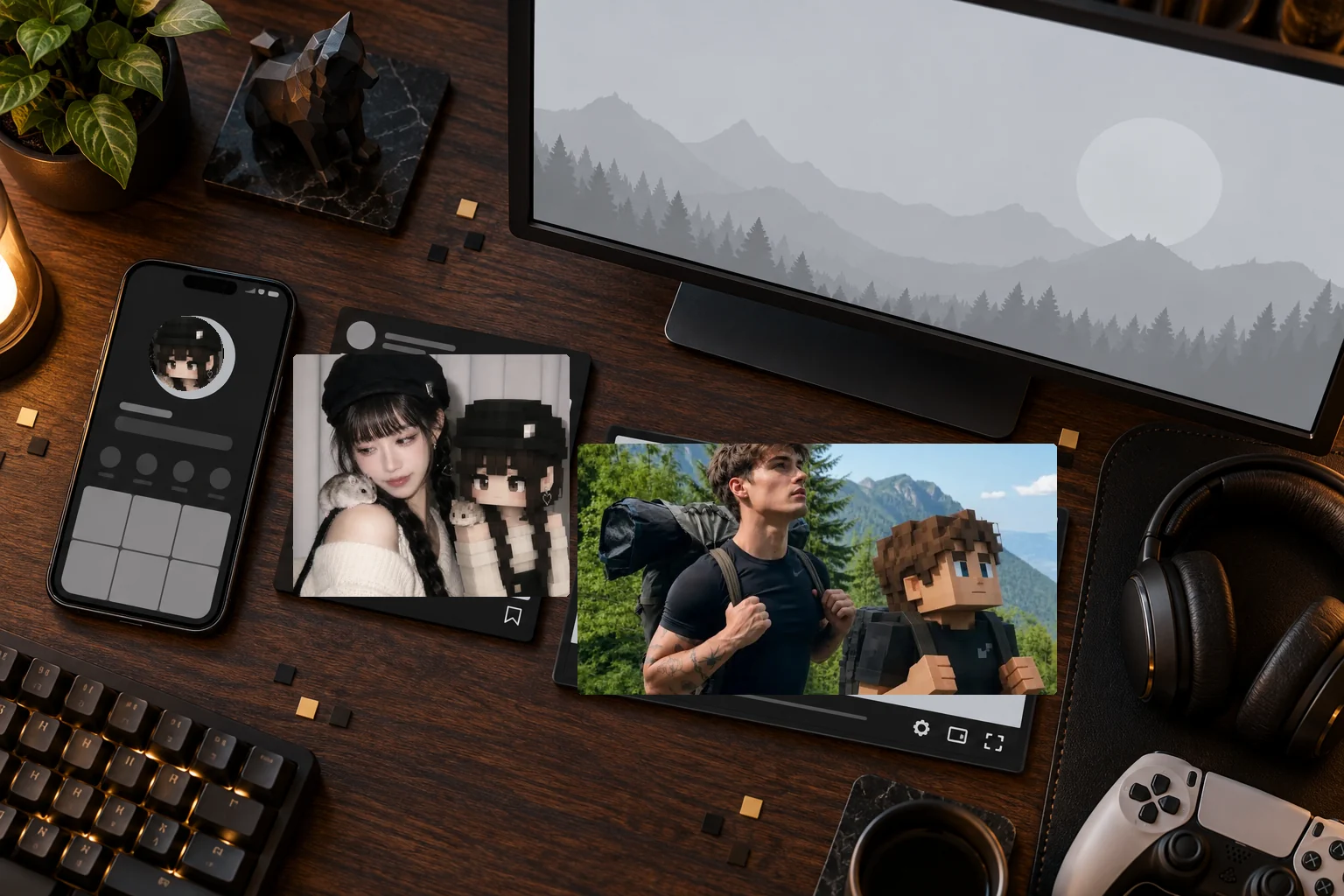

 English