Let Your Furry Friend Be the Story's Protagonist
You may have watched plenty of movies or animations where cats or dogs act as the main character. So one day, you may stare at your furry friend and think, “This little guy could totally be in Tom & Jerry!” Or maybe you’ve imagined your cat as the protagonist in Chi's Sweet Home, or your dog as Snoopy's friend.
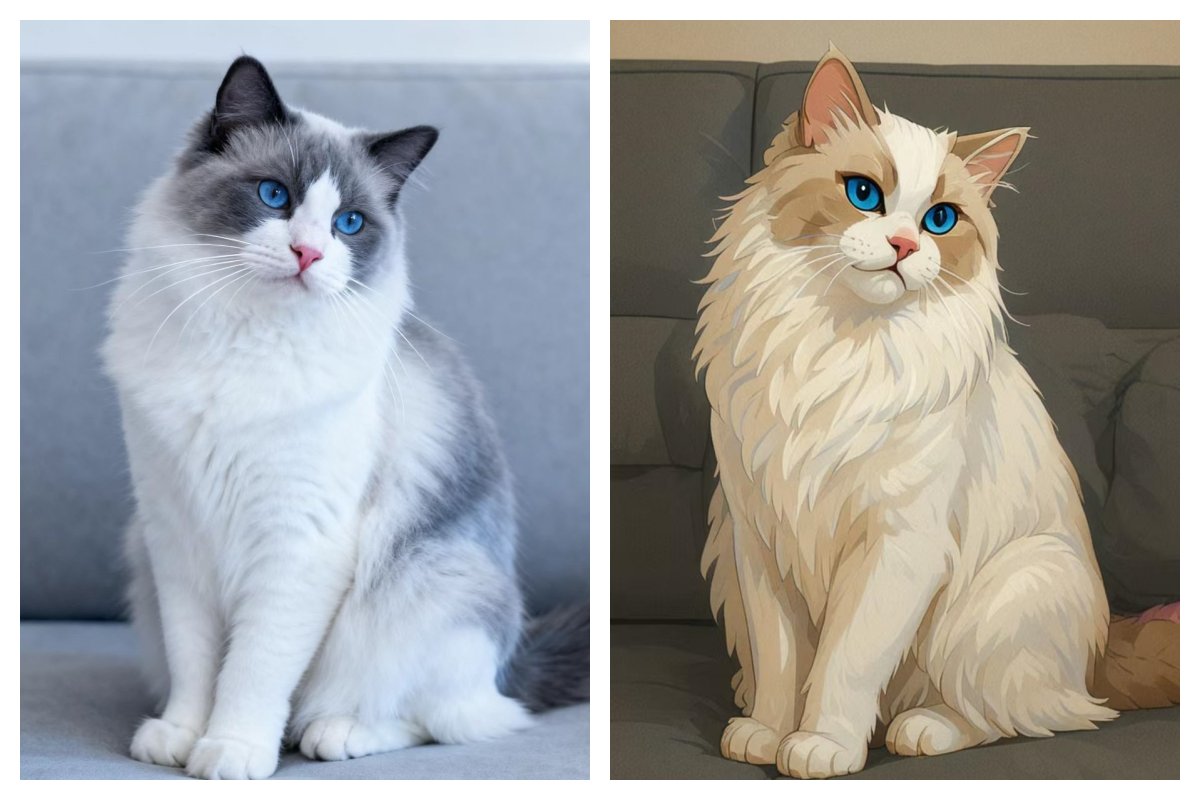
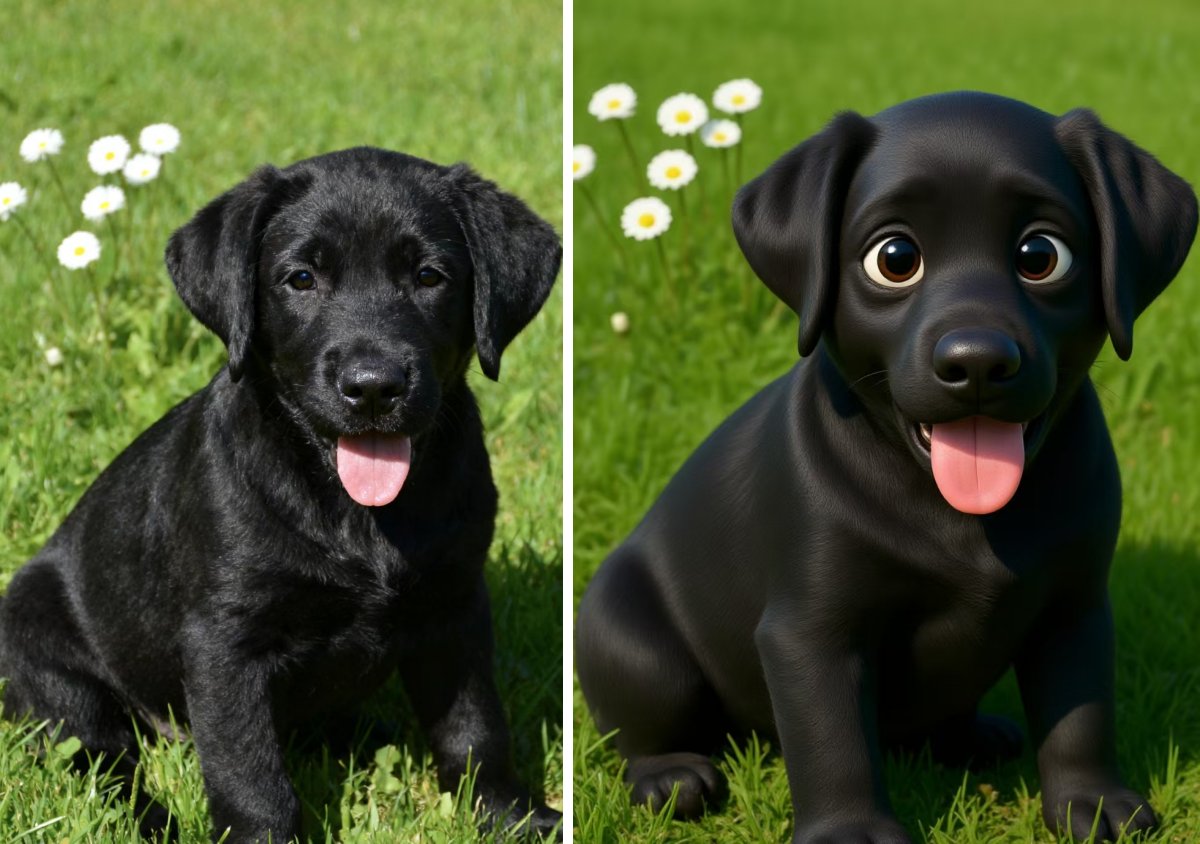
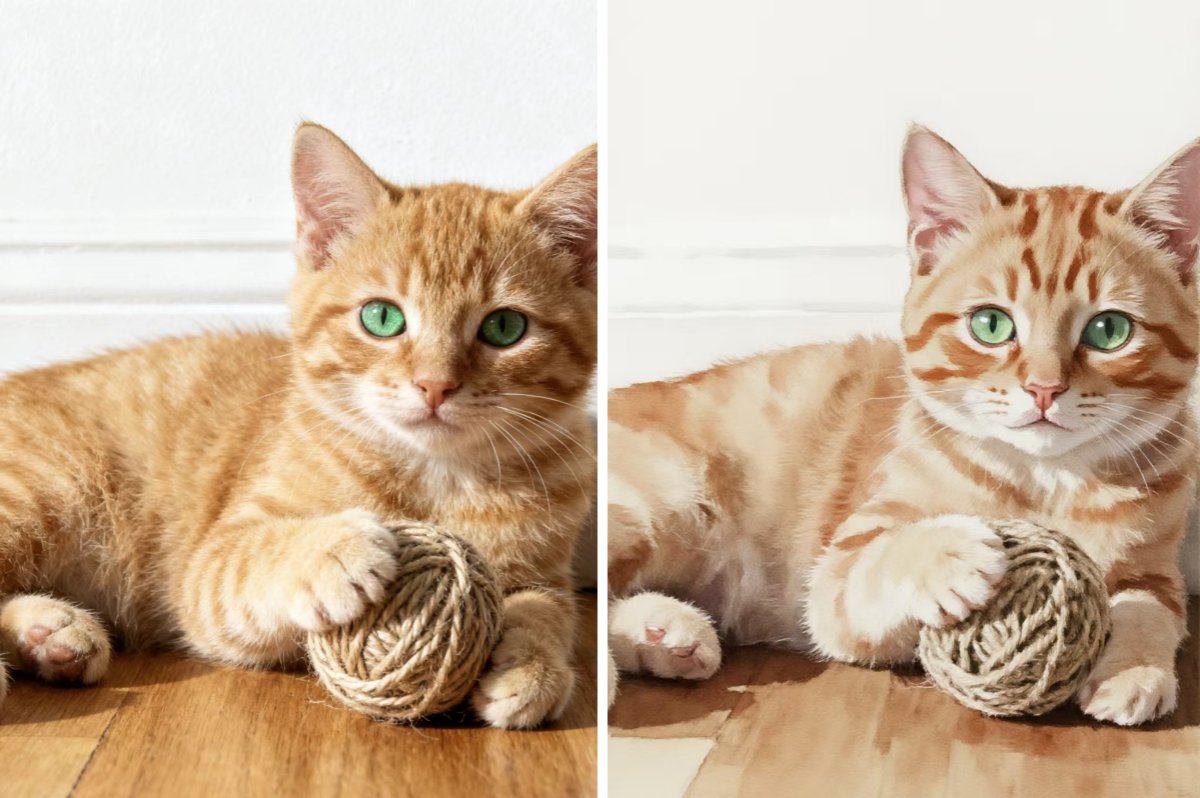
With PicMa’s creative AI filters, you don't have to imagine. You can instantly transform adorable pet photos into stunning works of art. Whether your pet is playful, majestic, or just irresistibly cute, our AI-powered style filters help you reimagine them in multiple artistic forms. From Simple Crayon and Watercolor to PixarStyle, Glitch Art, Jude, Clay, Comic, Irasutoya etc., there's a creative style for every pet.
How to Create Artistic Pet Photo
PicMa uses advanced generative AI models trained on diverse artistic styles. The technology recognizes your pet’s unique features—like the fluff of their fur, the sparkle in their eyes, or the curve of their ears—and applies various stylistic transformations while preserving those details.
All you need to do is:
- Open the PicMa app (available on Android and Apple devices)
- Choose an art style from our AI Filter gallery
- Upload a clear photo of your pet
- Let the AI create—your artistic pet portrait will be ready in seconds
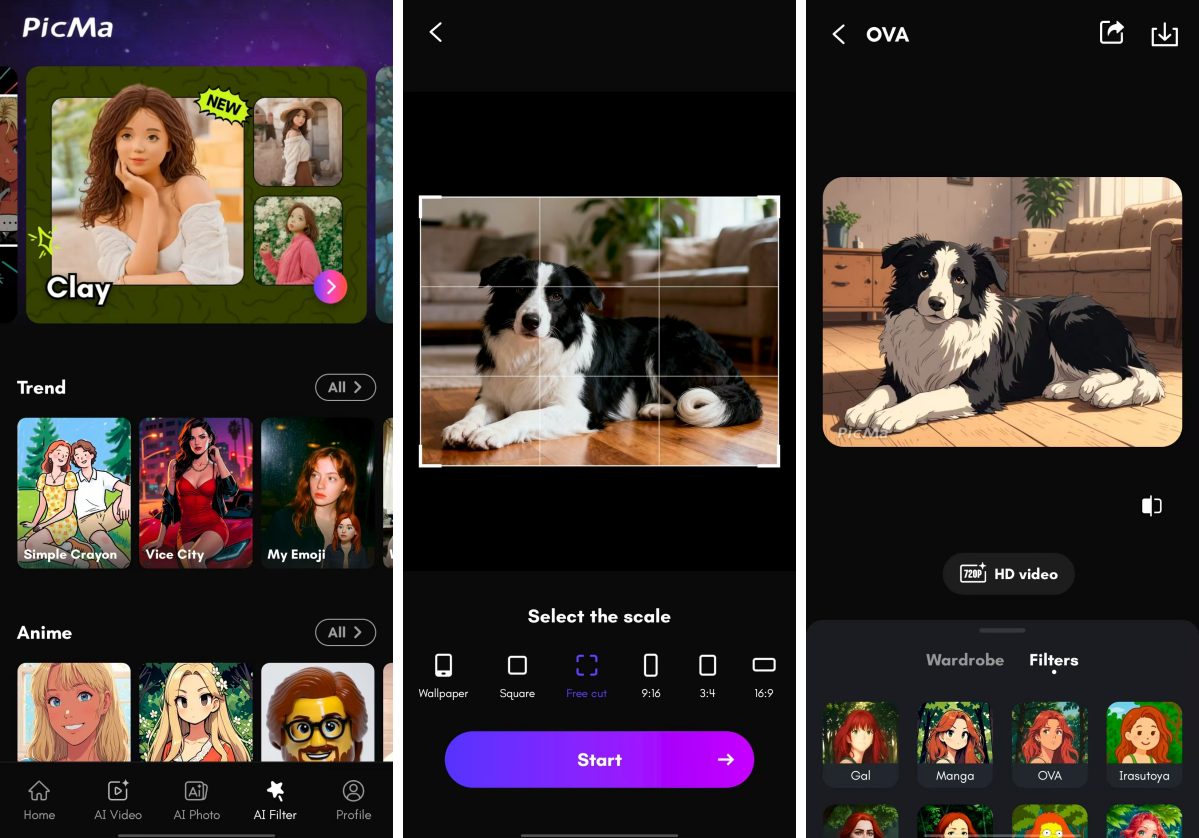
No design skills required. It’s fun, fast, and free to try. Plus, it's perfect for sharing and creating unique social media posts
Here’s a glimpse of the styles you can choose: PixarStyle, Watercolor, Manga/Anime, Sketch, Crayon, Comic, OVA, Irasutoya... You can definitely find your favorite type among these dazzling options.
Try PicMa's AI Filter Now—For Free!
In PicMa, you can be a creative artist with AI Filter. Just tap your artistic potential here. Whether it's your selfies, your friend's photos, or your pet photos—there’s always a filter that’s just right. And this feature is now free for everyone!
FAQ (Frequently Asked Questions)
Q1: Are the AI filters free to use?
A: Yes! AI filters are totally free. Some premium functions may require a PicMa Pro subscription.
Q2: What kinds of photos work best with the AI Filter?
A: The AI works well with clear, well-lit and frontal photos.
Q3: How long does it take to process a photo?
A: Usually just a few seconds per photo.
Q4: Can I use AI Filter on the web?
A: Yes, you can visit PicMa Studio, but it offers fewer filter styles than the app.


Related Readings:

 198
198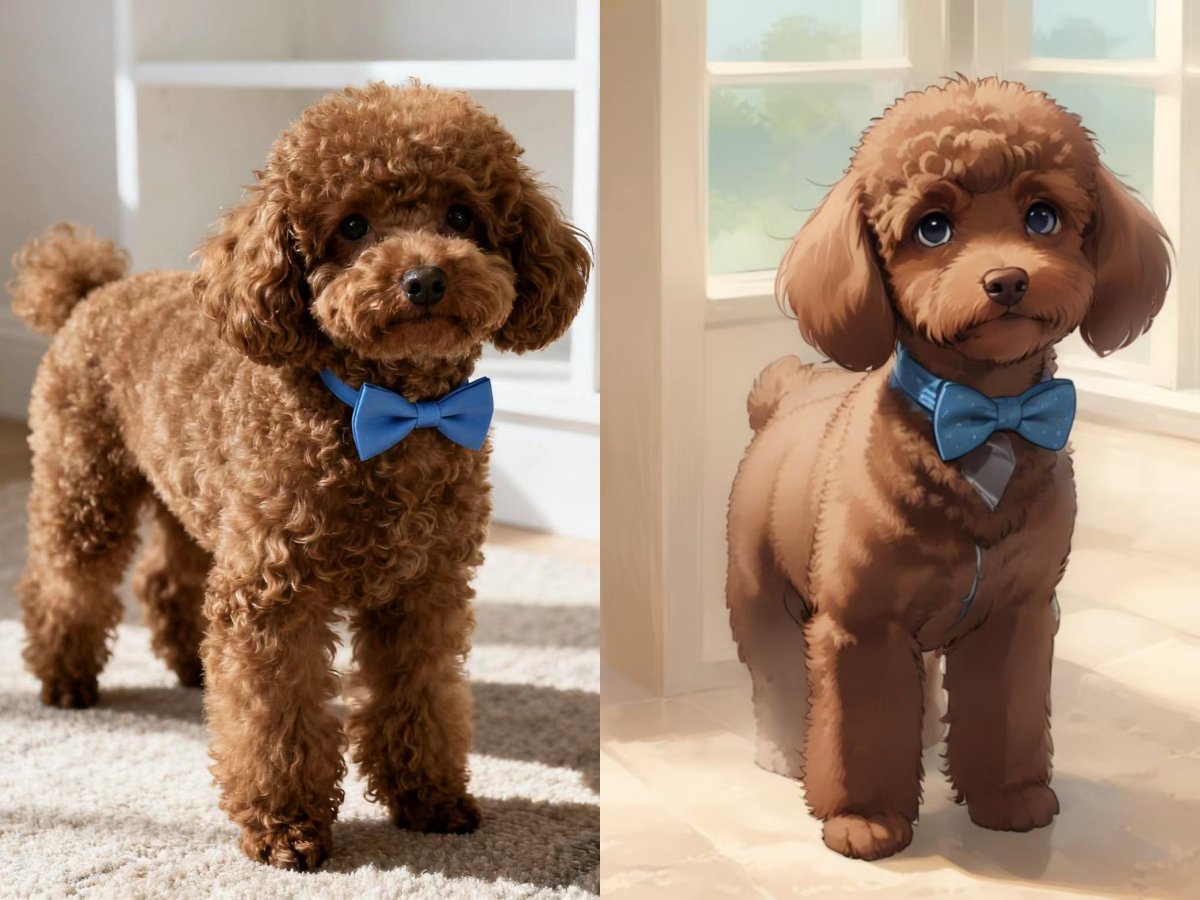

 English