The 1980s are back in photo feeds, but the appeal goes deeper than big hair and bright clothes. Warm film grain, faded shop signs, denim jackets and slightly imperfect lighting make a portrait feel like a memory discovered in an old photo album.
PicMa’s new Back to 80s series brings that atmosphere to AI portraits. Upload one clear photo, choose a scene, and the tool builds an ’80s-inspired look around you—from a record store street to a harbor at sunset.
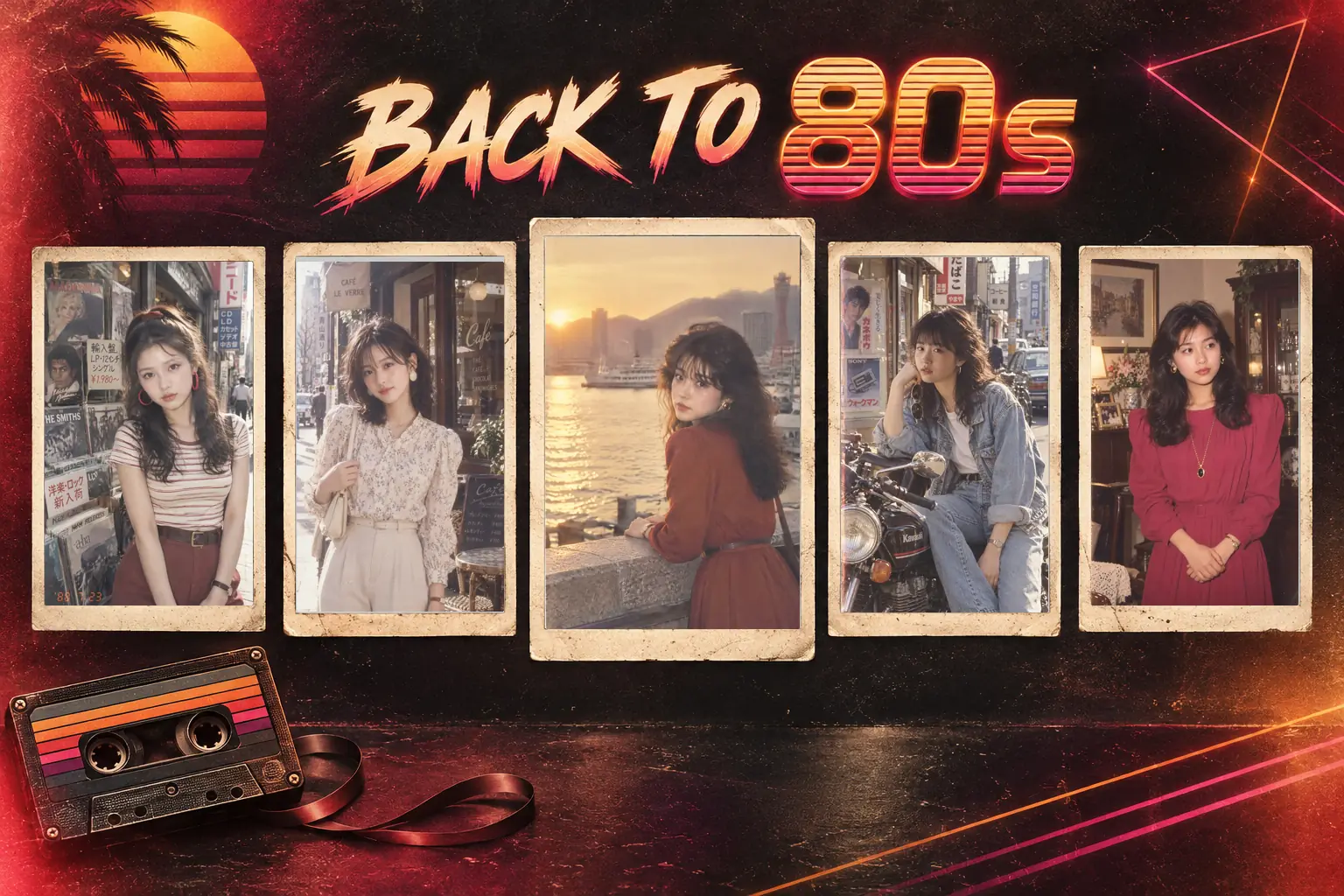
The five styles share the same retro decade, yet each one tells a different story.
Why the 80s Photo Aesthetic Still Feels Fresh
Modern phone photos are often extremely sharp and evenly lit. They record everything clearly, but that perfection can make one portrait look much like another.
An 80s AI photo filter introduces the details that contemporary cameras tend to remove: softer focus, warmer highlights, visible grain and colors that feel slightly aged. Clothing, hair and surroundings work together, so the result feels more like a scene than a color preset placed over a selfie.
That balance explains why the aesthetic works particularly well for profile updates, nostalgic social posts, playlist covers and personal mood boards. It looks vintage while keeping the person at the center of the image.
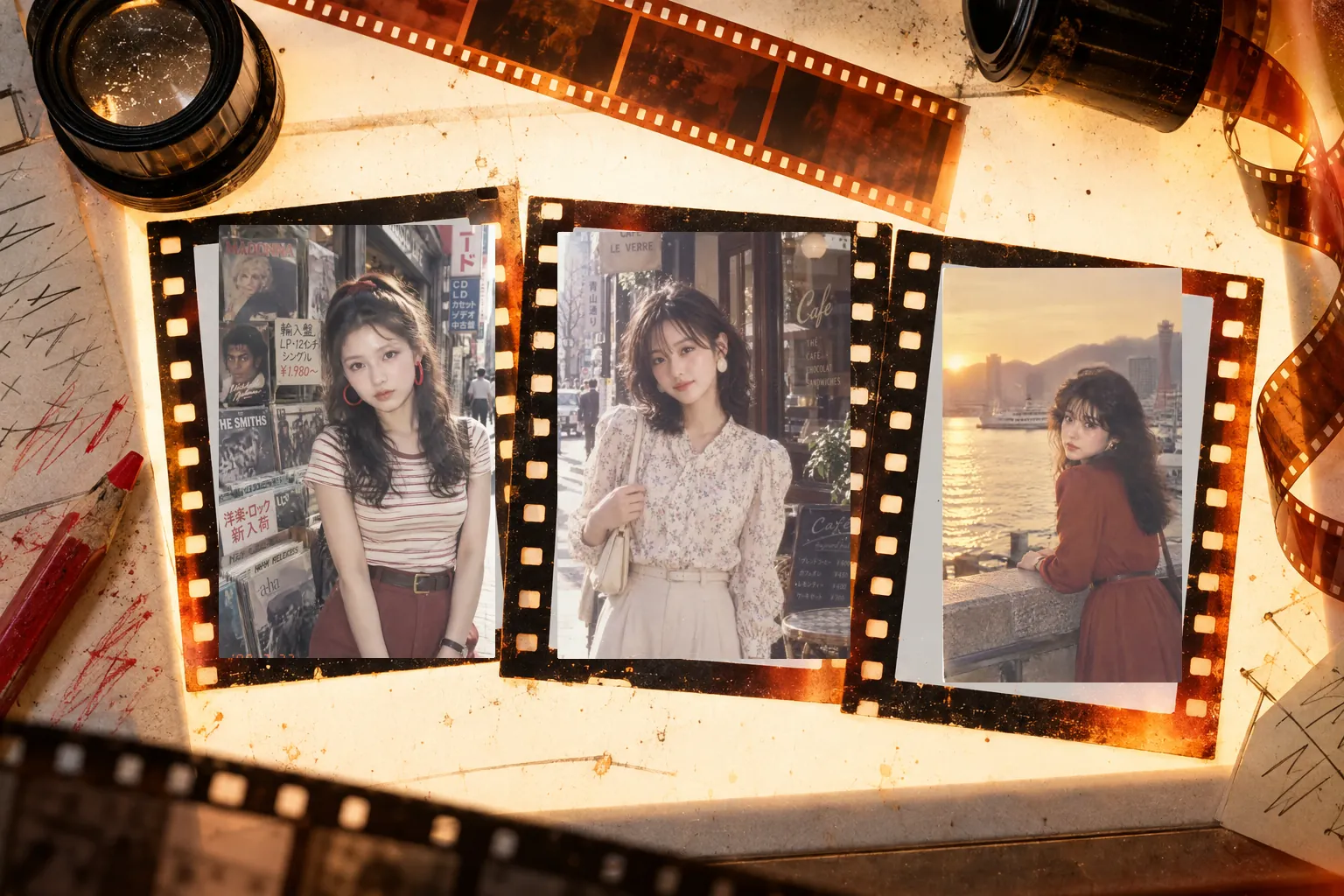
Five Retro Styles, Five Different Moods
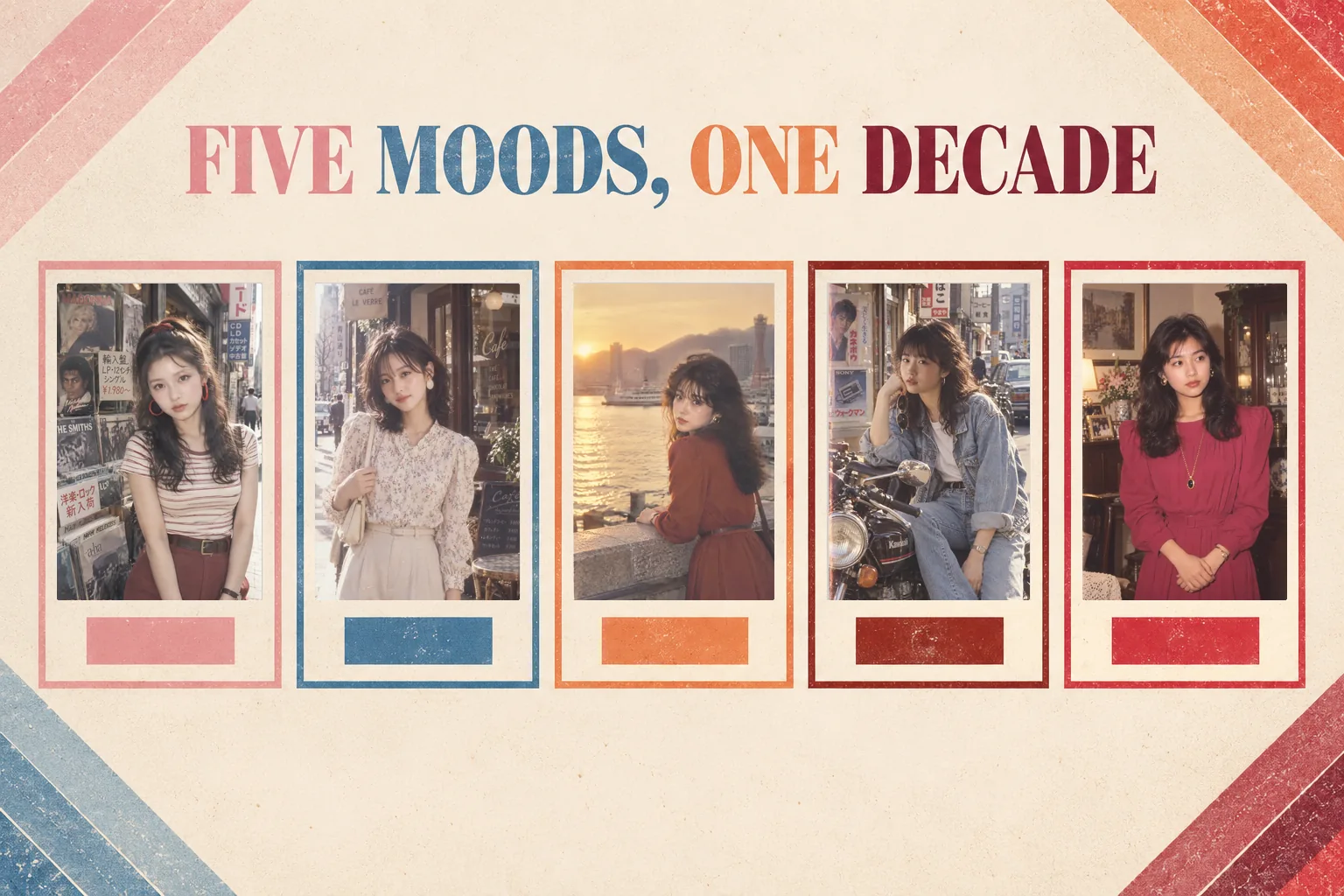
The right style depends less on historical accuracy and more on the mood you want the picture to carry.
80s Retro Record Store has the strongest street-style personality. Music posters, storefront details and striped clothing give it the feeling of browsing for a new record after school. It suits users who like vintage music, Japanese city photography and casual retro outfits.
80s Retro Café Afternoon is softer and more romantic. Floral clothing, warm daylight and a quiet café setting create an approachable portrait that works well for lifestyle feeds and profile photos.
80s Retro Harbor Sunset feels more cinematic. Golden light, deep red clothing and the waterfront background make it a good choice when you want an image that looks like a still from an old romance film.
80s Retro Motorcycle Girl brings a cooler, more independent mood. The denim-on-denim styling, city street and motorcycle give the portrait the energy of an ’80s youth magazine.
80s Vintage House Party is the most dressed-up option. Its bold dress, warm indoor lighting and nostalgic home interior suit celebration posts, birthday content and retro fashion inspiration.
If you are unsure where to start, choose the setting closest to your normal style. A casual result that still feels like you is often more convincing than the most dramatic transformation.
How to Create a Back to 80s Portrait
You do not need to find vintage clothes or recreate an entire room.
Step 1: Open Portrait Studio.
Go to PicMa Portrait Studio and find the Back to 80s collection.
Step 2: Choose a style and upload your photo.
Select one of the five scenes and use a clear portrait with your face visible.
Step 3: Generate, review and save.
Check the facial details, hairstyle, clothing and background before downloading your preferred result.
A front-facing or slightly angled portrait is usually the easiest starting point. Photos with even lighting and minimal beauty filters also give the AI clearer facial information to work with.
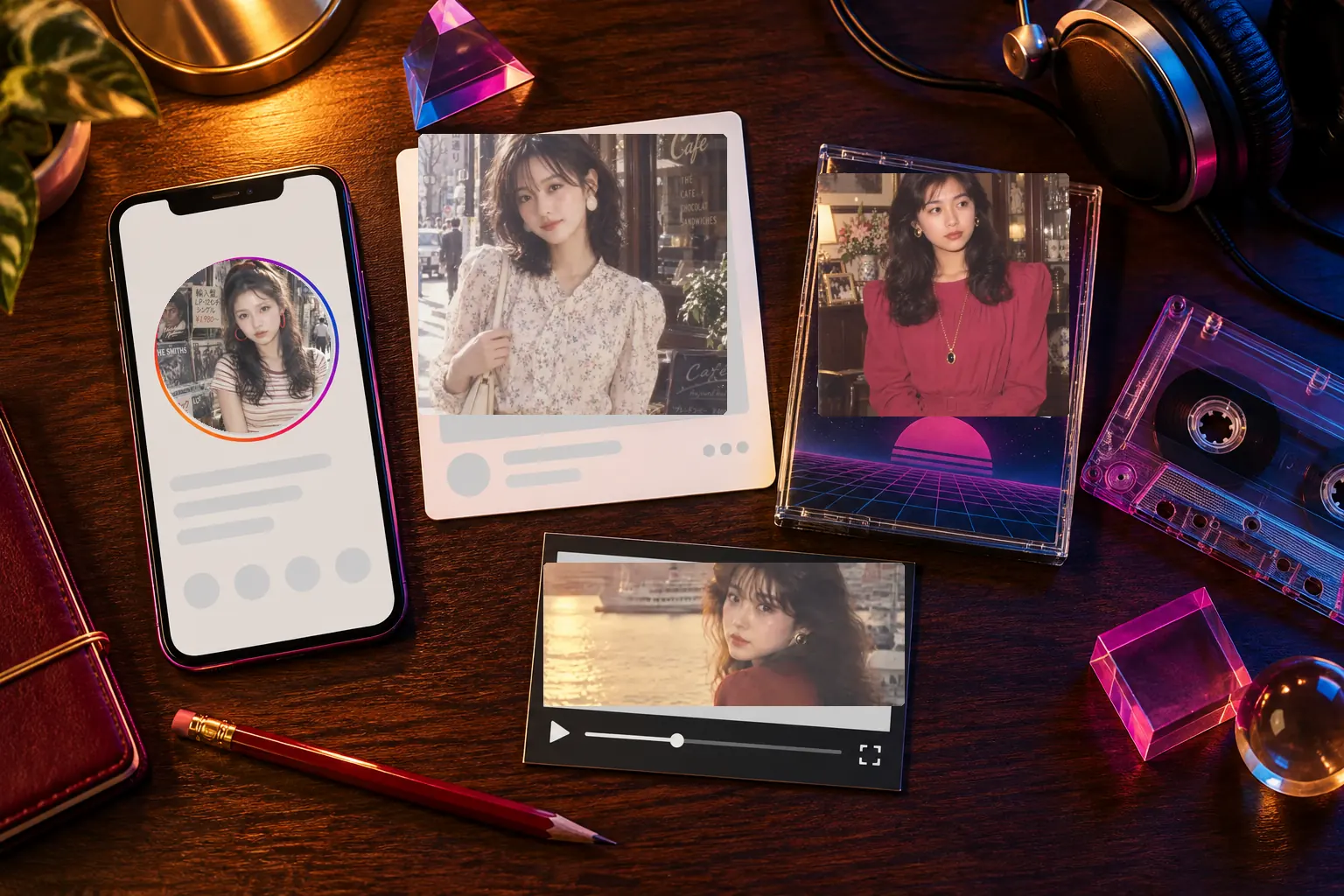
Choosing the Right 80s Portrait for Your Feed
Think about where the finished image will appear. Record Store and Motorcycle Girl naturally suit music, fashion and street-style content. Café Afternoon works as a softer everyday profile picture, while Harbor Sunset can carry a more cinematic post without needing much additional design. House Party is useful when you want the outfit itself to become the focus.
You can also turn the five styles into a small series instead of treating them as competing options. Use the same source photo across several scenes and compare how the setting changes your character—from record collector to harbor-film heroine.
AI-generated details can vary, particularly around hair, jewelry, hands and background text. Review the full image rather than judging only the face, and choose the version that feels visually coherent.
Ready to see which decade-inspired look fits you? Explore PicMa’s Back to 80s styles, upload a favorite portrait and try the scene that matches your mood.


FAQs
Do I need to wear 80s clothing in my original photo?
No. Start with a clear portrait. The selected style creates the retro clothing and scene as part of the generated image.
Which Back to 80s style is best for a profile picture?
Café Afternoon and Record Store have relatively casual moods. The best choice is still the image that keeps your face clear after square or circular cropping.
Can I try more than one style with the same photo?
Yes. Using the same source image across different scenes is an easy way to compare the five moods and find the one that suits you.

 25

 English