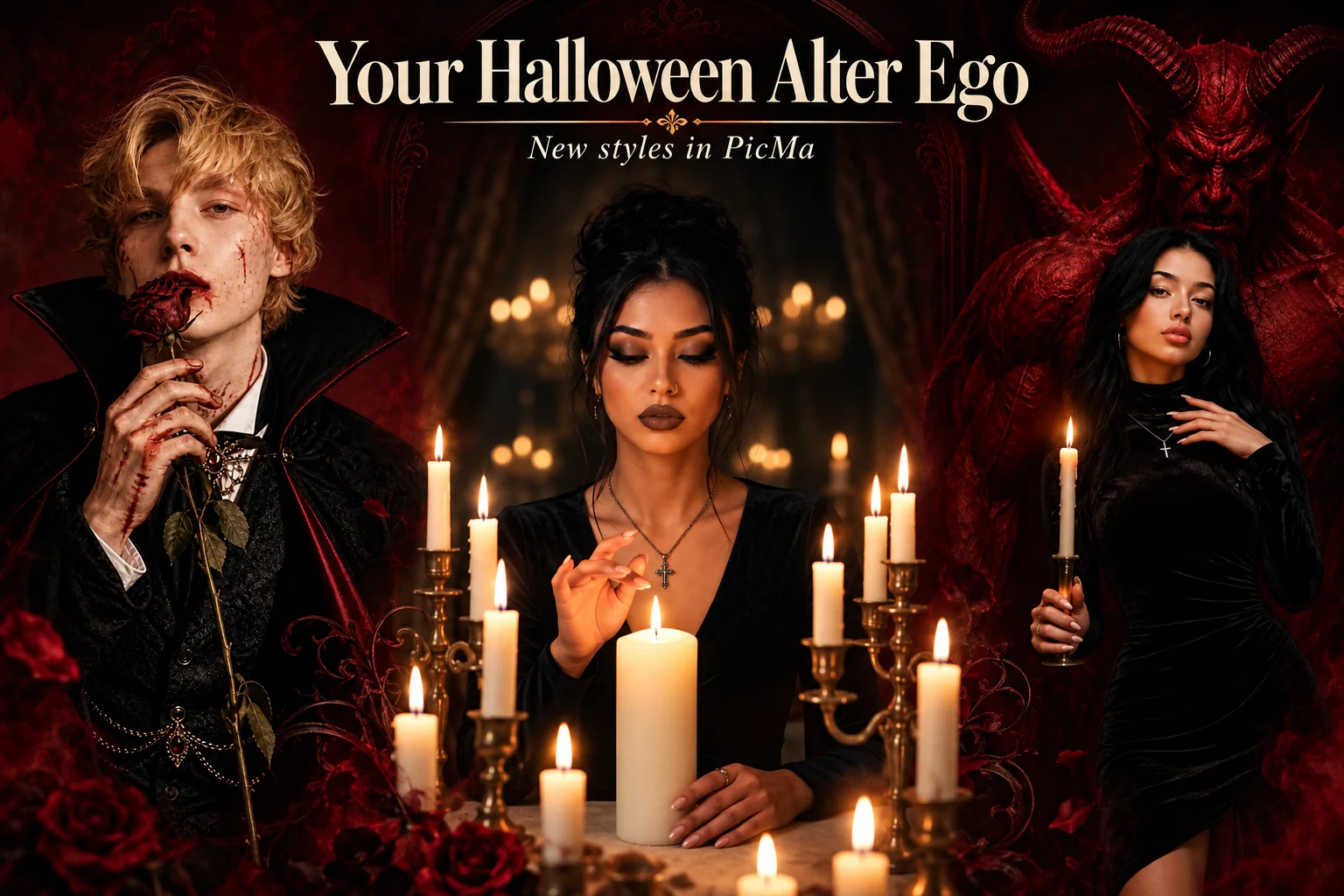
A candlelit portrait, a velvet-caped vampire, or a selfie with something unsettling behind you—which version of yourself belongs on your profile this Halloween?
PicMa’s new Halloween AI filters offer ten different answers. The collection moves from gothic glamour to horror scenes and playful sci-fi, giving you a seasonal portrait direction without organizing a themed photoshoot. Explore the looks in PicMa Portrait Studio, then choose the mood you’d actually want to share.
For Gothic Glamour: Candles, Velvet, and Dark Fantasy
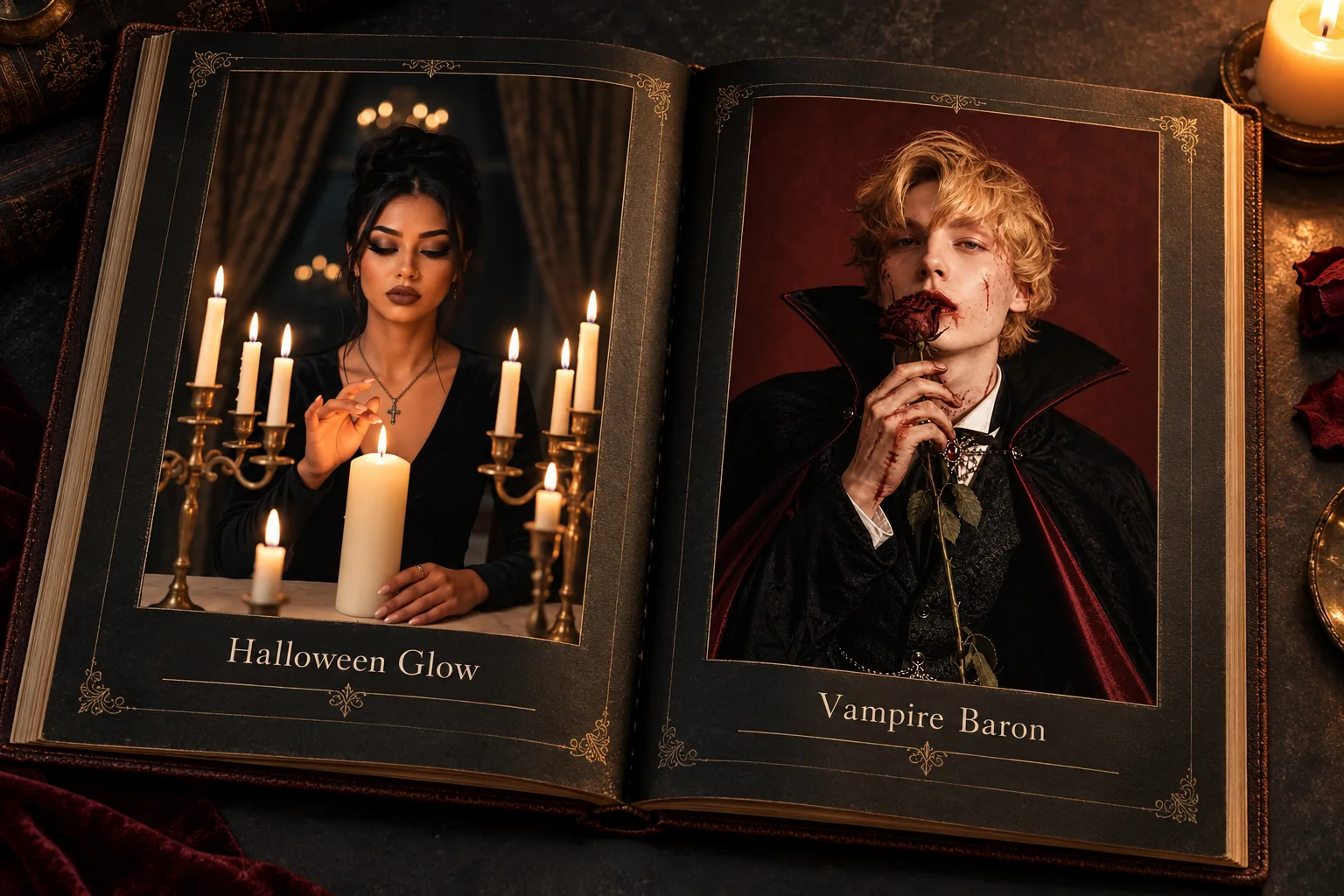
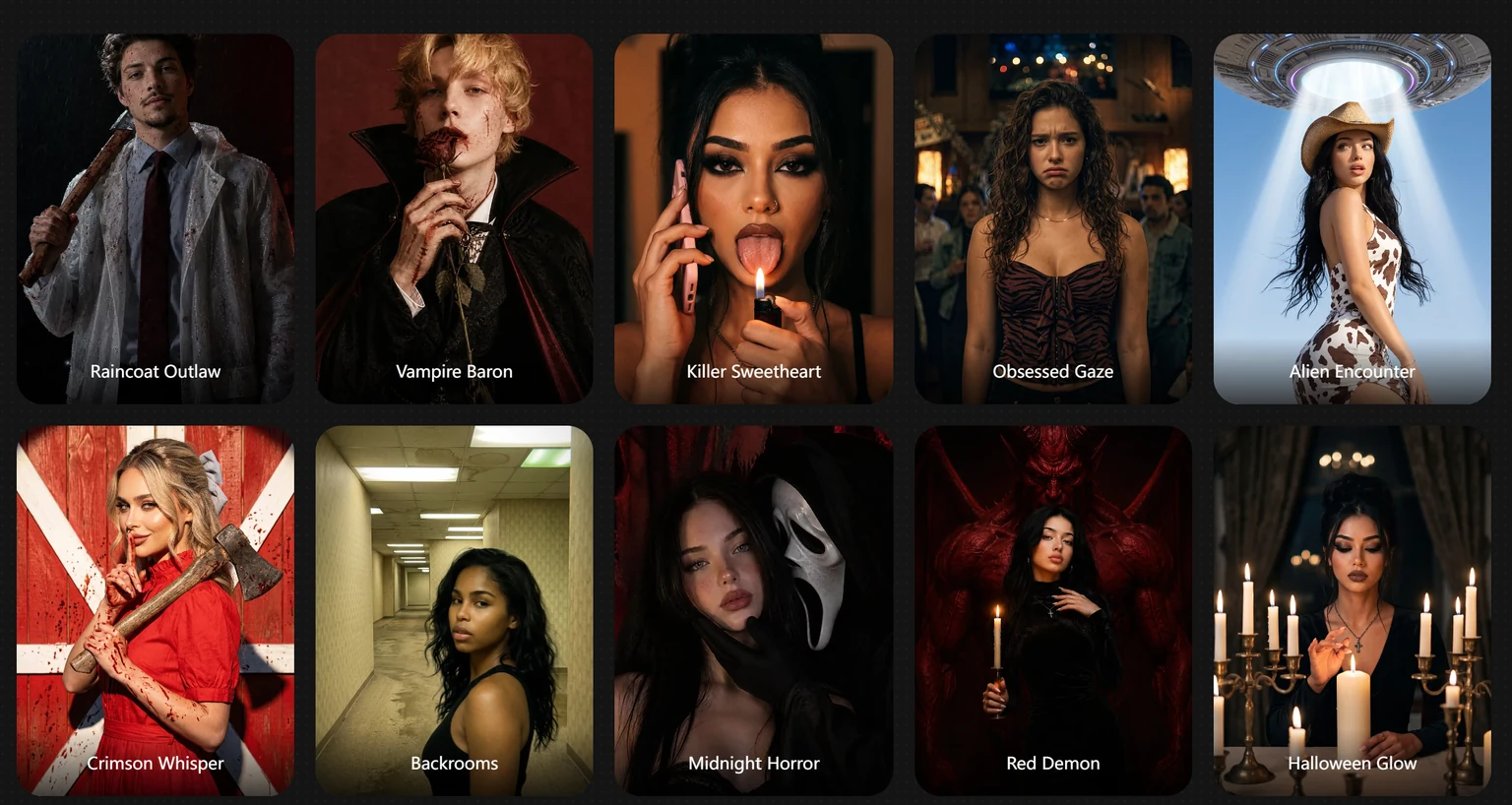
Halloween Glow is an easy first pick if you want atmosphere. Its candlelit setting, dark clothing, and warm highlights create a quietly dramatic portrait that works well for a seasonal profile update.
Vampire Baron takes a more theatrical approach, with a high collar, rich red backdrop, and rose detail. It’s the choice for anyone imagining themselves on the cover of a gothic novel.
For a bolder fantasy scene, Red Demon places the portrait against a towering red creature. Choose it when you want the background to be as memorable as the face.
For Horror Fans: Choose Your Kind of Suspense
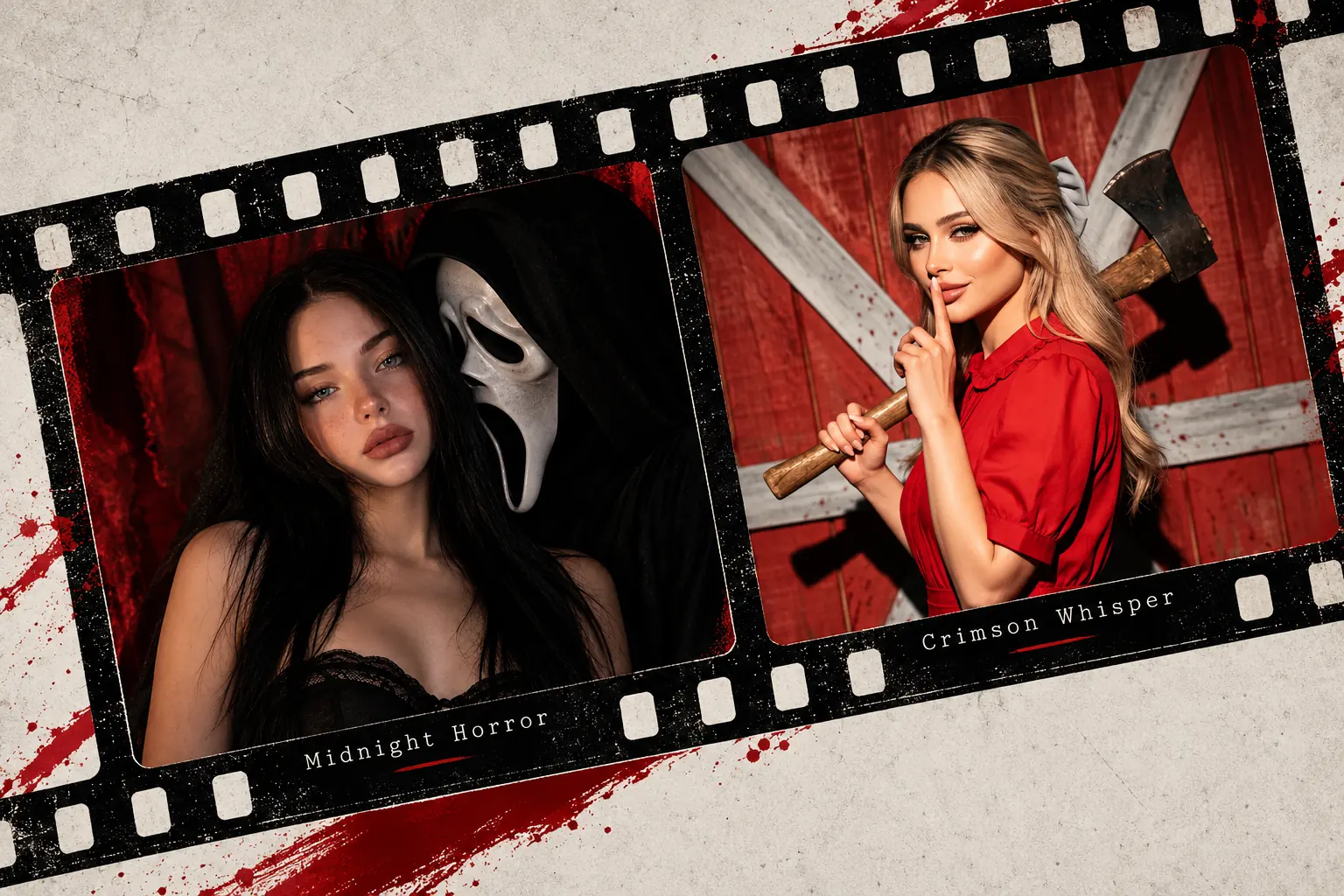
Midnight Horror brings a masked figure into a close-up portrait, while Crimson Whisper pairs a vivid red outfit with a barn setting and prop axe. Raincoat Outlaw adds a raincoat-and-tie look with a darker thriller mood.
Prefer tension that comes from the setting? Backrooms uses an eerily empty corridor, and Obsessed Gaze puts an intense expression against a populated nighttime interior. Killer Sweetheart leans into an edgy, cinematic close-up.
Then there’s Alien Encounter: a cowboy hat, a hovering spacecraft, and a beam of light. It’s a playful option if your Halloween mood is more strange than sinister.
Make Your Halloween AI Portrait in Three Steps
Once a style catches your eye, start with a clear photo where your face is easy to see.
Step 1: Open PicMa Portrait Studio.
Step 2: Select a Halloween style and upload your photo.
Step 3: Generate your portrait and review the result.
Use a photo without heavy filters or anything covering your face. Check facial details before picking your favorite—AI portraits can change some features.
Pick a Look That Works Where You’ll Share It
For a profile picture, choose a crop that keeps your face recognizable. Halloween Glow’s candlelit framing and Vampire Baron’s close portrait are useful starting points.
For a Story or feed post, leave room for the scene. Red Demon’s creature and Alien Encounter’s spacecraft help tell the story, so cropping too tightly can lose the effect.
Can’t choose? Share two looks in a carousel and let friends vote. Label them as AI portraits, and make the style names part of the conversation.
Which Halloween alter ego will you try? Explore PicMa’s new styles, upload your photo, and find your favorite.

FAQ
Which style should I try first?
Halloween Glow for a moody portrait; Vampire Baron for costume drama. Start with whichever example makes you stop scrolling.
Do I need to dress up before uploading?
You can start with an everyday photo. A clear, unobstructed face is a useful starting point.
Will I look exactly like the example?
The example shows the style direction. Your photo influences the result, and AI may change details, so review it before sharing.

 25

 English