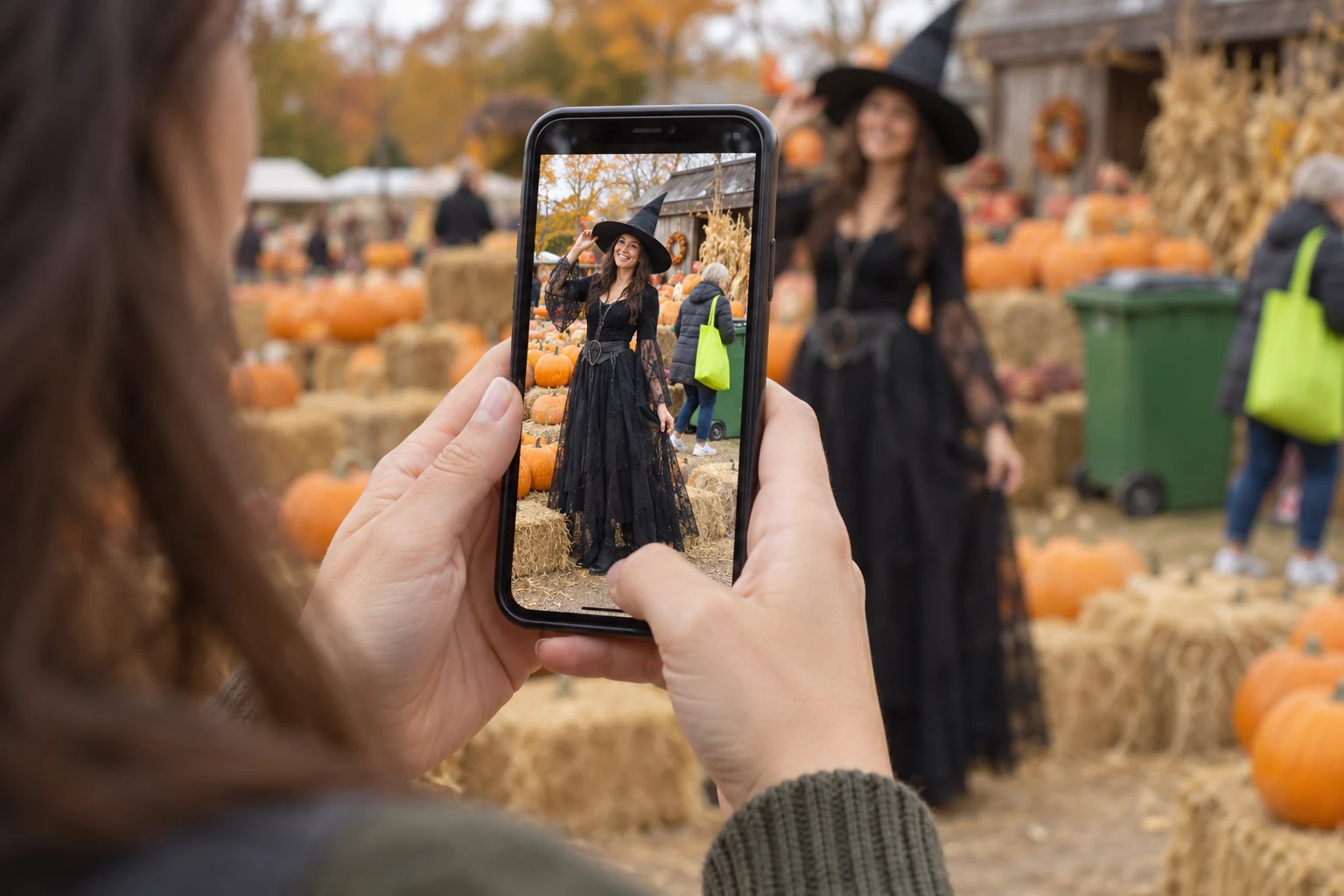
Your Halloween costume looks great. Your expression is right. Then you notice a trash bin behind your shoulder—or someone walking through the background.
It’s a familiar problem at crowded parties and pumpkin patches. Before cropping away half your outfit, consider removing the distraction. A small edit may be enough to make your favorite Halloween photo feel ready to share.
When the Costume Works but the Background Doesn’t
The photo worth keeping is often the one you couldn’t recreate: a spontaneous laugh, a dramatic cape caught in motion, or the moment your makeup finally photographed well.
Look at what draws your eye away from that moment. A bright shopping bag, abandoned drink cup, or background passerby might be distracting without adding anything to the picture. Those are useful candidates for an object removal edit.
Start with one distraction. You may find the photo needs less work than you expected.
What Should You Remove from a Halloween Photo?
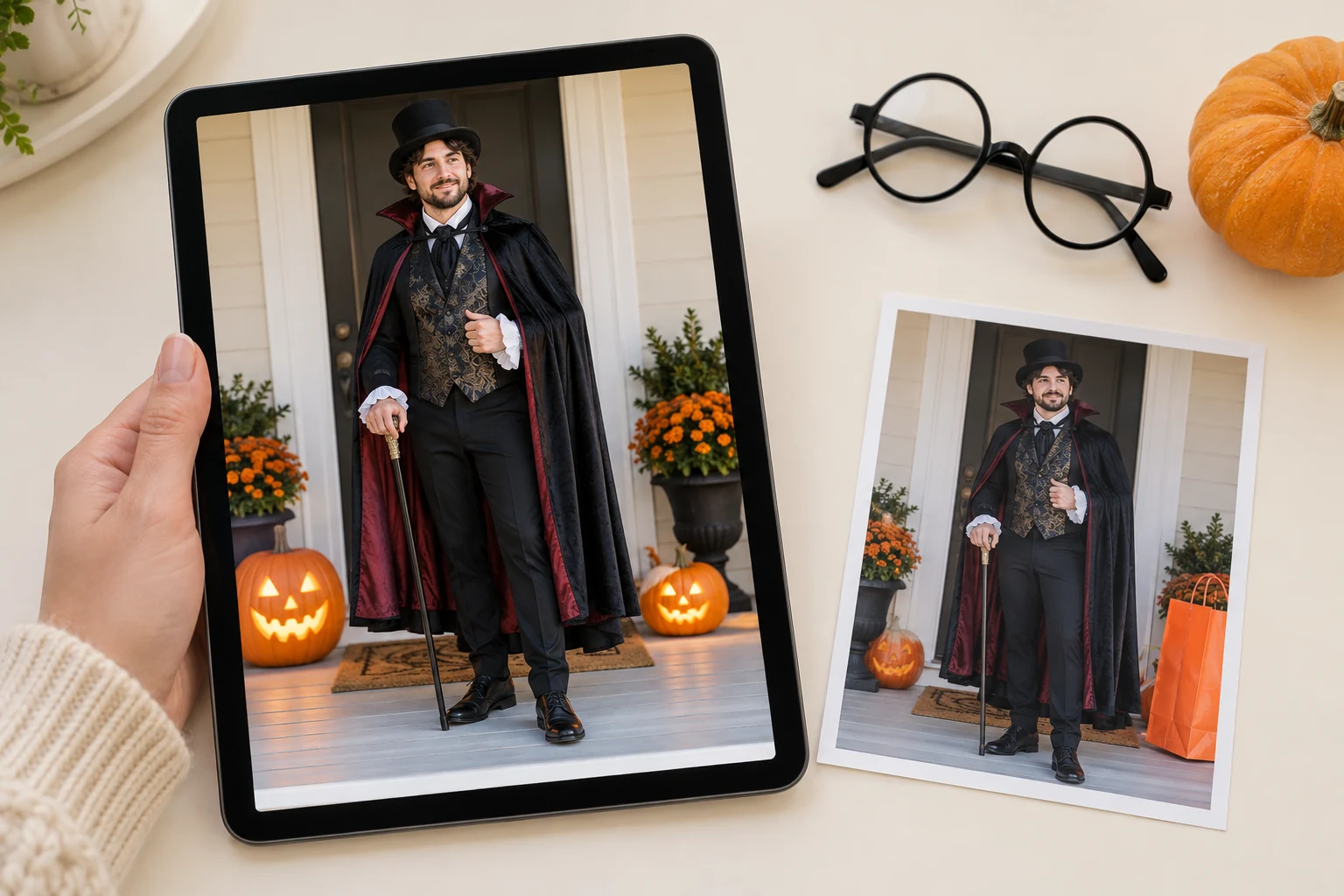
Keep the details that explain the occasion. Pumpkin lanterns, cobwebs, and party decorations give the picture its Halloween atmosphere.
Focus instead on things that interrupt the composition. A cup near the bottom edge or a bag on an otherwise empty bench is a sensible place to start with PicMa Object Remover.
Removing a background person can be trickier when they overlap your hair, costume, or props. Review those edges carefully. Detailed patterns and crowded scenes may need more attention than a simple wall or open pavement.
Clean Up Your Photo with PicMa in Three Steps
Once you know what you want to remove, the process is short:
Step 1: Open PicMa Object Remover and upload your photo.
Step 2: Mark the unwanted area, then click Apply.
Step 3: Review the edited area and save the result.
PicMa’s upload interface uses a travel photo to illustrate object removal. Upload your own Halloween photo to begin.
Work on a small area first. After processing, check the surrounding texture and nearby outlines before deciding whether to remove anything else.

Keep the Halloween Atmosphere in the Frame
A cleaner photo can still feel like a real party. Leave the decorations, the warm pumpkin glow, and the little details that made the night memorable.
Before posting, view the image both close up and at normal phone size. Check for repeated textures or awkward edges where something was removed, then make sure the overall scene still feels natural.
The aim is a photo where your costume gets the attention—and the setting still tells its story.
Have a favorite shot with one distracting detail? Try PicMa Object Remover and give your Halloween photo a quick cleanup.


FAQ
Can I remove someone standing behind me?
You can try. Results are easier to assess when the person is separate from your body. Overlapping hair or clothing needs a closer look.
Do I have to remove every bit of clutter?
No. Start with whatever catches your eye first. A few party details can make the photo feel more personal.
What if the edited area looks odd?
Try a smaller selection and review it again. Some backgrounds are harder to reconstruct naturally.

 2
2

 English