Your costume is ready for its close-up. The laundry basket behind it probably isn’t.
A photo cutout gives a favorite Halloween outfit more ways to shine. Once the background is removed, you can use the subject in a party invitation, a profile image, or a seasonal collage. PicMa Background Remover is a place to start with a costume photo you already have.
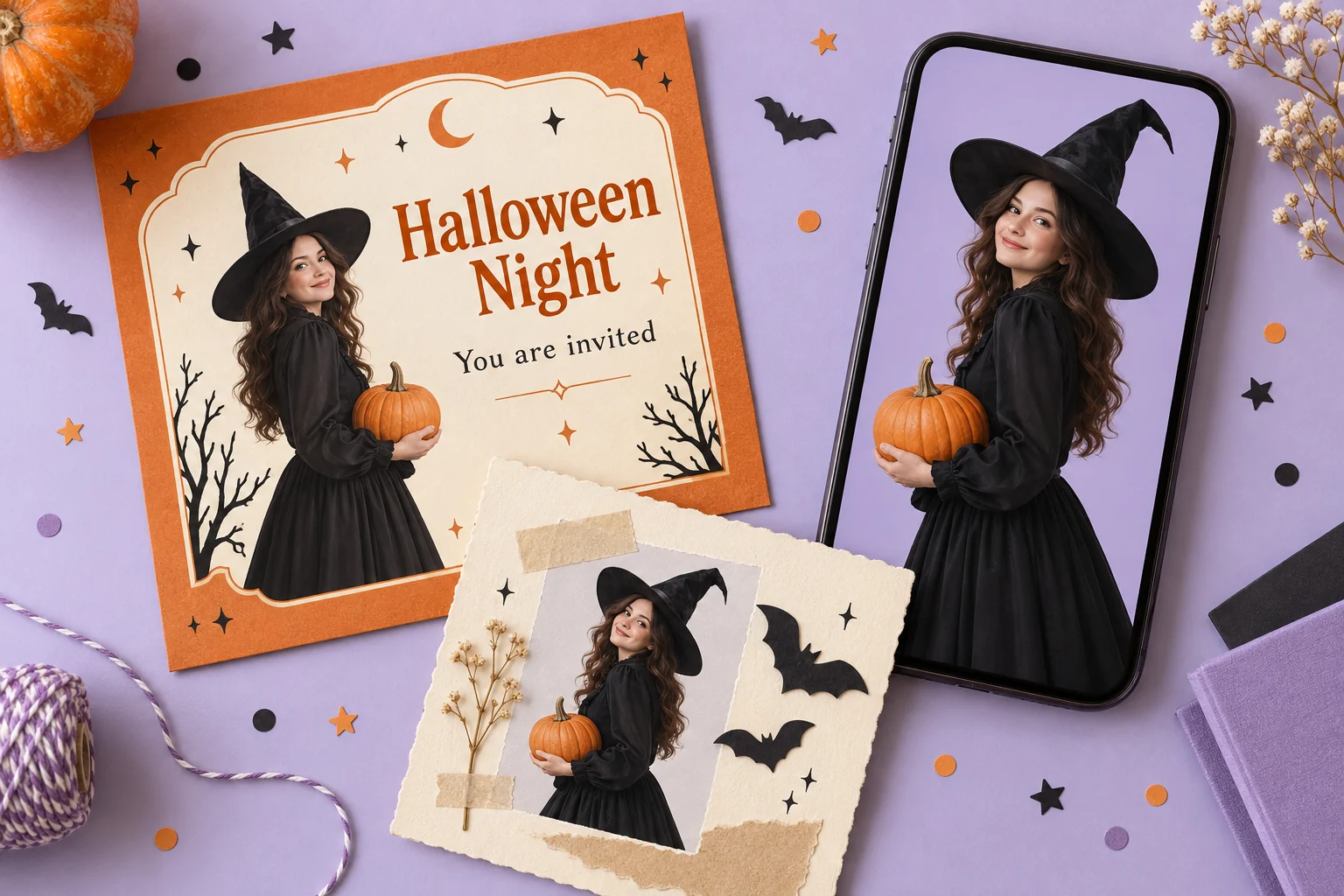
Give Your Costume a Cleaner Frame
A hallway mirror or busy living room can pull attention away from the outfit you spent time putting together. Removing the background isolates the person and the costume, giving you a subject you can place in a new design.
That’s useful when cropping would cut off a pointed hat, a sweeping cape, or the pumpkin bucket that completes the look. Keep those details in the original frame so they have a chance to stay in the cutout.
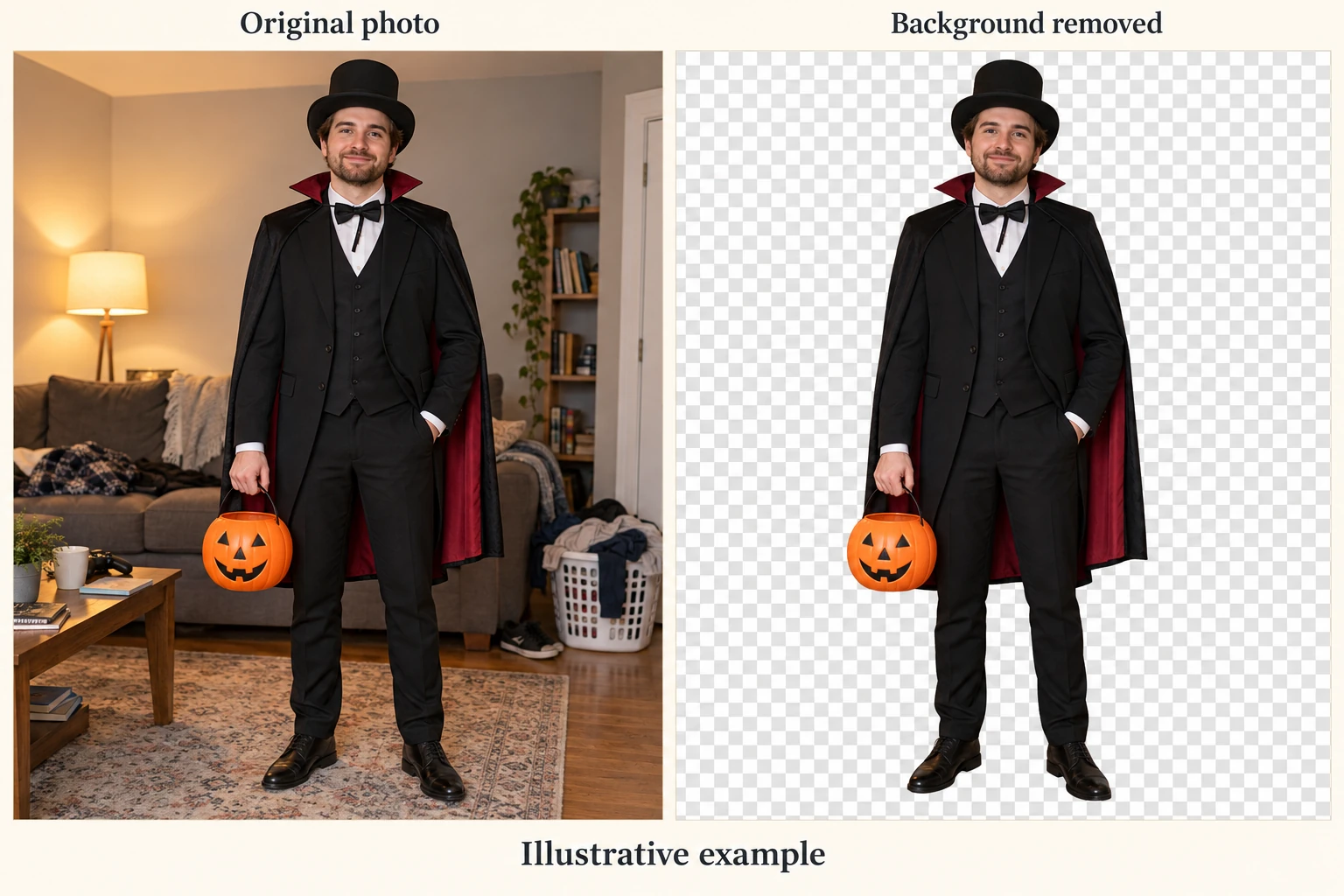
Choose a Photo with Clear Costume Edges
Start with a well-lit photo where the costume stands apart from its surroundings. A black cape against a pale wall is easier to inspect than the same cape disappearing into a dark room.
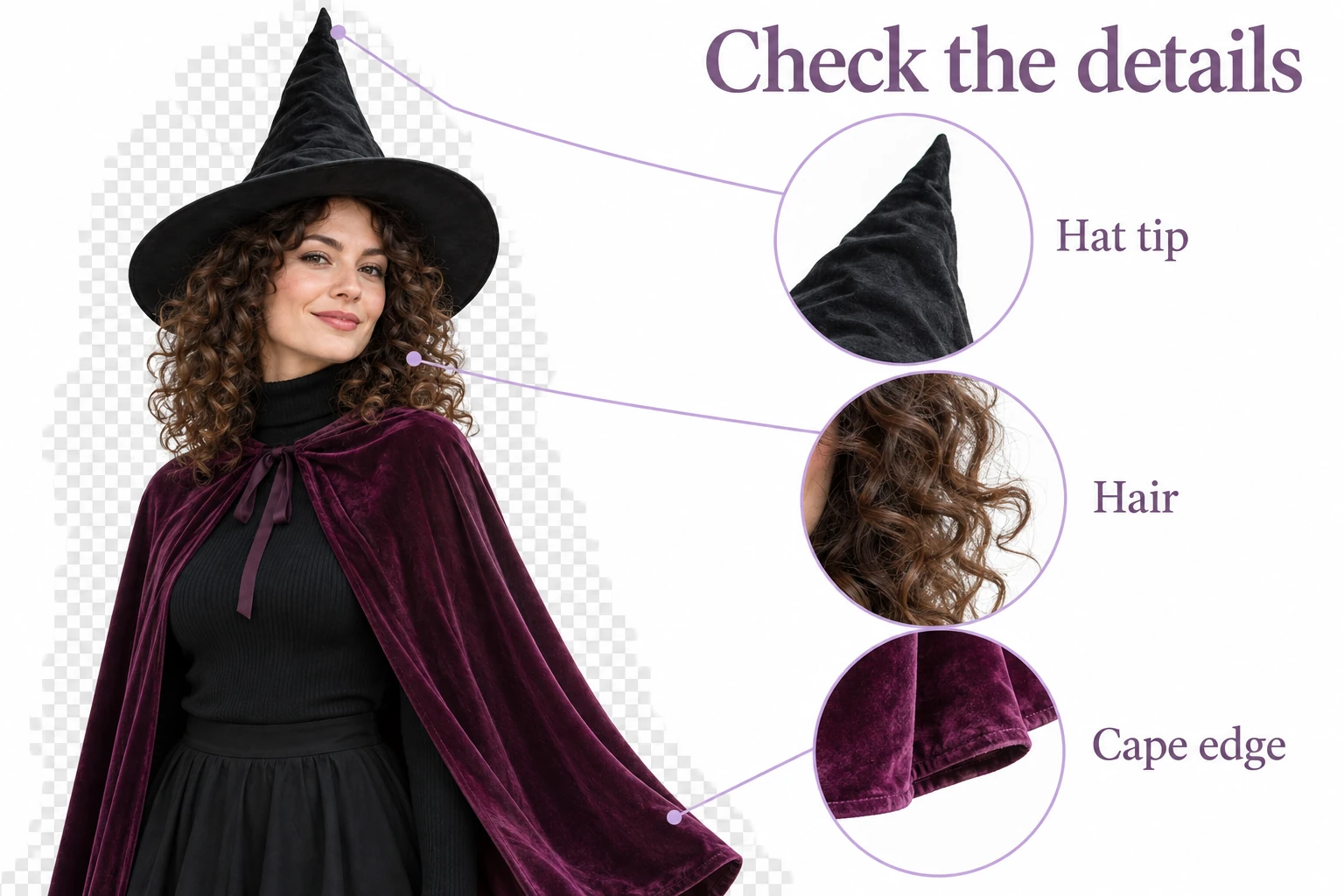
Leave a little space around the hat, hands, and props. After processing, pay particular attention to curly hair, lace, and sheer fabric. These intricate edges may need a closer review before the image goes into your final design.
Use the original photo when possible, rather than a screenshot or a compressed social media copy.
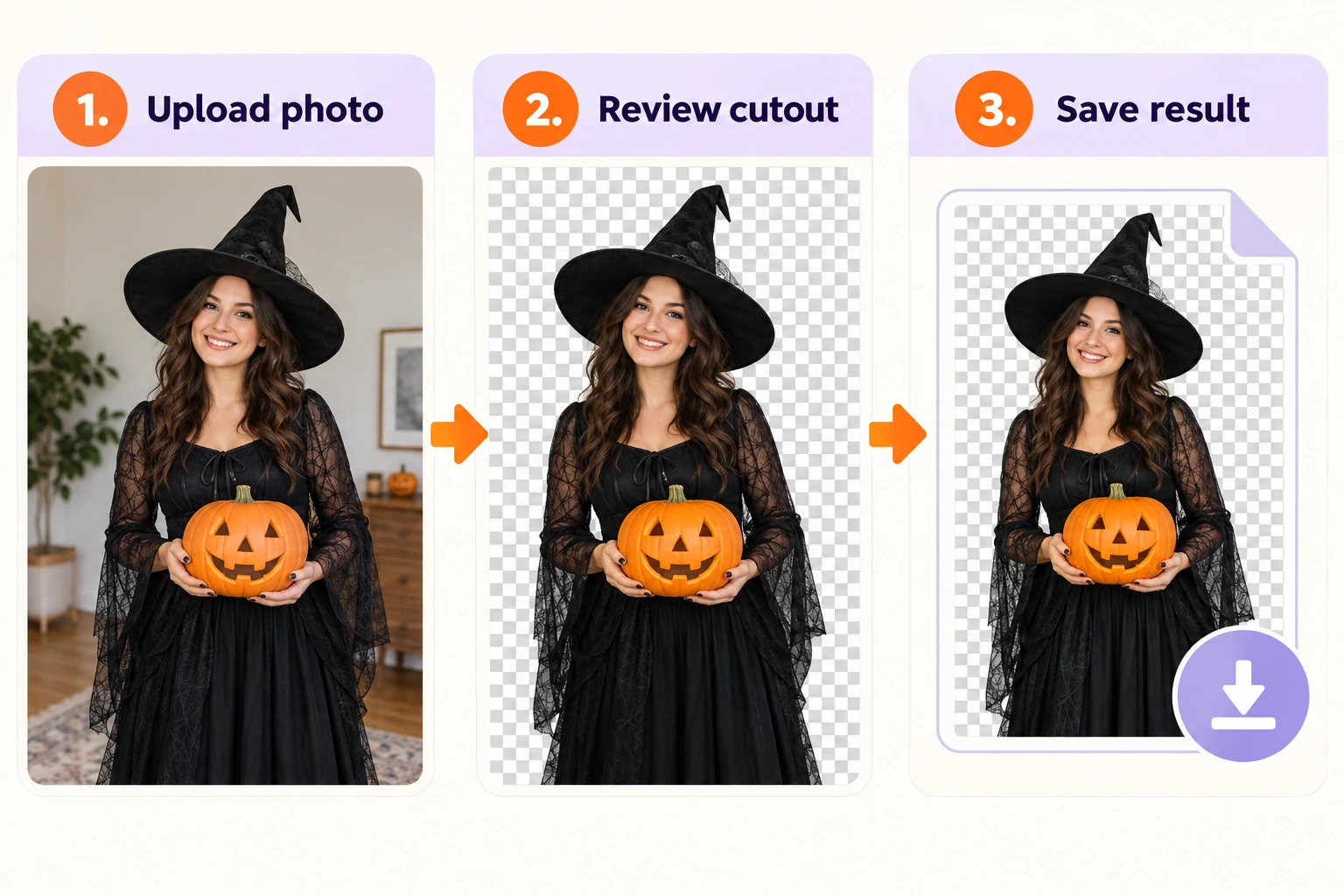
Remove Your Halloween Photo Background in Three Steps
The starting process is short:
Step 1: Open PicMa Background Remover.
Step 2: Upload your costume photo for background removal.
Step 3: Review the cutout and save your result.
Check the outline at a larger size, especially around the hat tip and anything held in your hands. Then view the whole image again to see whether the costume still reads naturally.
Reuse Your Cutout for Invitations and Profile Pictures
After saving, bring the cutout into the design app you already use. For an invitation, leave room for the date, time, and location. For a profile picture, try a simple orange or lavender background that keeps your face easy to recognize.
A collage offers more room for the full costume. Add a few paper bats or a short Halloween greeting, then stop before the decorations crowd the photo.
For layering, use an image format that preserves transparency, such as PNG. JPG fills transparent areas with a solid background.
Have a costume photo worth using twice? Try PicMa Background Remover and make it the starting point for your Halloween design.

FAQ
Do I need a plain wall behind me?
It helps, but start with the photo you have. Clear lighting and a visible outline make the result easier to check.
Will it keep my hat and props?
Review them before saving. Thin handles, pointed tips, and dark edges can be tricky.
Can I use it for printed invitations?
Yes—check the cutout at the size you plan to print. A small preview can hide rough edges or softness.

 1
1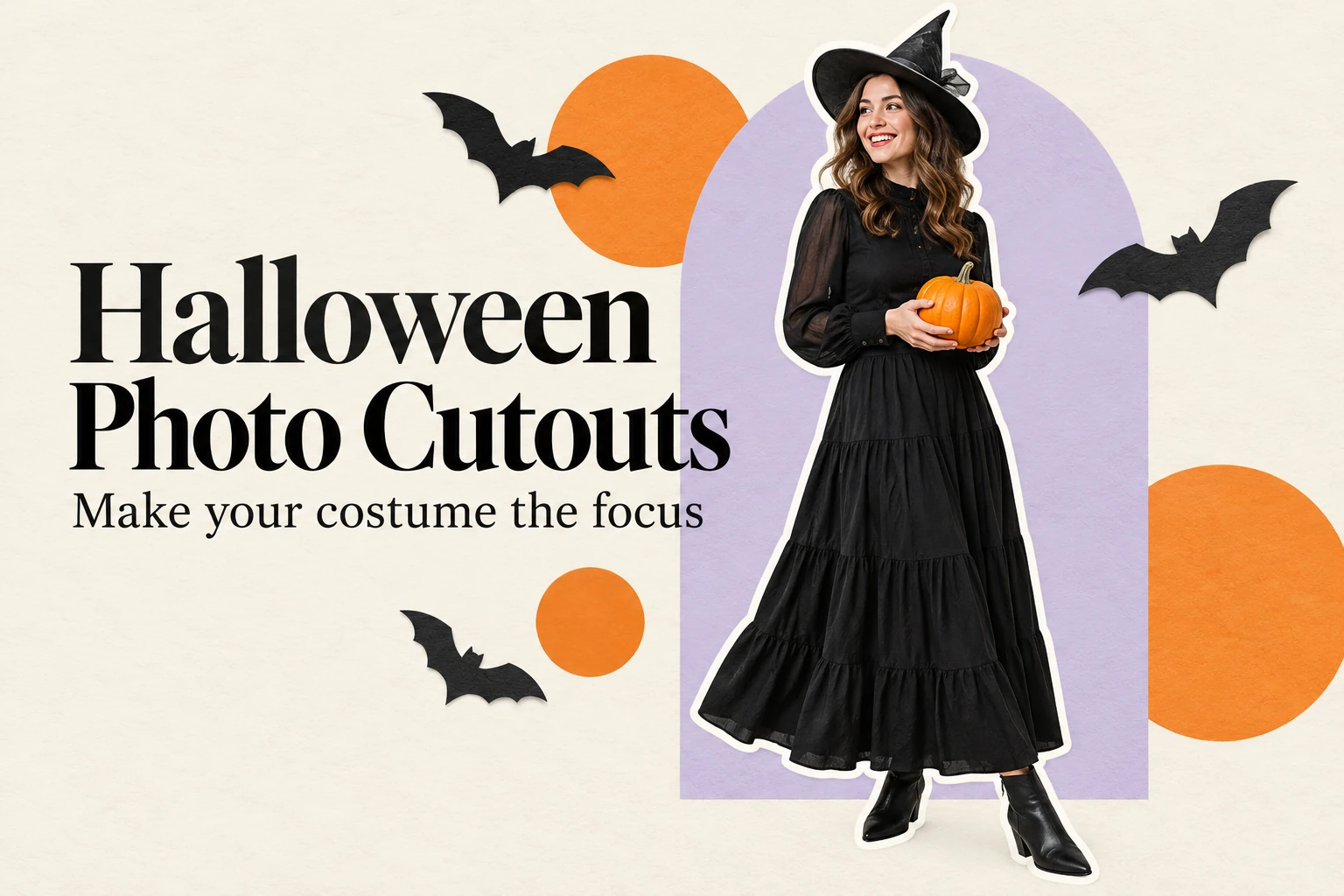

 English