Ever run your fingers over lace and dreamed of the perfect wedding snap? That sunset-kissed church shot, the beachside veil flutter—so often derailed by budget chaos or booked-up dates. Ugh, total bummer.
But AI’s here to save the day! PicMa AI’s wedding magic turns your casual selfie into chef’s kiss holy matrimony vibes—think cathedral glow, ocean breeze, all that good stuff. Your dream wedding pic? No more “someday.” It’s now.
What is PicMa’s AI Wedding
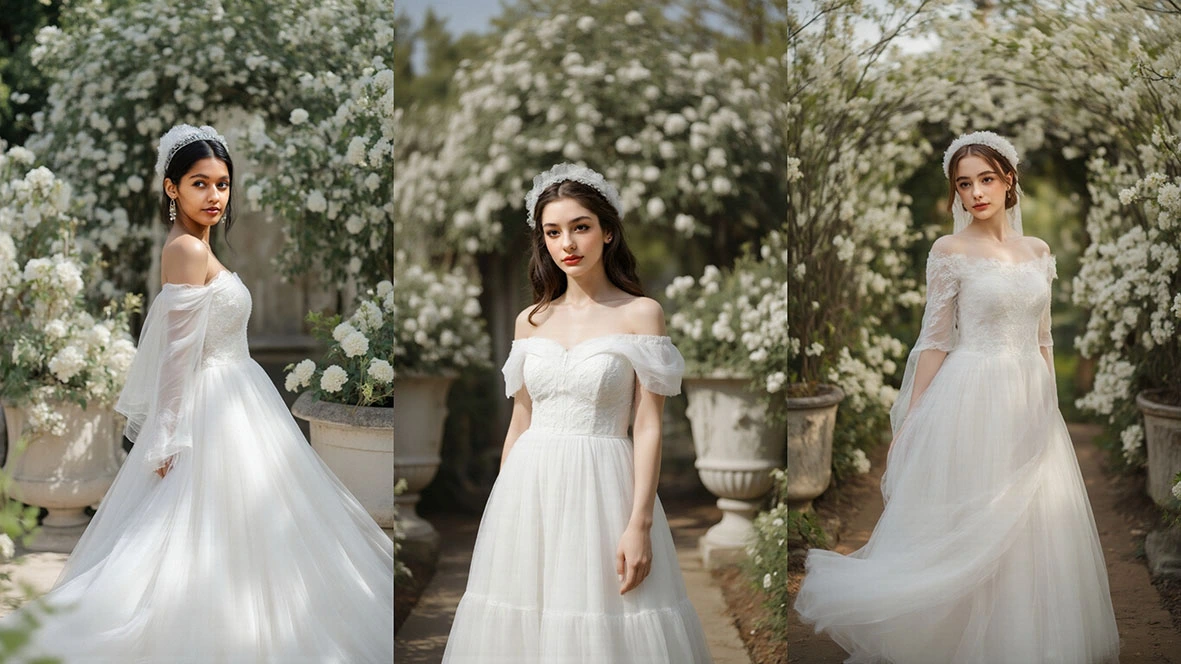
PicMa's AI Wedding uses cutting-edge image generation tech to craft one-of-a-kind wedding vibes for your photos. Powered by deep learning models, it precisely captures your body contours, facial expressions, poses, and light-and-shadow nuances—effortlessly turning everyday snaps into ceremonial wedding scenes brimming with ritual charm.
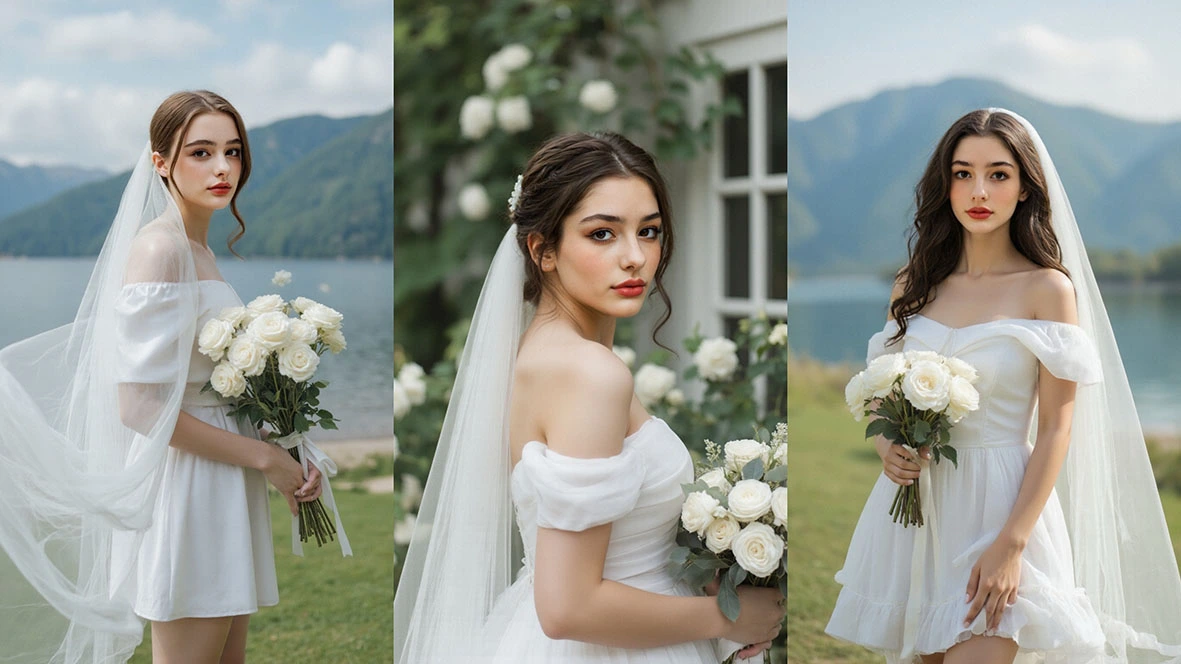
Whether it’s a casual candid, a couple’s portrait, or even vintage photos from years back, PicMa’s AI handles them with stunning realism. The generated shots showcase not just the intricate texture of wedding gowns and the airy flow of veils, but also ensure poses feel natural and cohesive. In mere seconds, it whips up pro-level wedding imagery that looks like it was shot by a top-tier crew.
How to Use It: AI Wedding in 4 Simple Steps
Step1: Dwnload and open the PicMa app
Download PicMa app via AppStore and GooglePlay.
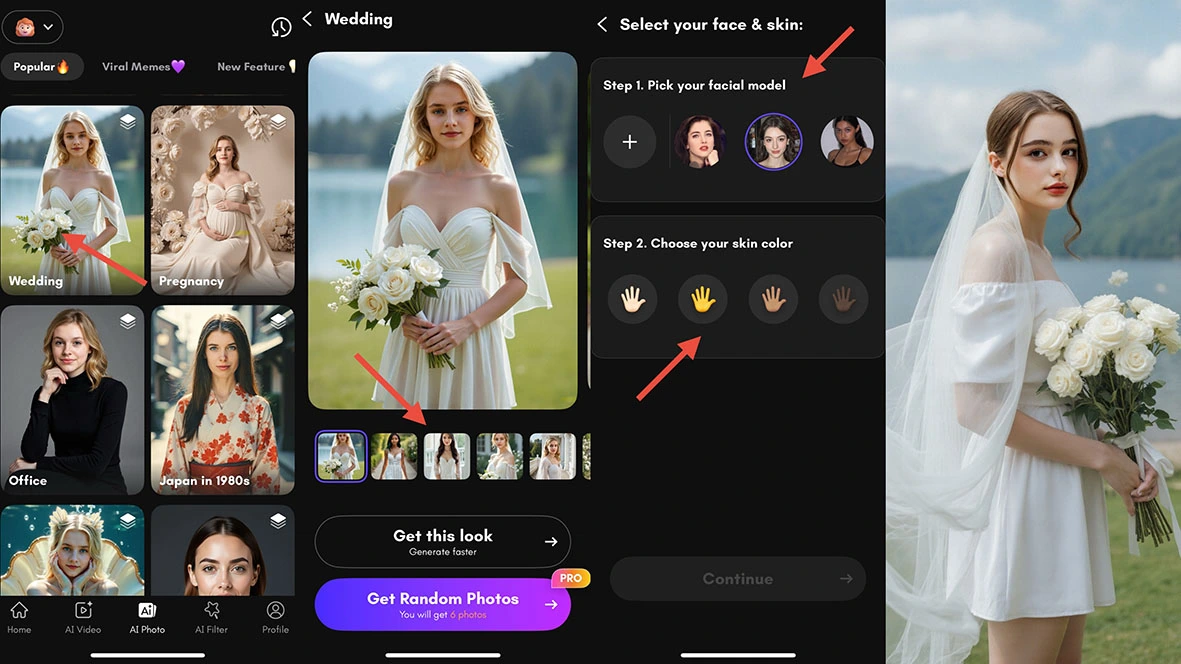
Step2: Find Wedding feature and select style
Find the "Wedding" option on the AI photo interface and click to enter. Tap the "Wedding" button, choose your favorite wedding dress style and photo pose, you can choose to generate a single photo or batch-generate six different photos.
Step3: Upload your photo
Select a satisfactory frontal photo to upload, then pick your desired skin tone, hit the "Generate" button, and wait quietly for the magic to happen.
Step4: Preview & Download
You can preview the generated photos, make further adjustments or regenerate them. Once you get the photos that satisfy you, you can download them for free.
Why to choose PicMa’s AI Wedding
- Reducing time and financial costs.
- Breaking through scene and condition limitations.
- Meeting personalized and creative needs.
- Lowering psychological pressure and trial-and-error costs.
- Adapting to social media sharing needs.
Pro Tips: How to Nail Your AI Outfit Results
Want your AI-styled photos to look *even more stunning*? Here are some quick hacks:
- Use bright, clear photos where your face is fully visible—no shadows hiding those features!
- Half-body or front-facing shots are total winners for seamless results.
- Skip backlighting, blurry snaps, or chaotic backgrounds—clean visuals = better magic.
Try It Now and Craft Your Own AI Wedding Memory
AI Wedding Shot isn’t just a photo tool — it’s a heartfelt, hassle-free way to bring your dream wedding vibes to life.
Download or open the PicMa App, dive into AI Wedding Shot, and create a snap that’s romantic, timeless, and *so* uniquely yours.



 226
226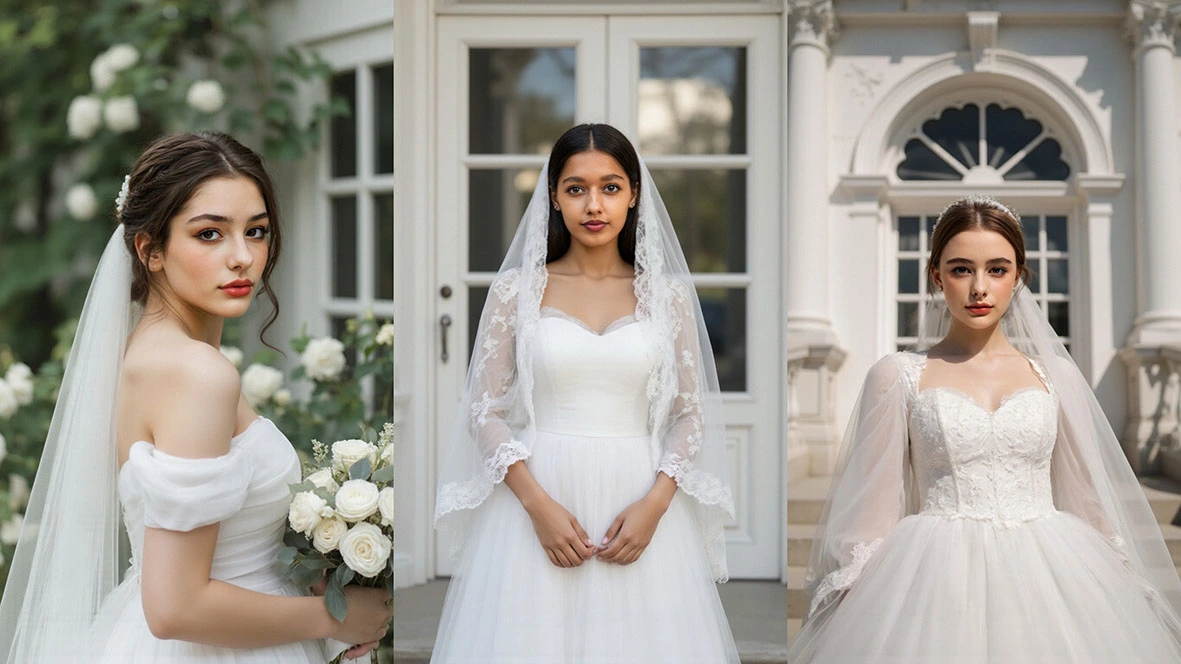

 English